
Barely
barely is a lightweight, but highly extensible static site generator written in pure python.
Install / Use
/learn @charludo/BarelyREADME
[![Contributors][contributors-shield]][contributors-url]
[![Forks][forks-shield]][forks-url]
[![Stargazers][stars-shield]][stars-url]
[![PyPI - Downloads][pypi-shield]][pypi-url]




- About barely
- Quickstart
- Usage
- Roadmap
- Contributing
- Built with & Inspired by
- License
- Contact
- Changelog
barely has a website now!
see it here: notablog.io - of course also built with barely!
Demo
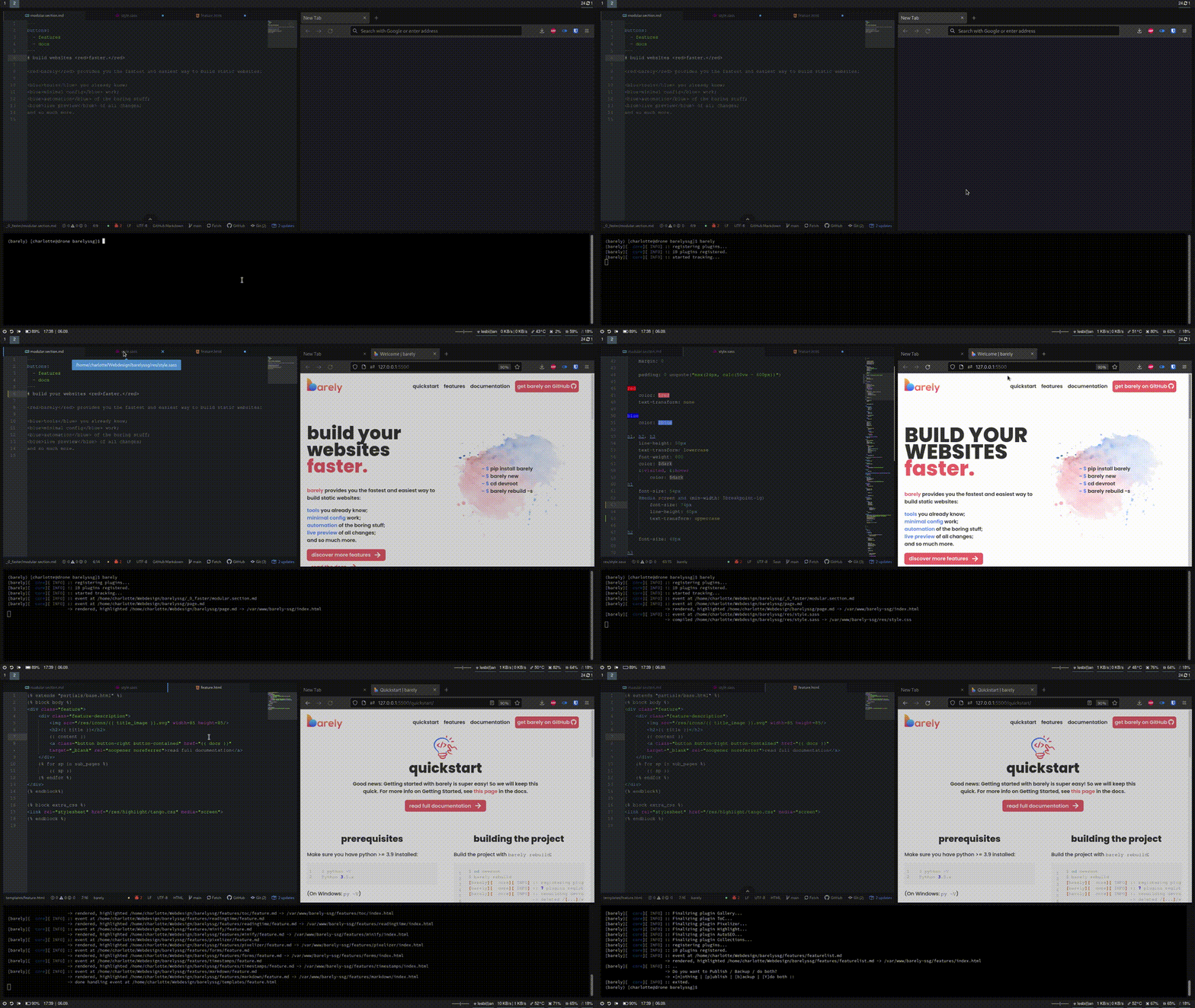
Short demo of barely's live reloading capabilities:
About barely
barely was built out of frustration with the readily available site generators, frameworks and CMS, which mostly fall into two categories: not providing crucial features; or providing such an overload of them that getting started with the system takes longer than just building the site by hand.
barely reduces static website development to its key parts, by automatically rendering jinja2 templates and Markdown content into HTML. A simple plugin interface allows for easy extensibility, and the built-in live web server makes on-the-fly development as comfortable as possible.
Since building performant and SEO-friendly websites is always important, barely comes bundled with a Google Lighthouse CLI option, letting you quickly generate reports about your sites health.
For more on barely's design philosophy, and to see whether barely might be right for your project, see here in the docs.
<!-- Quickstart -->Quickstart
Good news: Getting started with barely is super easy! So we will keep this quick. For more info on Getting Started, see this page in the docs.
Prerequisites
Make sure you have python >= 3.9 installed:
$ python -V
Python 3.9.x
(On Windows: py -V)
It is highly recommended to create a virtual environment for barely, otherwise some parts may not work:
$ python -m venv .venv
$ . .venv/bin/activate
(.venv) $
(On Windows: py -m venv .venv and .venv\Scripts\activate)
Installation
Now, simply install barely like any other package:
(.venv) $ pip install barely
(On Windows: py -m pip install barely)
That's it! Congrats!
<!-- USAGE EXAMPLES -->Usage
Basics
Now let's get familiar with using barely!
-
Create a new project with
barely new:$ barely new [barely][ core][ INFO] :: setting up new project with parameters: -> webroot: webroot -> devroot: devroot -> blueprint: default [barely][ core][ INFO] :: setting up basic config... [barely][ core][ INFO] :: done.Sweet! barely created two new subdirectories,
devrootandwebroot. The project was also created with a blueprint, namelydefault, which is why ourdevrootis not empty. We will learn about blueprints in a second. -
Now let's build the project!
$ cd devroot
$ barely rebuild
[barely][  core][ INFO] :: registering plugins...
[barely][  core][ INFO] :: 7 plugins registered.
[barely][  core][ INFO] :: rebuilding devroot...
                        -> deleted /[...]/webroot
[barely][  core][ INFO] :: event at /[...]/devroot/template.md
                        -> rendered, highlighted /[...]/devroot/template.md -> /[...]/webroot/index.html
[barely][  core][ INFO] :: rebuild complete.
[barely][  core][ INFO] :: Finalizing plugin ReadingTime...
[barely][  core][ INFO] :: Finalizing plugin ToC...
[barely][  core][ INFO] :: Finalizing plugin AutoSEO...
[barely][  core][ INFO] :: Finalizing plugin Highlight...
[barely][  core][ INFO] :: Finalizing plugin Forms...
[barely][  core][ INFO] :: Finalizing plugin Minify...
[barely][  core][ INFO] :: Finalizing plugin Gallery...
[barely][  core][ INFO] :: ..
                        -> Do you want to Publish / Backup / do both?
                        -> *[n]othing | [p]ublish | [b]ackup | [Y]do both :: n
[barely][  core][ INFO] :: exited.
And then start the live server:
$ barely
[barely][  core][ INFO] :: registering plugins...
[barely][  core][ INFO] :: 7 plugins registered.
[barely][  core][ INFO] :: started tracking...
Your favorite browser should open, and you will be greeted with the rendered version of
template.md.We could also have combined those two steps with the
-sflag like this:barely rebuild -s, to start the live server immediately after rebuilding.Now is a good time to play around a bit with your sample project - make some changes to the contents, the templates or add a stylesheet and watch the page update in real time!
For a more thorough explanation, make sure to check out Getting Started in the docs!
Core Mechanics
There are a couple of things that are important to know about how barely works. If you've used similar frameworks before, you'll probably already be familiar with most of these things. barely doesn't try to reinvent the wheel.
- the structure of your site is defined in jinja2 templates. By default, these are stored in the
templates/folder - you write the contents of your pages with Markdown
- each page can individually be configured using YAML notation
- global level configuration of barely happpens in the
config.yamlfile, global variables to be used in your templates are stored inmetadata.yaml
This just scratches the surface; please, do yourself a favor and read the Detailed Overview in the docs.
Modular Pages
Pages can be modular, meaning they contain subpages with their own contents and templates.
To define a modular page, simply put the "modular" argument into that pages configuration:
---
title: My Parent Page
modular:
  - about
  - services
  - contact
---
To see how, when, and why to use them, see here: Modular Pages
Plugins
barely offers rather limited functionality on its own: "use some templates to render some contents into static HTML files". That's it.
But most of the time, you will want at least a little more functionality. That's where plugins come in!
barely comes with 10 plugins by default:
- AutoSEO
- Collections
- Forms
- Gallery
- Highlight
- Minify
- Pixelizer
- Reading Time
- Timestamps
- Table of Contents
- git
- Local Backup
- SFTP
For more information on how to enable and configure a plugin, click on its respective name.
To learn how to install new plugins or write your own, see the Plugins page in the docs.
Blueprints
Back in the Basics, we have already briefly covered blueprints. They are pretty much exactly what yo
Related Skills
node-connect
343.3kDiagnose OpenClaw node connection and pairing failures for Android, iOS, and macOS companion apps
claude-opus-4-5-migration
92.1kMigrate prompts and code from Claude Sonnet 4.0, Sonnet 4.5, or Opus 4.1 to Opus 4.5
frontend-design
92.1kCreate distinctive, production-grade frontend interfaces with high design quality. Use this skill when the user asks to build web components, pages, or applications. Generates creative, polished code that avoids generic AI aesthetics.
model-usage
343.3kUse CodexBar CLI local cost usage to summarize per-model usage for Codex or Claude, including the current (most recent) model or a full model breakdown. Trigger when asked for model-level usage/cost data from codexbar, or when you need a scriptable per-model summary from codexbar cost JSON.
