
Wcharts
Wonderful charts based on elasticsearch.
Install / Use
/learn @changl61/WchartsREADME
wcharts
Wonderful charts based on elasticsearch.
简介
这是一款Elasticsearch(本文简称ES)可视化工具,在这里你可以方便的查询数据、构建统计图表、分享查询结果和统计图表、团队协作。本系统惟一依赖您的ES地址,并不会对您的ES集群执行任何写入操作,请您放心使用。

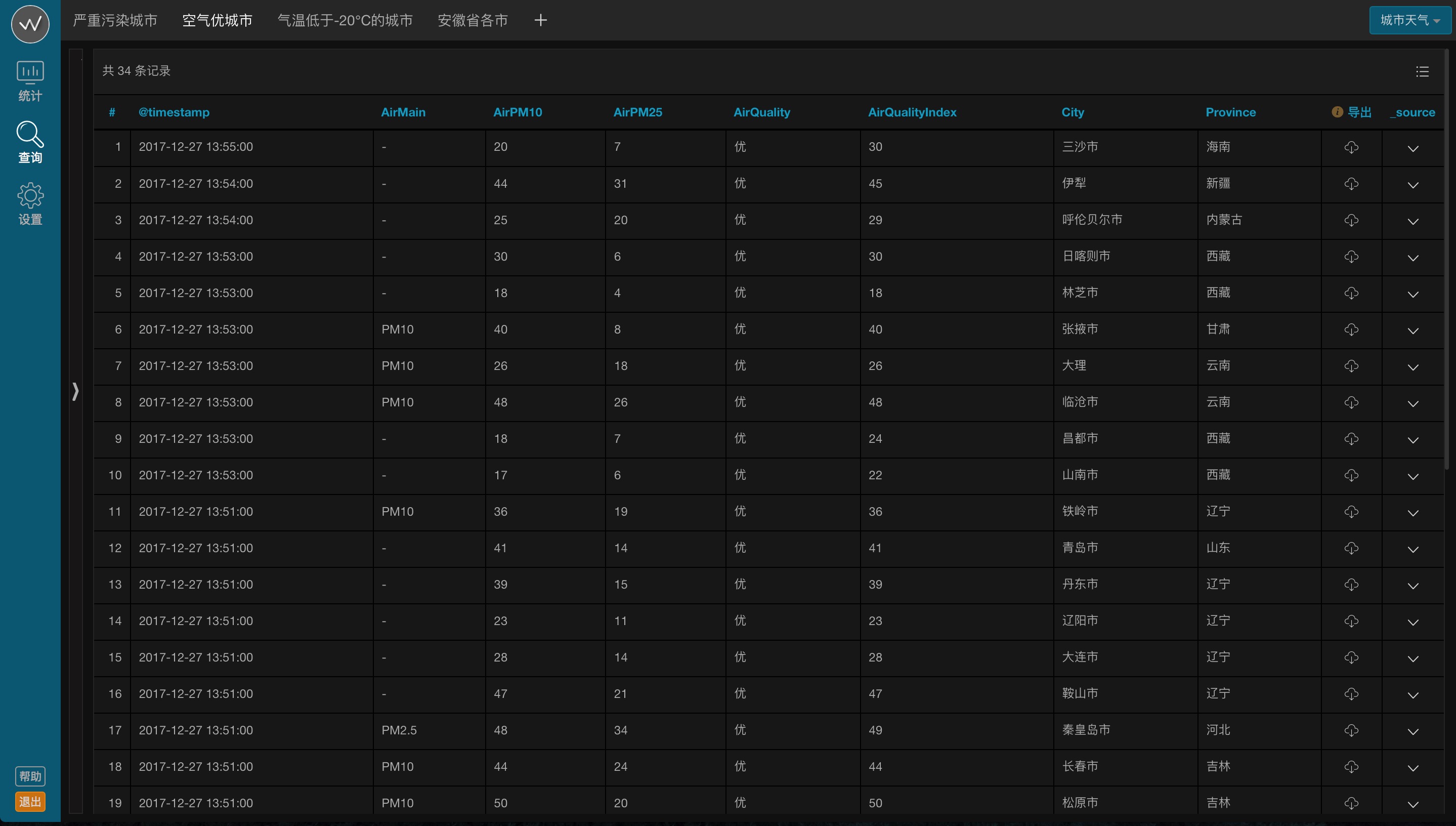

私有部署
本项目前端采用Bootstrap v3 + Jquery + Echarts, 后端采用PHP phalcon3.2框架 + nginx + mysql。
1.环境
推荐linux + nginx + php5.5~5.9 + mysql5.6+, 如何安装php phalcon3.2扩展, 参见 https://phalconphp.com/zh/download/linux。
2.克隆代码
克隆或下载本项目代码到您的www目录下。
3.导入数据库
在mysql中新建数据库, 将/resources/database/wcharts.sql导入新建的数据库。
4.配置
4.1 nginx 配置参考, 重点是"@rewrite"配置
server {
    listen       80;
    server_name  wcharts;

    root   /var/www/wcharts/public;
    index  index.html index.htm index.php;

    try_files $uri $uri/ @rewrite;

    location @rewrite {
        rewrite ^/(.*)$ /index.php?_url=/$1;
    }

    location ~ \.php$ {
        try_files $uri = 404;
        include fastcgi.conf;
        fastcgi_pass 127.0.0.1:9000;
    }
}
4.2 后端配置
/app/config/config.ini是生产环境配置文件, /app/config/config-dev.ini是开发环境配置文件, 后者会覆盖前者。
5.前端工程
如果您想对本项目二次开发, 涉及到前端部分则有必要:
5.1 安装node.js;
5.2 项目根目录下$ npm install;
5.3 项目根目录下$ npm start。
6.管理员登录
用户名: admin
密码: admin
登录后进入系统, 请切换至 [设置/账号管理] 页面修改密码。
