Namegen
Account generation tool to be used for validation/password spraying.
Install / Use
/learn @castanaro/NamegenREADME
namegen.py
Usage:
Namegen is useful during the OSINT phase of a pen test/red team to assist with account generation. These accounts can later be validated and then used for pass spraying.
Namegen takes files comprised of first and/or last names, formats them based upon a selection (e.g., first.last), appends a chosen domain (if specified), and outputs to a file.
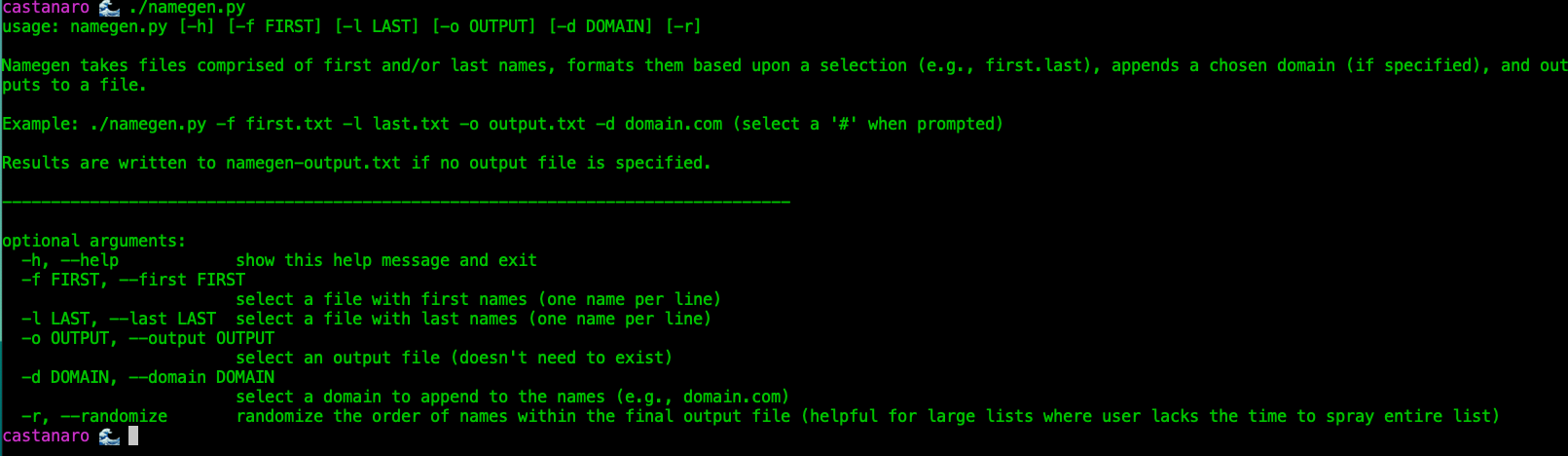
usage: namegen.py [-h] [-f FIRST] [-l LAST] [-o OUTPUT] [-d DOMAIN] [-r]
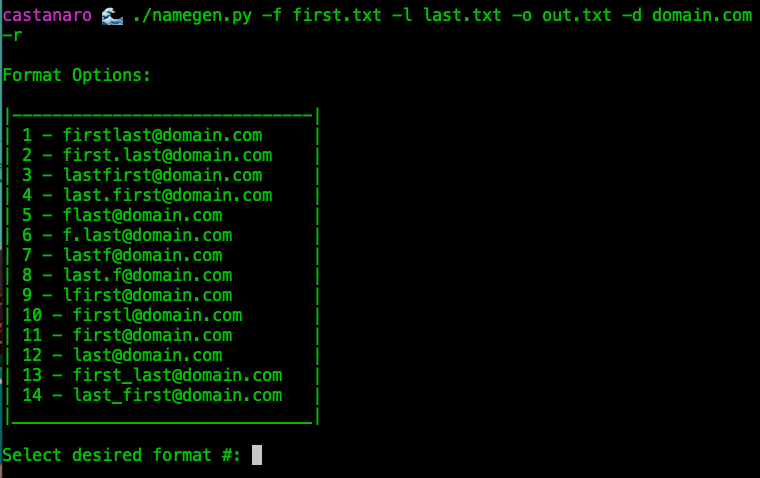
Example: ./namegen.py -f first.txt -l last.txt -o output.txt -d domain.com (select a '#' when prompted)
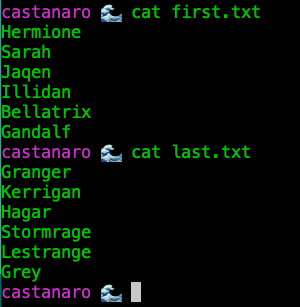
Tip: A helpful place to start could be pulling down most common first and last names from Daniel Miessler's SecLists or using the provided lists within this repo. Enjoy!
https://github.com/danielmiessler/SecLists/tree/master/Usernames
Flags:
-h help
-f accepts a file with first names
-l accepts a file with last names
-o accepts an output file, if ommitted, writes to namegen-output.txt
-d accepts a domain e.g., domain.com
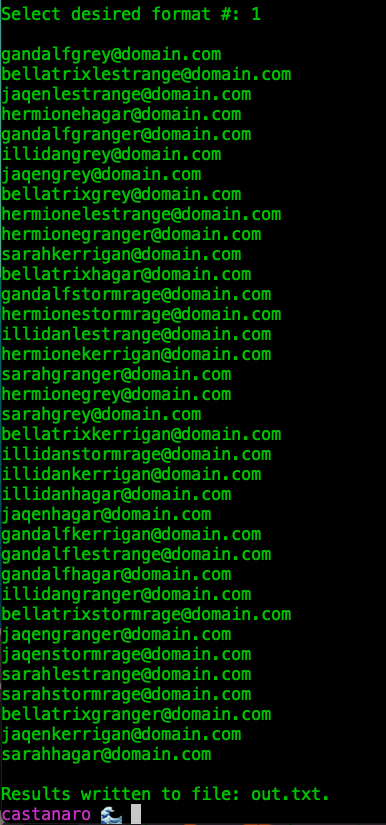
-r randomizes the output which can be helpful for large alphabetical lists where the user won't have enough time to validate all of them
Features:
- All args are optional and non-positonal
- Results are written to namegen-output.txt if no output file is specified
- If no domain is specified, will output only names in specified format
- Removes Duplicates
- Removes Special Chars (helpful if passing a list from a LinkedIn or other online source)
Write Up
https://medium.com/@castanaro/namegen-py-generate-names-for-password-spraying-abd4a733176a
Example Screenshots:
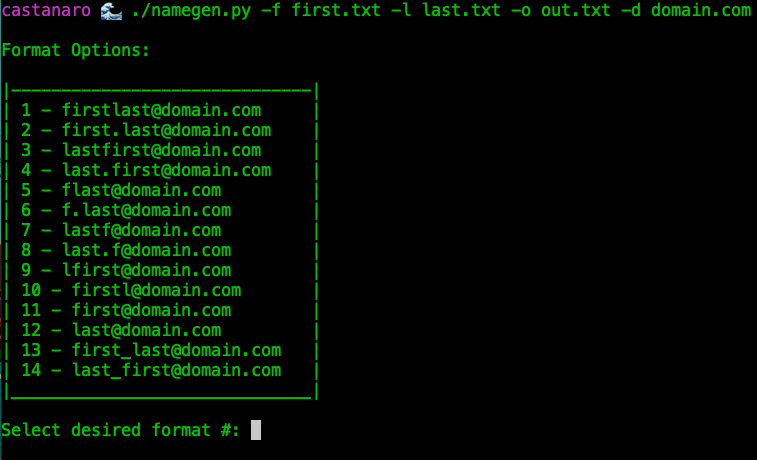
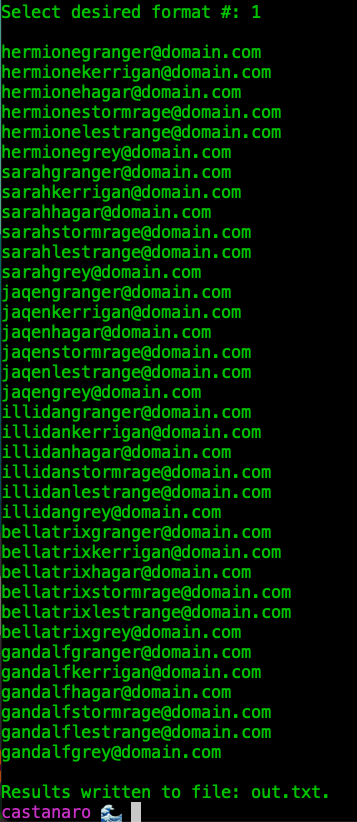
If no domain is specified:
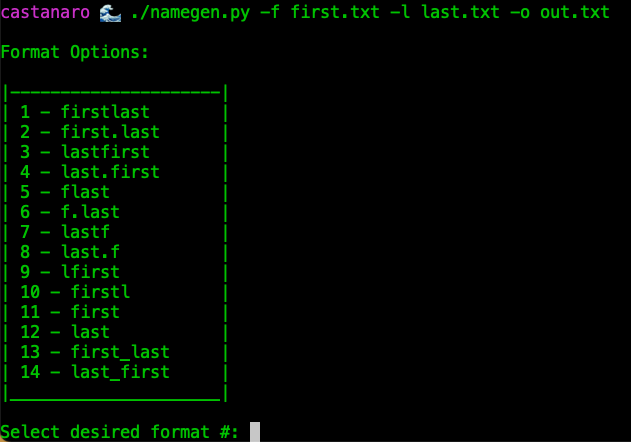
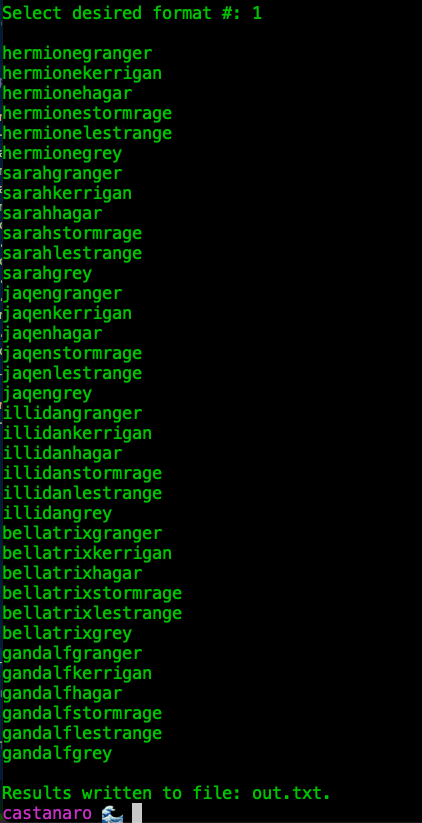
If -r is specified, output will be randomized: