
Cal.com
Scheduling infrastructure for absolutely everyone.
Install / Use
/learn @calcom/Cal.comREADME
About the Project
<img width="100%" alt="booking-screen" src="https://github.com/calcom/cal.com/assets/8019099/407e727e-ff19-4ca4-bcae-049dca05cf02">Scheduling infrastructure for absolutely everyone
The open source Calendly successor. You are in charge of your own data, workflow, and appearance.
Calendly and other scheduling tools are awesome. It made our lives massively easier. We're using it for business meetings, seminars, yoga classes, and even calls with our families. However, most tools are very limited in terms of control and customization.
That's where Cal.com comes in. Self-hosted or hosted by us. White-label by design. API-driven and ready to be deployed on your own domain. Full control of your events and data.
Recognition
Hacker News
<a href="https://news.ycombinator.com/item?id=34507672"> <img style="width: 250px; height: 54px;" width="250" height="54" alt="Featured on Hacker News" src="https://hackernews-badge.vercel.app/api?id=34507672" /> </a> <a href="https://news.ycombinator.com/item?id=26817795"> <img style="width: 250px; height: 54px;" width="250" height="54" alt="Featured on Hacker News" src="https://hackernews-badge.vercel.app/api?id=26817795" /> </a>Product Hunt
<a href="https://producthunt.com/posts/calendso?utm_source=badge-top-post-badge&utm_medium=badge&utm_souce=badge-calendso" target="_blank"><img src="https://api.producthunt.com/widgets/embed-image/v1/top-post-badge.svg?post_id=291910&theme=light&period=monthly" alt="Cal.com - The open source Calendly alternative | Product Hunt" style="width: 250px; height: 54px;" width="250" height="54" /></a> <a href="https://producthunt.com/posts/calendso?utm_source=badge-featured&utm_medium=badge&utm_souce=badge-calendso" target="_blank"><img src="https://api.producthunt.com/widgets/embed-image/v1/featured.svg?post_id=291910&theme=light" alt="Cal.com - The open source Calendly alternative | Product Hunt" style="width: 250px; height: 54px;" width="250" height="54" /></a> <a href="https://producthunt.com/stories/how-this-open-source-calendly-alternative-rocketed-to-product-of-the-day" target="_blank"><img src="https://cal.com/maker-grant.svg" alt="Cal.com - The open source Calendly alternative | Product Hunt" style="width: 250px; height: 54px;" width="250" height="54" /></a>
This project is tested with browserstack
Built With
Contact us
Meet our sales team for any commercial inquiries.
<a href="https://cal.com/sales"><img src="https://cal.com/book-with-cal-dark.svg" alt="Book us with Cal.com"></a>
Stay Up-to-Date
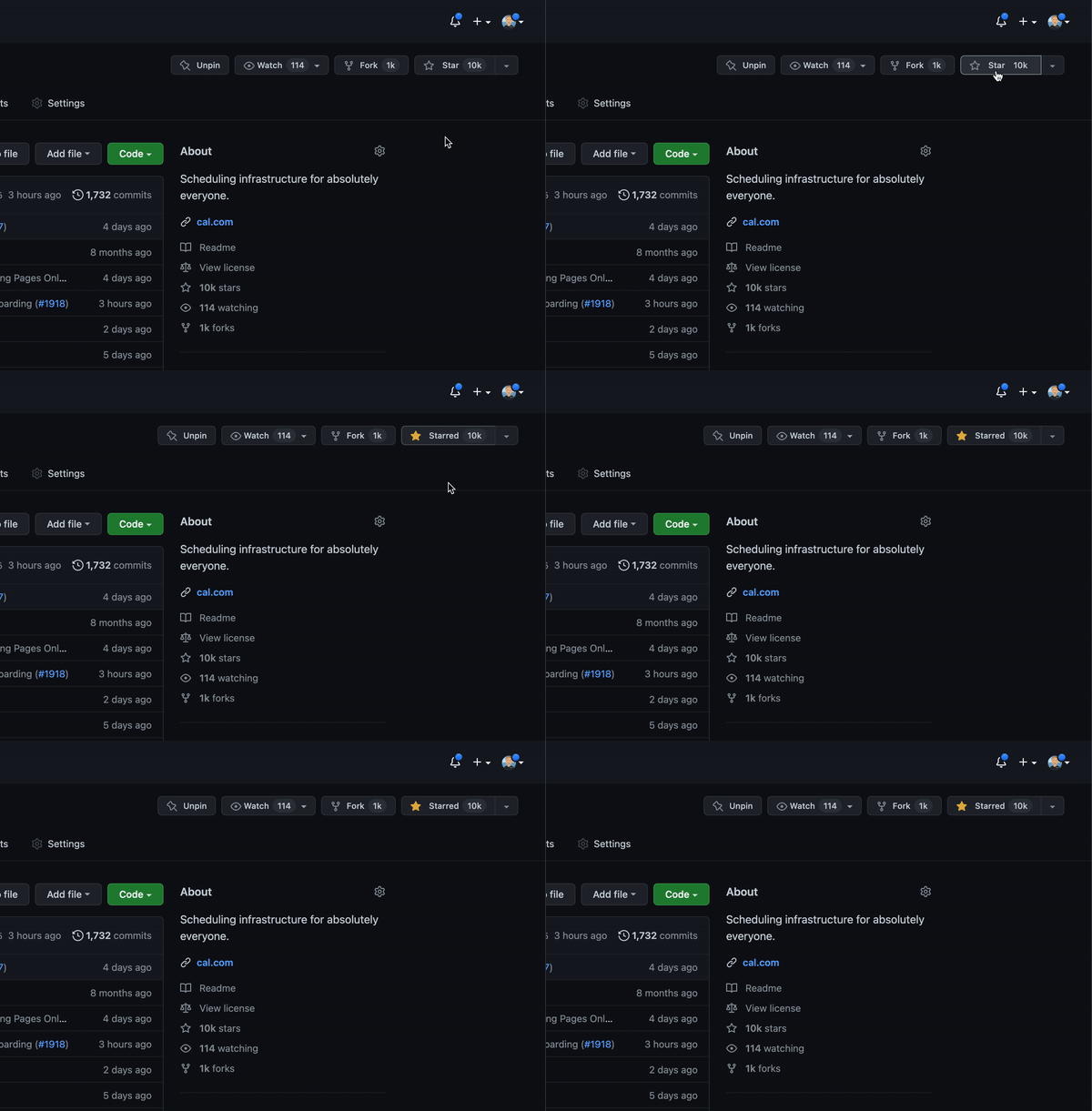
Cal.com officially launched as v.1.0 on the 15th of September 2021 and we've come a long way so far. Watch releases of this repository to be notified of future updates:
Getting Started
To get a local copy up and running, please follow these simple steps.
Prerequisites
Here is what you need to be able to run Cal.com.
- Node.js (Version: >=18.x)
- PostgreSQL (Version: >=13.x)
- Yarn (recommended)
If you want to enable any of the available integrations, you may want to obtain additional credentials for each one. More details on this can be found below under the integrations section.
Development
Setup
-
Clone the repo (or fork https://github.com/calcom/cal.com/fork). The code is licensed under AGPLv3, which requires you to provide source code to users who interact with the software over a network. For commercial use without these requirements, acquire a commercial license
git clone https://github.com/calcom/cal.com.gitIf you are on Windows, run the following command on
gitbashwith admin privileges: <br> >git clone -c core.symlinks=true https://github.com/calcom/cal.com.git<br> See docs for more details. -
Go to the project folder
cd cal.com -
Install packages with yarn
yarn -
Set up your
.envfile- Duplicate
.env.exampleto.env - Use
openssl rand -base64 32to generate a key and add it underNEXTAUTH_SECRETin the.envfile. - Use
openssl rand -base64 24to generate a key and add it underCALENDSO_ENCRYPTION_KEYin the.envfile.
- Duplicate
Windows users: Replace the
packages/prisma/.envsymlink with a real copy to avoid a Prisma error (unexpected character / in variable name):# Git Bash / WSL rm packages/prisma/.env && cp .env packages/prisma/.env
-
Setup Node If your Node version does not meet the project's requirements as instructed by the docs, "nvm" (Node Version Manager) allows using Node at the version required by the project:
nvm useYou first might need to install the specific version and then use it:
nvm install && nvm useYou can install nvm from here.
Quick start with yarn dx
- Requires Docker and Docker Compose to be installed
- Will start a local Postgres instance with a few test users - the credentials will be logged in the console
yarn dx
Default credentials created:
| Email | Password | Role |
|-------|----------|------|
| free@example.com | free | Free user |
| pro@example.com | pro | Pro user |
| trial@example.com | trial | Trial user |
| admin@example.com | ADMINadmin2022! | Admin user |
| onboarding@example.com | onboarding | Onboarding incomplete |
You can use any of these credentials to sign in at http://localhost:3000
Tip: To view the full list of seeded users and their details, run
yarn db-studioand visit [http://localho
