
Electrobun
Build ultra fast, tiny, and cross-platform desktop apps with Typescript.
Install / Use
/learn @blackboardsh/ElectrobunREADME
What is Electrobun?
Electrobun aims to be a complete solution-in-a-box for building, updating, and shipping ultra fast, tiny, and cross-platform desktop applications written in Typescript. Under the hood it uses <a href="https://bun.sh">bun</a> to execute the main process and to bundle webview typescript, and has native bindings written in <a href="https://ziglang.org/">zig</a>.
Visit <a href="https://blackboard.sh/electrobun/">https://blackboard.sh/electrobun/</a> to see api documentation, guides, and more.
Project Goals
- Write typescript for the main process and webviews without having to think about it.
- Isolation between main and webview processes with fast, typed, easy to implement RPC between them.
- Small self-extracting app bundles ~12MB (when using system webview, most of this is the bun runtime)
- Even smaller app updates as small as 14KB (using bsdiff it only downloads tiny patches between versions)
- Provide everything you need in one tightly integrated workflow to start writing code in 5 minutes and distribute in 10.
Apps Built with Electrobun
- 24agents - Hyperprompter
- act-track-ai - personal desktop productivity tracker
- Agents Council - agent-to-agent MCP communication tool for feedback requests
- ai-wrapped - Wrapped-style desktop dashboard for your AI coding agent activity
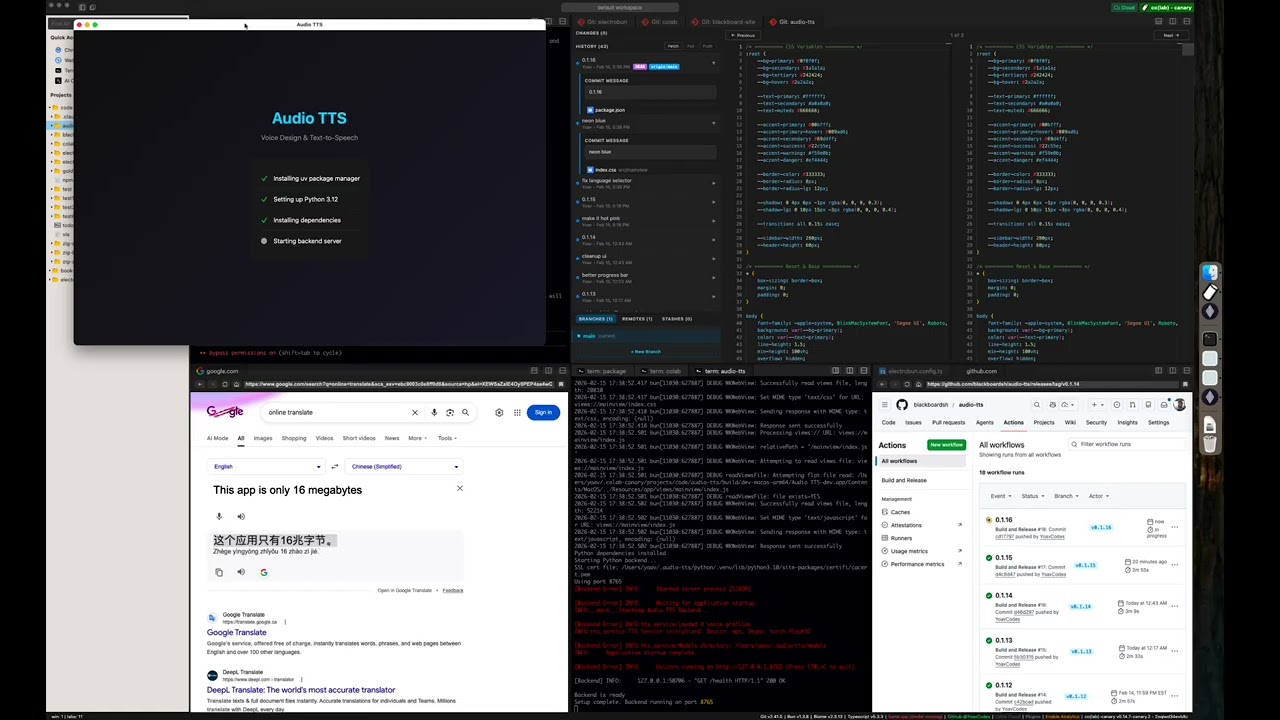
- Audio TTS - desktop text-to-speech app using Qwen3-TTS for voice design, cloning, and generation
- aueio-player-desktop - beautiful, minimal cross-platform audio player
- bestdiff - a git diff checker with curved connectors
- BuddyWriter - BuddyWriter desktop and mobile apps
- burns - a Smithers manager
- cbx-tool - desktop app for reading and editing comic book archives (.cbz/.cbr)
- Co(lab) - a hybrid web browser + code editor for deep work
- codlogs - search and export local Codex sessions via CLI or desktop app
- Codex Agents Composer - desktop app for managing your Codex agents and their skills
- codex-devtools - desktop inspector for Codex session data; browse conversations, search messages, and analyze agent activity
- Deskdown - transform any web address into a desktop app in under 20 seconds
- dev-3.0 - helps you not get lost while managing multiple AI agents across projects
- DOOM - DOOM implemented in 2 ways: bun -> (c doom -> bundled wgpu) and (full ts port bun -> bundled wgpu)
- electrobun-rms - fast Electrobun desktop app template with React, Tailwind CSS, and Vite
- golb - desktop AI coding workspace built with React, Vite, and Tailwind
- GOG Achievements GUI - desktop app for managing GOG achievements
- groov - desktop audio deck monitor
- Guerilla Glass - open-source cross-platform creator studio for fast Record -> Edit -> Deliver workflows
- Marginalia - a simple note taking app
- md-browse - a markdown-first browser that converts web pages to clean markdown
- peekachu - password manager for AIs; store secrets in your OS keychain and scrub output so AI assistants never see actual values
- PLEXI - a multi-dimensional terminal multiplexer for the agentic era
- Prometheus - desktop utility toolbox for file cleanup, document manipulation, and image processing
- Quiver - desktop app for GitHub PR reviews, merge conflict resolution, and AI commit messages
- remotecode.io - continue local AI coding sessions (Claude Code or Codex) from your mobile device
- sirene - self-hosted multi-backend text-to-speech platform with voice cloning
- StoryForge - desktop app for Vintage Story players to switch between game versions, modpacks, servers, and accounts
- Tensamin Client - web, desktop, and mobile app for accessing Tensamin
- tokenpass-desktop - desktop app that runs the Sigma Identity stack locally for Bitcoin-backed authentication
- typsmthng-desktop - experimental desktop typing application
- VibesOS - A GUI for Claude Code that makes it easy to vibe code simple, un-hackable apps
- VoiceVault - AI-powered voice recorder with transcription, summarization, and RAG search
- warren - open-source, peer-to-peer terminal mesh for accessing your machines from any device without SSH keys or config files
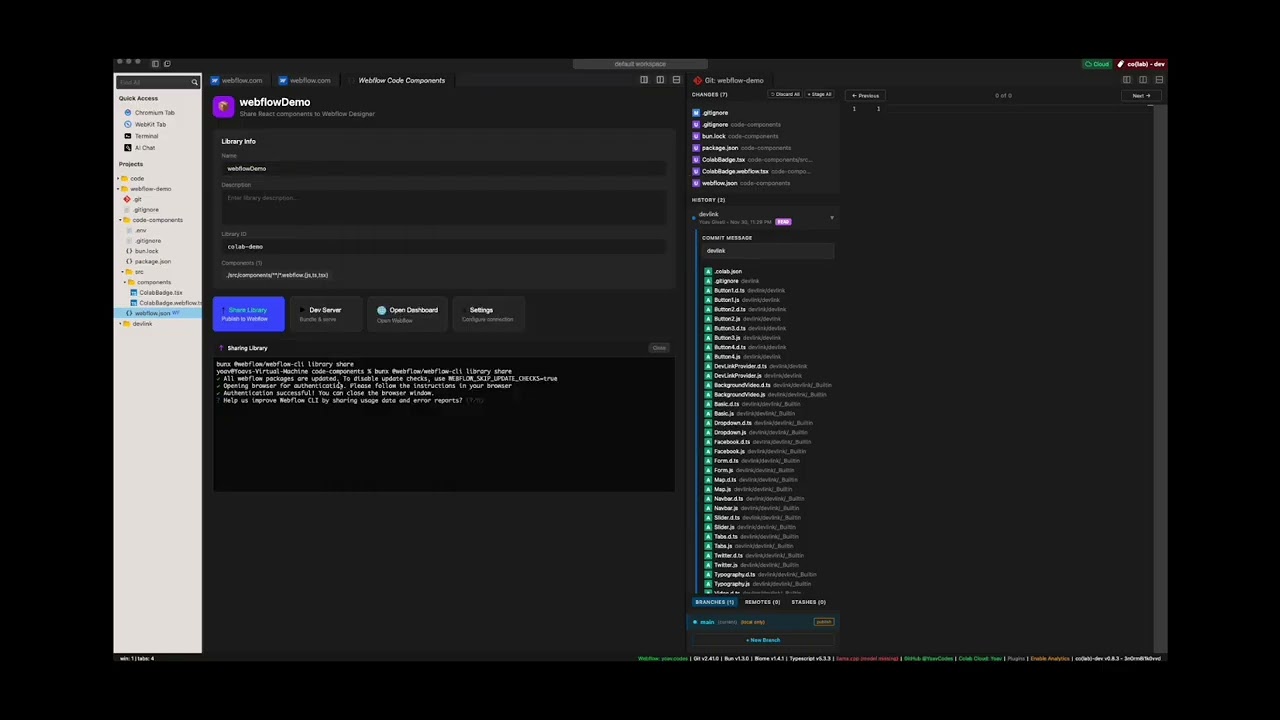
Video Demos
Star History
Contributing
Ways to get involved:
- Follow us on X for updates <a href="https://twitter.com/BlackboardTech">@BlackboardTech</a> and <a href="https://twitter.com/YoavCodes">@YoavCodes</a> or on bluesky <a href="https://bsky.app/profile/yoav.codes">@yoav.codes</a>
- Join the conversation on <a href="https://discord.gg/ueKE4tjaCE">Discord</a>
- Create and participate in Github issues and discussions
- Let me know what you're building with Electrobun
Development Setup
Building apps with Electrobun is as easy as updating your package.json dependencies with npm add electrobun or try one of our templates via npx electrobun init.
This section is for building Electrobun from source locally in order to contribute fixes to it.
Prerequisites
macOS:
- Xcode command line tools
- cmake (install via homebrew:
brew install cmake)
Windows:
- Visual Studio Build Tools or Visual Studio with C++ development tools
- cmake
Linux:
- build-essential package
- cmake
- webkit2gtk and GTK development packages
On Ubuntu/Debian based distros: sudo apt install build-essential cmake pkg-config libgtk-3-dev libwebkit2gtk-4.1-dev libayatana-appindicator3-dev librsvg2-dev
First-time Setup
git clone --recurse-submodules https://github.com/blackboardsh/electrobun.git
cd electrobun/package
bun install
bun dev:clean
Development Workflow
# All commands are run from the /package directory
cd electrobun/package

# After making changes to source code
bun dev

# If you only changed kitchen sink code (not electrobun source)
bun dev:rerun

# If you need a completely fresh start
bun dev:clean
Additional Commands
All commands are run from the /package directory:
bun dev:canary- Build and run kitchen sink in canary modebun build:dev- Build electrobun in development modebun build:release- Build electrobun in release mode
Debugging
macOS: Use lldb <path-to-bundle>/Contents/MacOS/launcher and then run to debug release builds
Platform Support
| OS | Status | |---|---| | macOS 14+ | Official | | Windows 11+ | Official | | Ubuntu 22.04+ | Official | | Other Linux distros (gtk3, webkit2gtk-4.1) | Community |
Related Skills
node-connect
337.7kDiagnose OpenClaw node connection and pairing failures for Android, iOS, and macOS companion apps
frontend-design
83.3kCreate distinctive, production-grade frontend interfaces with high design quality. Use this skill when the user asks to build web components, pages, or applications. Generates creative, polished code that avoids generic AI aesthetics.
openai-whisper-api
337.7kTranscribe audio via OpenAI Audio Transcriptions API (Whisper).
commit-push-pr
83.3kCommit, push, and open a PR
