
Interstellar
Dark editor theme for JetBrains IDEs
Install / Use
/learn @biwin/InterstellarREADME
Interstellar
Darcula based dark editor scheme for PyCharm.
Screenshots
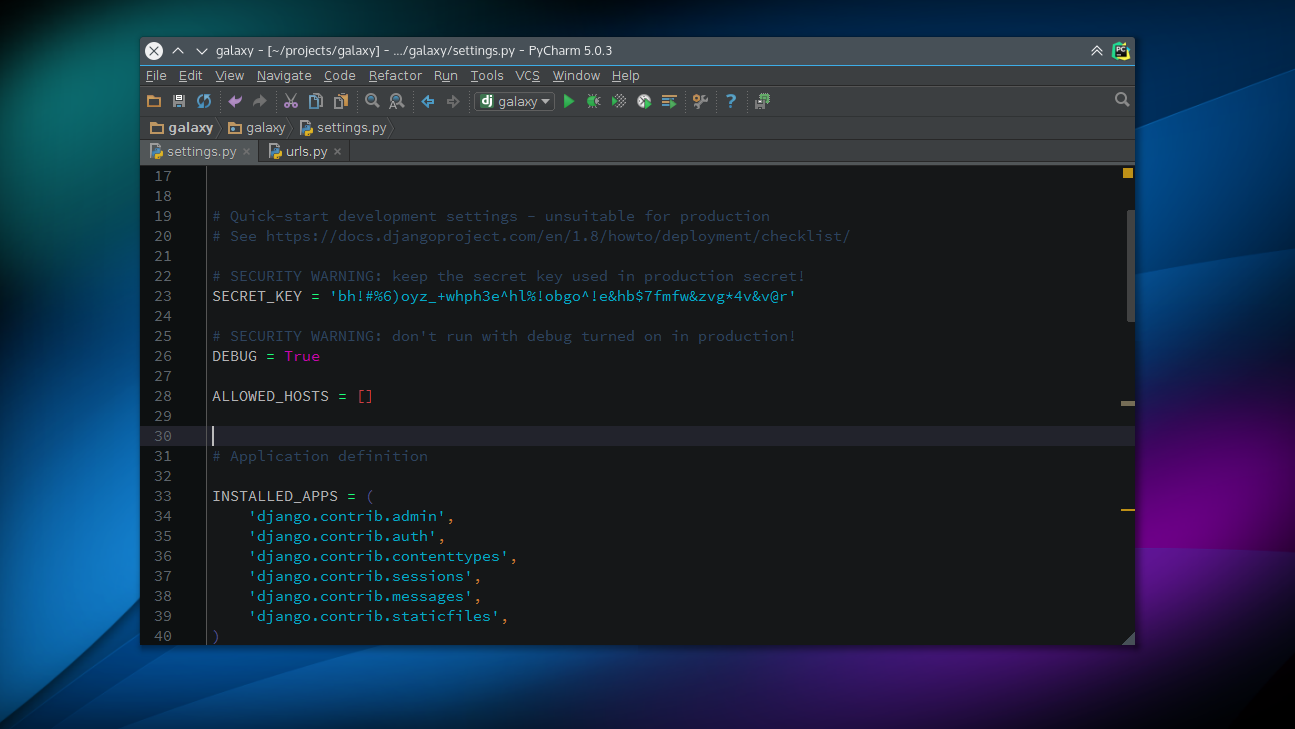
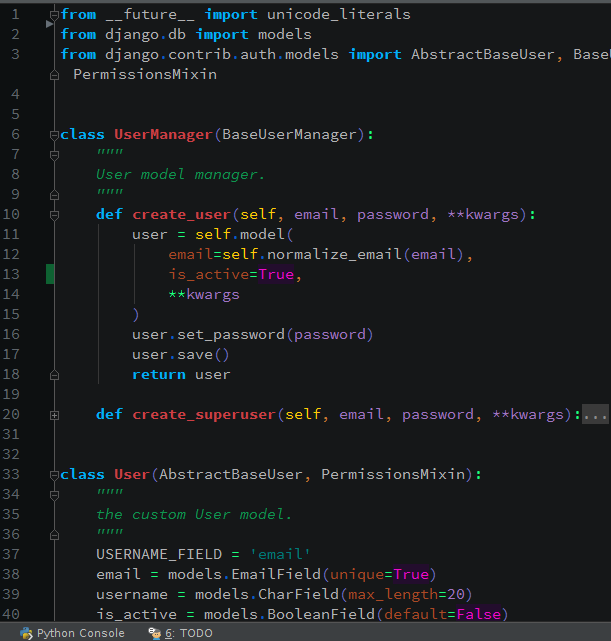
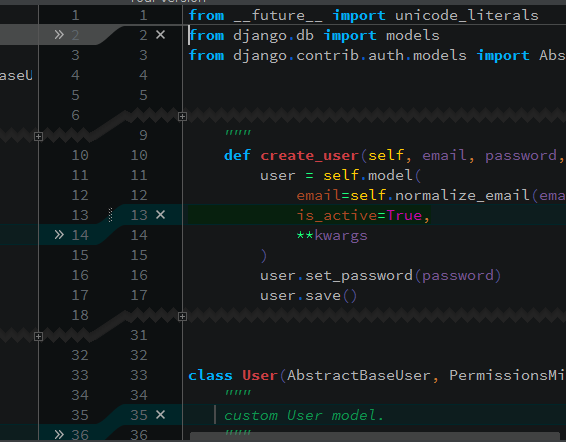
[see more screenshots] (https://github.com/biwin/interstellar/blob/master/screenshots.md)
Installation
Installation is simple as copying the theme to PyCharm configuration directory
Linux
clone the repository
$ git clone https://github.com/biwin/interstellar.git
navigate to the clone
$ cd interstellar
copy the interstellar to PyCharm configuration directory (.Pycharm50 for PyCharm 5)
$ cp interstellar.icls ~/.PyCharm50/config/colors/
Activation
* restart pycharm (if already running)

* File > Settings > Editor > Colors & Fonts

* from the Scheme dropdown, select interstellar

* click Apply then OK

* Have fun
Please star this repo if you like this scheme. That encourage me to experiment with colors like this one in my free time. Thanks.
Related Skills
node-connect
350.1kDiagnose OpenClaw node connection and pairing failures for Android, iOS, and macOS companion apps
frontend-design
109.9kCreate distinctive, production-grade frontend interfaces with high design quality. Use this skill when the user asks to build web components, pages, or applications. Generates creative, polished code that avoids generic AI aesthetics.
openai-whisper-api
350.1kTranscribe audio via OpenAI Audio Transcriptions API (Whisper).
qqbot-media
350.1kQQBot 富媒体收发能力。使用 <qqmedia> 标签,系统根据文件扩展名自动识别类型(图片/语音/视频/文件)。

Security Score
Audited on Jan 6, 2025