
Colorstorm
An interactive TUI for creating color themes for Vim, VSCode, and Sublime
Install / Use
/learn @benbusby/ColorstormQuality Score
Category
Development & EngineeringSupported Platforms
README
:art: A command line TUI to generate color themes for Vim, VSCode, and Sublime.




Contents
Features
- Full TUI for creating themes for Vim / Neovim, VSCode, and Sublime
- Different built-in color theme generators:
- Random
- Monochromatic
- No color (black and white)
- Define and edit colors using hex, RGB, and/or HSV
- Import images to use as a reference
- Color picker for sampling colors from an image directly
- Light and dark theme creation support
- Export draft theme files (including reference image if applicable) to a single portable JSON file
Install
Binaries
Pre-compiled binaries are available for Windows, macOS, and Linux on the releases page.
From Source
- Install Go
- Run:
go build - Move
./colorstorminto your$PATH
Usage
colorstorm
  -c string
    	seed color (hex)
  -f string
    	load theme json file
  -i string
    	jpg or png reference image
  -l	create a light theme
  -m	generate monochrome theme
  -q int
    	color quantization amount [0-255] (default 0)
  -x	initialize without any colors
Inside Colorstorm
Default:
Tab/Arrow Keys/Enter -- navigation

If an image was imported:
`   -- toggle image visibility
~   -- toggle image mode (visual vs list of colors)
p   -- initiate color picker

Color picker shortcuts:
Arrow keys -- move picker location
Enter      -- confirm color selection
Escape     -- cancel color picker
Supported Editors
- Vim
- VSCode
- Sublime
Demos
Generate Dark Theme
$ colorstorm
This command will generate a random editable dark color theme. Re-running the command will result in a different theme each time.

Generate Light Theme
$ colorstorm -l
This command will generate a random editable light color theme. Re-running the command will result in a different theme each time.

Generate Monochromatic Theme
$ colorstorm -m
This command will generate a random monochromatic color theme. Re-running the command will result in a different theme each time.

Using a Reference Image
You can pass a reference image to colorstorm, which will convert it into a set of colored ASCII half-block characters and render it above the theme editor.
When an image is provided, you can toggle between viewing the image and the list of
colors in the image using the ~ key.
Demo Image:

$ colorstorm -i <path to image>

Using the Color Picker
When passing a reference image to colorstorm, you can use the built-in color picker to select colors directly from the image to use in your theme.
When a theme field is focused (i.e. Background, Foreground, etc), press p to enable
the color picker. A white crosshair will appear on the image, and you can use the arrow
keys to move the crosshair around the image. The focused color will update with whatever
color is under the cursor in real time.
Demo Image:

$ colorstorm -i <path to image>

Examples
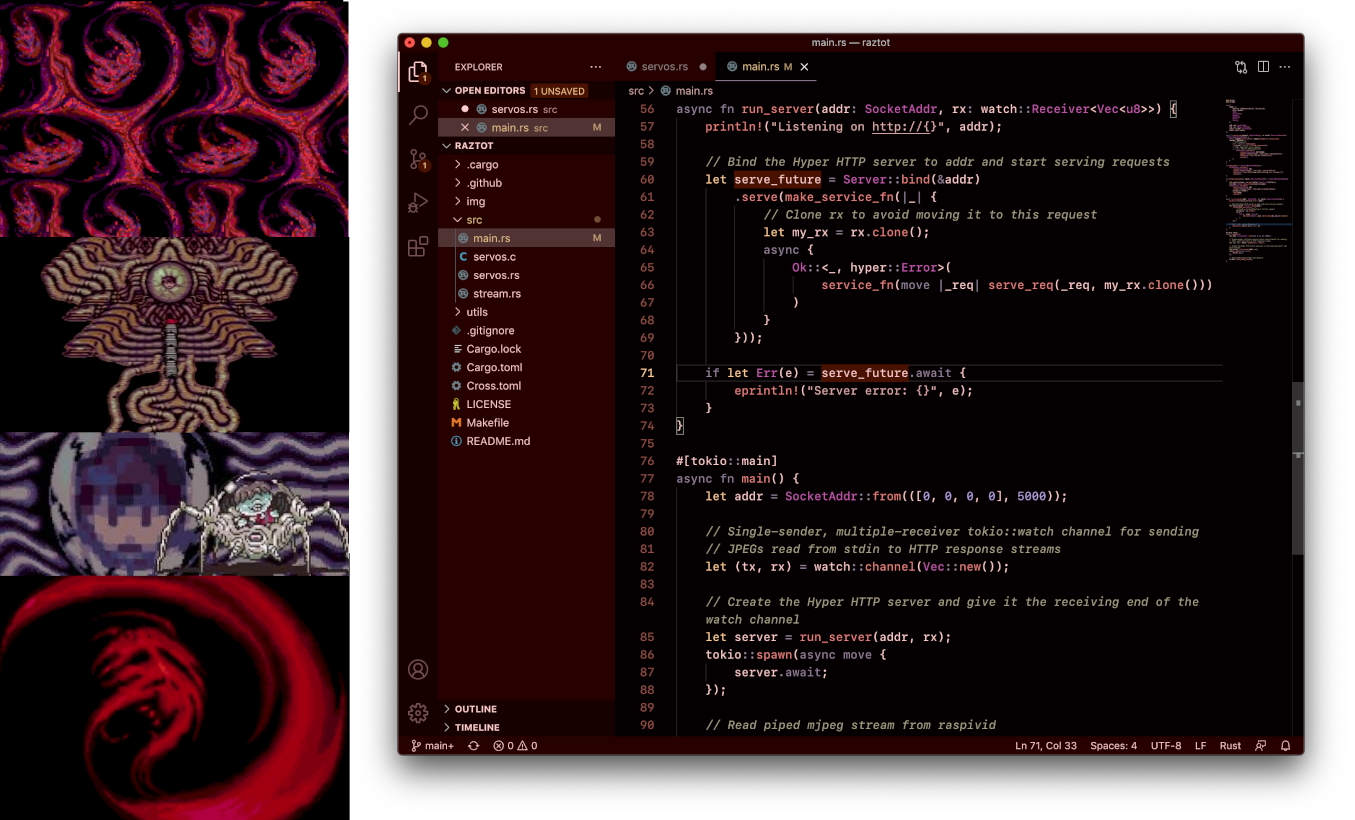
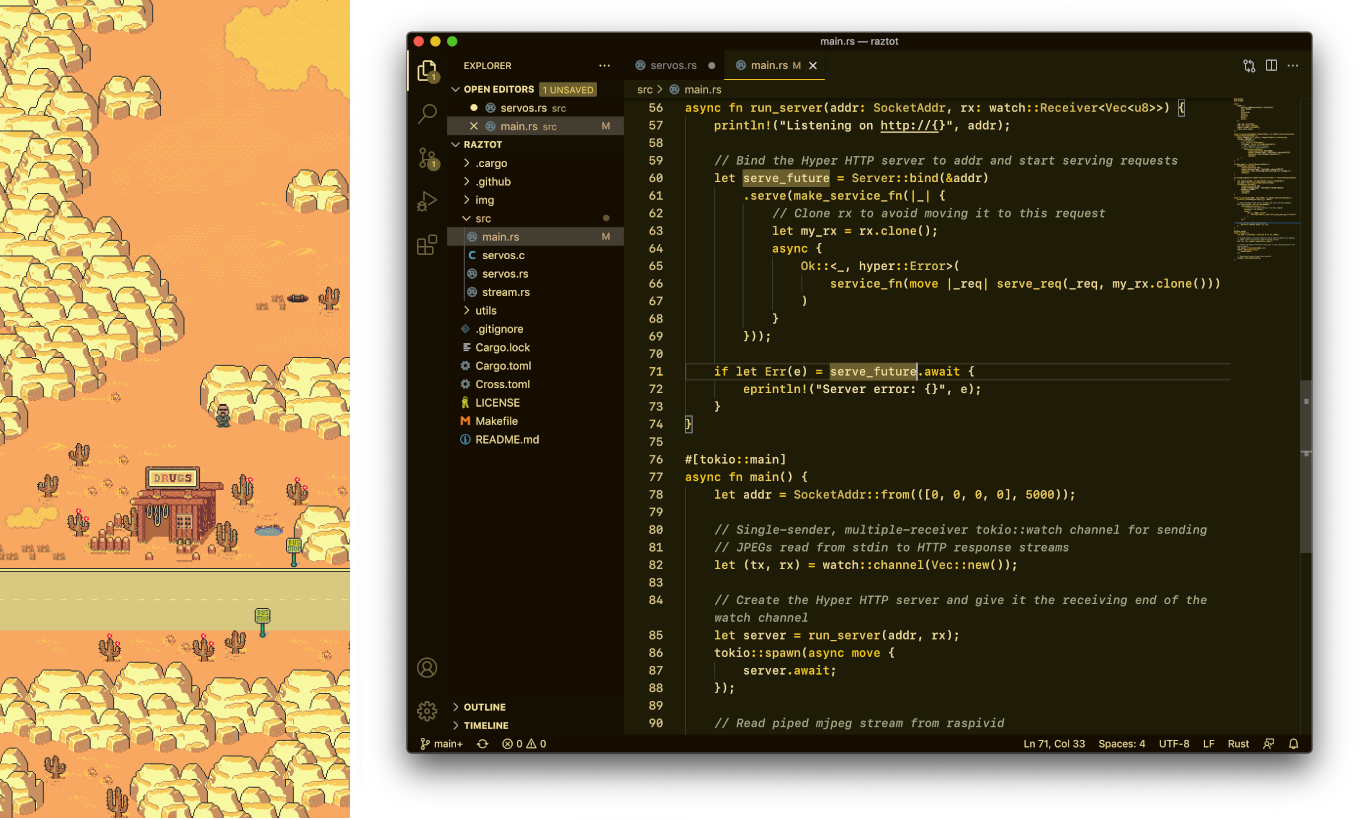
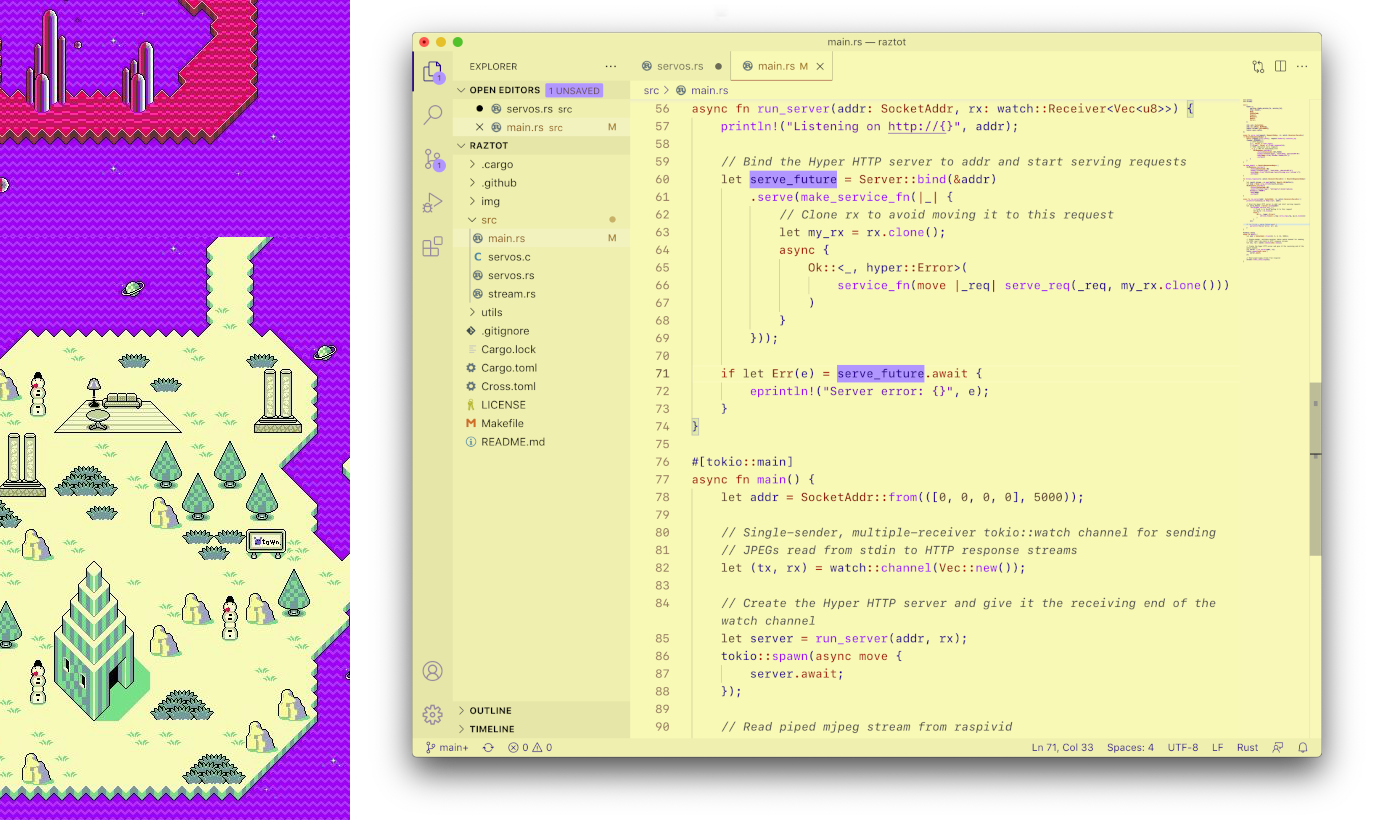
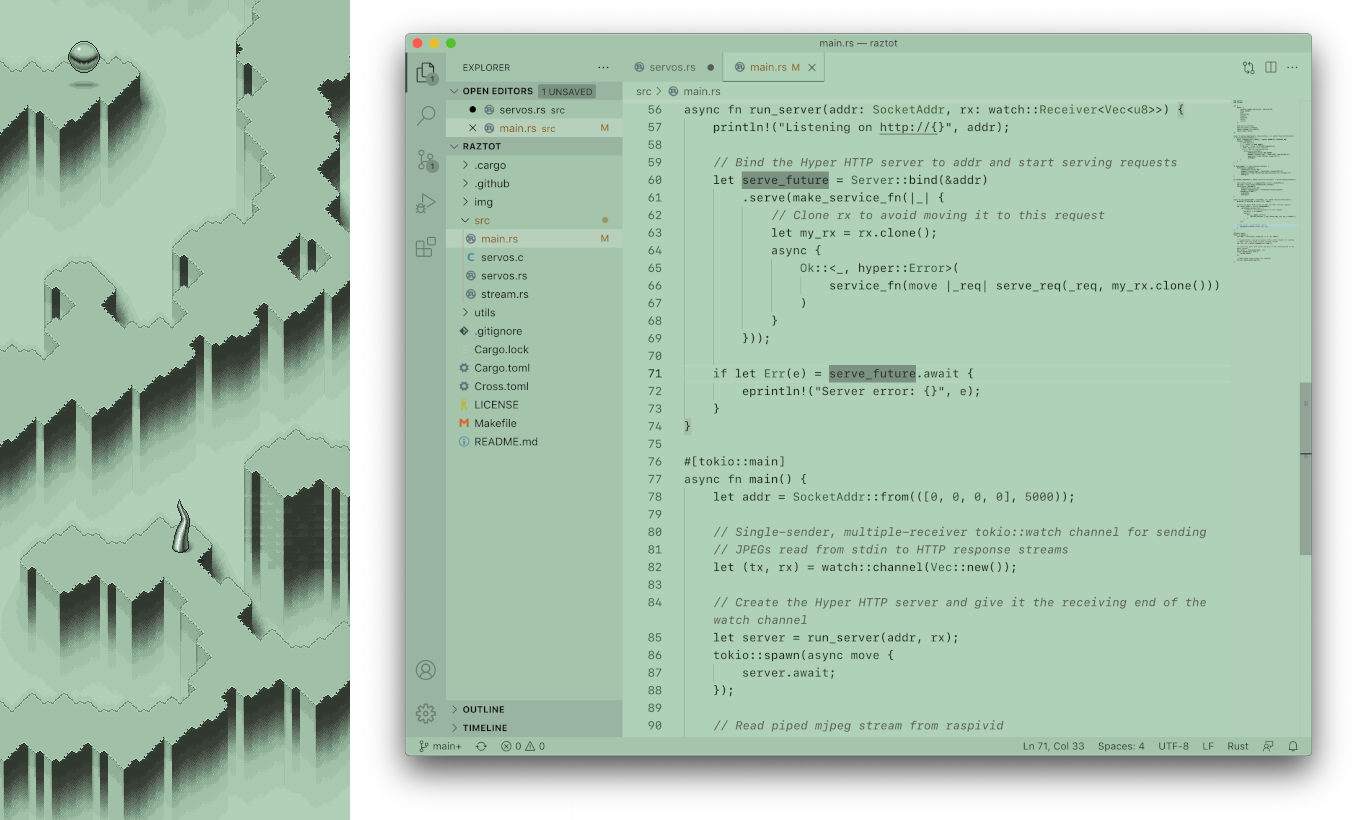
Earthbound Themes



Earthbound
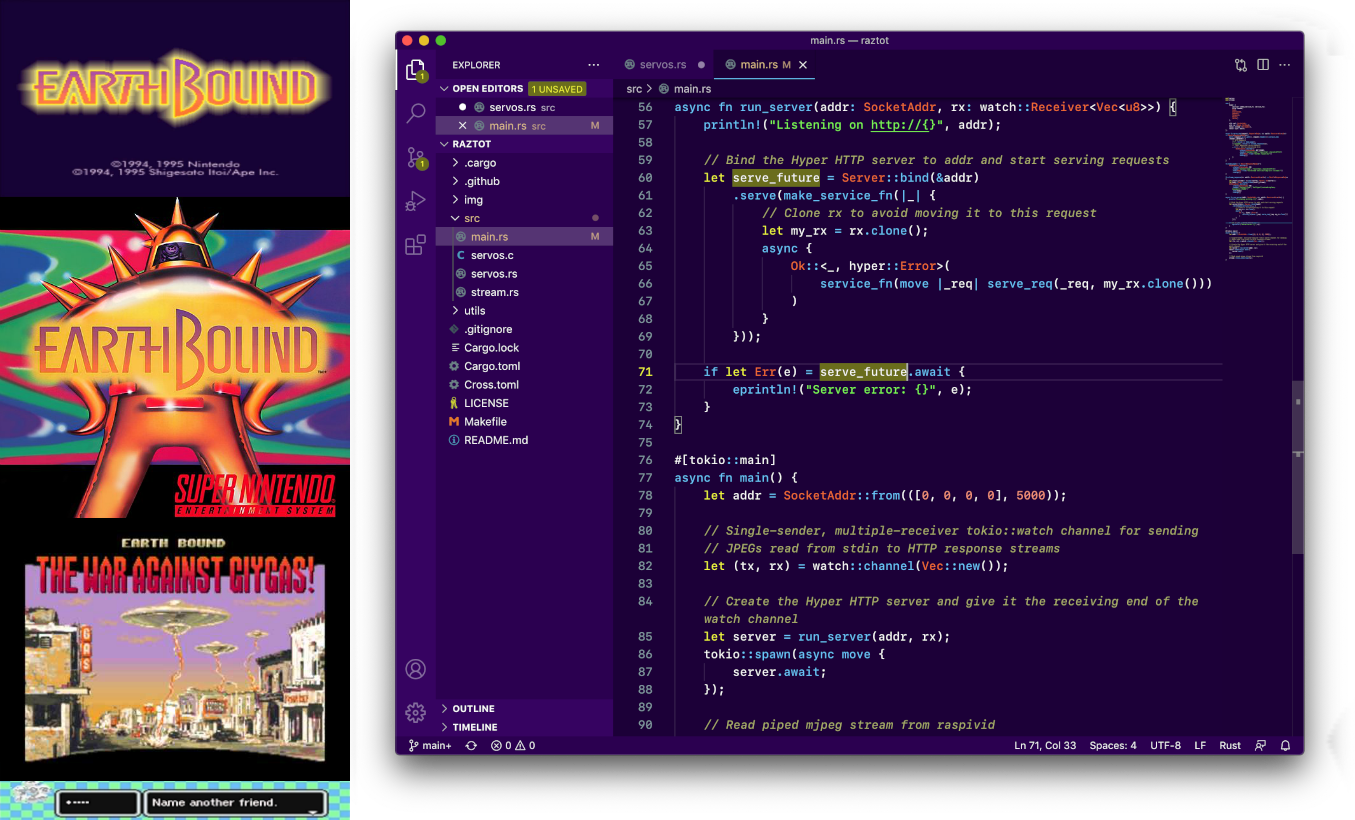
Moonside
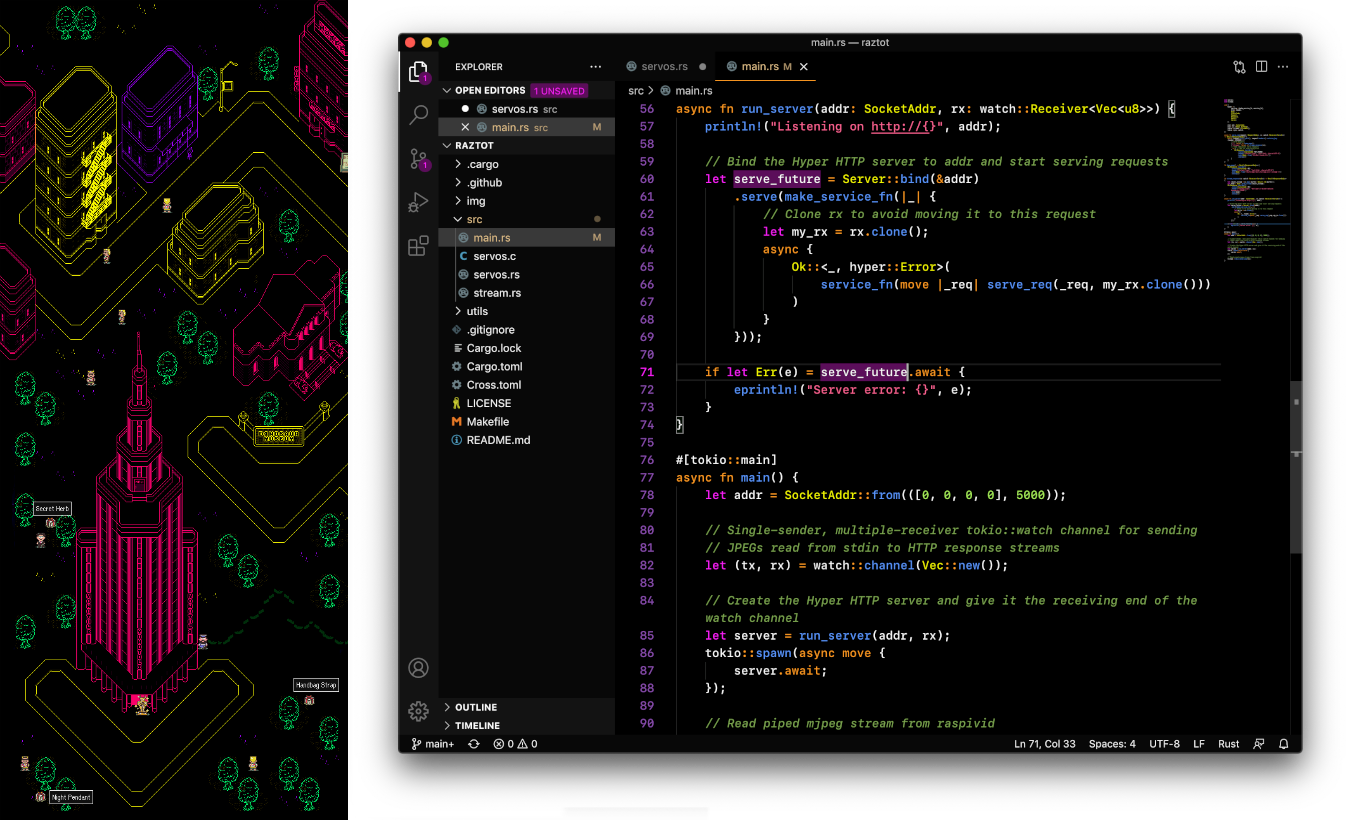
Zombie Threed
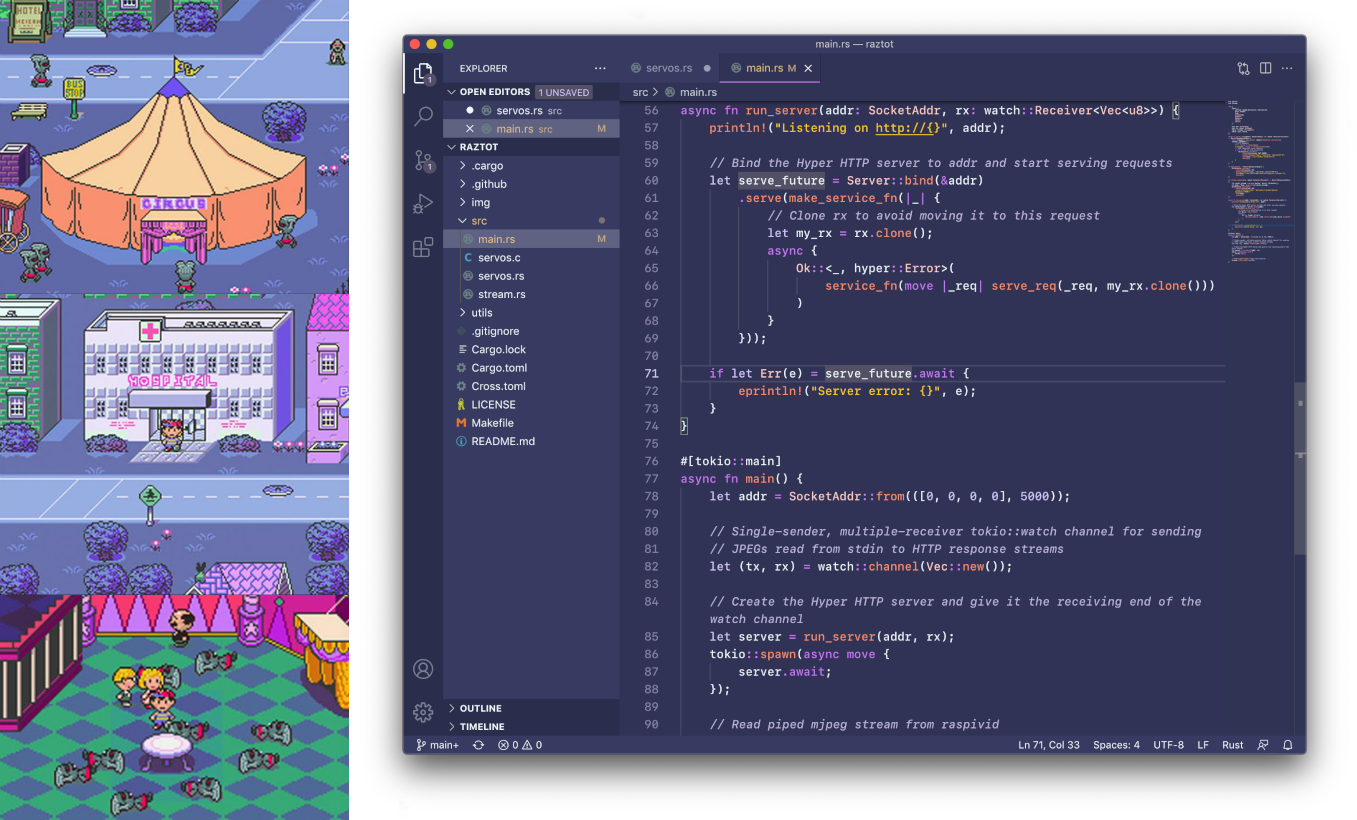
Fire Spring
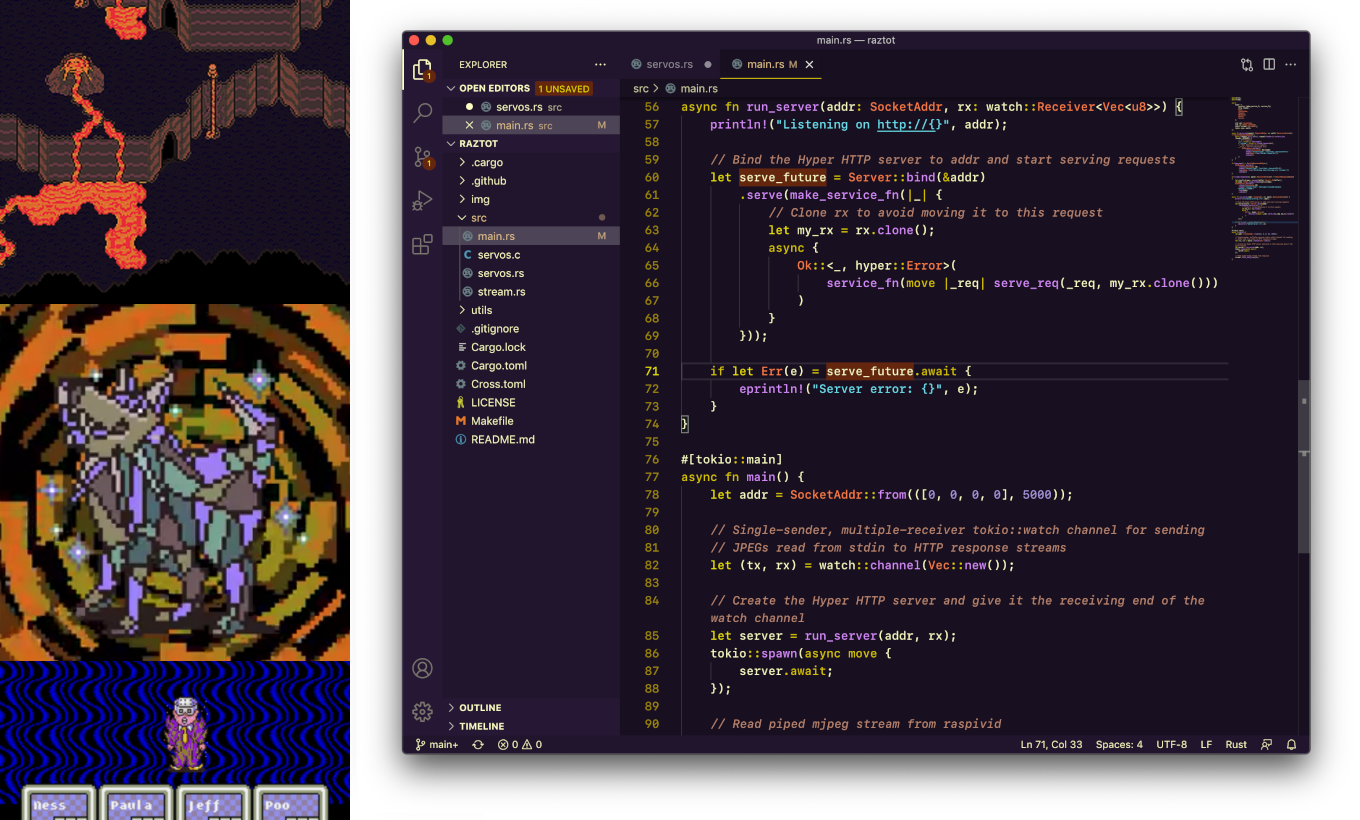
Devil's Machine
Dusty Dunes
Magicant (Light Theme)
Cave of the Past (Monochrome)
Related Skills
node-connect
337.4kDiagnose OpenClaw node connection and pairing failures for Android, iOS, and macOS companion apps
xurl
337.4kA CLI tool for making authenticated requests to the X (Twitter) API. Use this skill when you need to post tweets, reply, quote, search, read posts, manage followers, send DMs, upload media, or interact with any X API v2 endpoint.
frontend-design
83.2kCreate distinctive, production-grade frontend interfaces with high design quality. Use this skill when the user asks to build web components, pages, or applications. Generates creative, polished code that avoids generic AI aesthetics.
openai-whisper-api
337.4kTranscribe audio via OpenAI Audio Transcriptions API (Whisper).
