
NetGuard
NetGuard is a lightweight native iOS network debugger. 🚀
Install / Use
/learn @batikansosun/NetGuardREADME
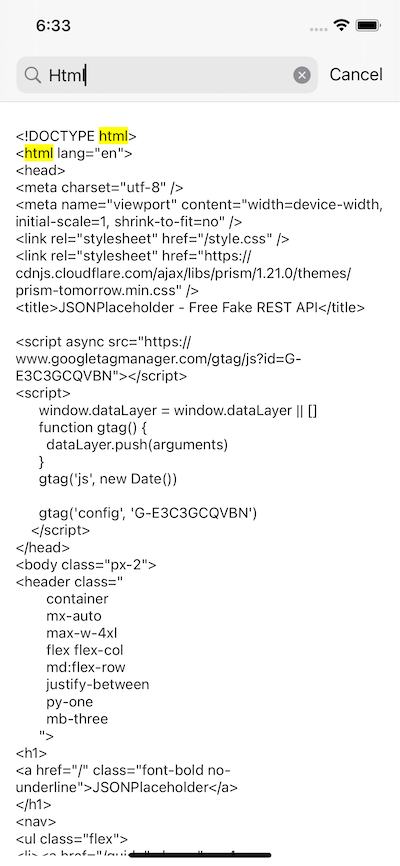
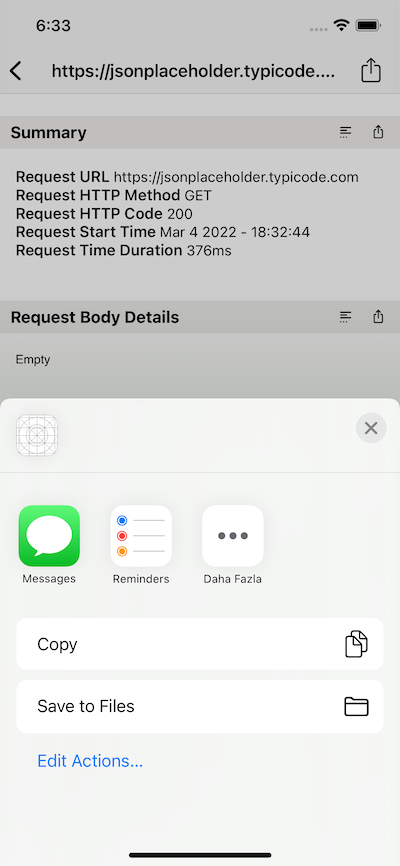
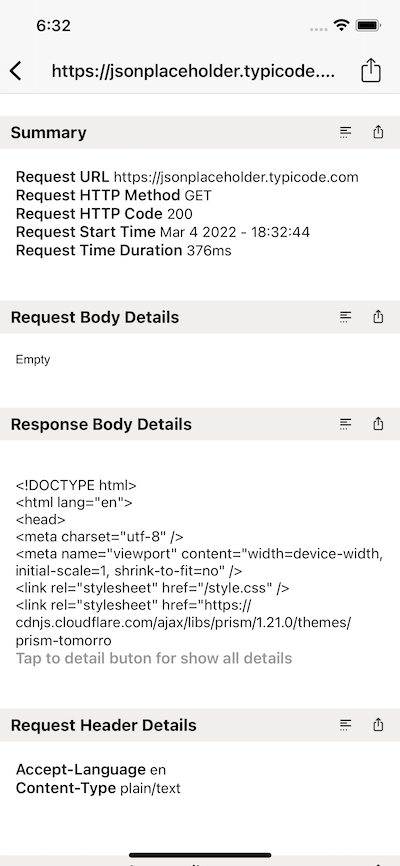
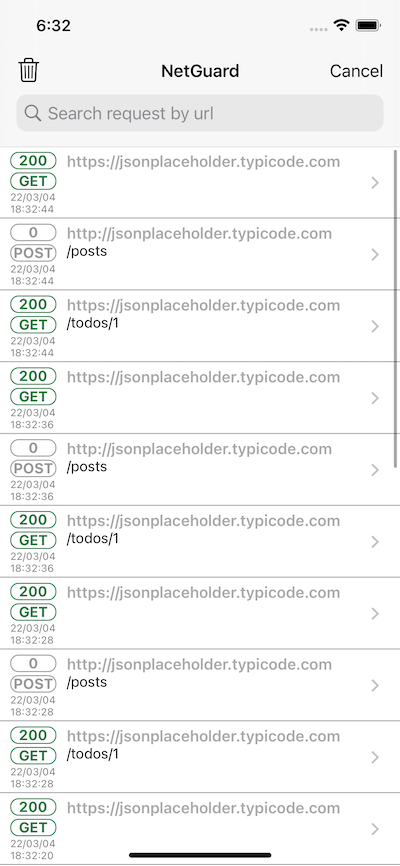
Preview
Introduction
- NetGuard is a lightweight native iOS network debugger.
- NetGuard monitors and capture network requests.
- NetGuard stores and lists what it has captured in readable, detailed and secure form.
- NetGuard makes debugging fast and reliable.
- Just shake iPhone and NetGuard will show.
Requirements
- iOS 10.0+
- Xcode 10+
- Swift 4, 4.1, 4.2 and Swift 5
Installation
CocoaPods
target 'YourTargetName' do
    use_frameworks!
    pod 'NetGuard', :git => 'https://github.com/batikansosun/NetGuard.git', :tag => '2.0'
end
Usage
All you need is to call the "loadNetGuard" method in "didFinishLaunchingWithOptions" "AppDelegate". That's it
//import NetGuard
  func application(_ application: UIApplication, didFinishLaunchingWithOptions launchOptions: [UIApplication.LaunchOptionsKey: Any]?) -> Bool {
      NetGuard().loadNetGuard()
      return true
  }
//@import NetGuard;
- (BOOL)application:(UIApplication *)application didFinishLaunchingWithOptions:(NSDictionary *)launchOptions {
    [[NetGuard new] loadNetGuard];
}
Parameters
'enabled' default value is true. You don't need to setting up to 'true'. 'false' value disables network watching.
NetGuard.enabled = false
'shakeEnabled' default value is true. You don't need to setting up to 'true' for shake for showing request list UI.
NetGuard.shakeEnabled = false
You can disable shake with setting up to 'false' and you can call 'showNetGuard()' anywhere.
NetGuard().showNetGuard()
With 'blackListHosts' you can exclude requests you defined.
NetGuard.blackListHosts = ["example.com"]
Contributing
- If you found a bug, please open an issue.
- If you have a feature request, please start a new discussion.
- If you want to contribute, please submit a pull request.
For all questions please start a new discussion
Made with ❤️ by Batikan Sosun
For more follow me on the Twitter Batikan Sosun
MIT License
NetGuard is available under the MIT license. See the <a href="https://github.com/batikansosun/NetGuard/blob/main/LICENSE">LICENSE file</a> for more info.
Related Skills
node-connect
346.4kDiagnose OpenClaw node connection and pairing failures for Android, iOS, and macOS companion apps
frontend-design
107.2kCreate distinctive, production-grade frontend interfaces with high design quality. Use this skill when the user asks to build web components, pages, or applications. Generates creative, polished code that avoids generic AI aesthetics.
openai-whisper-api
346.4kTranscribe audio via OpenAI Audio Transcriptions API (Whisper).
qqbot-media
346.4kQQBot 富媒体收发能力。使用 <qqmedia> 标签,系统根据文件扩展名自动识别类型(图片/语音/视频/文件)。
