Kaktus
Experimental web browser with minimalistic design
Install / Use
/learn @azer/KaktusREADME
kaktüs
A new minimalistic web browser.
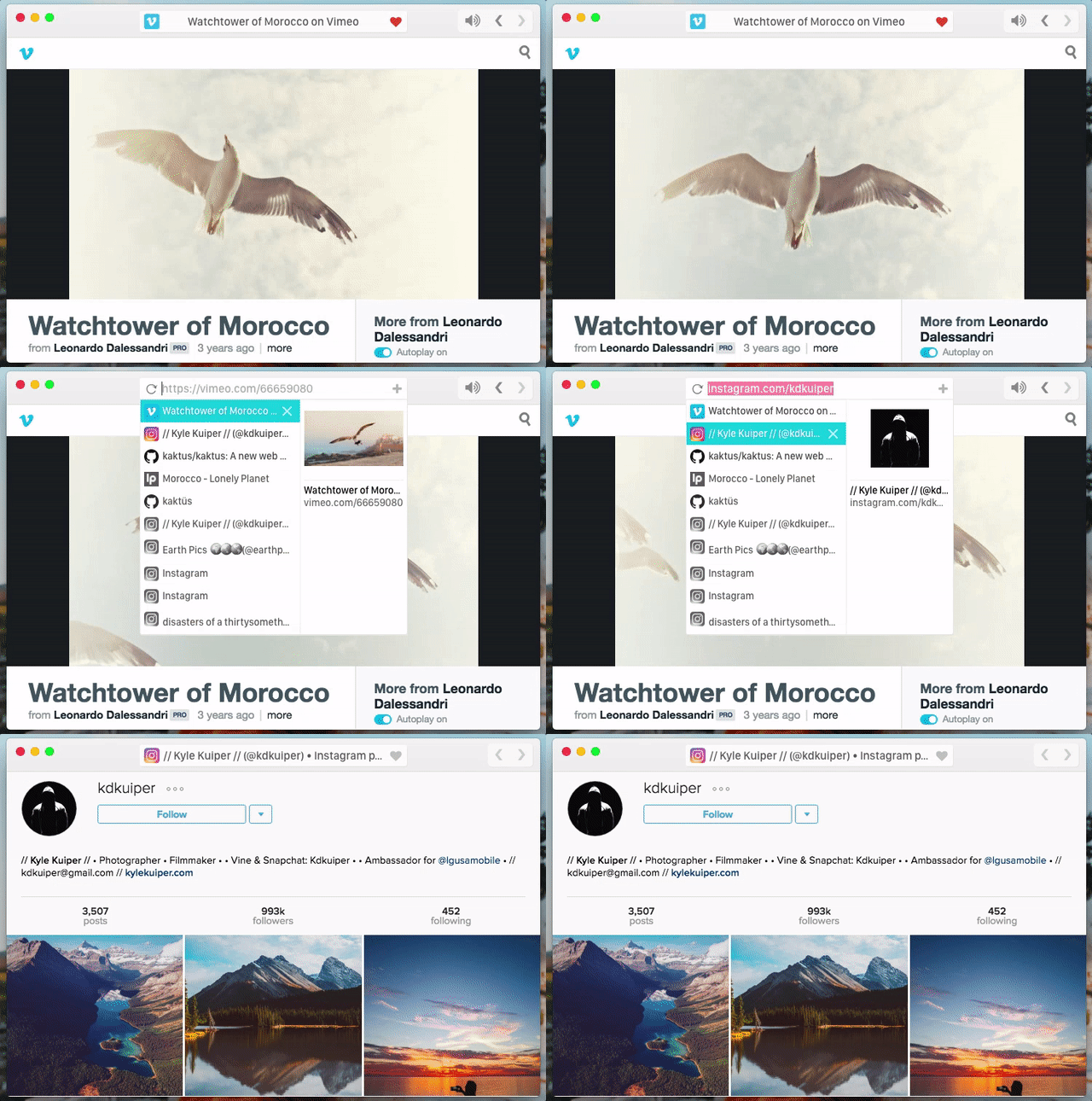
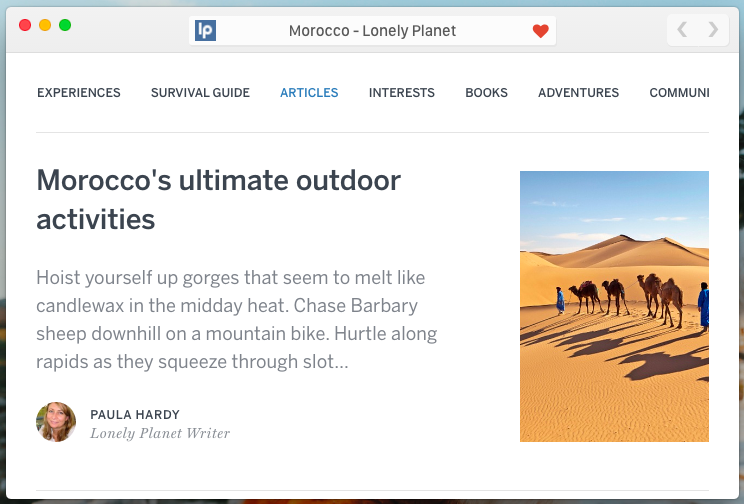
Screenshots: Simple View | Tabbing | Private Mode for Sites
Download
Keyboard Shortcuts:
- Command+T: New Tab
- Control+Space: Open Menu
- Command+O: Focus Mode
- Shift+Command+F: Full Screen
- Shift+Command+N: Open New Window with Privacy Mode
- Command+F: Find in the page
- Command+W: Close Tab
How It Works
Roadmap
What is missing ?
- A logo
- Download manager
- PDF Support
- Right-click Context Menu
Call For Designers
Kaktüs needs a lot of help on design. Here is what's missing;
- Logo: Current logo is something I had to pick up from Dribble (with the permission of the designer) and it's temporary.
- Icons: Kaktüs needs an icon set to interact with user better/
- Ideas: Kaktüs needs your ideas on how to improve tabbing and search.
Development
Building From Source
Install all dependencies:
npm install
And get the build out for your target platform. Available platforms are:
- macOS
- win
- linux
So, I usually run;
make osx
Command to get my build for macOS.
Making Changes
Kaktüs is built with choo and electron. Here is the commands I run to start the development:
$ make watch-css
$ make watch-js
$ make start
Logo
I'm temporarily using a cactus image I found on Dribble as a logo.
Related Skills
diffs
333.3kUse the diffs tool to produce real, shareable diffs (viewer URL, file artifact, or both) instead of manual edit summaries.
openpencil
1.5kThe world's first open-source AI-native vector design tool and the first to feature concurrent Agent Teams. Design-as-Code. Turn prompts into UI directly on the live canvas. A modern alternative to Pencil.
ui-ux-pro-max-skill
49.3kAn AI SKILL that provide design intelligence for building professional UI/UX multiple platforms
ui-ux-pro-max-skill
49.3kAn AI SKILL that provide design intelligence for building professional UI/UX multiple platforms