
Eyecons
🎨 Advanced VS Code icon theme with adaptive icon colors that match the editor’s color theme
Install / Use
/learn @azat-io/EyeconsQuality Score
Category
Development & EngineeringSupported Platforms
README
Eyecons
<img src="https://raw.githubusercontent.com/azat-io/eyecons/main/assets/logo.png" alt="Eyecons logo" align="right" height="160" width="160" />



VS Code icon theme with adaptive icon colors that match the editor’s color theme.
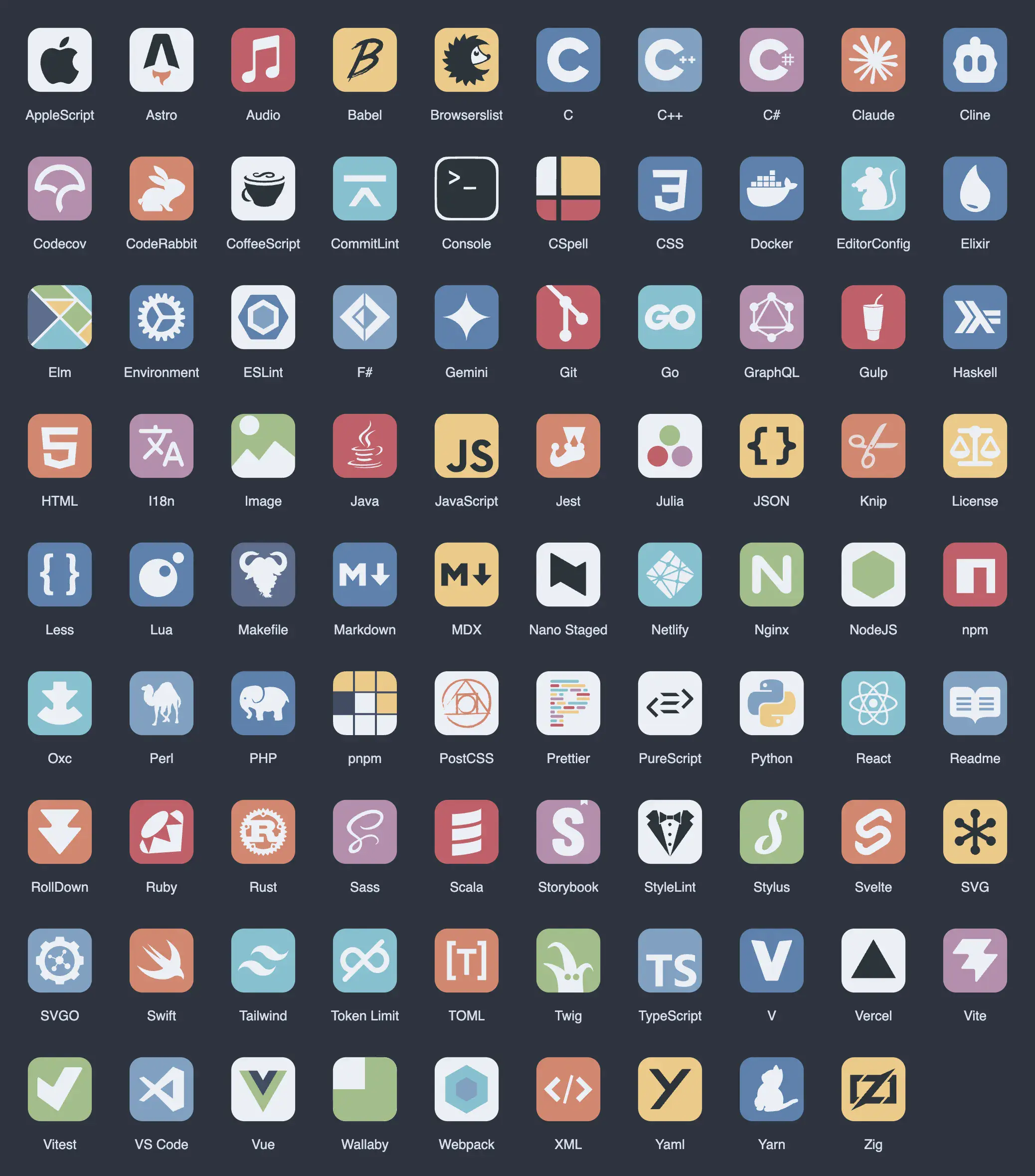
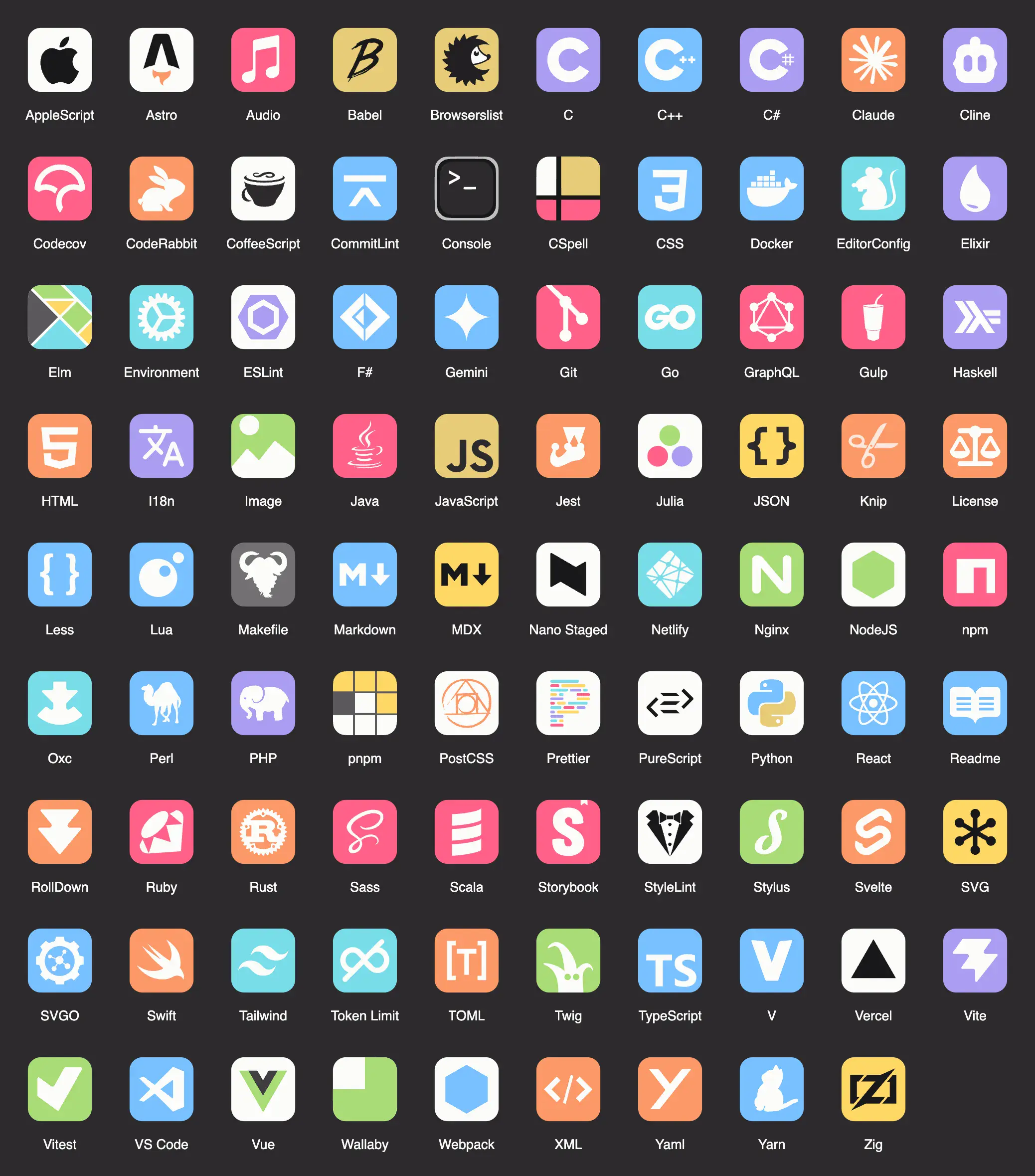
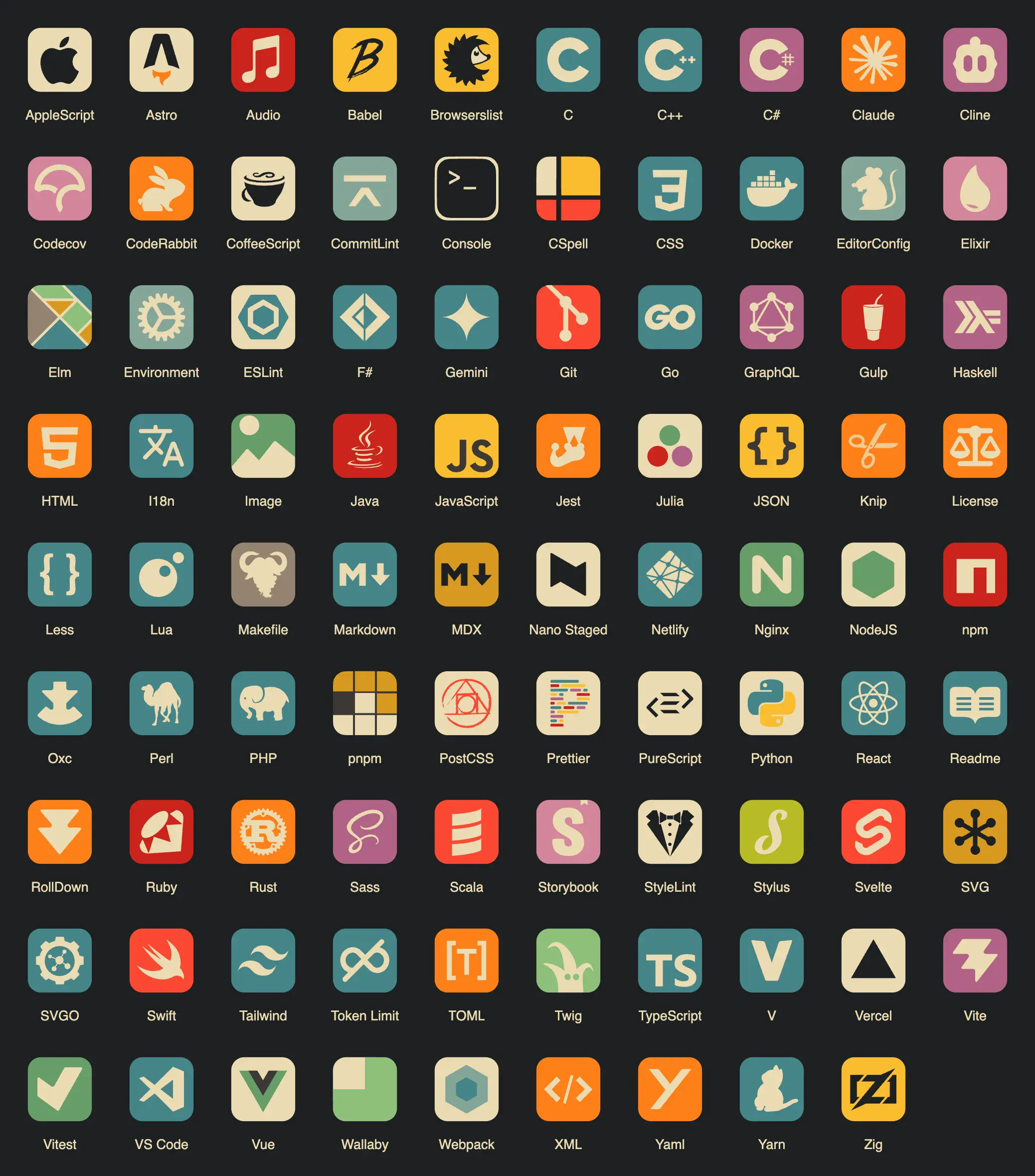
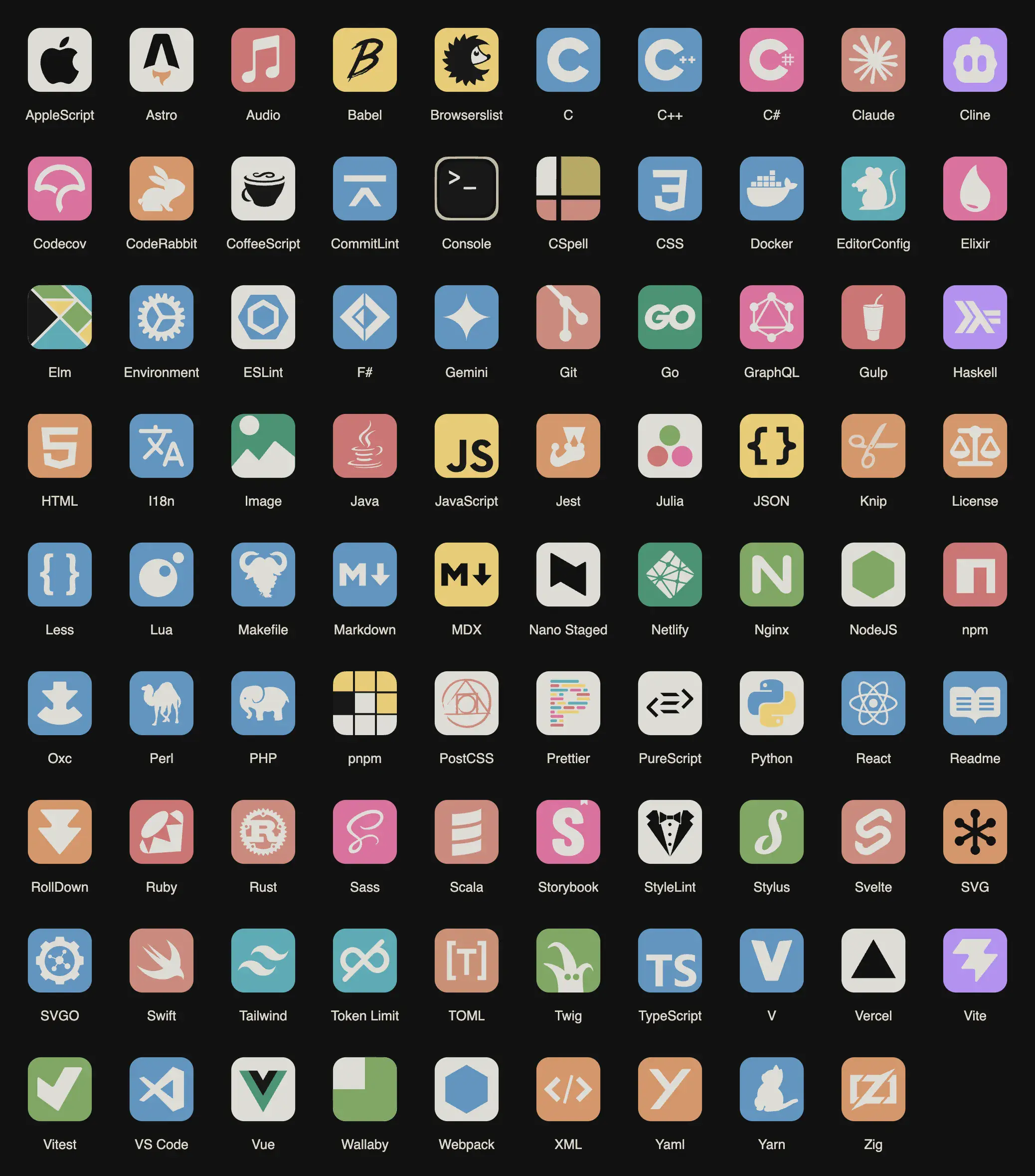
Eyecons icon theme provides a dynamic and visually appealing experience by adapting icon colours to your editor's theme.
This creates a consistent and harmonious look across your dev environment.
Why
-
Adaptive Colors: Icons change colors based on the active VSCode theme, providing a cohesive visual experience.
-
Wide Icon Coverage: Supports a comprehensive range of file types and technologies with distinctive icons.
-
Regular Updates: Frequent updates to include new icons and improvements.
Examples
See docs.
Nord
Monokai Pro
Gruvbox Dark
Vitesse Dark
Look for more examples of icon theme integration with editor color themes on the extension's website.
Installation
Open the extension page on Visual Studio Marketplace and click the "Install" button.
Or install the extension using the command line:
code --install-extension azat-io.eyecons
Configuration
You can customize the extension to suit your needs!
Theme
You can choose your favorite color theme whose colors will be used to repaint the icons.
Or leave the value "inherit" to determine the color theme of the editor automatically.
Folder Color
You can define the colors of the folders. Select one of the six possible options.
All folders use the colors of your color theme.
Hide Explorer Arrows
If the option is enabled, arrows will additionally be displayed in the document tree. This can be useful to visually identify folders more quickly and distinguish them from regular files.
Configuration via settings.json
You can also configure the extension directly in your VS Code settings.json
file:
{
  "eyecons.theme": "inherit",
  "eyecons.folderColor": "yellow",
  "eyecons.hidesExplorerArrows": true
}
Available settings:
eyecons.theme: Set your preferred theme (e.g., "inherit", "gruvbox-dark", "nord")eyecons.folderColor: Choose folder color (available options depend on the theme)eyecons.hidesExplorerArrows: Set to true/false to show/hide explorer arrows
Themes
The extension currently supports the following color themes:
- 2077
- Adwaita Dark
- Adwaita Light
- Alabaster
- Atom One Dark
- Aura
- Ayu Dark
- Ayu Light
- Catppuccin Mocha
- Cobalt 2
- Dark (Visual Studio)
- Dracula
- GitHub Dark
- GitHub Light
- Gruvbox Dark
- Gruvbox Light
- Houston
- Matcha
- Monokai Pro
- Night Owl
- Nord
- One Monokai
- Panda
- Solarized Dark
- Solarized Light
- Synthwave '84
- Tokyo Night
- Vitesse Dark
- Vitesse Light
Haven't found your favorite color theme? Create an issue!
Contributing
See Contributing Guide.
You can also support this project by giving this repository a star on GitHub or rate this extension with five stars on Marketplace.
License
MIT © Azat S.
Related Skills
node-connect
352.9kDiagnose OpenClaw node connection and pairing failures for Android, iOS, and macOS companion apps
frontend-design
111.5kCreate distinctive, production-grade frontend interfaces with high design quality. Use this skill when the user asks to build web components, pages, or applications. Generates creative, polished code that avoids generic AI aesthetics.
openai-whisper-api
352.9kTranscribe audio via OpenAI Audio Transcriptions API (Whisper).
qqbot-media
352.9kQQBot 富媒体收发能力。使用 <qqmedia> 标签,系统根据文件扩展名自动识别类型(图片/语音/视频/文件)。
