
Apxversion
The utility is designed to implement version control of APEX application pages.
Install / Use
/learn @avhrst/ApxversionREADME
Oracle APEX version control tool
The utility is designed to implement version control of APEX application pages.
3.0 New version.
- Versioning all APEX components. Templates and breadcrumbs are not versioned, everything else is tracked.
2.0 version.
- Added automatic generation of the install.sql file when adding or modifying components.
- Versioning changes to application settings.
- Versioning of almost all APEX components. Templates and breadcrumbs are not versioned, everything else is tracked.
- In the parameter file, you can specify the path to the application files.
- Missing directories and files are automatically created if they are missing. Existing files are overwritten.
1.1 update - support LOV versioning
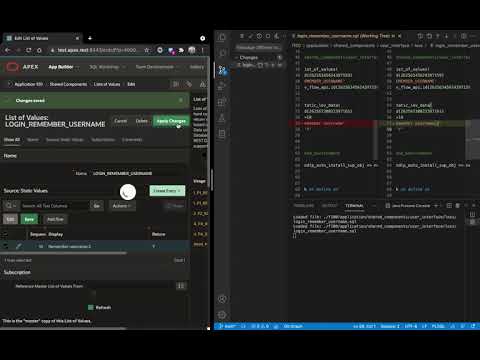
How it works
- The developer exports the application (zip archive) and unpacks it to a directory that is connected to the version control system.
- Runs the utility in the root of this directory.
- The utility checks with an interval (by default 5 seconds) changes in APEX pages.
- The developer must lock the page, make changes and unlock the page.
- At the moment of unlocking the page, the utility will download and save the current version of the page to the local directory.
- If the developer forgot to lock the page, the utility will automatically lock the page.
Permanently saving the page file (PL / SQL) and applying version control techniques allows you to organize teamwork with change control and the CICD process.
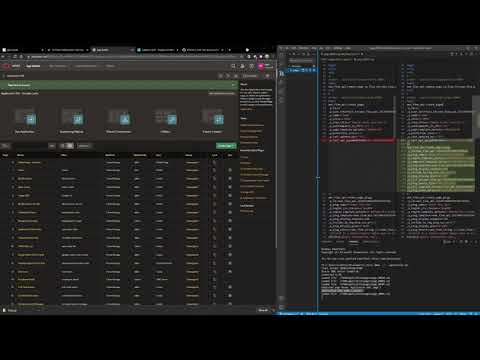
Demo
Install
Copy the jar file to your project directory and run the command
java -jar apxversion.jar 101
At the first start, you must specify the parameters necessary for the utility to work. The parameters can be changed in the config.properties file. If you need to reinstall the settings, simply delete the config.properties file.
Related Skills
clearshot
Structured screenshot analysis for UI implementation and critique. Analyzes every UI screenshot with a 5×5 spatial grid, full element inventory, and design system extraction — facts and taste together, every time. Escalates to full implementation blueprint when building. Trigger on any digital interface image file (png, jpg, gif, webp — websites, apps, dashboards, mockups, wireframes) or commands like 'analyse this screenshot,' 'rebuild this,' 'match this design,' 'clone this.' Skip for non-UI images (photos, memes, charts) unless the user explicitly wants to build a UI from them. Does NOT trigger on HTML source code, CSS, SVGs, or any code pasted as text.
openpencil
2.2kThe world's first open-source AI-native vector design tool and the first to feature concurrent Agent Teams. Design-as-Code. Turn prompts into UI directly on the live canvas. A modern alternative to Pencil.
HappyColorBlend
HappyColorBlendVibe Project Guidelines Project Overview HappyColorBlendVibe is a Figma plugin for color palette generation with advanced tint/shade blending capabilities. It allows designers to
Flyaro-waffle-app
Waffle Delight - Full Stack MERN Application Rules & Documentation Project Overview A comprehensive waffle delivery application built with MERN stack featuring premium UI/UX, admin management, a
