
BrighterBee
This project is made for Droidrush 2020 under Avishkar (Techno-Management fest).
Install / Use
/learn @ashu12chi/BrighterBeeREADME
BrighterBee -by NP Devs
Developing a community for learners. Made for Droidrush: Avishkar MNNIT 2k20.
<b> This app won 1<sup>st</sup> place in Droidrush.</b>
Process flow of the app
- User can register on the app and choose communities he/she wants to be a member of.
- Users can post articles which may contain image, text, gif, video embedded.
- Users can upvote/ downvote and comment on any article.
- User can edit or delete only his/her post but admins can do it for all the posts.
- Views are counted for every article.
- Users can stream live video in a community and members of that community can join in to watch the stream.
Features
- Articles are in Rich Text Format with images embedded in them.
- One post can contain one image/ video other than the images present in text itself.
- Articles can be bookmarked.
- Communities have option to be made public/ private. Private community cannot be searched but members can only be invited via invite code.
- Member addition can be made such that admin verification required for it via a setting in community.
- Feed is generated considering the date of post, the number of upvotes/ downvotes and the number of comments.
- Users can follow each other to see others public posts in there feed.
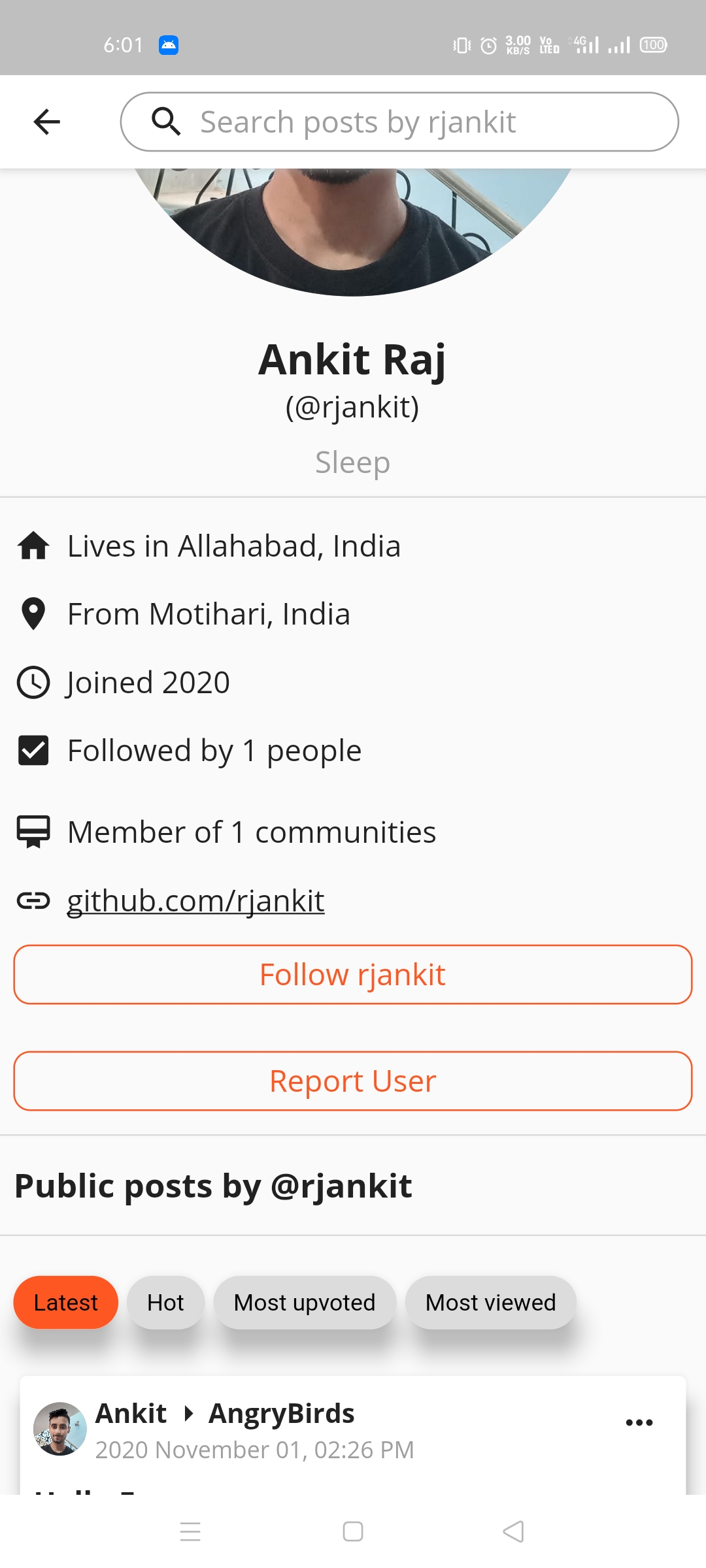
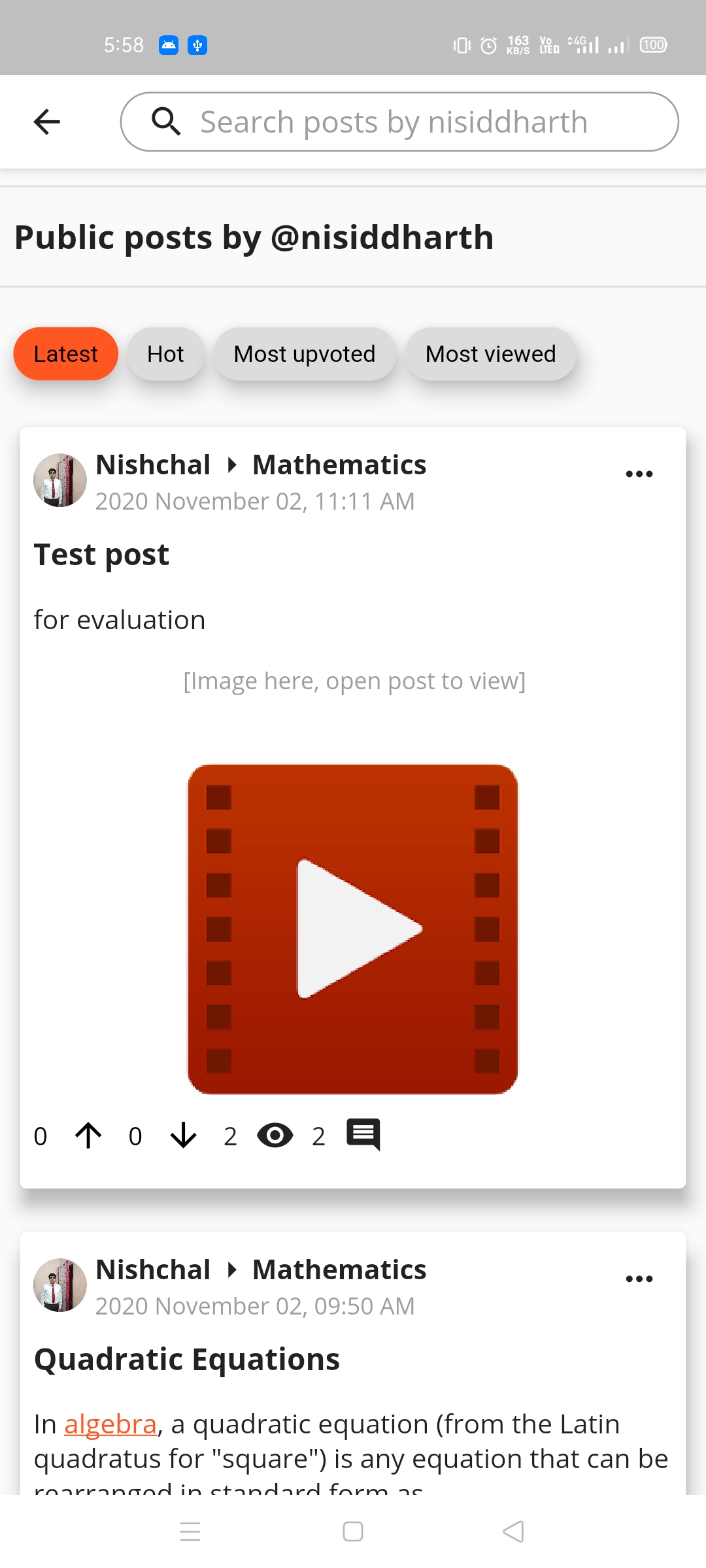
- Users can see the profiles of other users with the posts which are from public groups.
- Articles and comments will be lazily loaded.
- Article posting, user follow, admin verification all send push notifications wherever necessary.
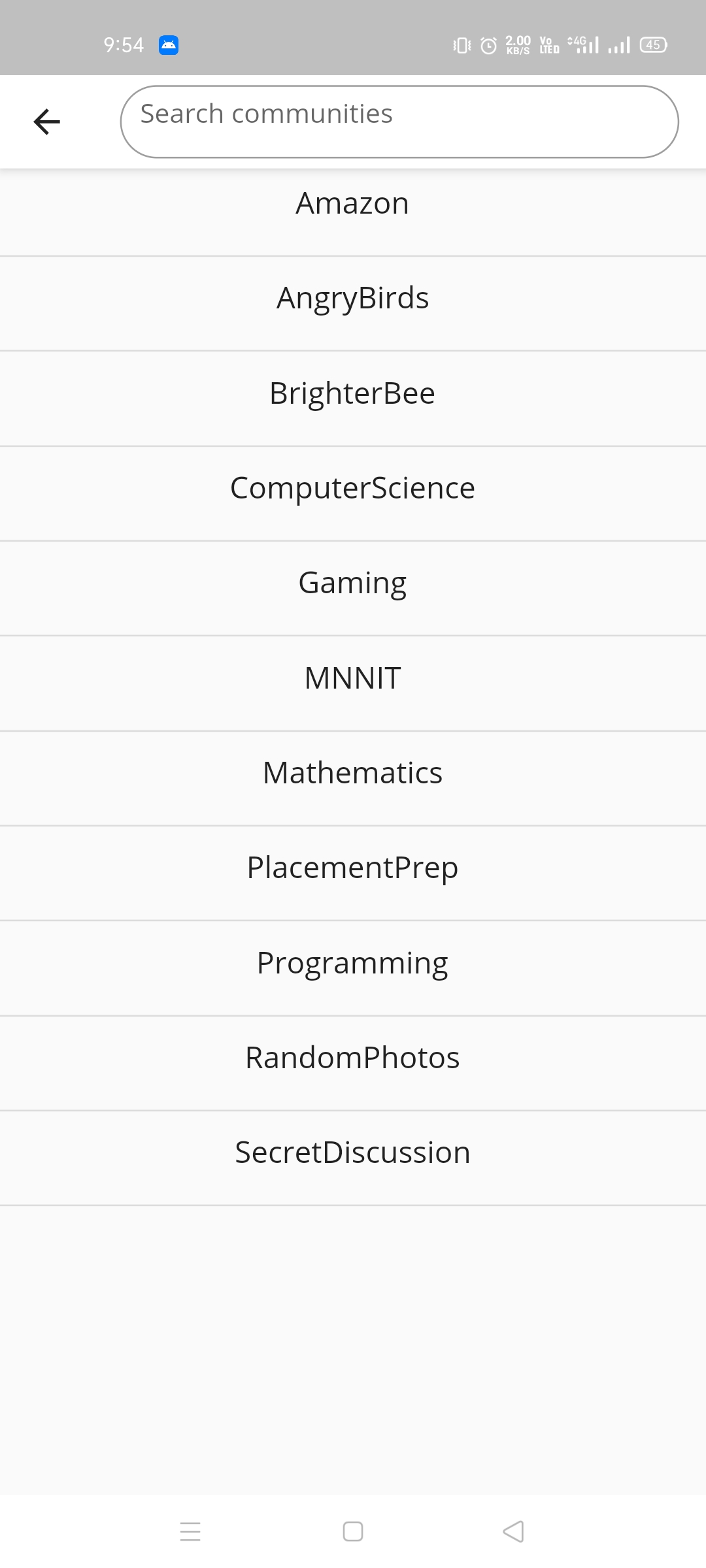
- Users/ posts/ communities can be searched using search bars present throughout the app.
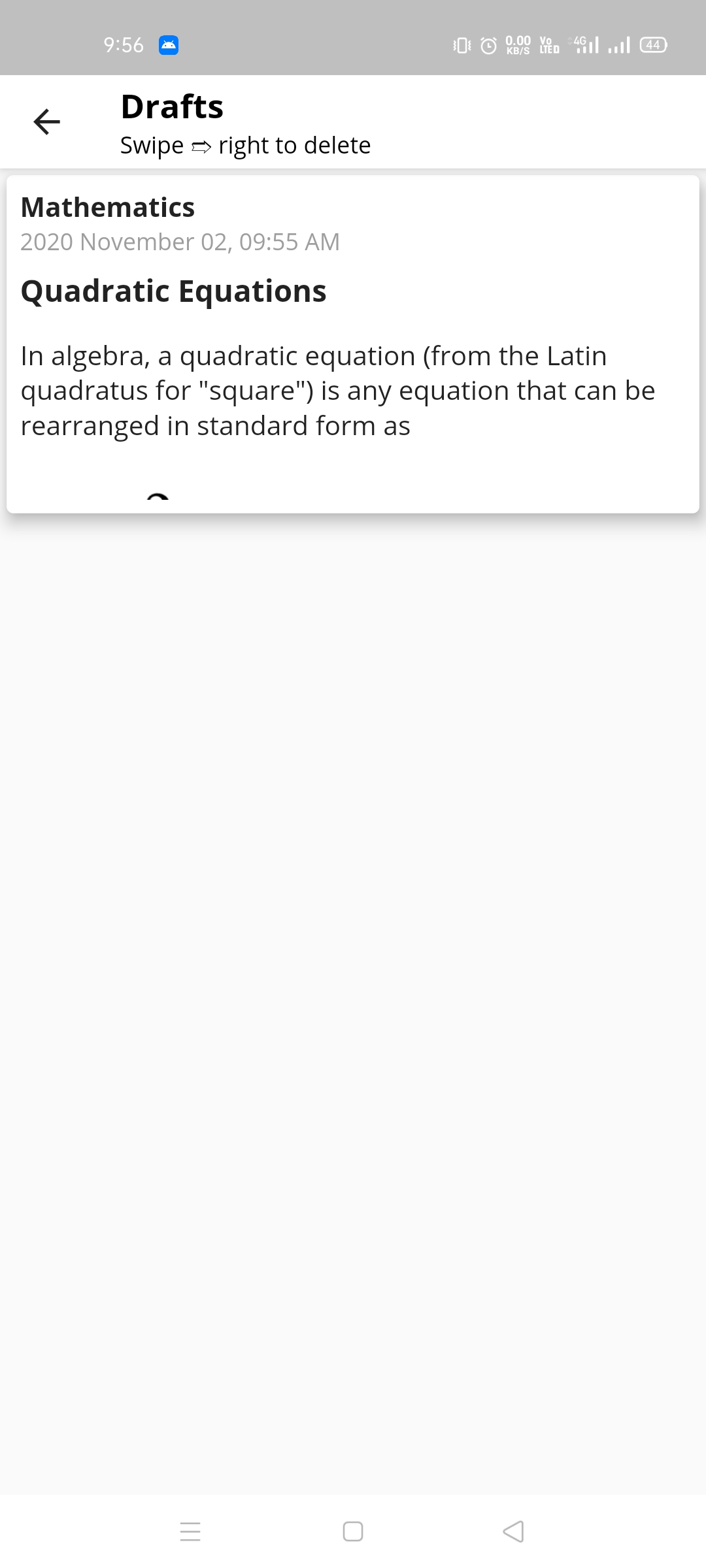
- It is not necessary to write whole post in one go, users can benefit from the draft feature.
- The app has full Android 10+ dark theme support.
<i>For more intricate details view screenshots attached below.</i>
External libraries/APIs used
- Zefyr editor 0.12: for the Rich Text editor and viewer.
- Quill delta 1.0.0: to make Notus documents, which helps work on RTF format.
- Image picker 0.6.7: for picking images and videos from gallery or camera.
- Firebase Auth 0.18.1: for user login/ signup authentication.
- Firebase core 0.5.0 and Cloud Firestore 0.14.1: for using Google Cloud Firestore database.
- Image 2.1.18: for working on images, e.g., compressing them.
- Agora RTC Engine 3.1.3: for video calling.
- Firebase Cloud Messaging 7.0.2: for sending push notifications.
- Shimmer 1.1.2: for shimmer effect in cards
- Flutter Local Notifications 1.5.0: for displaying notifications
- Permission Handler 3.0.0: for easy permission handling
- Date Format 1.0.9: for easy date formatting
- Path Provider 1.6.18: for getting path for storing temporary files
- Firebase Storage 4.0.1: for using Firebase Cloud Storage
- fluttertoast 7.1.1: to display toast messages
- rxdart 0.24.1: for Firebase stream complex tasks handling
- Path 1.7.0: to work on file paths
- Chewie 0.9.10 and Video Player 0.10.9: for easy video player implementation
- Progress dialog 1.2.4: to show Progress Dialog
- Cached Network Image 2.3.3: for faster image loading by caching
- Shared Preferences 0.5.12: to enable Shared Preferences support
- Photo View 0.10.2: to display full screen zoomable and pannable images.
- URL Launcher 5.7.6: for URL launching
- Notus to HTML 0.0.7: to convert Notus Documents to HTML, for sharing
- share 0.6.5: for sharing content to other apps
Team details
<b> Get the project presentation here.</b>
To try your hands on the project
Either get the latest APK from releases: https://bit.ly/35uR0uy,
Or;
- Clone the repository
- Create a Firebase project, add com.npdevs.brighter_bee to it, edit rules as required.
- Place google-services.json in /android/app/ folder.
- Build the app, deploy to your device and you are good to go.
Screenshots
| | | |
|---|---|---|
|Login 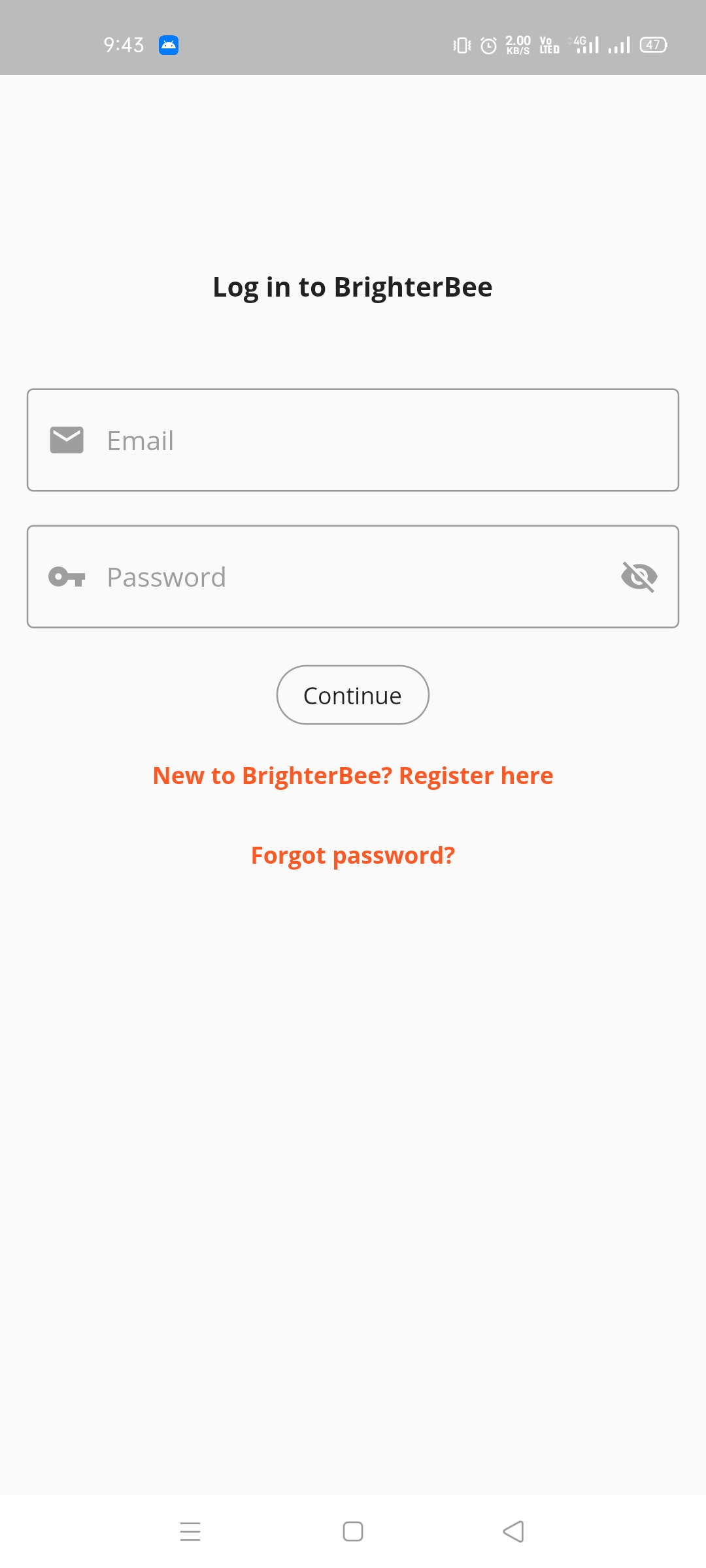 |Register
 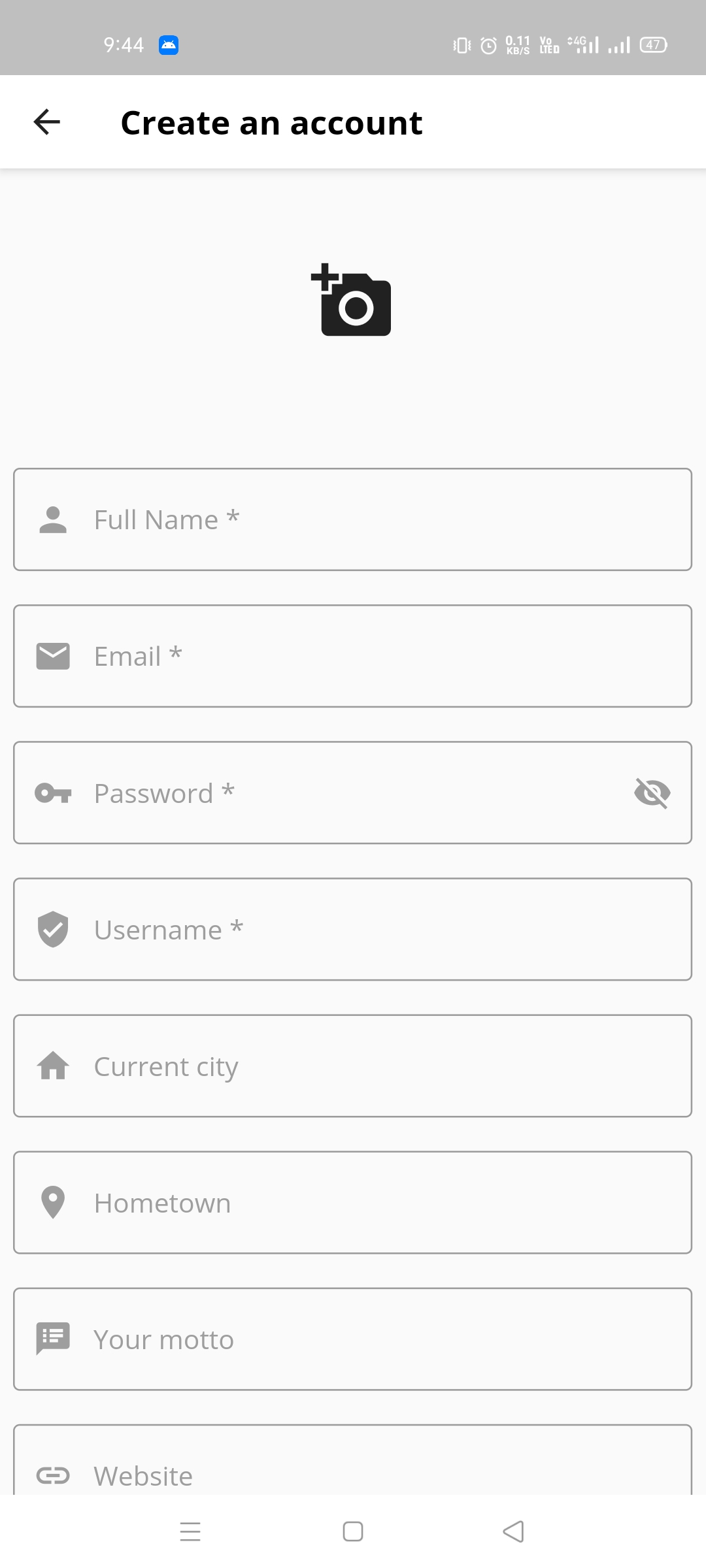 |Reset password
 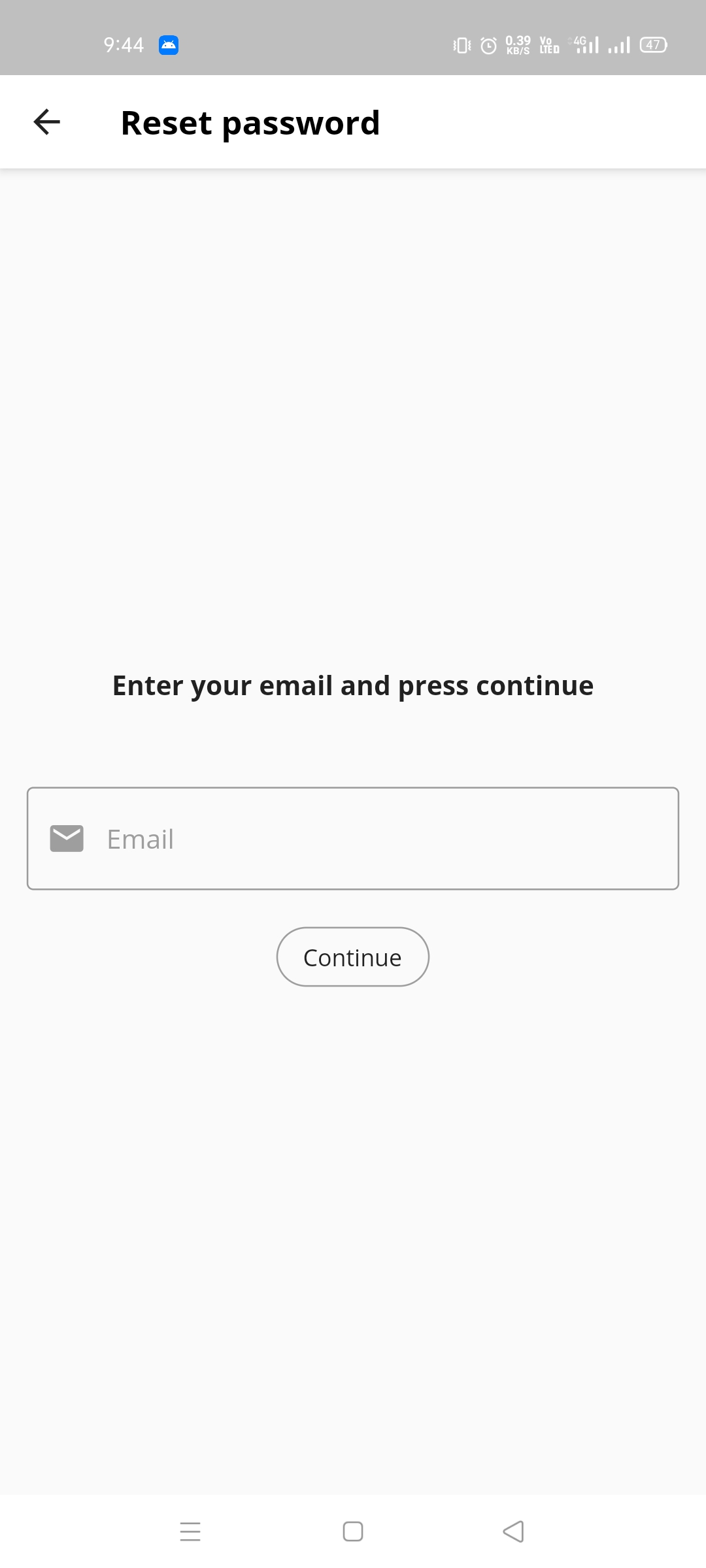 |
|Home screen feed
|
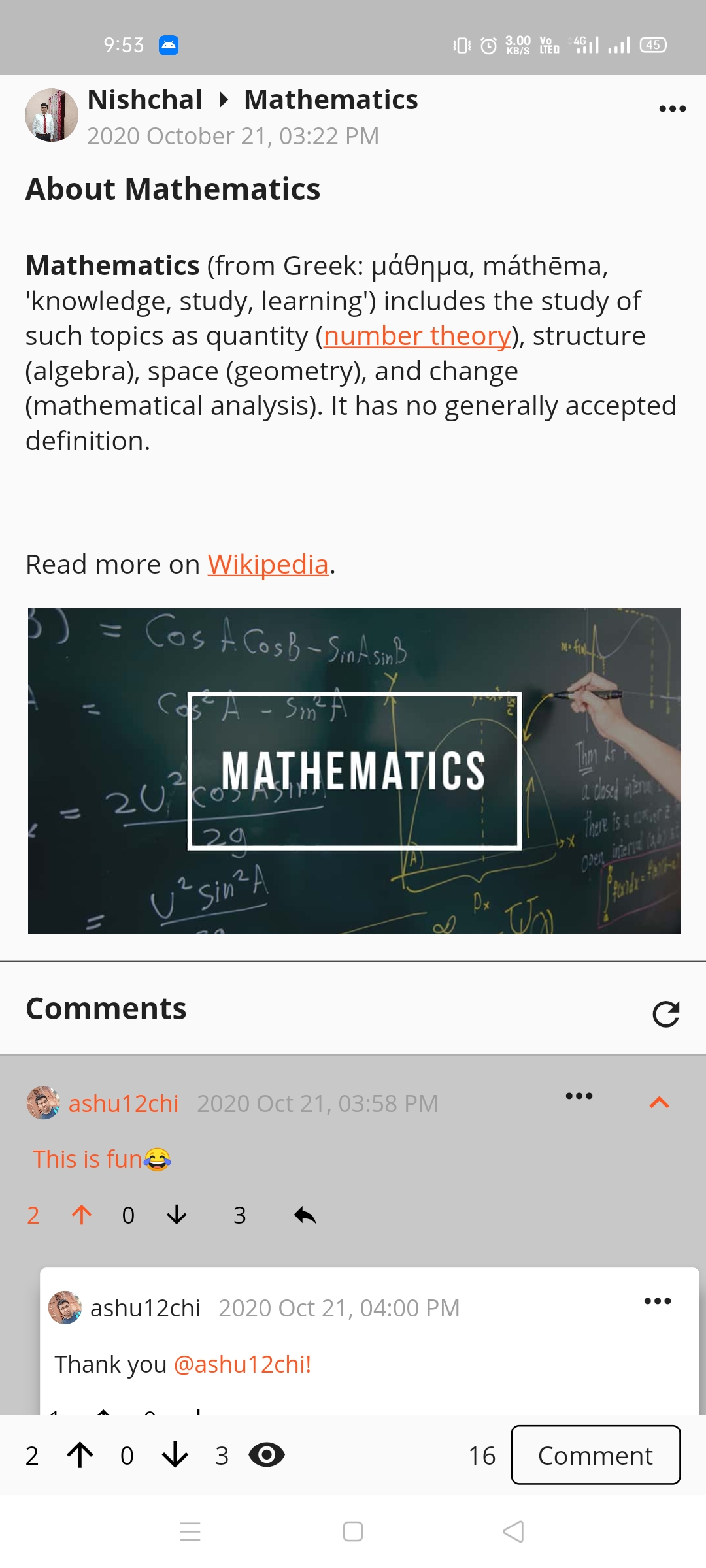
|Home screen feed 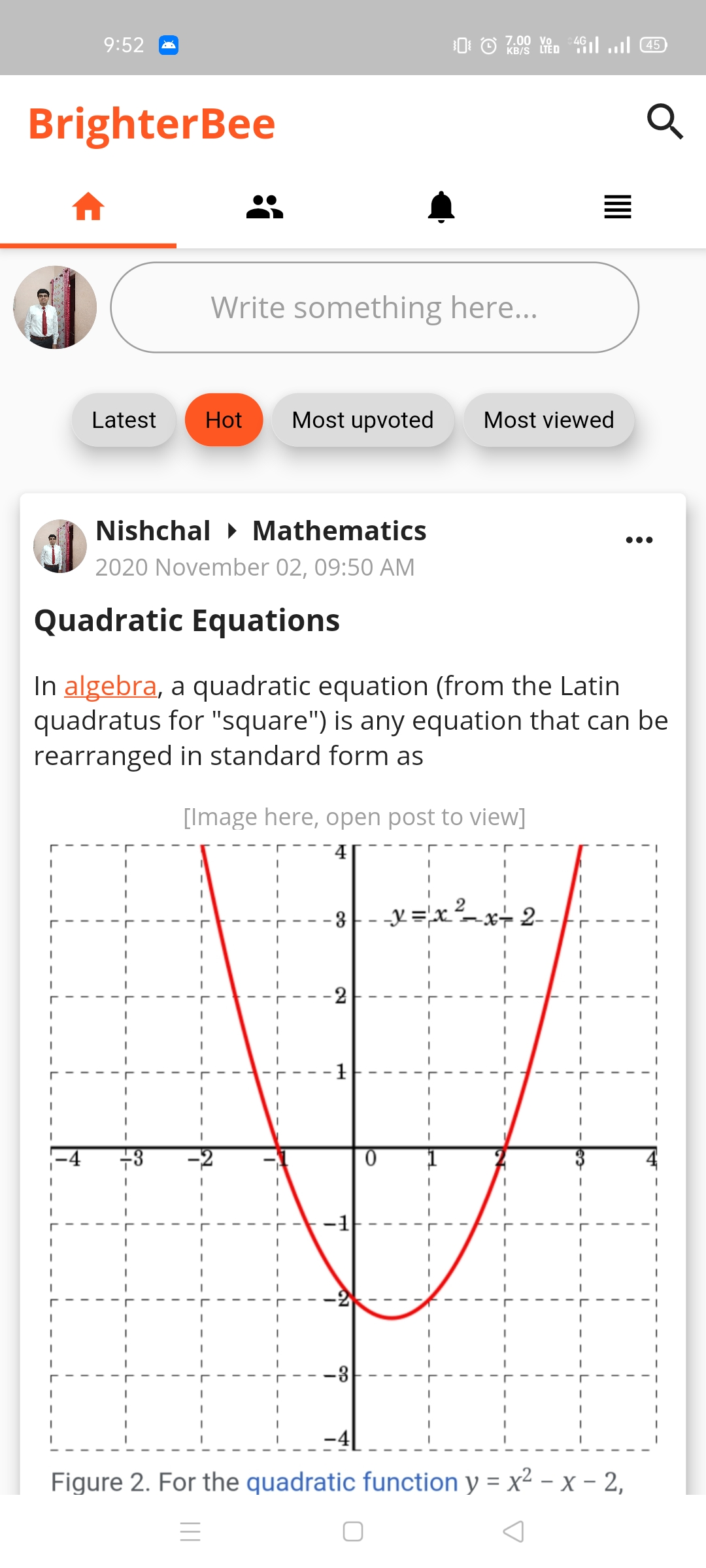 |Post view
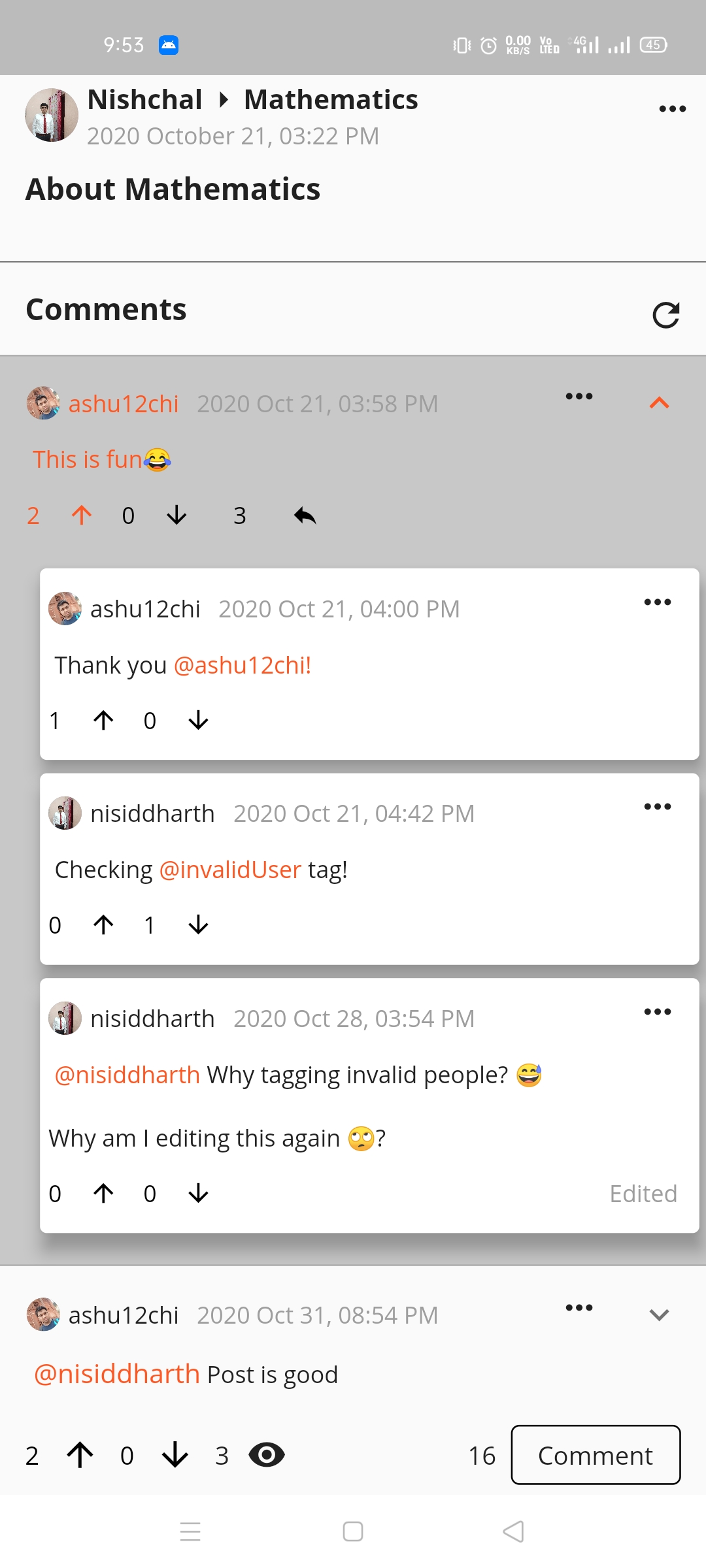
  |Comments and Replies
  |
|Post options for creator
|
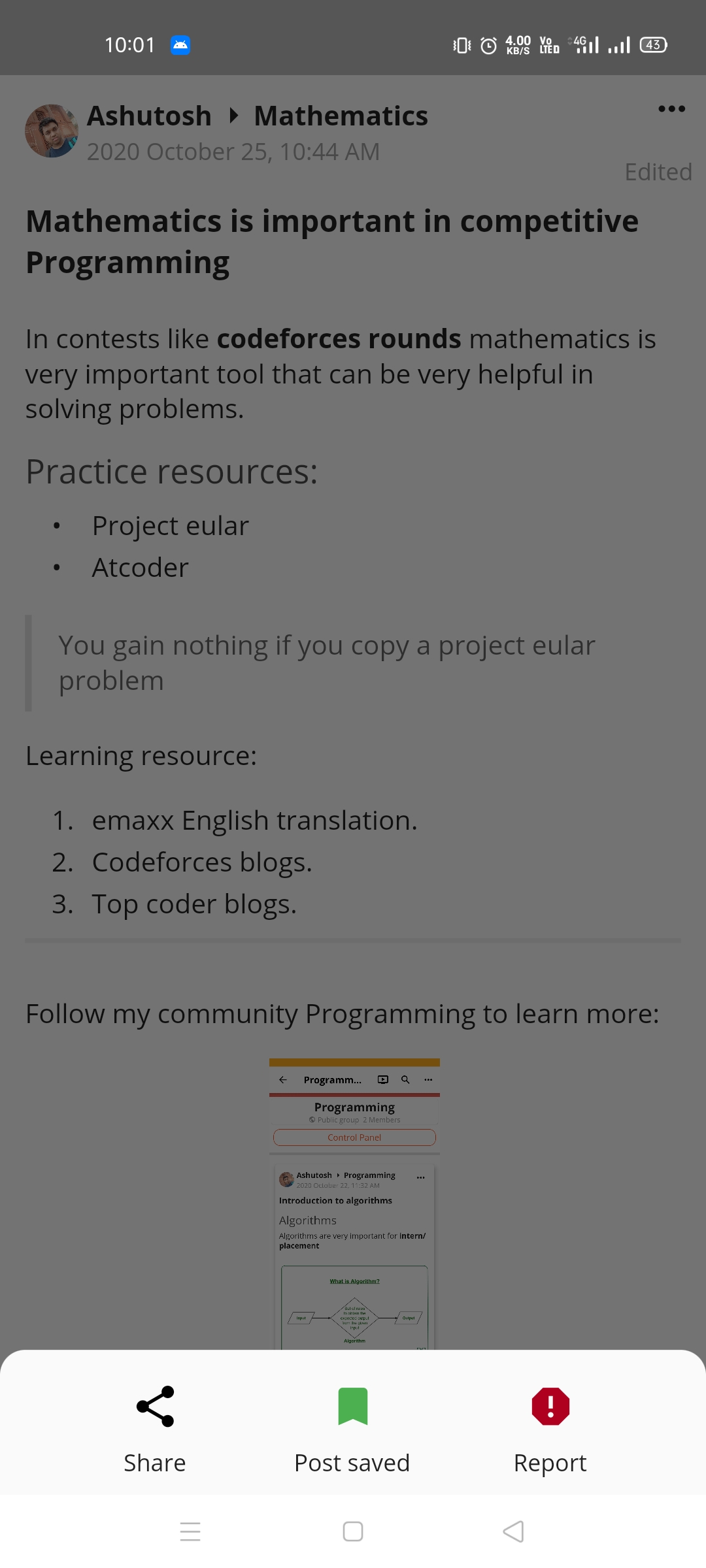
|Post options for creator 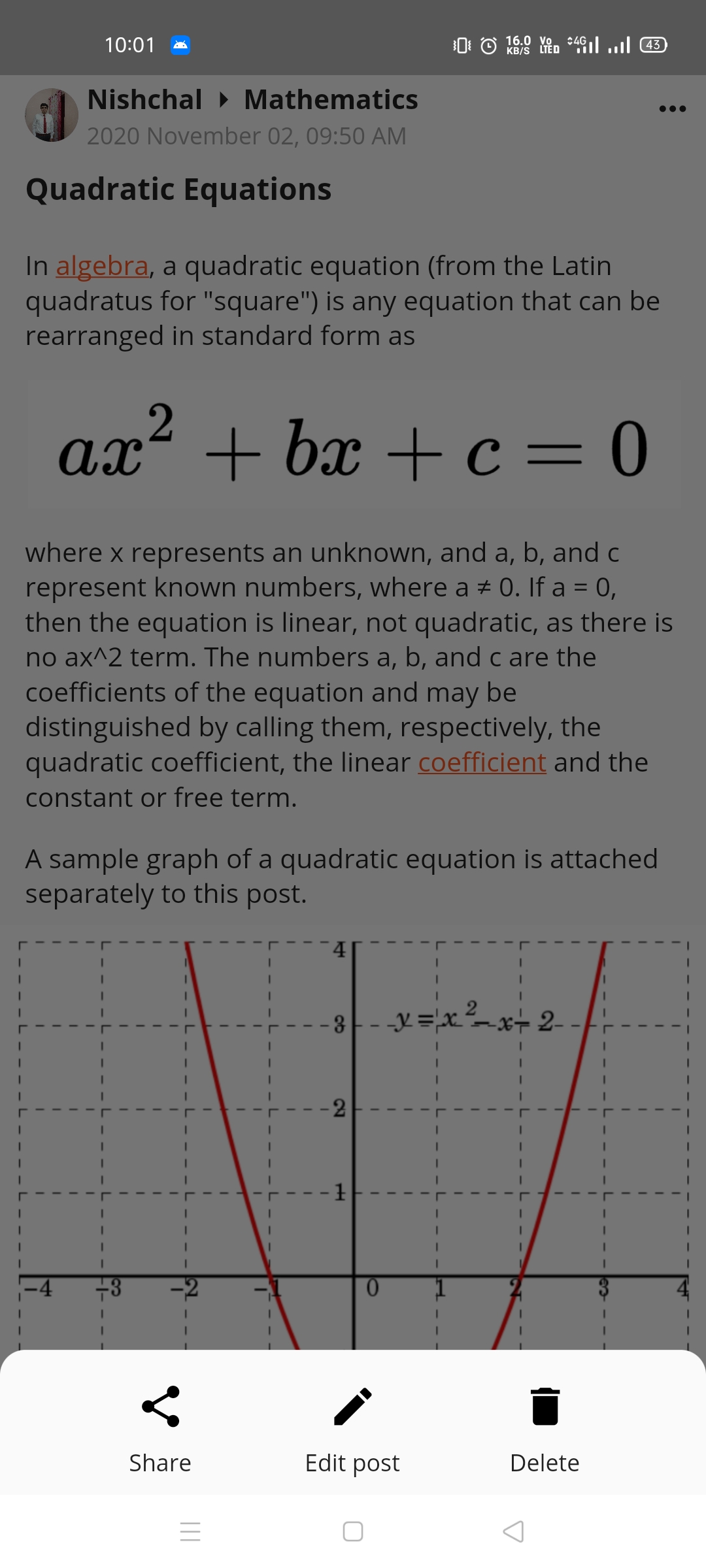 |Post options for viewer
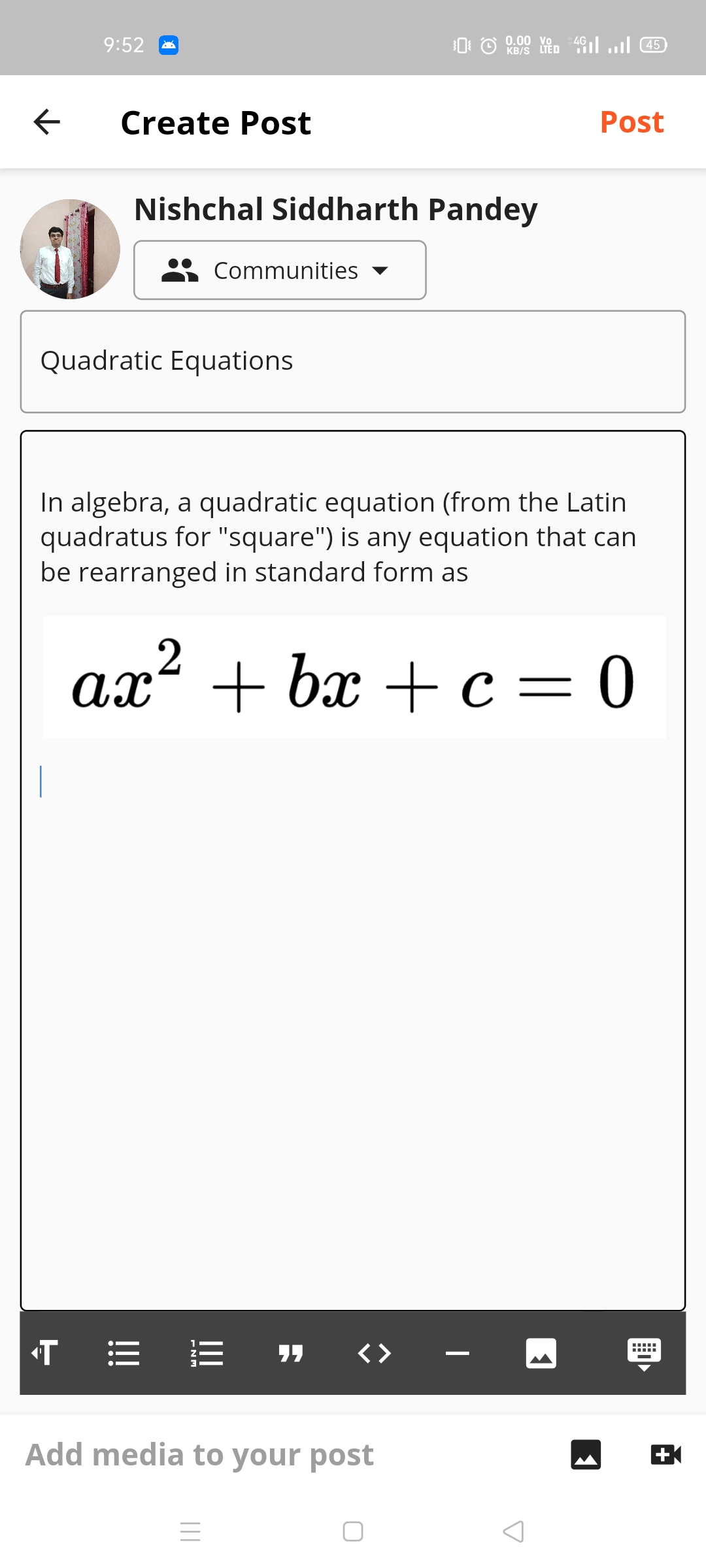
  |Create post
  |
|Warning to save draft
|
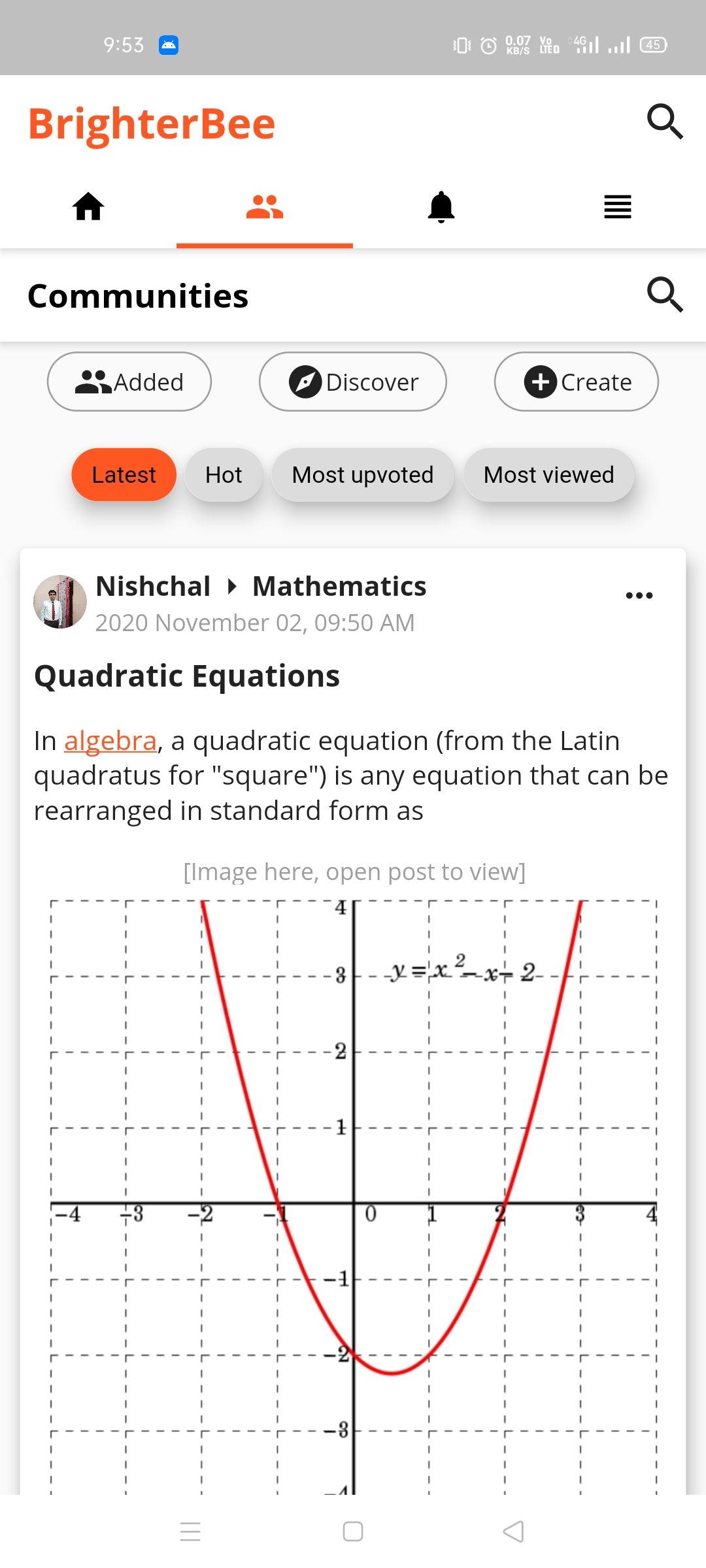
|Warning to save draft 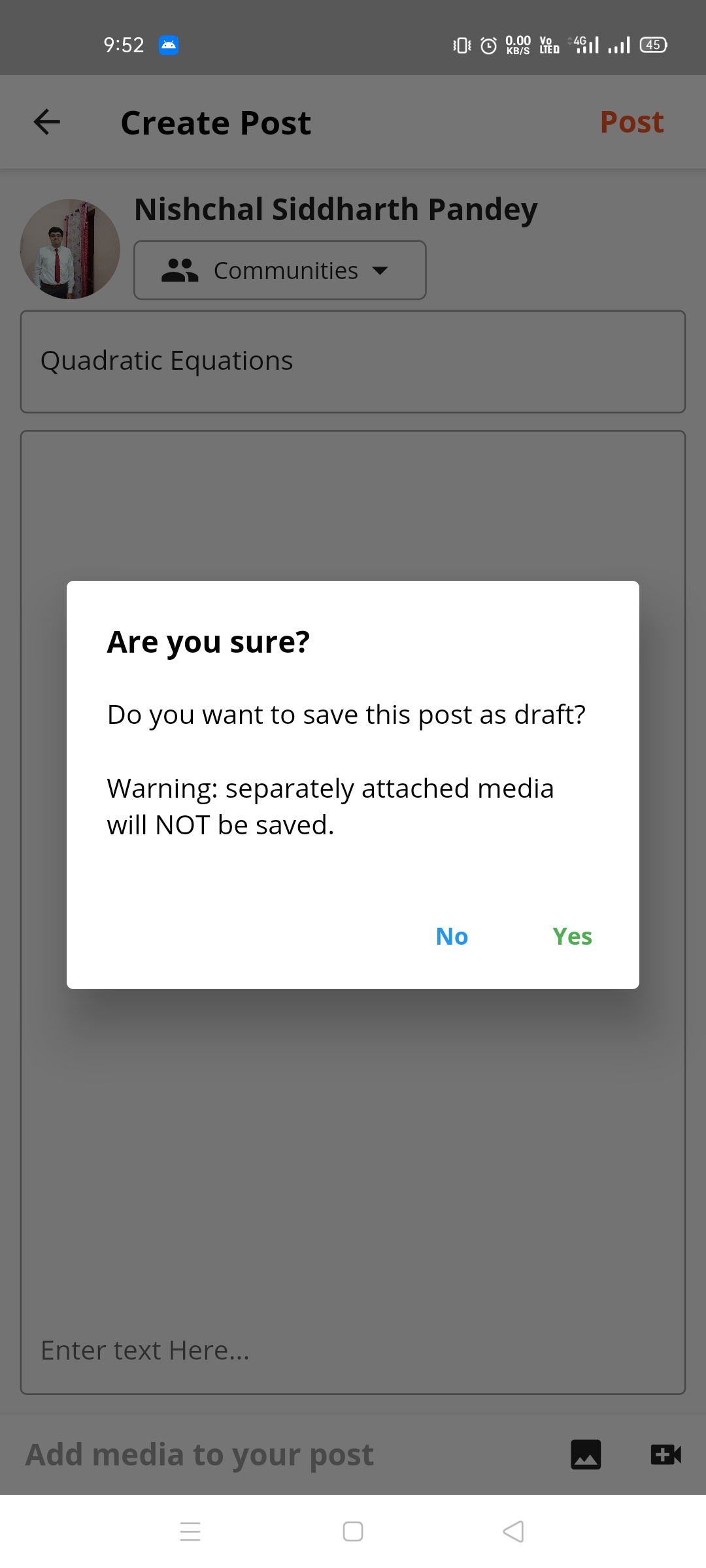 |Community tab feed
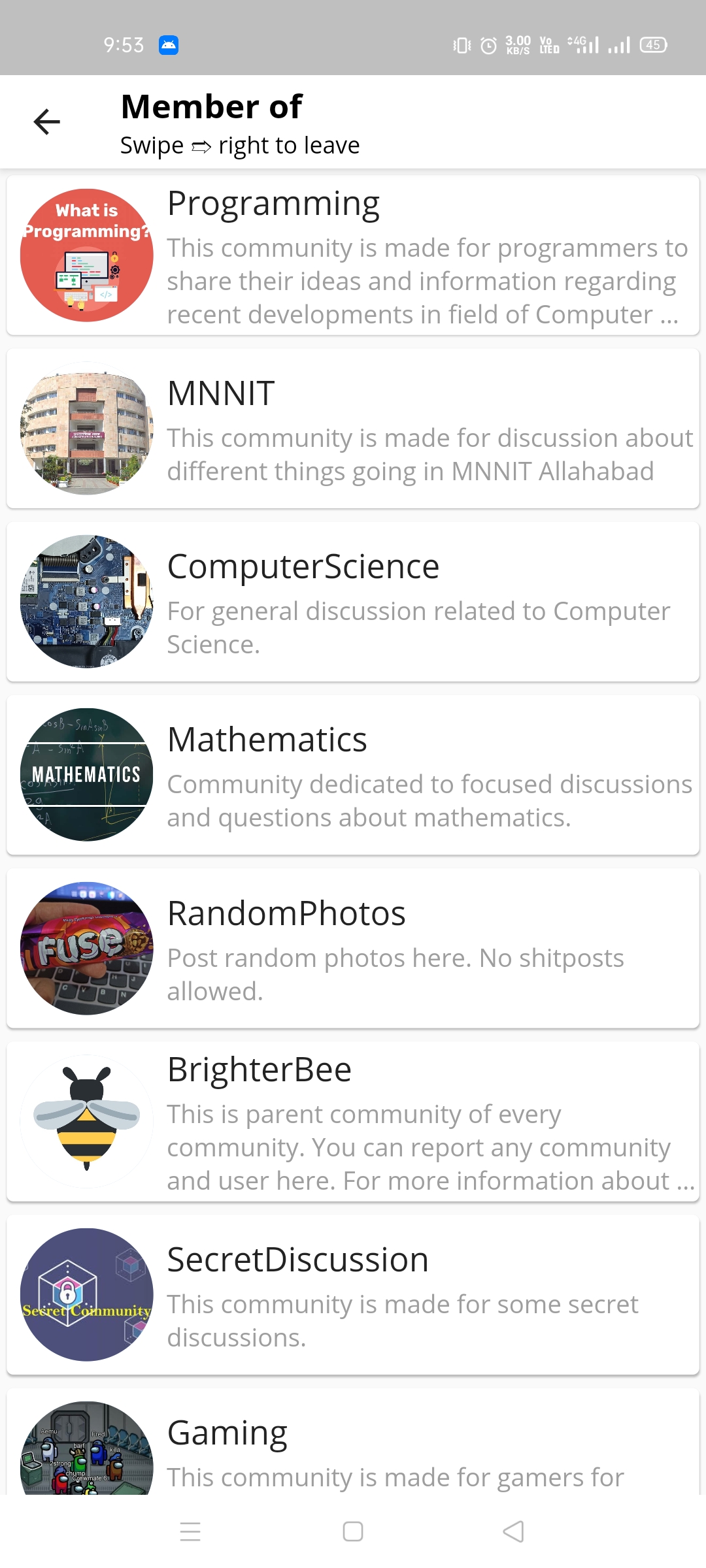
  | List of member communities
  |
|Create community
|
|Create community 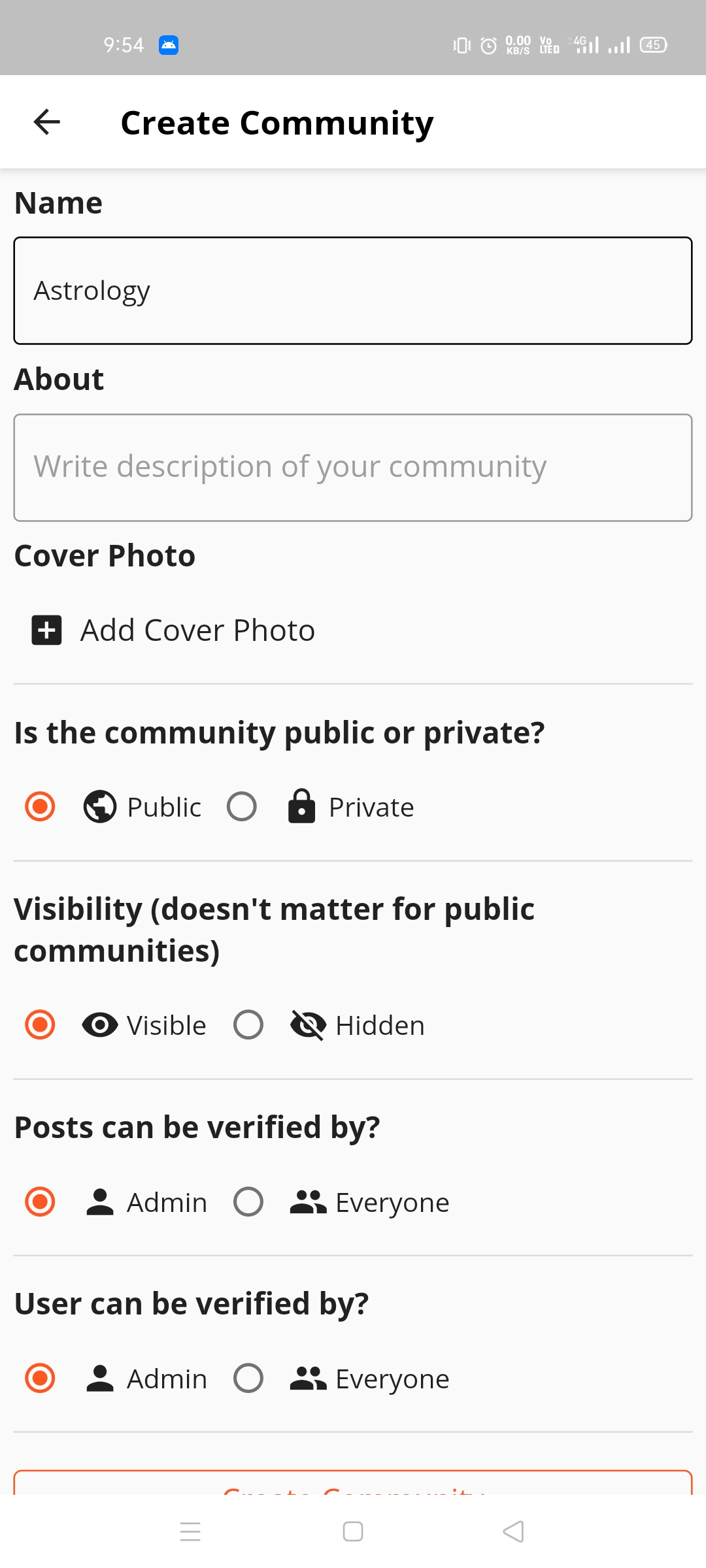 |List of all public communities, button at top for private ones
 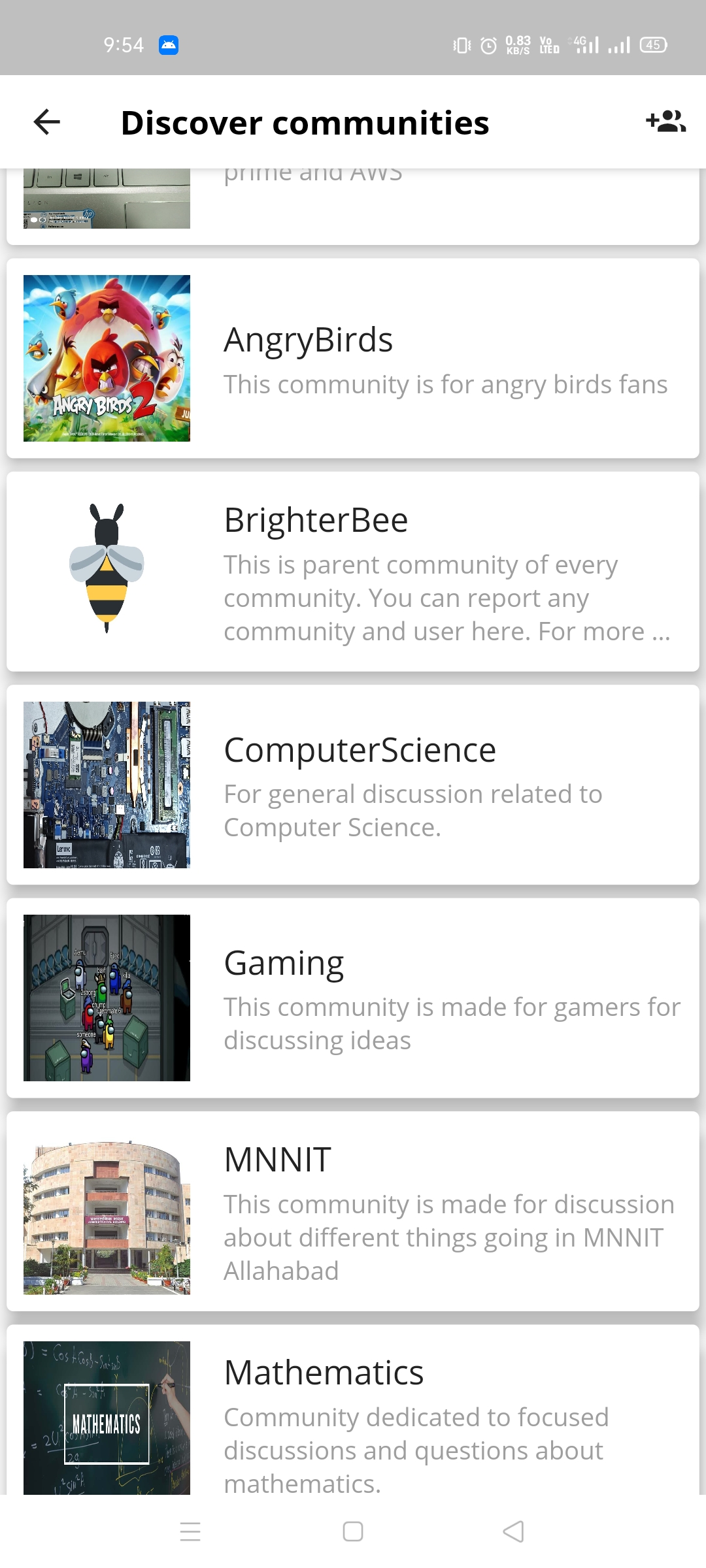 |Community home
 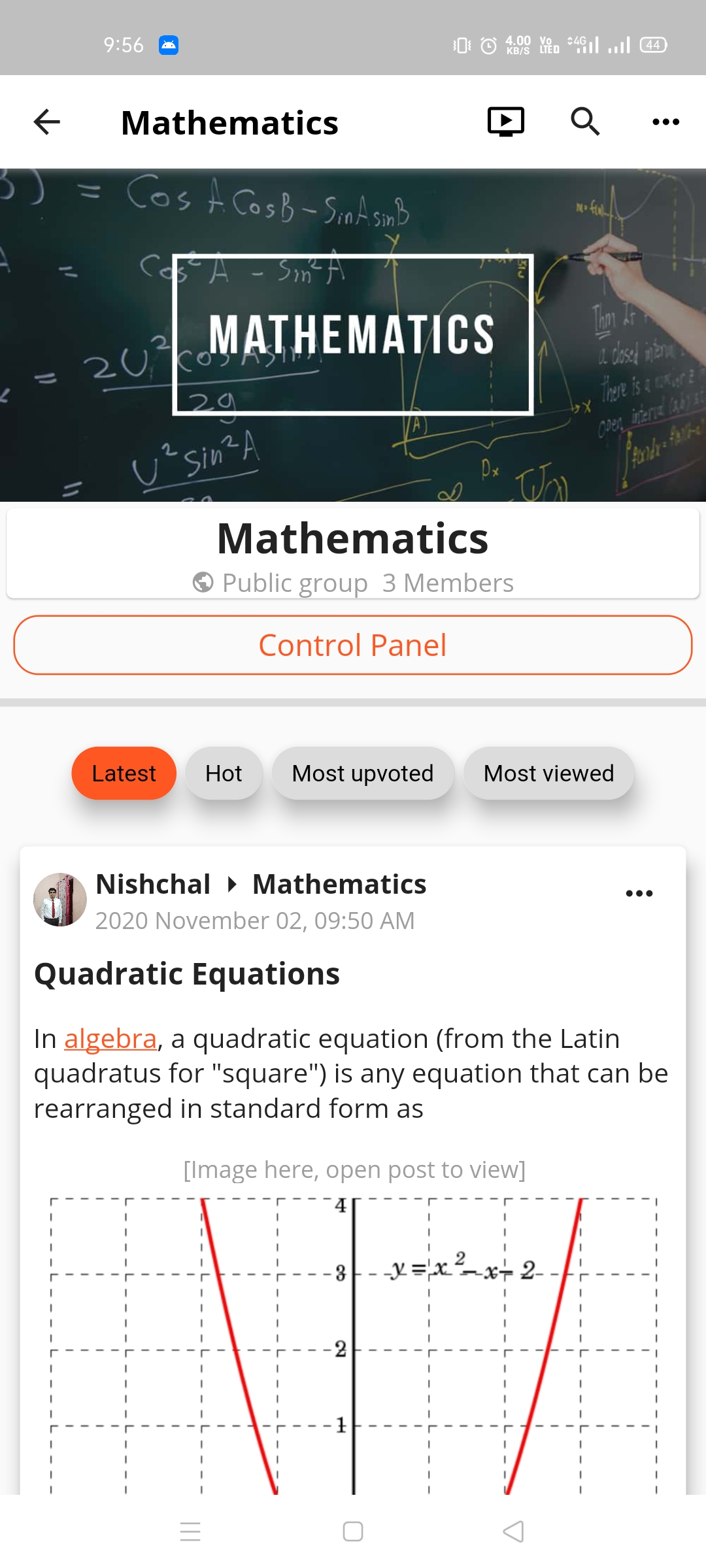 |
|Community options
|
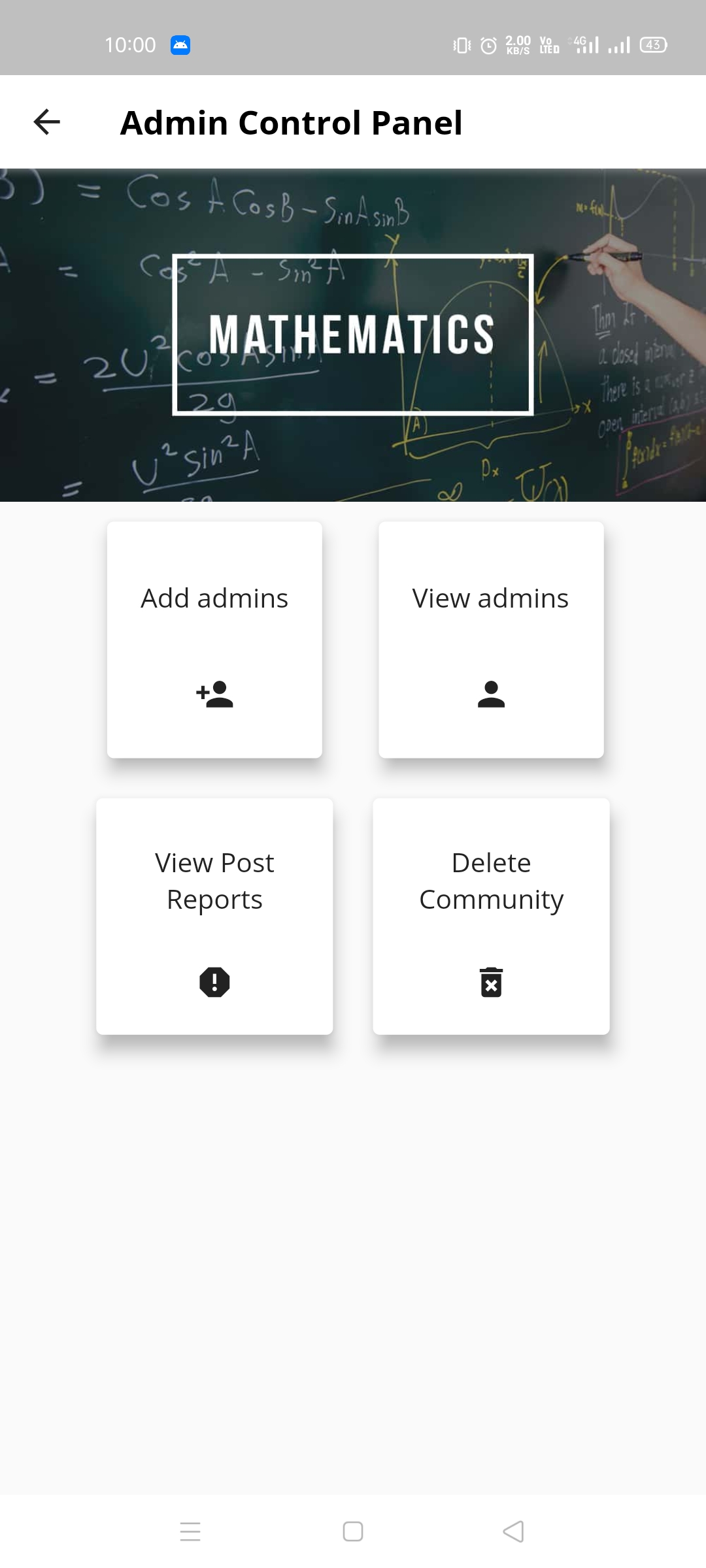
|Community options 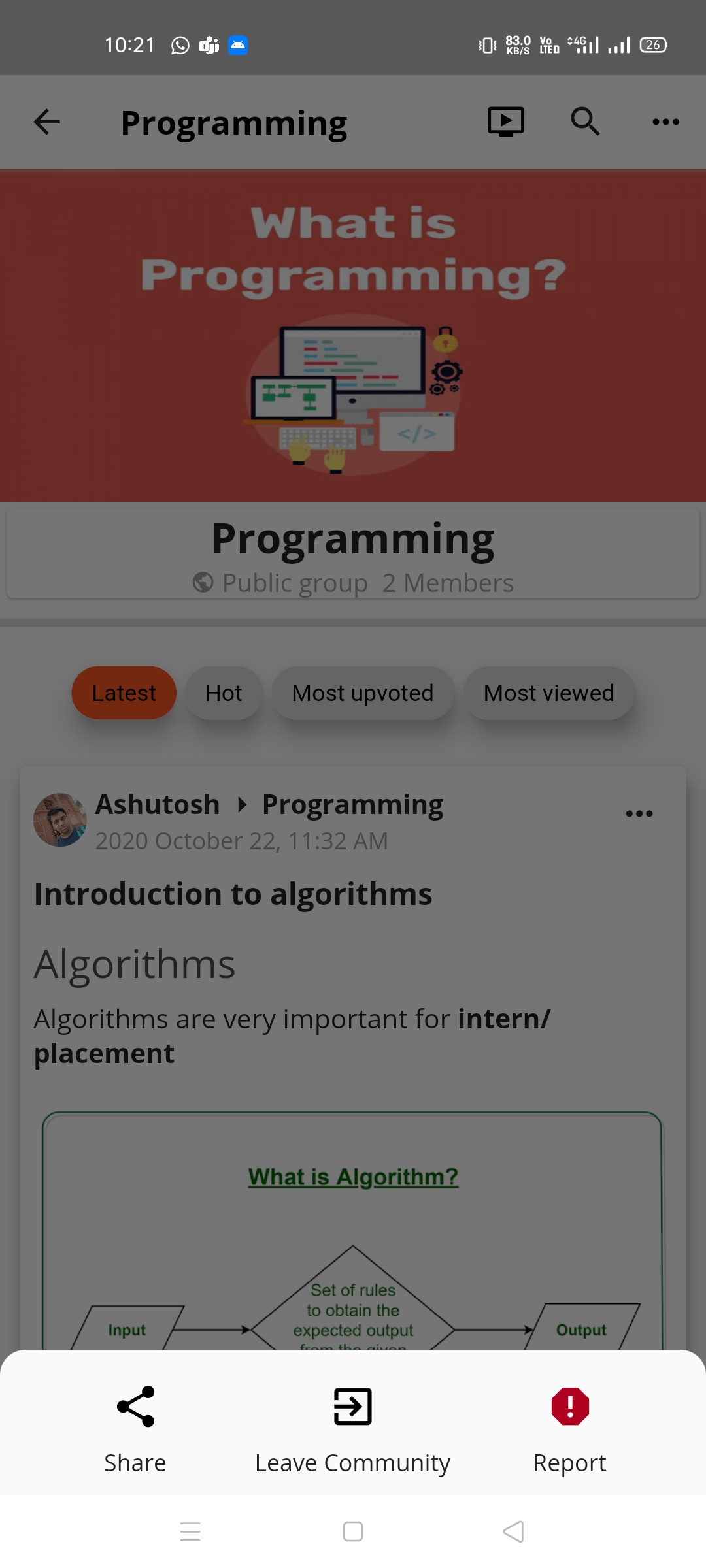 |Admin control panel
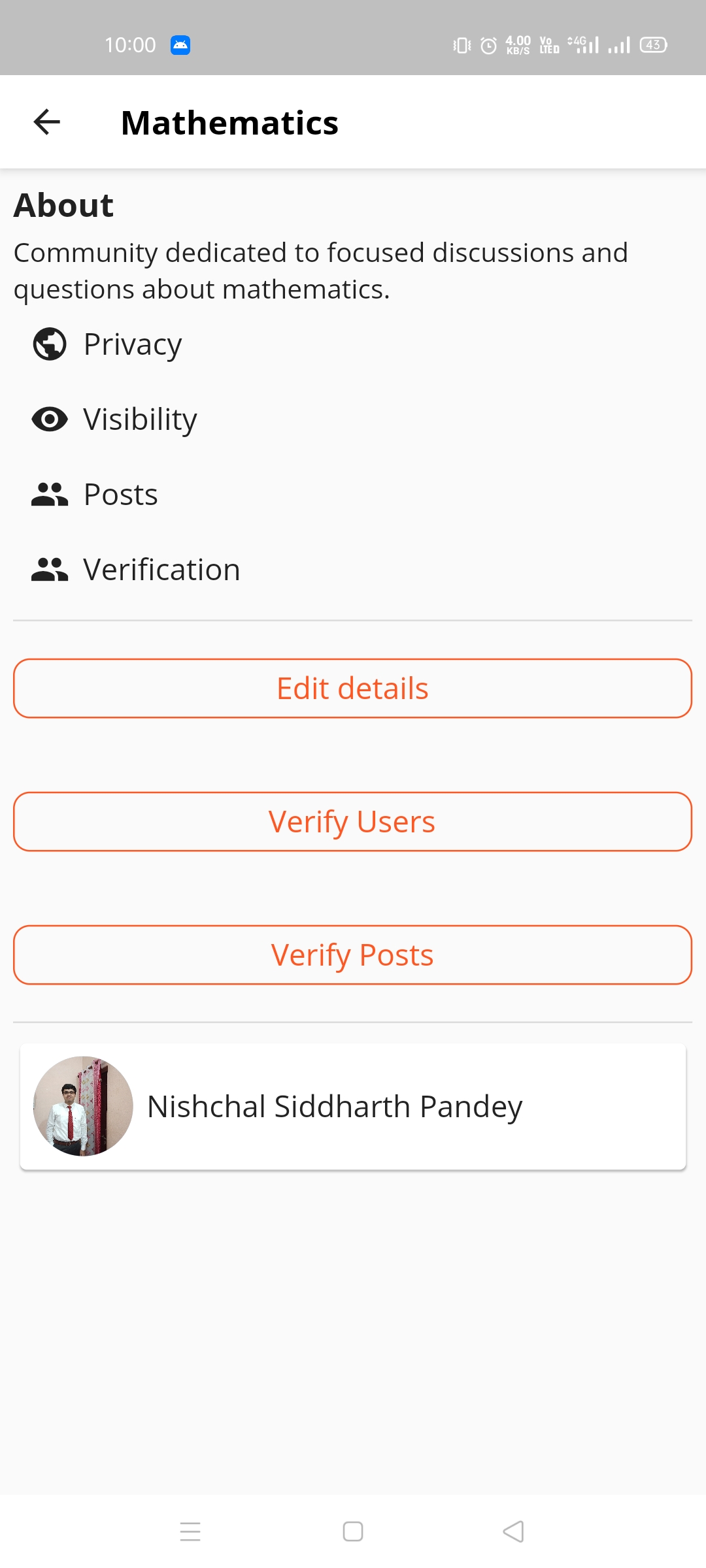
  |Community profile
  |
|Live stream
|
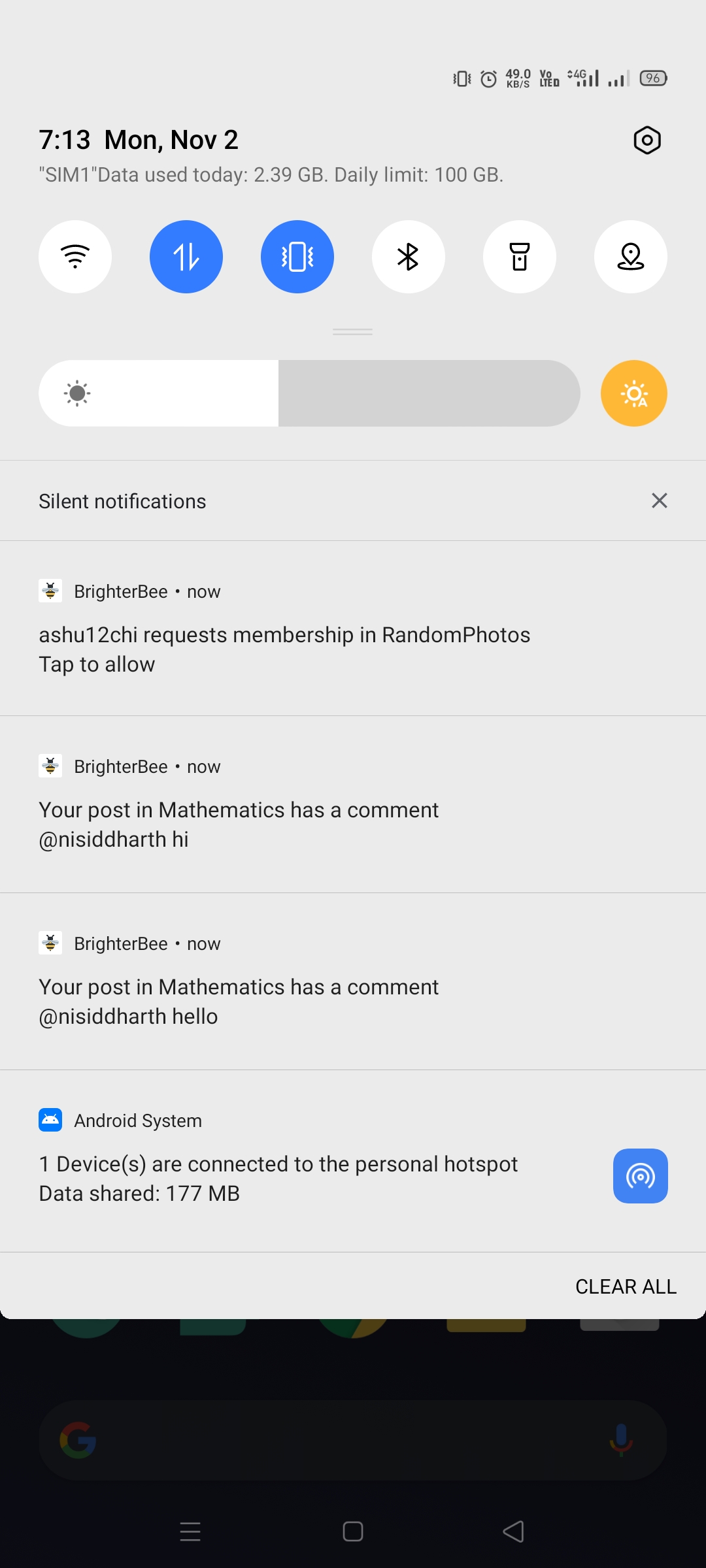
|Live stream 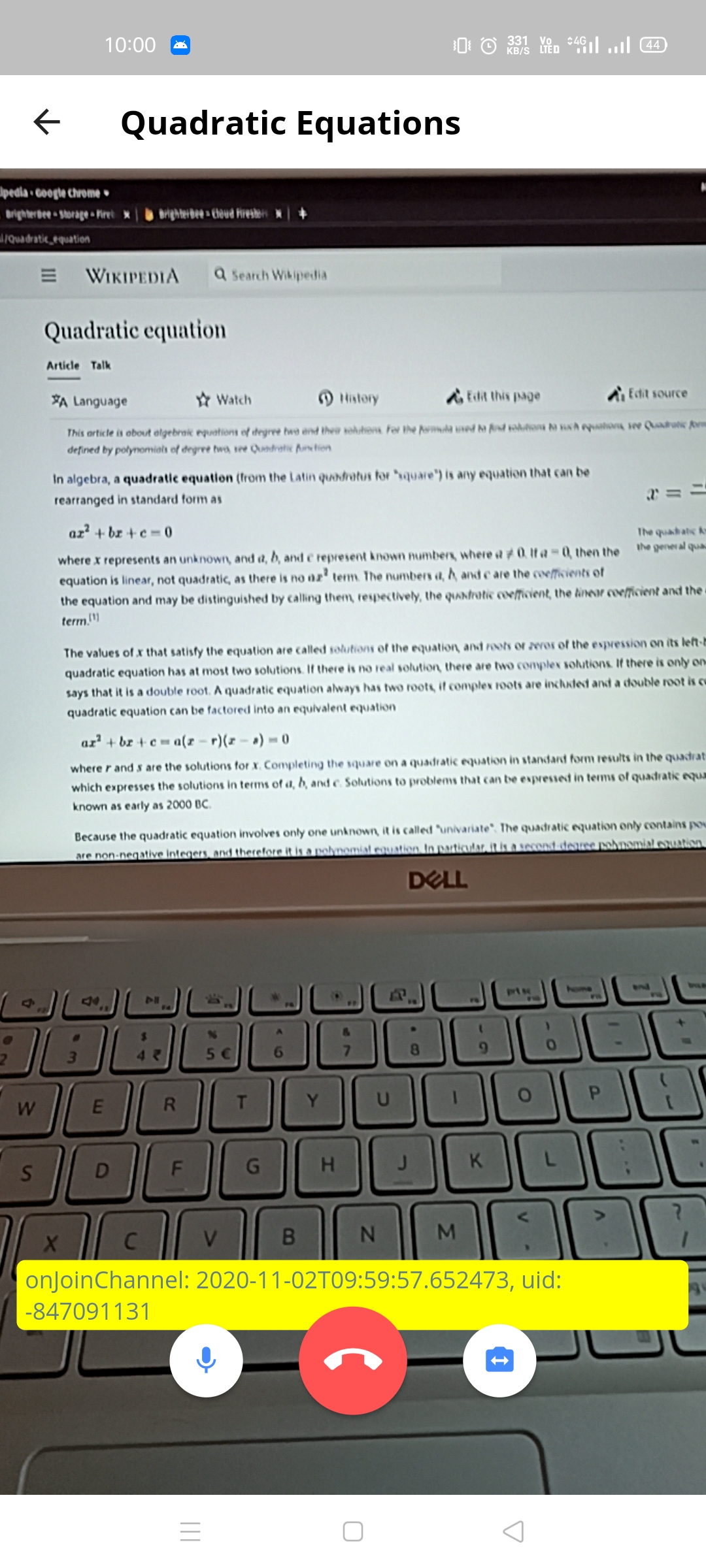 |Notifications screen
 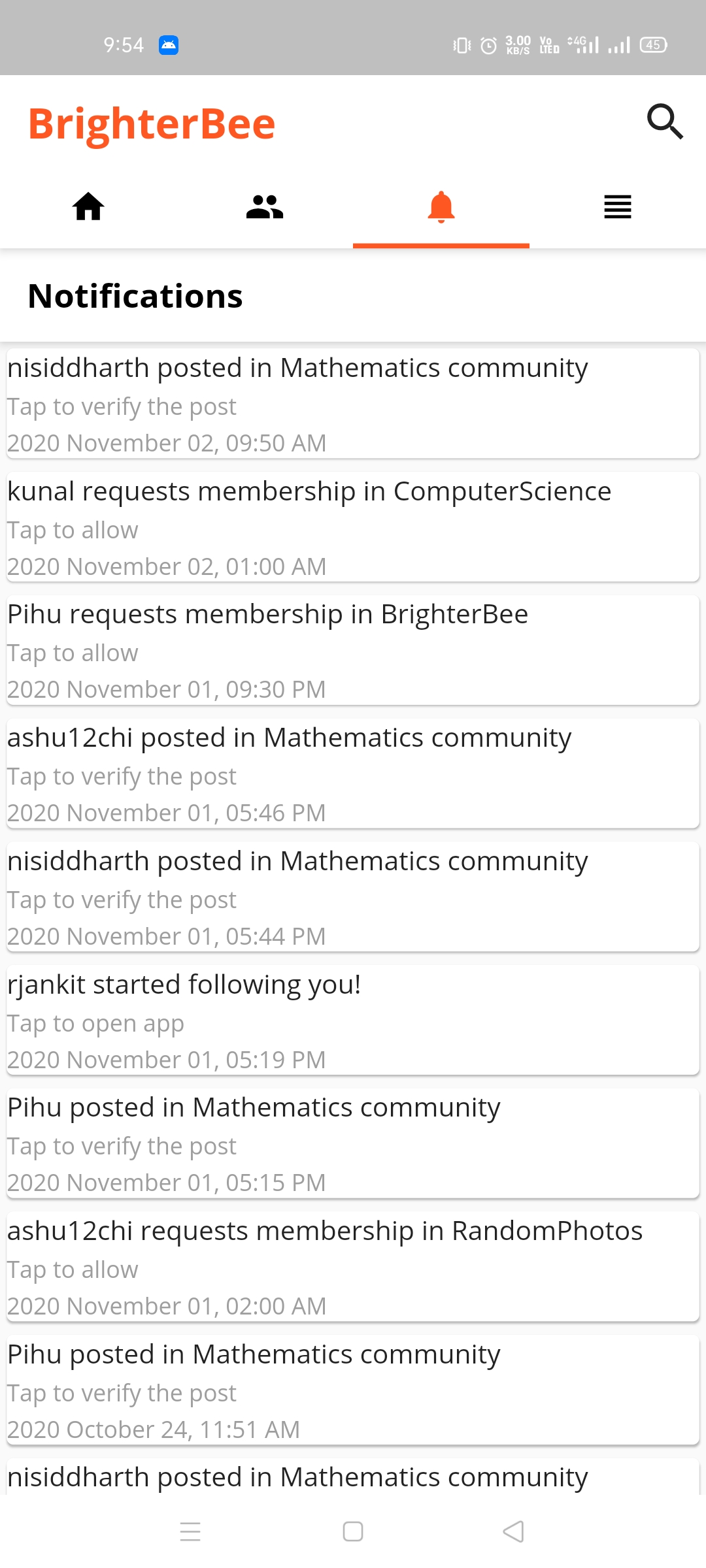 |Notifications
  |
|More options
|
|More options 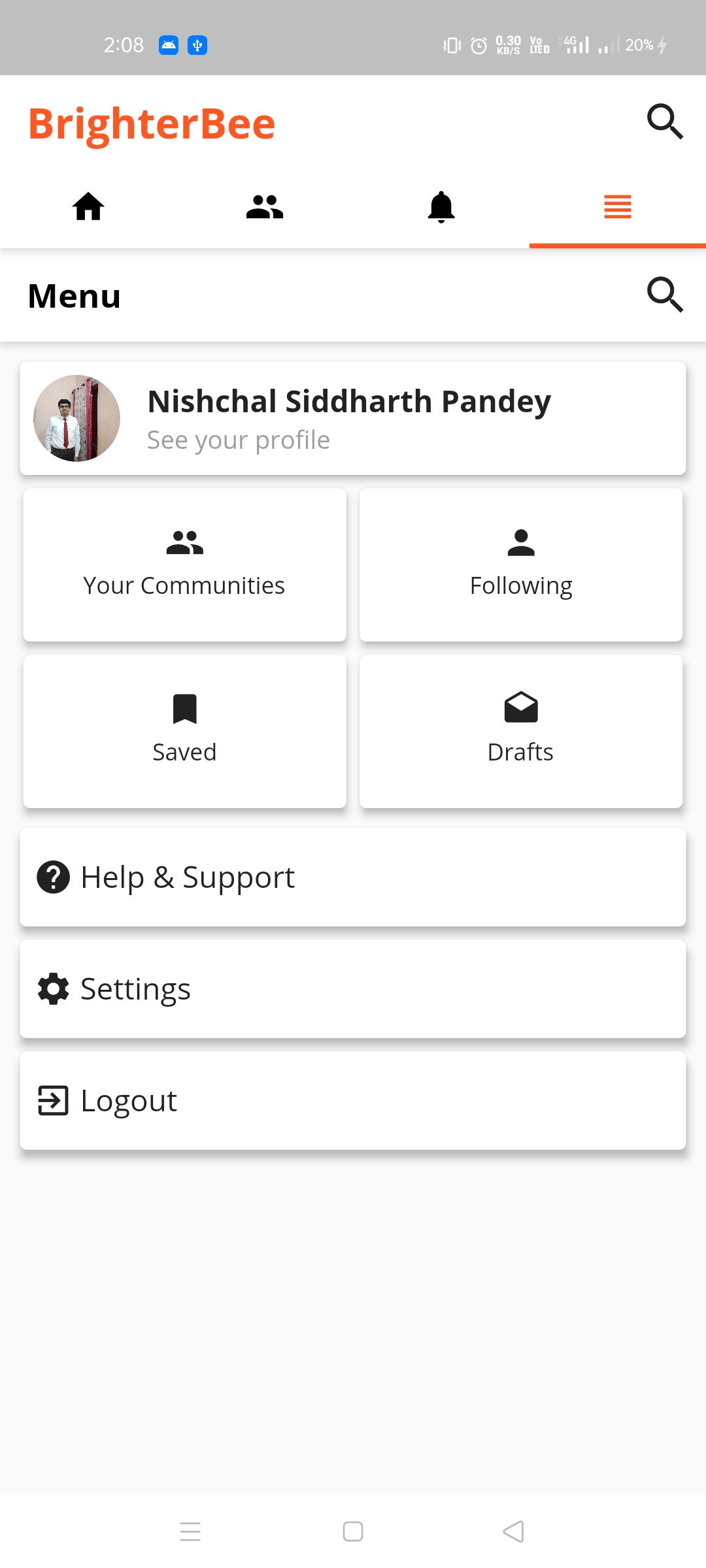 |Search posts
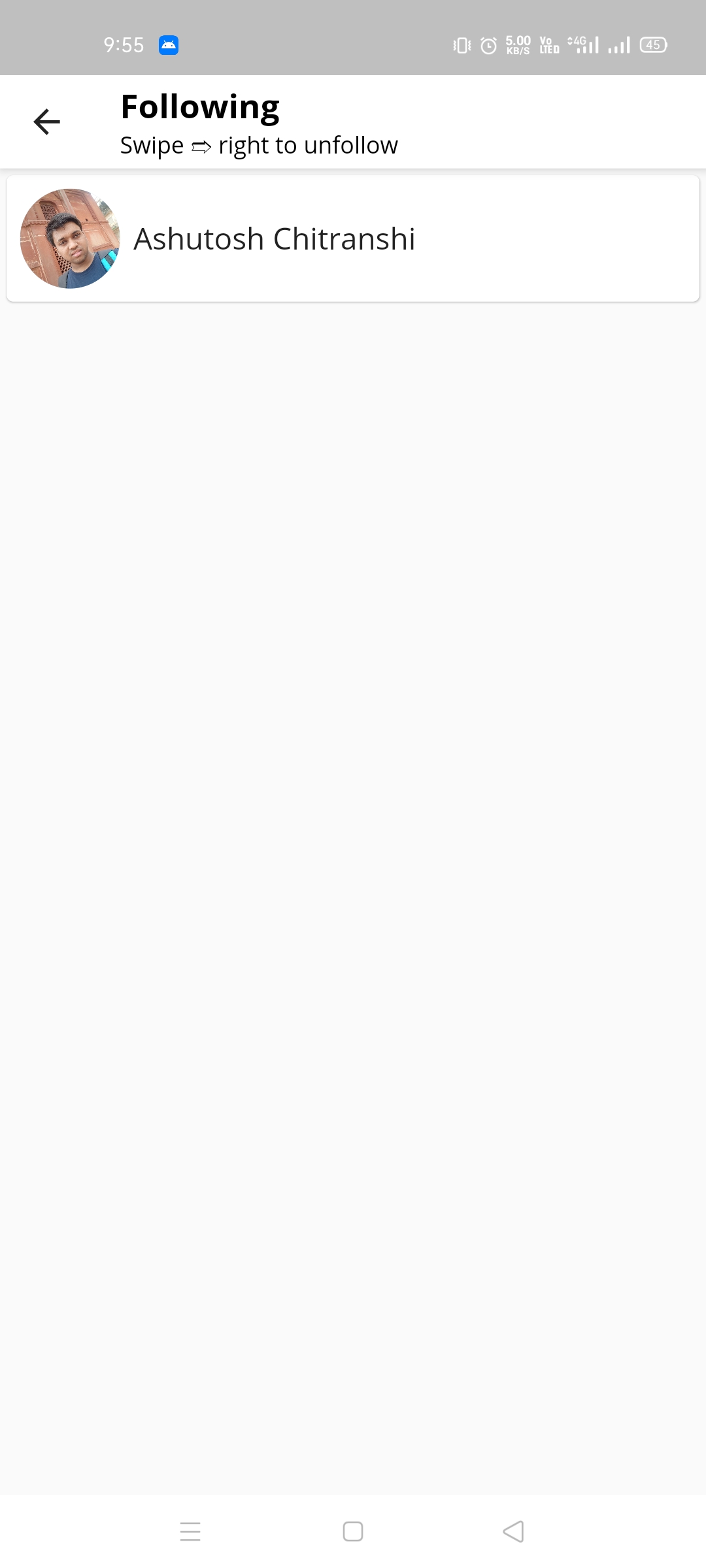
 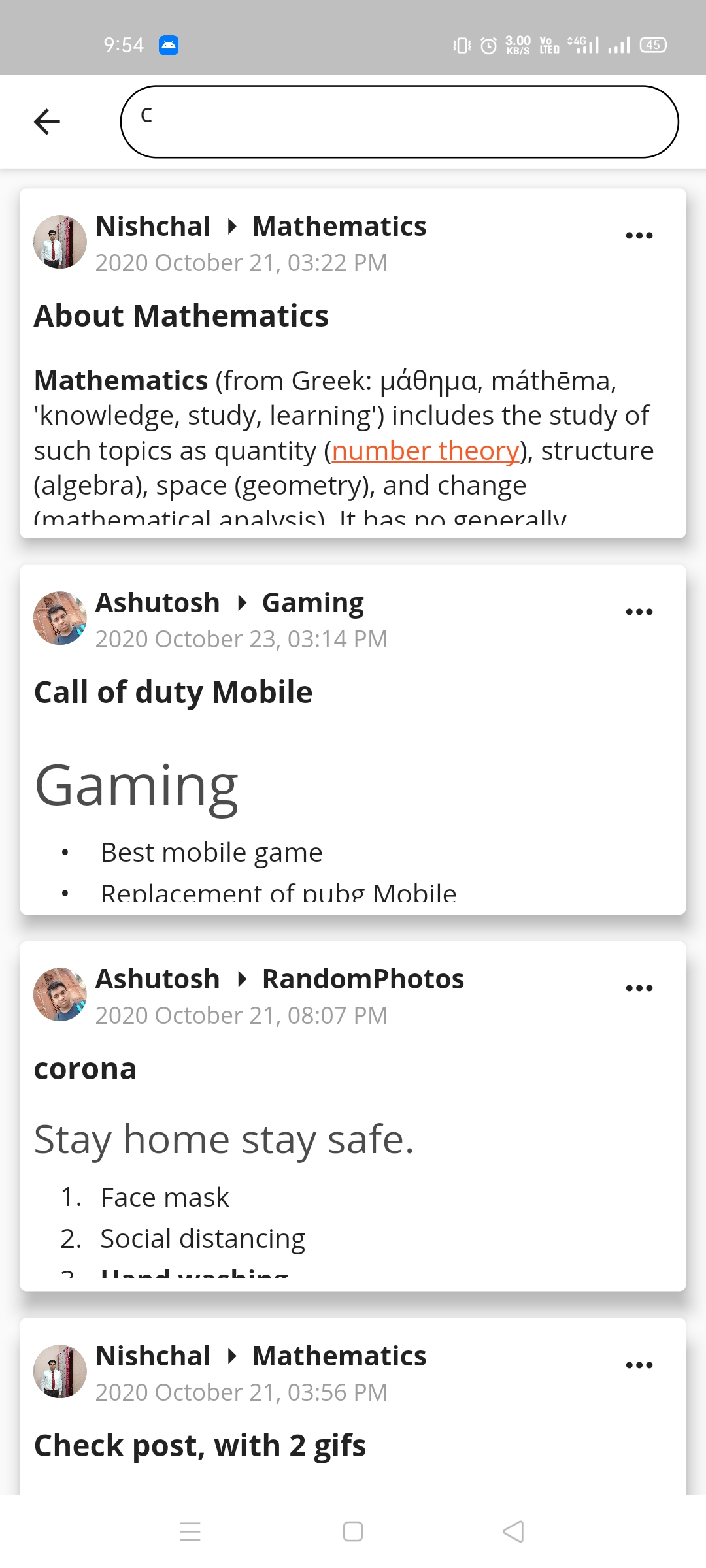 |Following list
  |
|Saved posts
|
|Saved posts 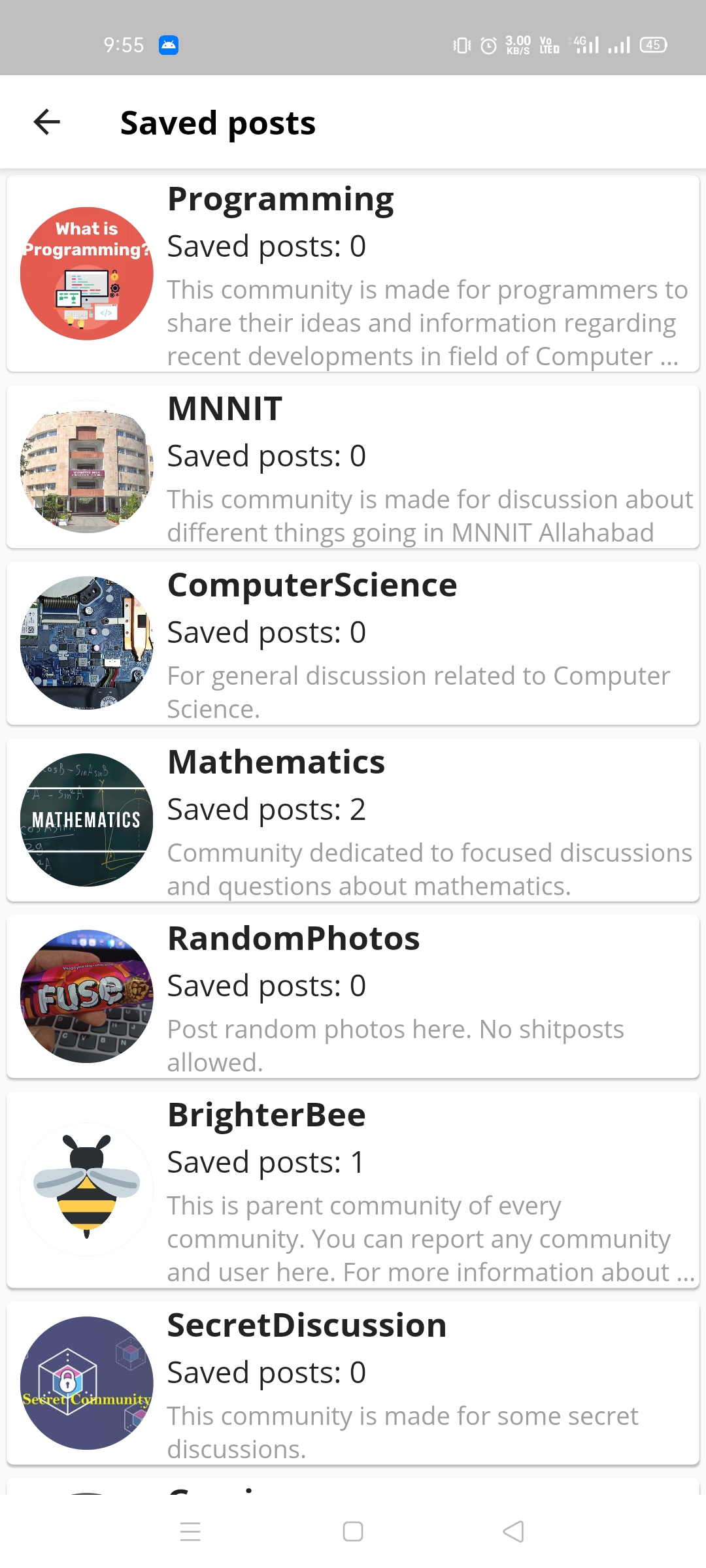 |Saved in community
  |Search communities
  |
|Search users
|
|Search users 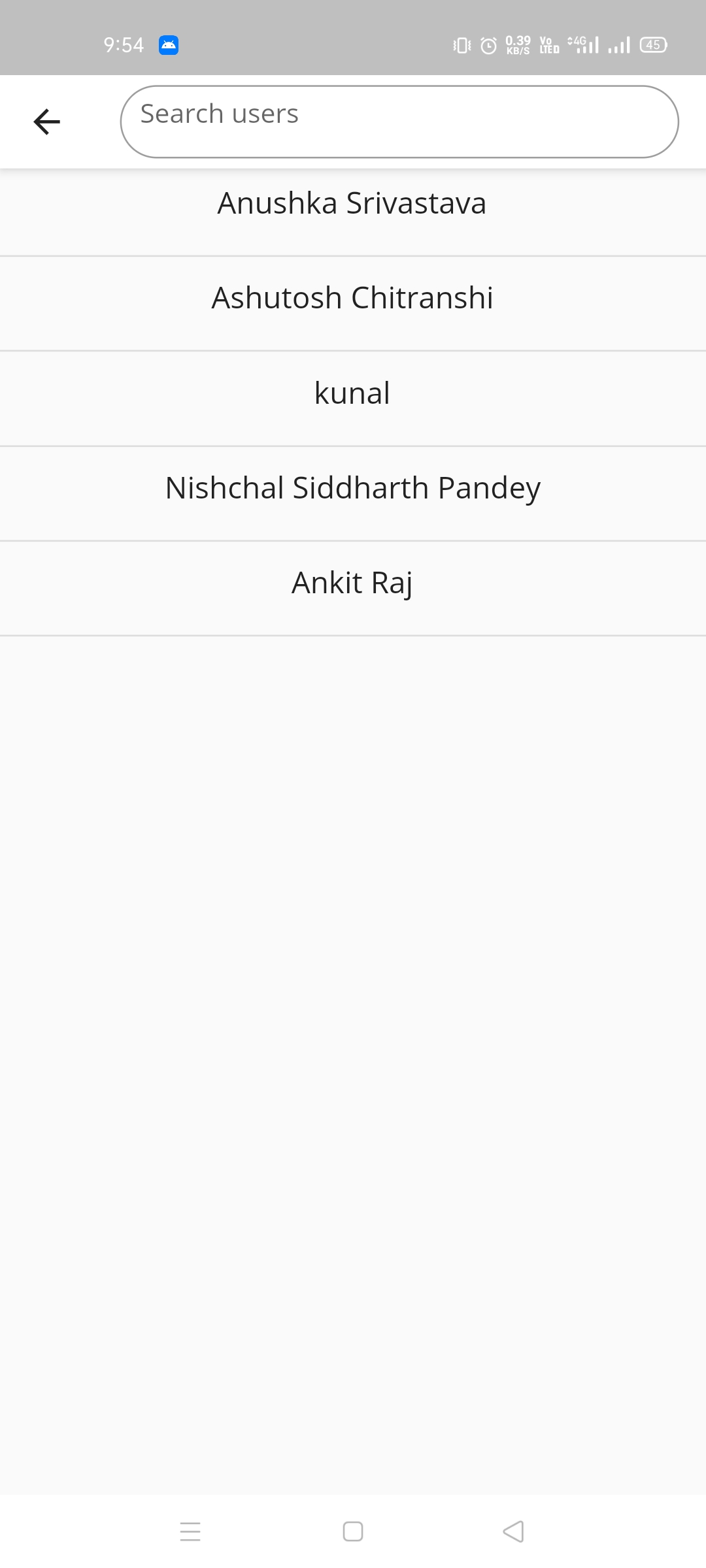 |User profile
  |User's posts
  |
|Leave community by swipe
|
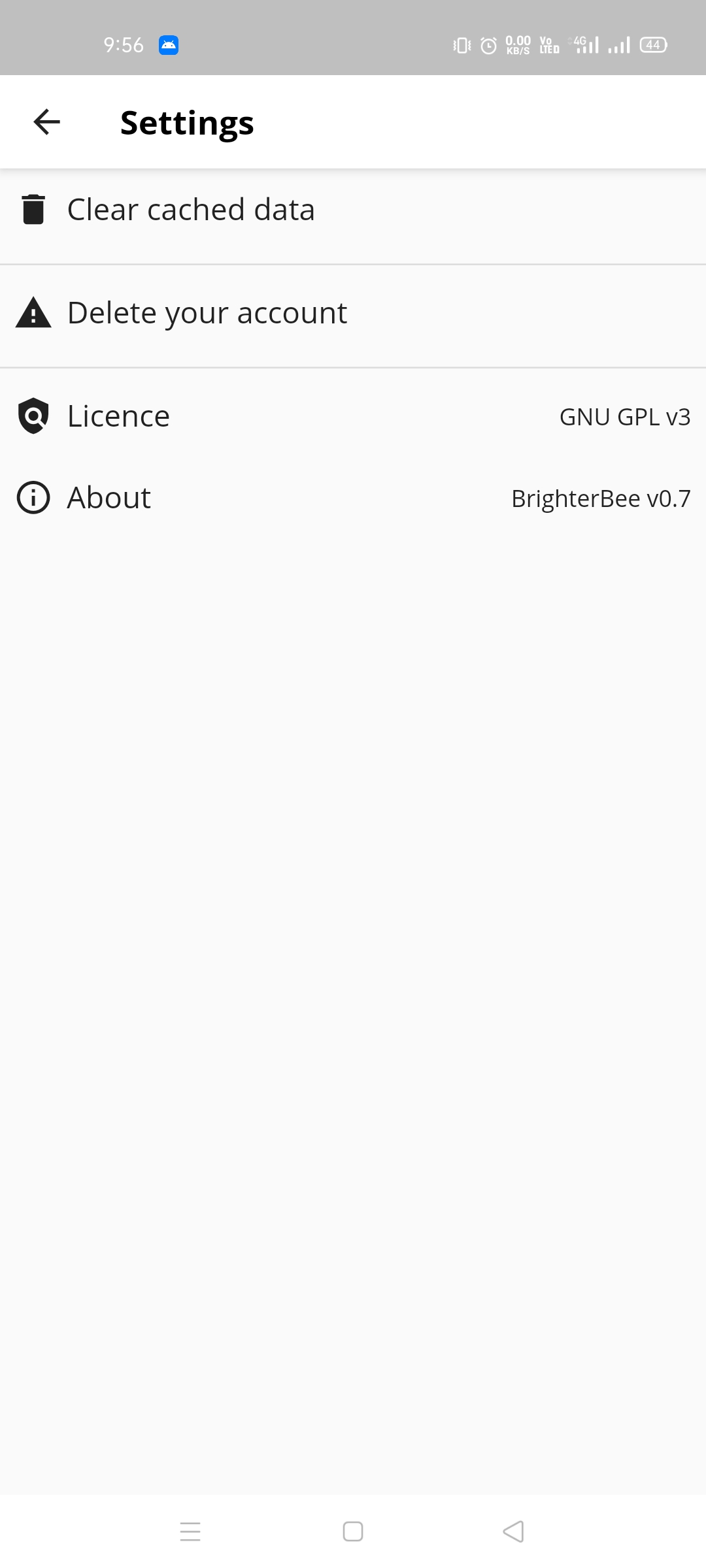
|Leave community by swipe 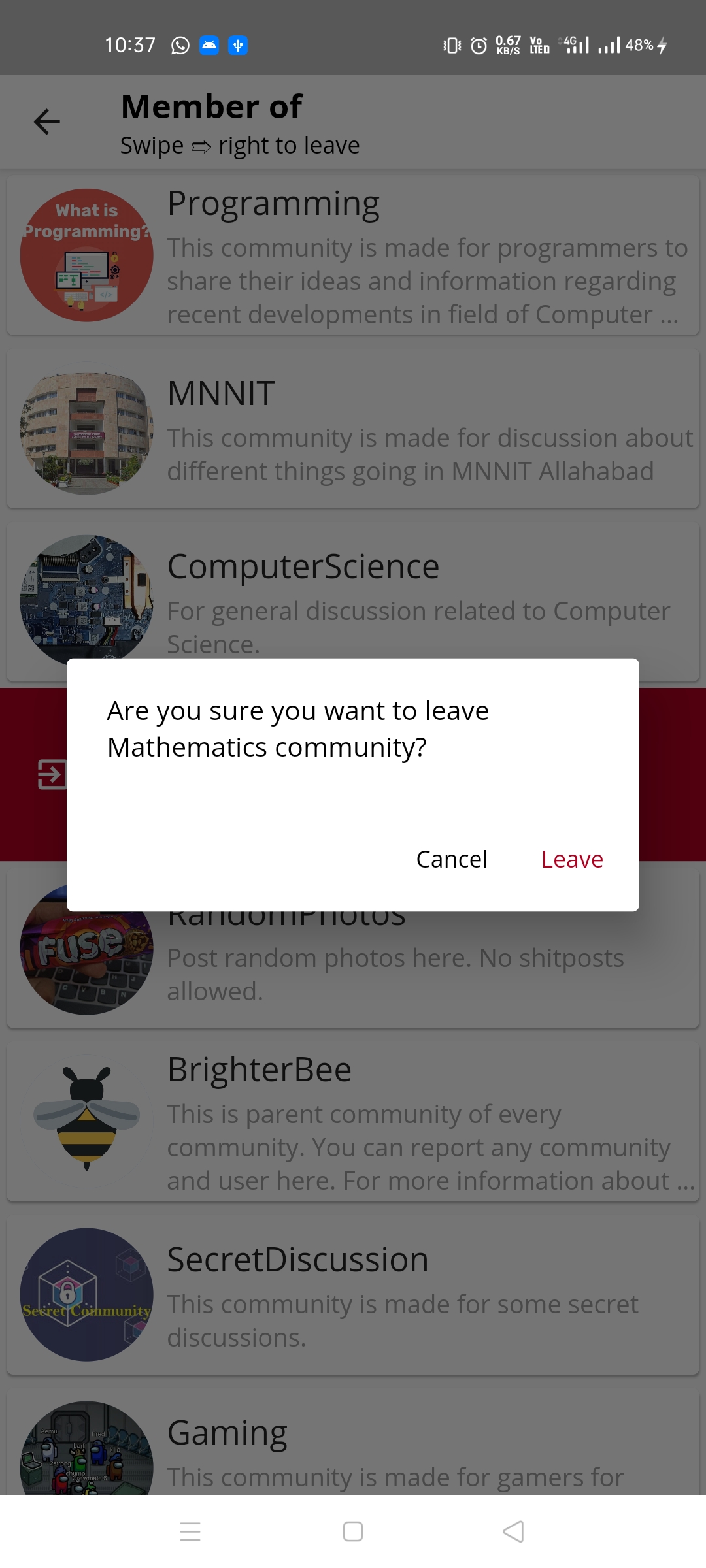 | Settings
 |Dark theme feed
 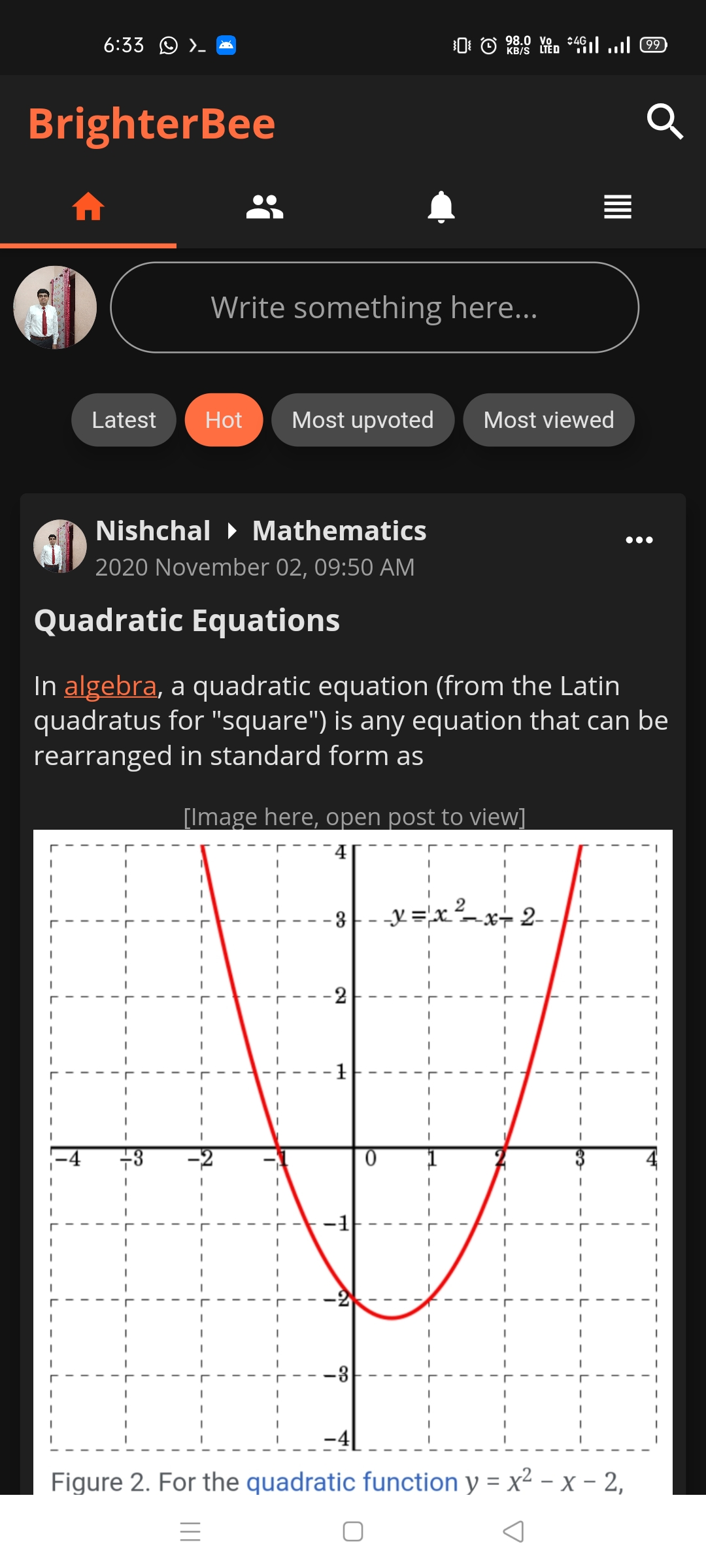 |
|Dark theme more options screen
|
|Dark theme more options screen 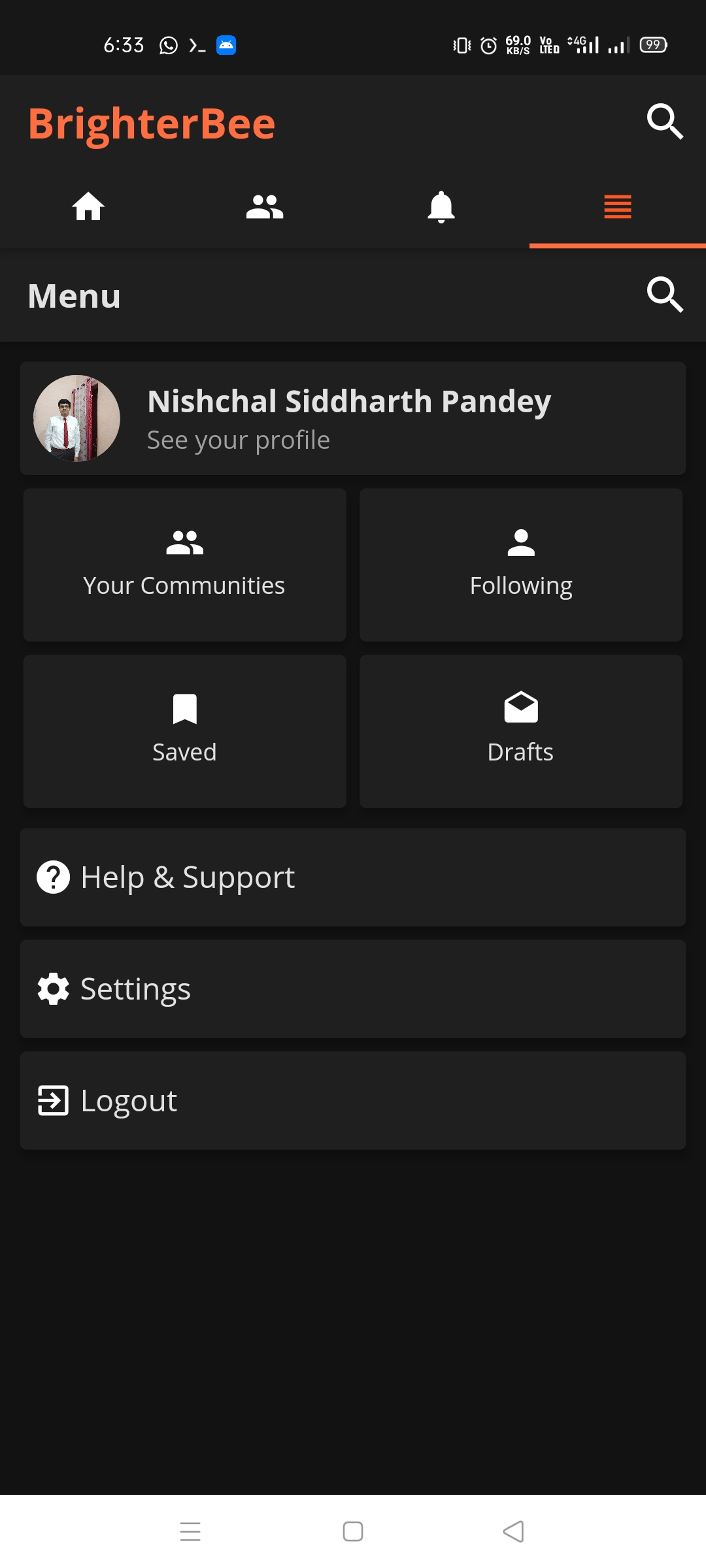 |Dark theme profile
 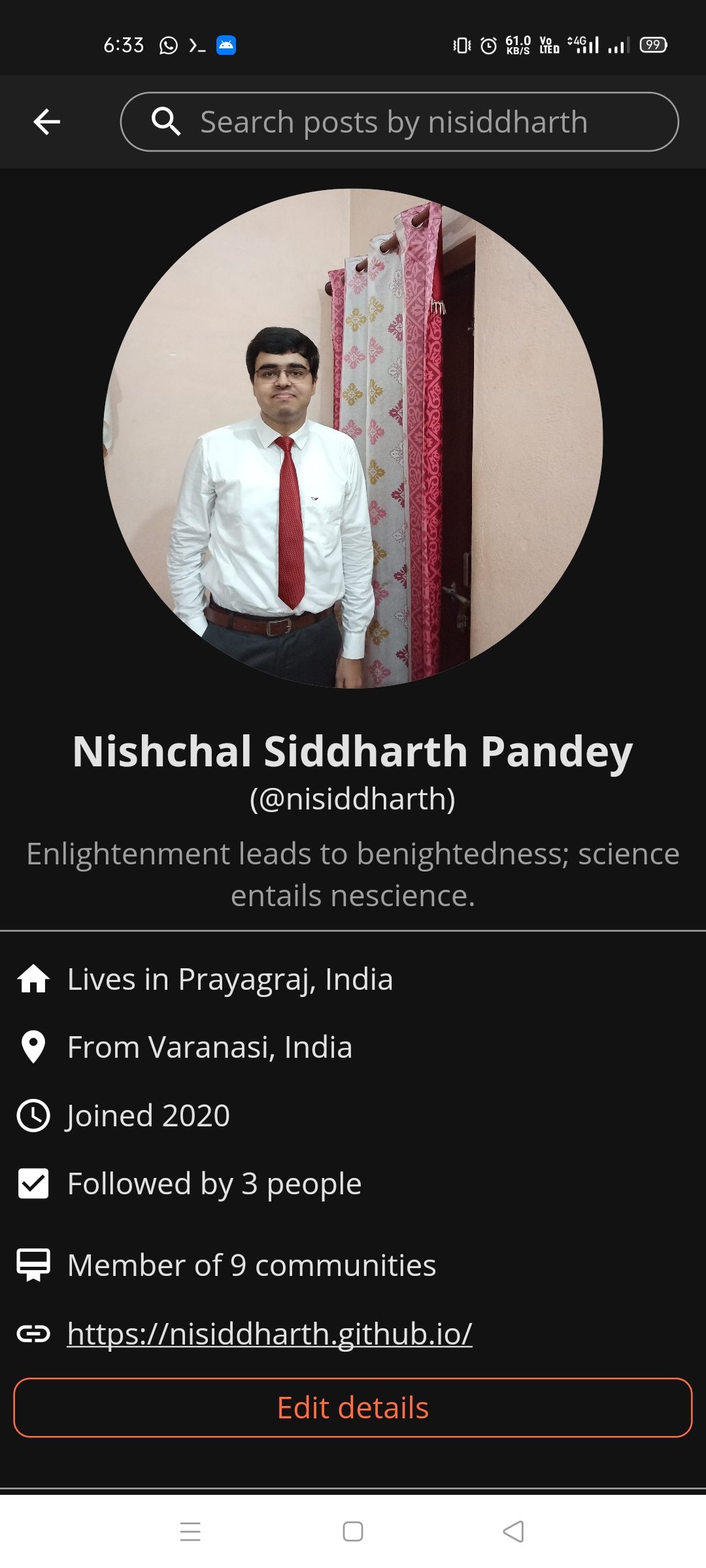 |Dark theme discover screen
 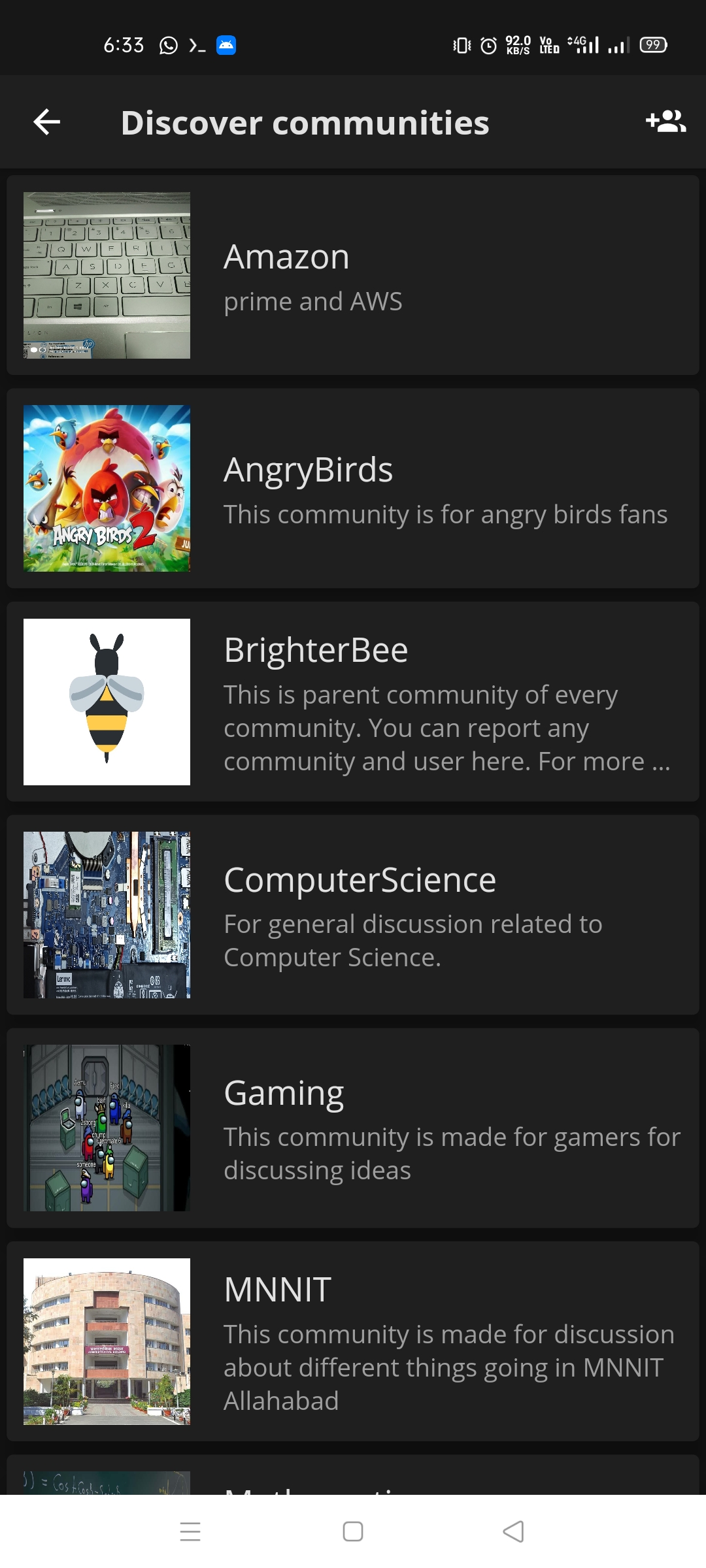 |
|
Class diagram

Thank you! PRs are always welcomed!
Stay safe!
