Ndls
4-track tape looper, delay, & sampler for monome norns + grid (beta)
Install / Use
/learn @andr-ew/NdlsREADME

4-track, grid-based, tape looper, delay, & sampler based on softcut. modeless, gesture looping, & performance-minded. highly bendy.
a spiritual successor to anachronism, anaphora, and several unreleased precursors.
NOTE: to view images, please read at github.com not norns.community
hardware
required
also supported
- arc
- crow
- midi mapping
install
install from the maiden catalog
or
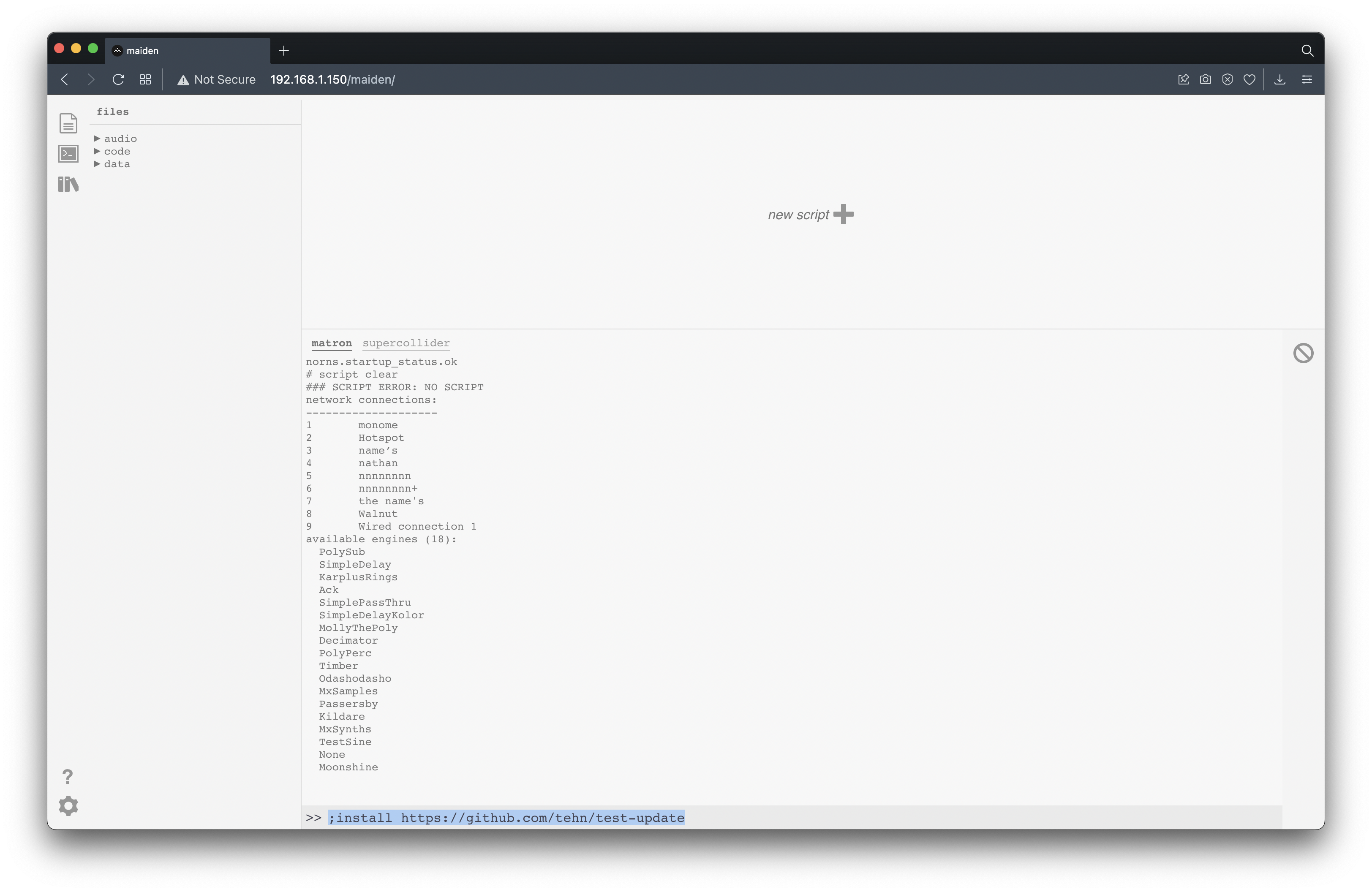
in the maiden REPL, type:
;install https://github.com/andr-ew/ndls/releases/download/latest/complete-source-code.zip
if you wish to install a different version, see the releases tab
start
recommended: luanch the script from the norns SELECT menu.
users with accesibility needs who are unable to acess the norns system menus might consider launching the script from the maiden REPL via the browser or another websocket-connected application:
norns.script.load('/home/we/dust/code/ndls/ndls.lua')
grid UI

the grid is split in two halves with two blocks of metaparams mapped to four tracks of softcut. rows 1-4 control tracks 1-4, rows 5-8 also control tracks 1-4.
see here for alternate grid layouts (64, midigrid, 256)
note: x & y ranges of each component in the 128 grid layout are labelled between the square brackets [] for those unable to view the daigrams in this document. if you need adjusted labels for 64 or 256 layout please email andrewcshike@gmail.com
rec & play
[x: 1-2, y: 5-6]
toggle record & playback states. these controls are interdependent. here are some ways to use them:
- record a new loop in a blank buffer:
- 1 - toggle the rec key on
- 2 - play some audio into softcut from TAPE or norns' inputs
- 3 - toggle rec back off
- 4 - softcut will loop what you just played, loop pedal style.
- overdub into a playing loop:
- 1 - toggle the rec key on
- 2 - play some new material into softcut from TAPE or norns' inputs
- 3 - softcut will record the new material on top of the loop.
- the volume of the old material is set by the old control.
- silence a playing loop:
- toggle the play key off
- clear a buffer, and record a brand new loop:
- 1 - toggle the play key off
- 2 - toggle the rec key on. softcut will clear the old contents of the buffer.
- 3 - play some new material into softcut from TAPE or norns' inputs
- 4 - toggle rec back off
- 5 - softcut will loop the new material
- use a blank buffer as a delay
- 1 - toggle the rec key on
- 2 - toggle the play key on
- 3 - softcut will begin playing and overdubbing, like a delay.
- delay time is set by time between key presses, as with looping. you can modify the delay time with the len or rate controls.
- delay feeback is set by the old control
by default, ndls loops asynchronously between tracks & independently from the global clock. see window scopes for info on synchronous modes & additional params for clock-synced settings.
track focus & page focus
[track focus x: 1, y: 1-4; page focus x: 3-5, y: 1]
set the focus for the norns screen & encoders (not grid). norns' controls are split into three pages: MIX, TAPE, and FILTER, and are editable intependently across four tracks, focused with track focus.
- note that controls which have neither a white box nor underline are coupled to the same value across tracks, see metaparams for advanced info.
rate: reverse & octave
[reverse x: 7, y: 1-4; octave x: 8-14 ]
set the record and playback direction and power-of-two rate multiple (AKA octave, or time division). the rate of change (or slew) for both these controls is touch-reactive. a single key tap will jump instantly to a new value, while hold-and-release gestures increase slew time in proportion to the held duration.
- to glide to a new pitch with rate: octave:
- 1 - hold one finger on the lit / current value key
- 2 - press the key of the rate you'd like to glide to
- 3 - softcut will glide to the new rate, based on the amount of time you were holding down the lit key.
- to whip a 180 on rate: reverse:
- hold reverse, and release
- softcut will glide down to rate 0, then glide back up in the other direction, based on the amount of time you were holding down the key.
buffer
[ x: 3-6, y: 5-8 ]
select which audio buffer (1-4) to record & play back from. multiple tracks can share the same buffer, for multi-octave polyphonic looping & decoupled record & play head delay systems. lots of possibilities!
hold a buffer key in any track to access the buffer screen, and to export/import samples
preset
[ x: 3-6, y: 7-13 ]
select a preset. there is 1 default preset + 6 unique, optionally randomized presets for any/all track controls. by default, only window parameters will be included in the preset. see metaparams for advanced info.
loop
[ x: 15, y: 1-4 ]
toggle looping on or off. disable for one-shot playback, triggered by the preset keys. turn ndls into a sampler!
send & return
[ send x: 14, y: 5-8; return x: 15, y: 5-8 ]
these keys allow you to send the output of a track into an invisibe audio bus & return them back into the input of another track. tracks with a lit send key will be routed into every track with a lit return key.
- idea: send a loop track into another track set up like a delay, for echoed loops.
pattern recorders
[ x: 16, y 1-8 ]
the rightmost column contans 8 pattern recorders, these can record & play back any combination of input on grid, norns, or arc. use them like this:
- single tap
- (blank pattern): begin recording
- (recording pattern): end recording, begin looping
- (playing pattern): play/pause playback
- double tap: overdub pattern
- hold: clear pattern
sources
[ x: 3-5, y: 2 ]
hold to enter assignment mode for modulation sources 1-3. see modulation for more info.
norns UI
across 3 pages, all 3 norns encoders are mapped to 9 metaparams for each track, with K2 & K3 mapped to randomizations of certain values. use the track focus + page focus components on the top left of the grid to switch between views. hold K1 on any page to assign scopes. changes to any control can be pattern recorded using the grid.
page 1: MIX

E1: perserve/feedback level
the rate at which old material fades away. turn it up in a delay for long echo tails, or turn it down in a loop for tape decay memory loss. note that by default this is globally scoped.
E2: playback/output level
this level is summed with the gain param in the params menu to set the actual output level.
E3: stereo pan amount
this does not set the pan value directly, but rather, each track has a unique multiple that sets the pan value relative to the spread value. by default, in the global scope, spread will spread out all tracks evenly in the stereo feild, but you can switch the scope to track or preset to set pans independently, there will just be some uneven scaling between tracks.
K2: randomize level
hold to reset to 0db.
K3: randomize spread
hold to reset to center.
page 2: TAPE

E1: record & playback rate detune
non-quantized exponential rate multiple. +1 ocave to -1 octave.
E2: window position
adjusts both start & end points, displayed in seconds. note that by default this is preset scoped.
- idea: pattern record some adjustments for pseudo-granular playback.
E3: window length
adjusts loop length in seconds. note that by default this is preset scoped.
K2: randomize position
hold to reset to 0
K3: randomize length
hold to reset to full length of loop
page 3: FILTER

E1: quality
from -5 to 0, smoothly engages the tracks filter, form bypass to the response set by curve. past 0, ressonance is increased.
E2: cutoff
cutoff frequency, from 20 to 20k Hz.
E3: curve
select the response curve. smoothly crossfades between lowpass at -5, bandpass at 0, and highpass at 5.
K2: randomize cutoff
hold to reset to 1.
K3: randomize curve
hold to reset to lowpass
arc UI
when arc is connected, the arc focus component will be visible on the far left of the grid.
horizontal orientation

by default, the first ring of the arc is mapped to the gain control of the selected track, and rings 3-4 are