Pomolectron
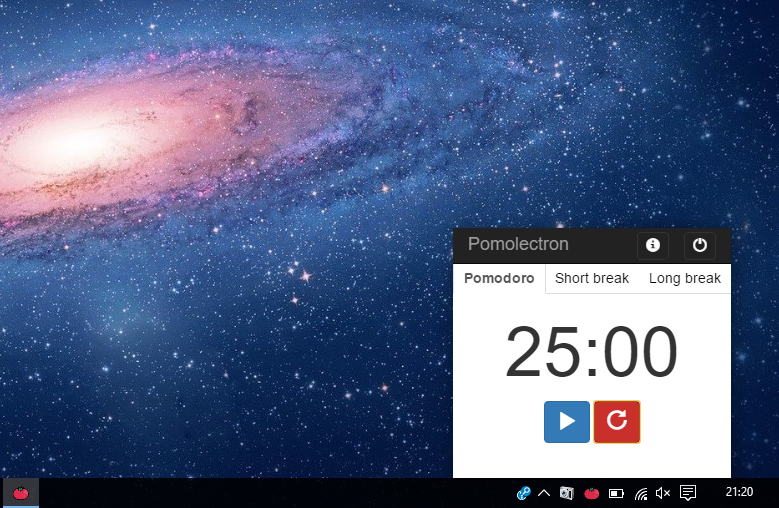
:tomato: A pomodoro app for your menubar/tray.
Install / Use
/learn @amitmerchant1990/PomolectronREADME
| macOS | Windows |
|---------------------|----------------------|
| |
|  |
|
Key Features
- Pomodoro, Short break and Long break timers
- Notifies via a system notification when time is up
- Lives in a tray/menubar
- Cross platform
- Windows, macOS and Linux ready.
<a href="https://buymeacoffee.com/amitmerchant" target="_blank">Buy Me a Coffee</a> if you like this app!
Dark Mode
<div align="center"><img src="app/res/pomolectron-dark.png"></div>How To Use
To clone and run this application, you'll need Git and Node.js (which comes with npm) installed on your computer. From your command line:
# Clone this repository
$ git clone https://github.com/amitmerchant1990/pomolectron

# Go into the repository
$ cd pomolectron

# Install dependencies
$ npm install

# Run the app
$ npm start
On macOS, you can install Pomolectron via cask.
$ brew install --cask pomolectron
On Windows, you can install Pomolectron via chocolatey as well.
C:\> choco install pomolectron
Note: If you're using Linux Bash for Windows, see this guide or use node from the command prompt.
Download
You can download the latest installable version of Pomolectron for Windows, Linux and macOS.
You can also get the Windows binaries from Softpedia.
Try on web
You can try an online version of this: Pomodoro Timer
News
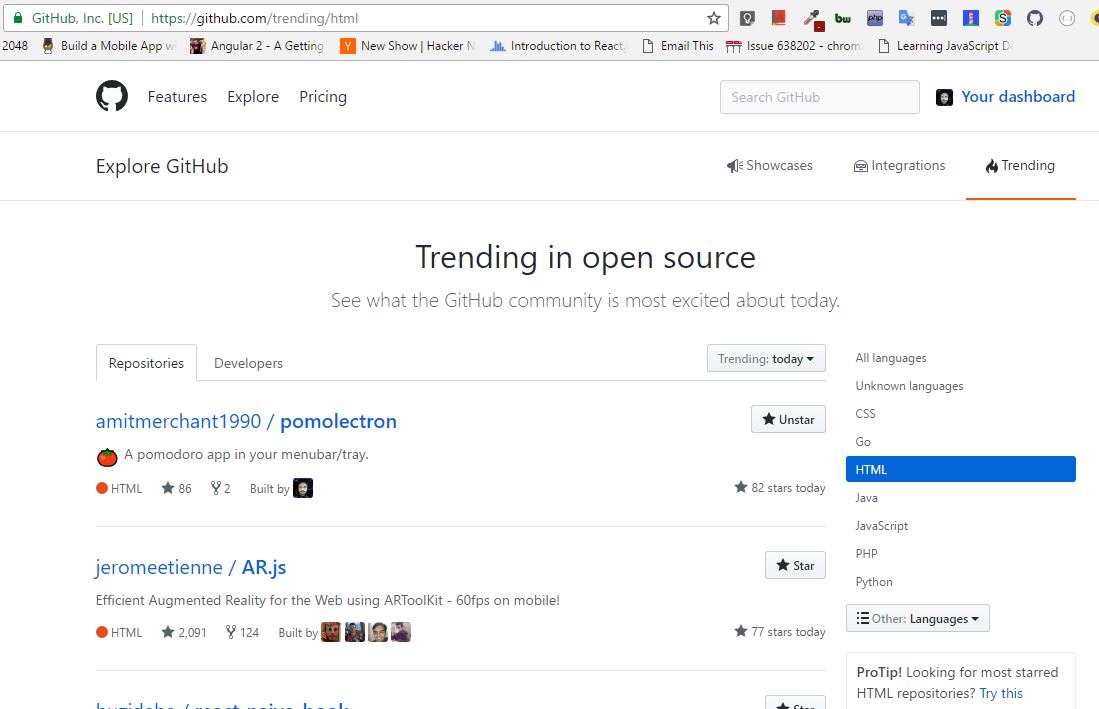
Pomolectron was trending on the Hacker News and on GitHub during the day of its launch.
You may also like..
- Markdownify - Markdown Editor desktop app
License
MIT
amitmerchant.com · GitHub @amitmerchant1990 · Twitter @amit_merchant