
SimpleNES
An NES emulator in C++
Install / Use
/learn @amhndu/SimpleNESREADME
SimpleNES
An NES emulator written in C++ (now with audio!)
Roughly 50-60% of games should work (ie. games that use either no mapper or mappers 1, 2, 3 and experimental support for 4, 7, 66 and 11).
ARCHIVED: I no longer have the capacity or motivation to entertain new features/issues/PRs. Feel free to fork and/or use the current build.
Examples of games that have been tested to run (but NOT limited to):
(USA/Japan or World versions only i.e. NTSC compatible)
- Super Mario Bros.
- Contra
- Adventure Island
- Ninja Gaiden
- Wrecking Crew
- Megaman and Megaman 2
- Mario Bros.
- Donky Kong and Donkey Kong Jr.
- Battle City
- Paperboy
- Legend of Zelda
- Pacman
- Tennis
- Excitebike
- Nightmare Elm Street
- Cabal
- Battletoads
- Arch Rivals
- etc...
Screenshots
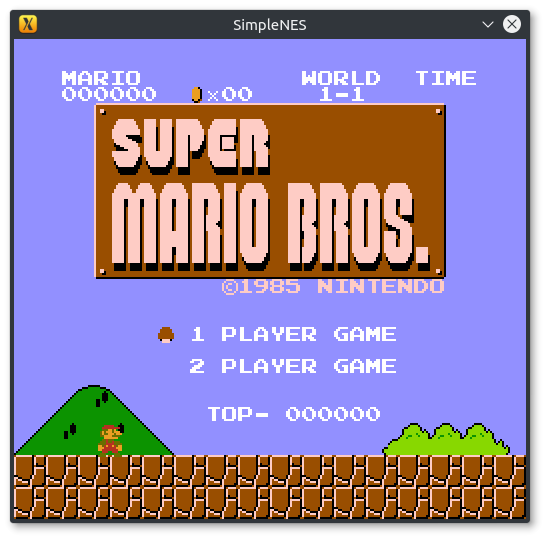
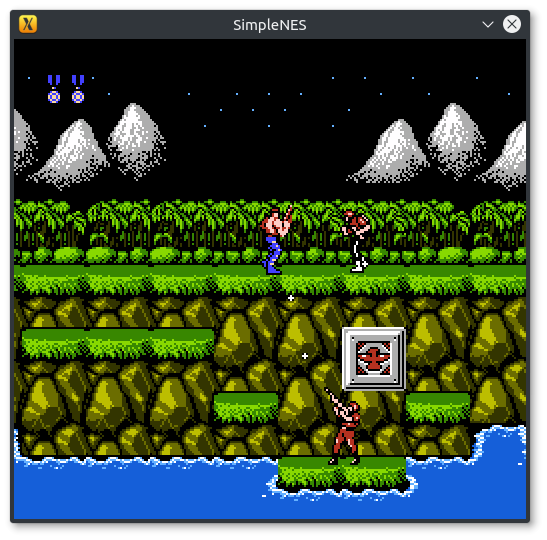
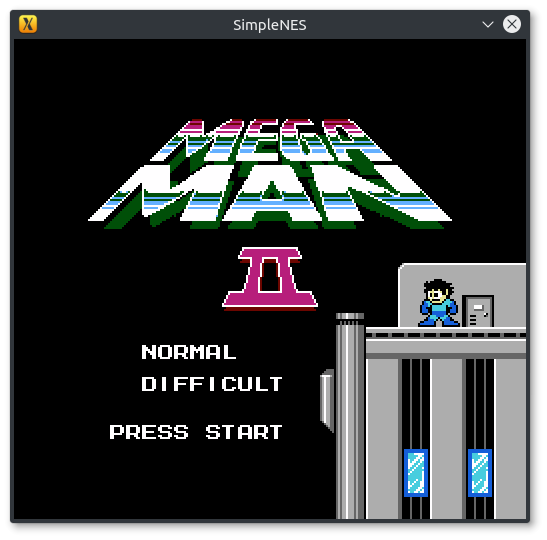
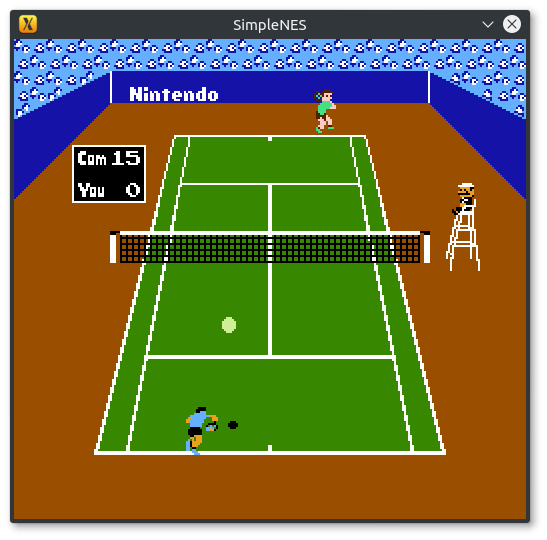
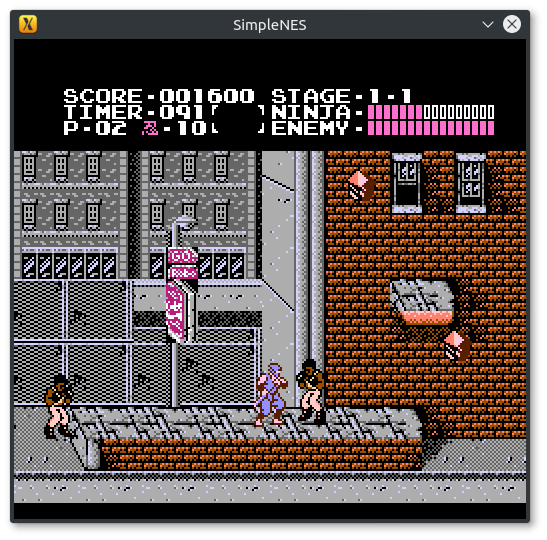
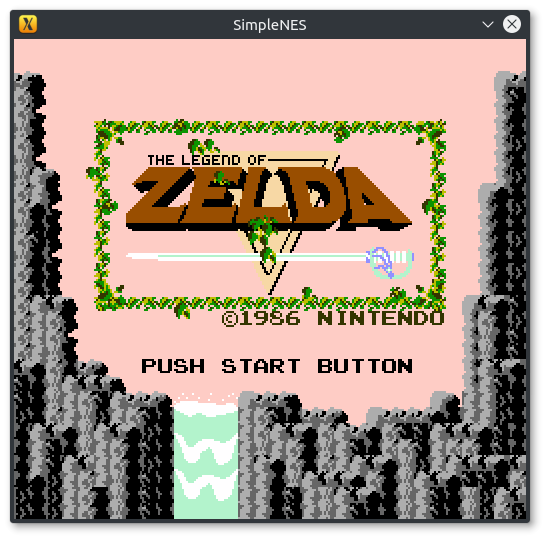
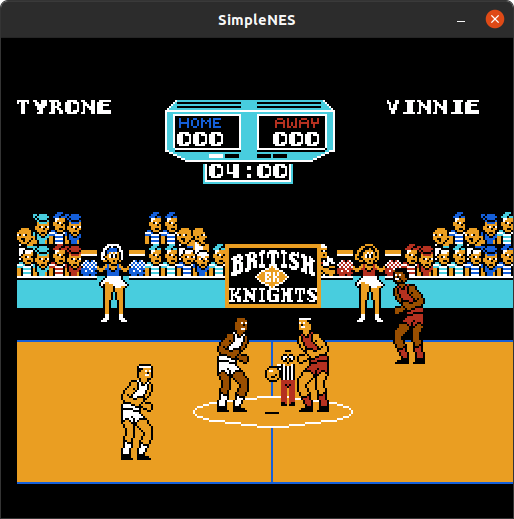
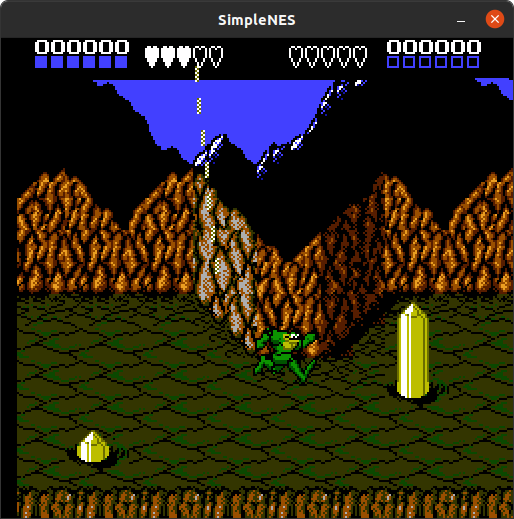
Videos
OUTDATED(missing audio) YouTube Playlist
Compiling
You need:
Compiling is straight forward with cmake, just run cmake on the project directory with CMAKE_BUILD_TYPE=Release and you'll get Makefile or equivalent for your platform, with which you can compile the emulator
For e.g., on Linux/OS X/FreeBSD:
$ git clone https://github.com/amhndu/SimpleNES
$ cd SimpleNES
$ mkdir build/ && cd build/
$ cmake -DCMAKE_BUILD_TYPE=Release ..
$ make -j4    # Replace 4 with however many cores you have to spare
If SFML is installed on a non-standard location, specify SFML_ROOT as a cmake variable, e.g. on Arch Linux, after installing sfml2 from AUR:
$ cd SimpleNES && mkdir build/ && cd build/
$ cmake -DCMAKE_BUILD_TYPE=Release -DSFML_ROOT=/opt/sfml2 ..
$ make -j8
See also: compile.yaml for platform specific instructions
Download SimpleNES
- Download an executable based on your platform from the latest run on Github Actions OR Latest Release
- Install sfml
Installing SFML
- Windows:
vcpkg install sfml. Alterntaively, download from SFML. See: compile.yaml for instructions on pinning sfml to version 2 - Debian/Ubuntu/derivates:
sudo apt install -y libsfml-dev - Arch/etc:
yay -S sfml2 - MacOS:
brew install sfml@2 && brew link sfml@2
Running
Just pass the path to a .nes image like
$ ./SimpleNES ~/Games/SuperMarioBros.nes
To set size of the window,
$ ./SimpleNES -w 600 ~/Games/Contra.nes
For supported command line options, try
$ ./SimpleNES -h
SimpleNES is a simple NES emulator.
It can run off .nes images.
Set keybindings with keybindings.conf

Usage: SimpleNES [options] rom-path

Options:
-h, --help             Print this help text and exit
--mute-audio           Mute audio
-s, --scale            Set video scale. Default: 3.
                       Scale of 1 corresponds to 256x240
-w, --width            Set the width of the emulation screen (height is
                       set automatically to fit the aspect ratio)
-H, --height           Set the height of the emulation screen (width is
                       set automatically to fit the aspect ratio)
                       This option is mutually exclusive to --width
-C, --conf             Set the keybindings file's path. The default
                       keybindings file is keybindings.conf.
Controller
Keybindings can be configured with keybindings.conf
Default keybindings:
Player 1
Button | Mapped to --------------|------------- Start | Return/Enter Select | Right Shift A | J B | K Up | W Down | S Left | A Right | D
Player 2
Button | Mapped to --------------|------------- Start | Numpad9 Select | Numpad8 A | Numpad5 B | Numpad6 Up | Up Down | Down Left | Left Right | Right
Related Skills
node-connect
333.7kDiagnose OpenClaw node connection and pairing failures for Android, iOS, and macOS companion apps
frontend-design
82.0kCreate distinctive, production-grade frontend interfaces with high design quality. Use this skill when the user asks to build web components, pages, or applications. Generates creative, polished code that avoids generic AI aesthetics.
openai-whisper-api
333.7kTranscribe audio via OpenAI Audio Transcriptions API (Whisper).
commit-push-pr
82.0kCommit, push, and open a PR
