
godot-agent
Godot automation for AI agents to build and verify projects through a CLI, Agent Skill, or MCP server, with structured results, headless operations, and live runtime control.
Install / Use
claude mcp add aigengame -- npx -y github:aigengame/godot-agentIf the server publishes to npm under a different name, use that package instead — check the repo README.
MCP Server
Model Context Protocol server
Quality Score
Category
AutomationSupported Platforms
Our assessment of godot-agent
godot-agent scores 87/100 on our quality scale, 199th of 860 Automation skills we index (top 24%).
Its MCP Server is 38 KB long, well organised into 20 sections with 17 code examples: a thorough specification that gives an agent plenty to work with.
It has 42 GitHub stars, so there is little community track record yet; judge it on its content.
Maintenance, license and trust
- The repository was last updated today, so godot-agent is actively maintained.
- It is released under the MIT license, a permissive license that allows use, modification and commercial use with attribution.
- Its trust signals score 97/100, with no cautions. These come from repository metadata, not a code audit — read the skill file before letting an agent act on it.
Safety scan
No issues foundOur scan of the whole file found no instruction hijacking, hidden characters, credential access, data exfiltration or destructive commands. An AI review of the same text found nothing harmful.
AI review by kimi-k2.7-code on 2026-09-25. Automated pattern scan on 2026-09-24. It catches known dangerous patterns, not every risk — read a skill before letting an agent act on it.
godot-agent compared with similar skills
All 4 of these similar skills score higher than godot-agent; compare them before choosing.
| Skill | Score | Stars | Updated | Format |
|---|---|---|---|---|
| godot-agent (this skill)by aigengame | 87 | 42 | today | MCP Server |
| Agent-Reachby Panniantong | 100 | 85.3k | 9d ago | CLAUDE.md |
| headroomby headroomlabs-ai | 100 | 73.7k | today | CLAUDE.md |
| rufloby ruvnet | 100 | 73.2k | today | CLAUDE.md |
| CowAgentby zhayujie | 100 | 47.1k | today | CLAUDE.md |
Frequently asked questions
- How do I install godot-agent?
- Run
claude mcp add aigengame -- npx -y github:aigengame/godot-agent. The install tabs above show the steps for each supported agent. - Which AI agents does godot-agent work with?
- It is written for Claude Code and Claude Desktop, as a MCP Server file. Other agents that read the same format can often use it too.
- Is godot-agent safe to use?
- Our scan of the whole file found no instruction hijacking, hidden characters, credential access, data exfiltration or destructive commands. An AI review of the same text found nothing harmful. It is MIT-licensed and scores 97/100 on trust signals. Skills are instructions an agent will follow, so read the file before installing it and do not approve commands you do not understand.
- Is godot-agent still maintained?
- The repository was last updated today, so godot-agent is actively maintained.
Skill content
View source on GitHubgda — Godot Automation for AI Agents
Read this in: 简体中文 · Español · 日本語
Product overview · CLI, Agent Skill, or MCP? · Playable demos · PyPI
Build and verify Godot projects with AI coding agents, shell scripts, and CI.
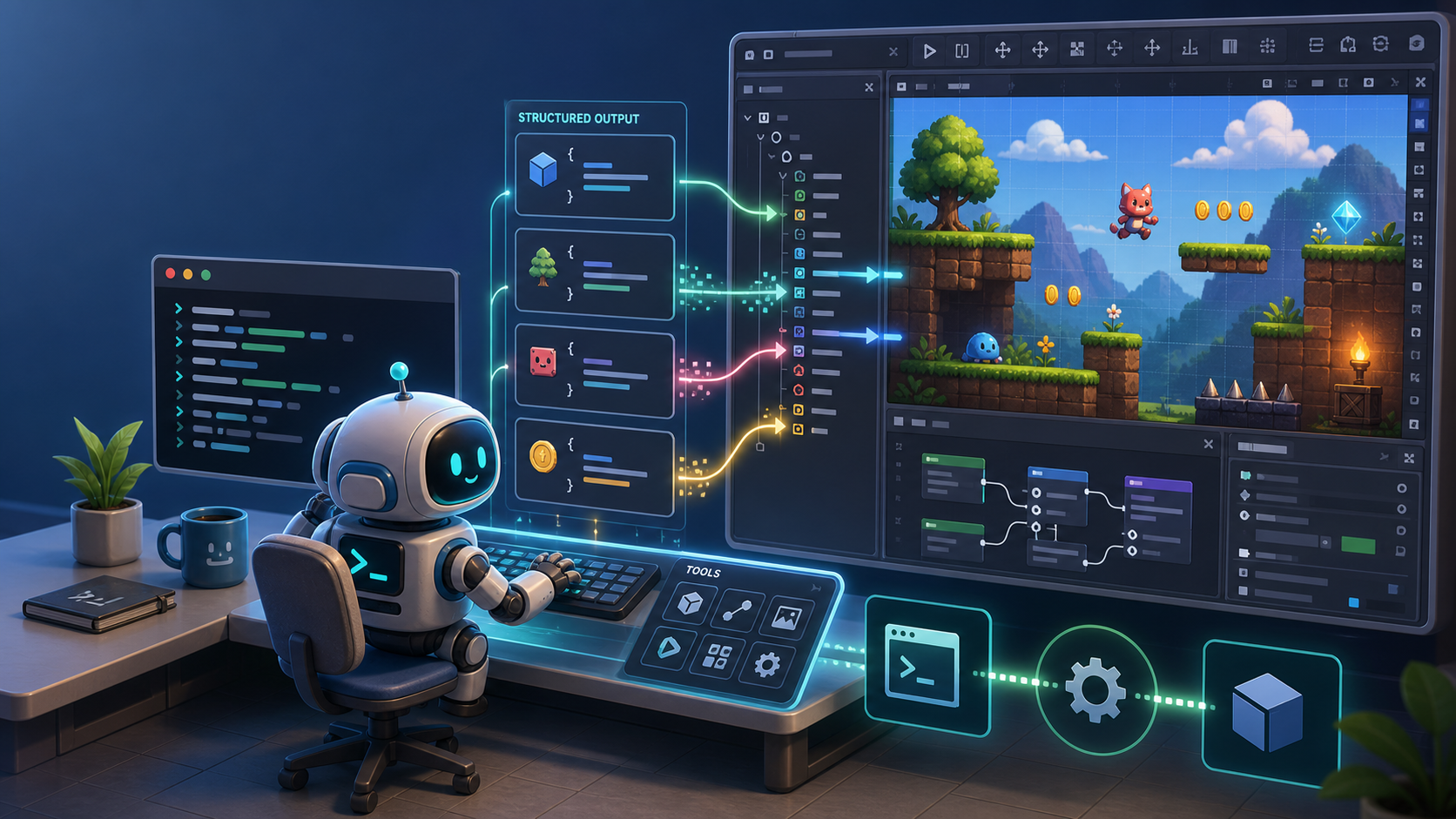
gdaprovides Godot automation with headless validation as well as live runtime inspection and control through a CLI, a bundled Agent Skill, or an MCP server, returning structured results agents can act on.


-478CBF)



gda provides two complementary modes for this build-and-verify workflow:
- Headless — create and edit project content, compile scripts, validate and boot scenes, analyze project structure, and export builds without an editor plugin or daemon.
- Live — inspect and drive the running game through a per-project daemon: runtime tree and state, input simulation, frame capture, logs, errors, and performance.
gdais pre-1.0: every command works end to end today, but the command surface may still change before 1.0.
Contents
- Why
gda? - Capabilities at a glance
- Installation
- Quick start
- Choose your integration
- How it works
- Command reference
- Configuration
- Contributing
- License
Why gda?
- Verification across the game development lifecycle. Headless validation confirms project readiness; Live operations return runtime evidence about actual behavior.
- Structured results and discoverable schemas. With
--json, each command emits exactly one result object on stdout. Typed input and output models also power--schemaand the generated MCP tool surface. - Godot-native bounded context and ubiquitous language.
gdauses a single Godot-aligned operation model and vocabulary, giving agents consistent terms for project content and runtime state. - Operate reliably in restricted environments. Redirect user data and logs to writable locations, isolate concurrent runs, and return typed environment failures before Godot crashes. This makes it easier for agents to work in sandboxes.
- Three complementary access paths. Run the CLI directly from an agent, shell, or CI; install the bundled Agent Skill for reusable guidance; or expose the same operations as MCP tools. See CLI, Agent Skill, or MCP? for comparison and tradeoffs.
- Bounded automation with actionable failures. Timeouts, bounded output, typed failures, diagnostics, and mutation reports help agents decide what happened and how to recover.
These capabilities were refined while building a real game, with the work documented in a public dogfooding record.
Capabilities at a glance
| Goal | What gda provides | Start with |
| --- | --- | --- |
| Build Godot project content (Headless) | Create and edit scenes, nodes, scripts, resources, project settings, shaders, and themes | scene / node / script / resource / project / shader / theme |
| Verify project readiness (Headless) | Compile scripts, validate dependencies, boot scenes in a bounded preflight, analyze project structure, and export builds | script validate / scene validate / scene preflight / project / export |
| Verify runtime behavior (Live) | Read runtime state, call declared methods, simulate input, capture frames, collect logs and errors, and sample performance | gda daemon start, then game / input / screen / diag / logger / perf |
| Connect an AI coding agent | Use direct CLI execution, reusable Agent Skill guidance, or MCP tool discovery and calling | gda / gda skill / gda-mcp |
| Run reliably in automation | Receive structured results, typed schemas and failures, bounded execution, isolated logs, and actionable diagnostics | --json / --schema / --user-data-root / timeouts |
Installation
Requirements: Python 3.13+ and a Godot binary — 4.4+ for Headless operations, 4.6+ on macOS/Linux for Live operations.
Install gda, the Godot CLI for AI agents, from PyPI onto your PATH:
uv tool install gda      # or: pipx install gda
gda --help
Into an existing environment:
pip install gda
From source (for development or unreleased changes):
git clone https://github.com/aigengame/godot-agent.git
cd godot-agent
uv sync                  # create the environment + install dependencies
uv run gda --help
Quick start
Point gda at your Godot binary, then ask the engine its version — no project needed:
export GDA_GODOT="/path/to/Godot"   # or pass --godot to any command
gda info --json
# {"major":4,"minor":6,"patch":3,"status":"stable","string":"4.6.3-stable (official)",…}
With --json, stdout is clean JSON you can pipe; all engine and script diagnostics go to stderr:
gda info --json | jq .major # → 4
Build a scene headlessly. Point gda at a Godot project (a directory with project.godot)
once; relative paths then resolve inside it, and nodes are addressed by their path relative to
the scene root:
export GDA_PROJECT="/path/to/your/godot-project"   # or pass --project to any command
gda scene create scenes/main.tscn --root-type Node2D --json
gda node add  scenes/main.tscn --type Sprite2D --name Hero --json
gda node set  scenes/main.tscn --node Hero --property position --value 10,20 --json
gda scene validate scenes/main.tscn --json
gda scene get scenes/main.tscn --json
# {"path":"scenes/main.tscn","root":{"name":"main","type":"Node2D","children":[{"name":"Hero",…}]}}
No project?
gdastill runs projectless on plain filesystem paths (relative to your current directory) — onlyres://resolution needs a project. See Configuration.
Inspect and drive the running game with Live operations. These operations run the
project's main scene, so point it at the one you just built via Godot's
application/run/main_scene project setting (the editor's Application → Run → Main Scene),
then start the daemon (macOS/Linux, Godot 4.6+):
gda project set application/run/main_scene --value res://scenes/main.tscn --json  # a Godot project setting key
gda daemon start             # start the daemon for $GDA_PROJECT (installs the in-game harness)
gda game tree --json         # the runtime scene tree, after _ready
gda perf monitors --json     # live engine counters: fps, memory, node count
gda daemon stop
(gda screen capture works live too, but needs a windowed session — start the daemon
with gda daemon start --windowed.)
Choose your integration
gda provides one operation surface through three complementary access paths. Use the CLI,
the Agent Skill, the MCP server, or a combination that fits your workflow. The underlying
operations and structured results stay the same.
Not sure which path fits your workflow? See Godot MCP vs CLI vs Agent Skill.
| Access path | Best for | How |
| --- | --- | --- |
| CLI (gda) | humans, shell scripts, CI, and agents that can run commands | gda <group> <command> --json |
| Agent Skill (gda skill) | coding agents that support Agent Skills and prefer a token-light CLI workflow | print or install the bundled guidance (below) |
| MCP (gda-mcp) | MCP-compatible clients that discover and call tools | run the stdio server (below) |
Use the Agent Skill
gda ships a bundled Agent Skill that teaches an AI agent when and how to drive Godot
from the CLI. Use it when your coding agent supports Agent Skills and you want reusable guidance
without registering a server. The guidance stays aligned with your installed gda version.
Print it, or install it into your agent's skills directory:
gda skill                                              # print SKILL.md (redirect it anywhere)
gda skill --install --provider claude --scope user     # resolve a known agent's skills dir
gda skill --install --dir ~/.claude/skills/gda         # …or give the directory yourself
The Agent Skill recipes list each agent's skills directory. Or fetch the
same file straight from the repo — you still install gda, since the Agent Skill drives it:
curl --create-dirs -o ~/.claude/skills/gda/SKILL.md \
  https://raw.githubusercontent.com/aigengame/godot-agent/main/src/gda/skill/SKILL.md
Use the MCP server
gda-mcp is the bundled Godot MCP server for compatible clients. It implements the
Model Context Protocol over stdio and is available through
the [mcp] extra. Run it through uvx without a permanent install:
uvx --from "gda[mcp]" gda-mcp
The server resolves two pieces of context — which Godot project to drive and which Godot binary to run (MCP can't pass per-call flags):
- Project — set
GDA_PROJECT. Without it,gda-mcpuses the workspace roots the client sends (the folder you have open) — but the MCP 2026-07-28 revision deprecates roots, so pinningGDA_PROJECTis the setup that keeps working. See Configuration. - Engine — set
GDA_GODOTto your Godot binary, e.g."GDA_GODOT": "/path/to/Godot".
gda-mcp accepts both protocol eras — the pre-2026 MCP protocol and the 2026-07-28 revision —
but not with the same project resolution: a pre-2026 client still sends roots, a client on the new
revision does not, so it resolves from GDA_PROJECT or the server's cwd. Pin GDA_PROJECT before
your client moves. On the new revision gda-mcp also marks tools/list cacheable (1-hour TTL).
Register with Coding Agents
<details> <summary>Claude Code</summary>Project scope, .mcp.json at the repo root (auto-detects the project via roots):
{
  "mcpServers": {
    "gda-mcp": {
      "command": "uvx",
      "args": ["--from", "gda[mcp]", "gda-mcp"]
    }
  }
}
User scope (every project) — the CLI, which writes ~/.claude.json:
claude mcp add --scope user gda-mcp -- uvx --from "gda[mcp]" gda-mcp
Project scope, .codex/config.toml at the repo root (the project must be trusted):
[mcp_servers.gda-mcp]
command = "uvx"
args = ["--from", "gda[mcp]", "gda-mcp"]

[mcp_servers.gda-mcp.env]
GDA_PROJECT = "/absolute/path/to/your/godot/project"
User scope (available everywhere, but pinned to one project) — the same table in
~/.codex/config.toml, or add it with the CLI. Codex has no workspace variable, so
GDA_PROJECT is an absolute
Truncated for display — read the full file on GitHub.
Related Skills
Agent-Reach
85.3kGive your AI agent eyes to see the entire internet. Read & search Twitter, Reddit, YouTube, GitHub, Bilibili, XiaoHongShu — one CLI, zero API fees.
headroom
73.7kCompress tool outputs, logs, files, and RAG chunks before they reach the LLM. 20% fewer tokens for coding agents, 60-95% fewer tokens for JSON, same answers. Library, proxy, MCP server.
ruflo
73.2k🌊 The original agent harness. Deploy intelligent multi-player swarms, coordinate autonomous workflows, and build conversational AI systems. Features adaptive memory, self-learning intelligence, federation, vector RAG integration, and native Claude Code / Codex / Hermes and many more Integrated
CowAgent
47.1kOpen-source super AI assistant & Agent Harness. Plans tasks, runs tools and skills, self-evolves with memory and knowledge. Multi-agent, multi-model, multi-channel. Lightweight, extensible, one-line install.

Languages
Trust signals
From repository metadata: license, adoption, age and documentation. Not a code audit — see the Safety scan above for what the skill file itself contains.