
PdfReaderPro
Modern PDF Viewer for Android
Install / Use
/learn @ahmmedrejowan/PdfReaderProREADME





Features
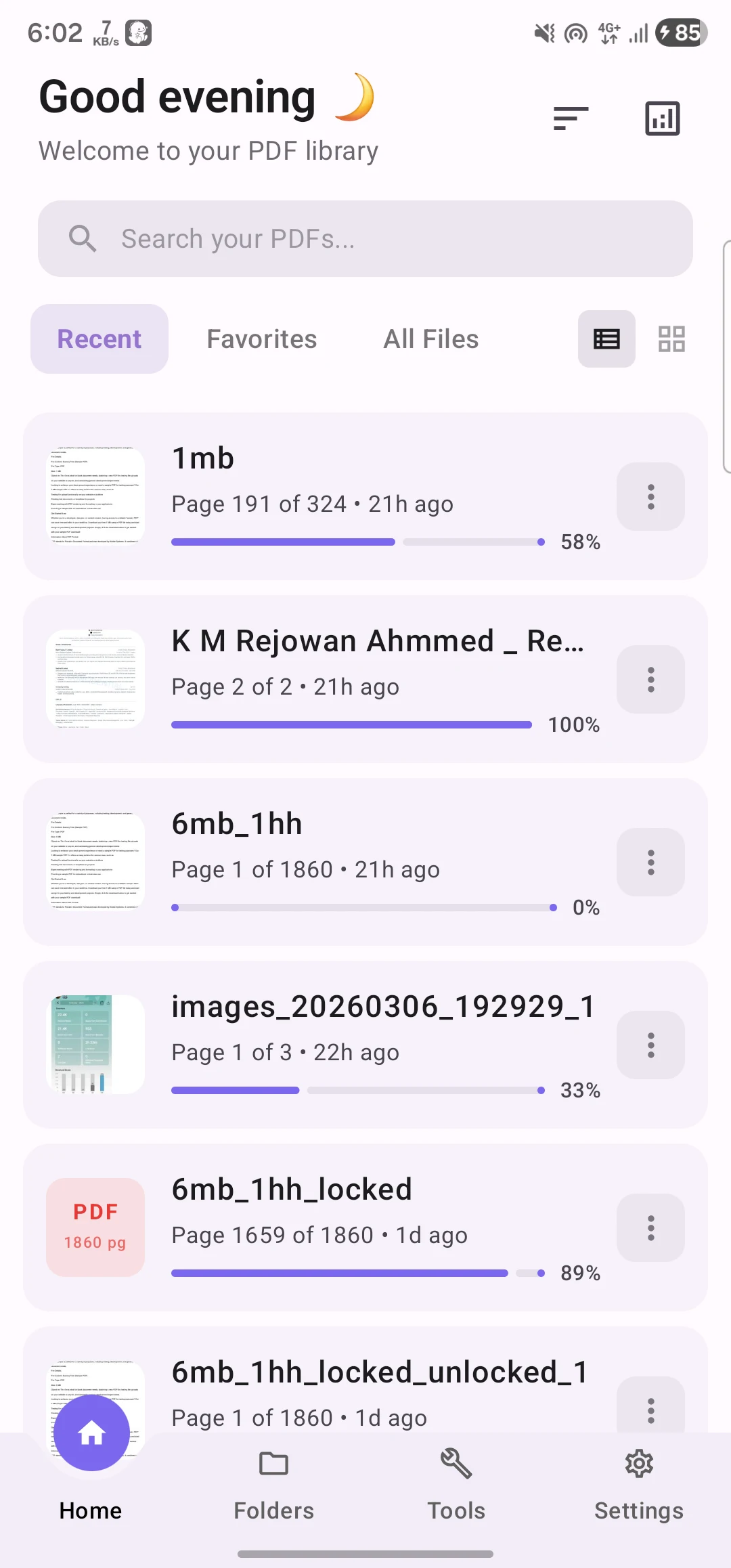
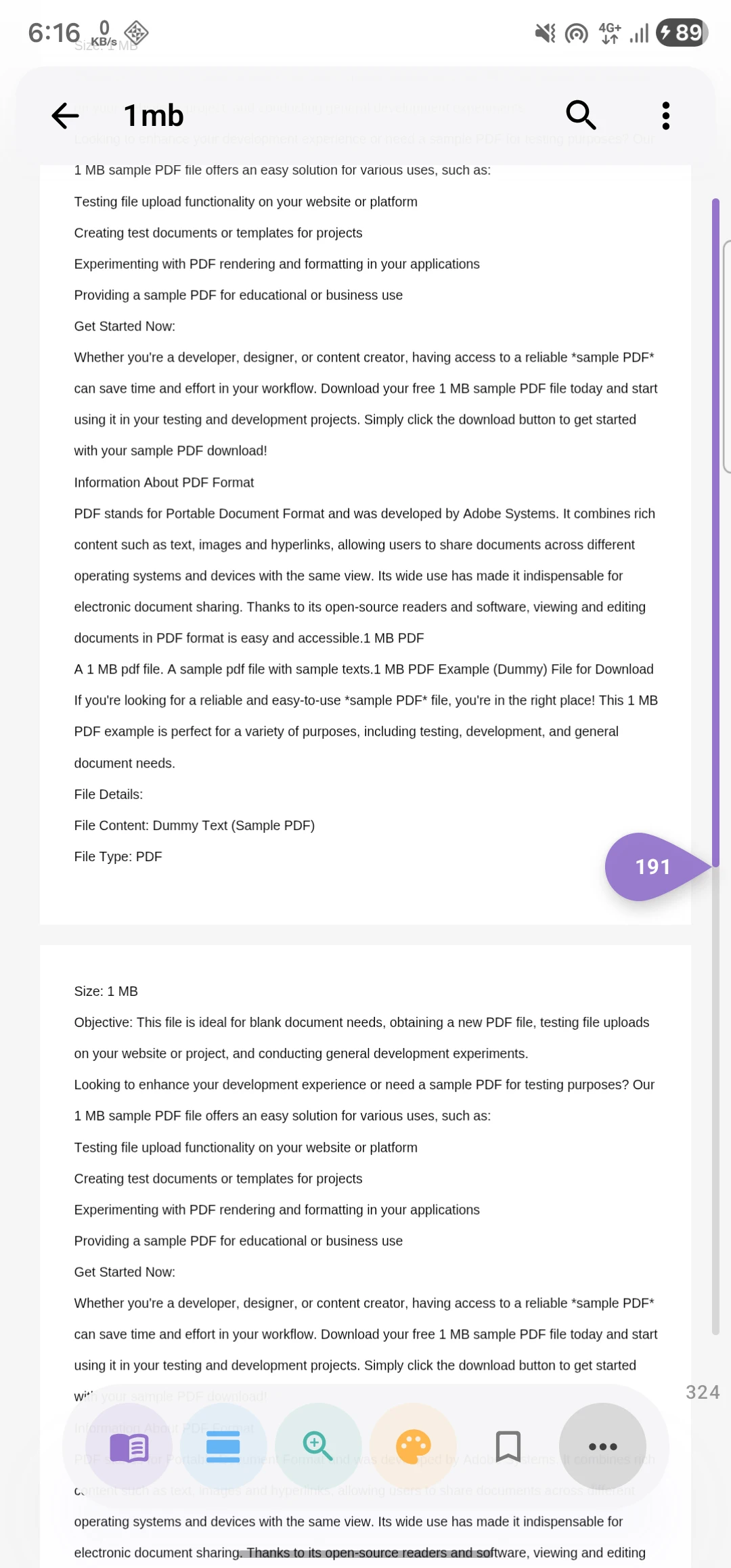
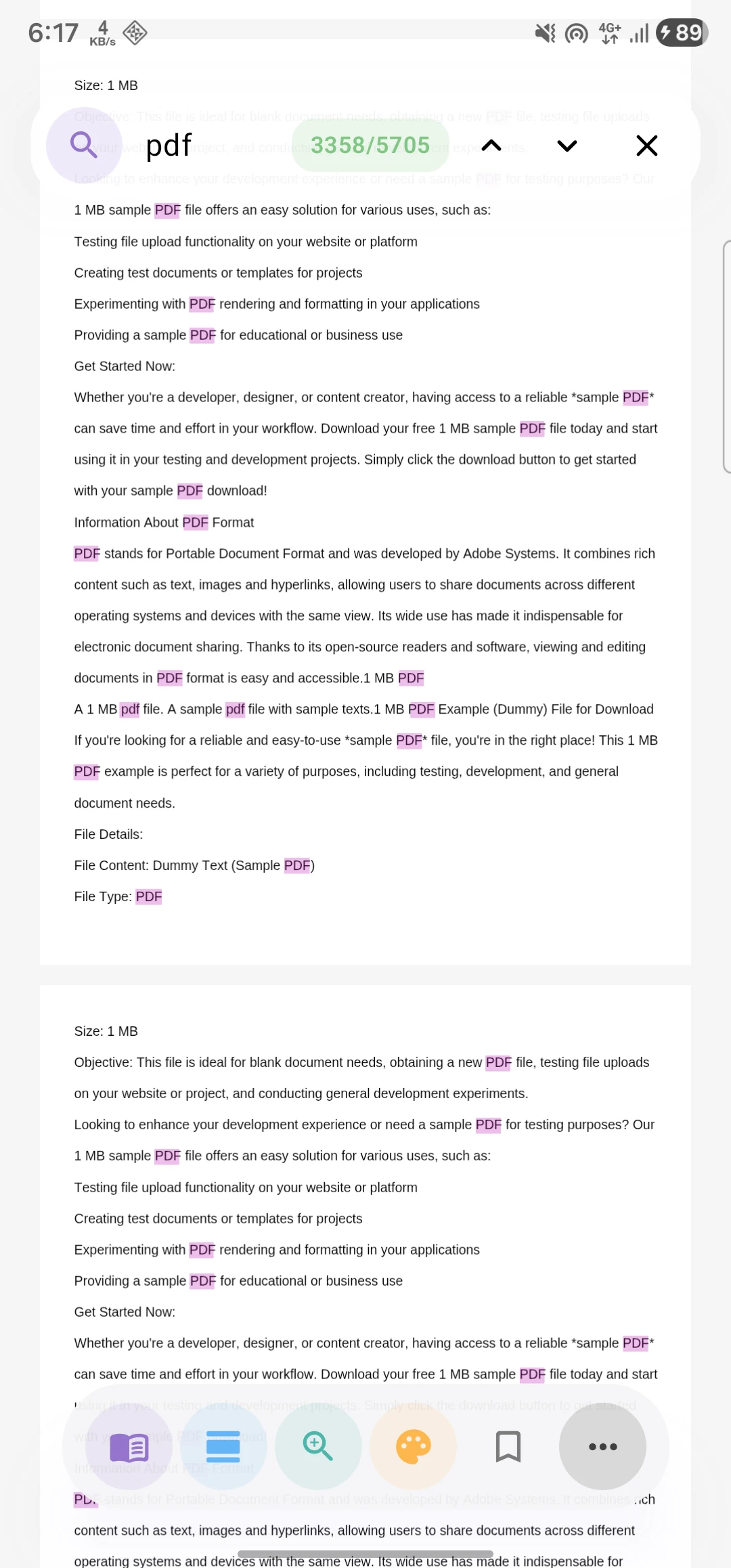
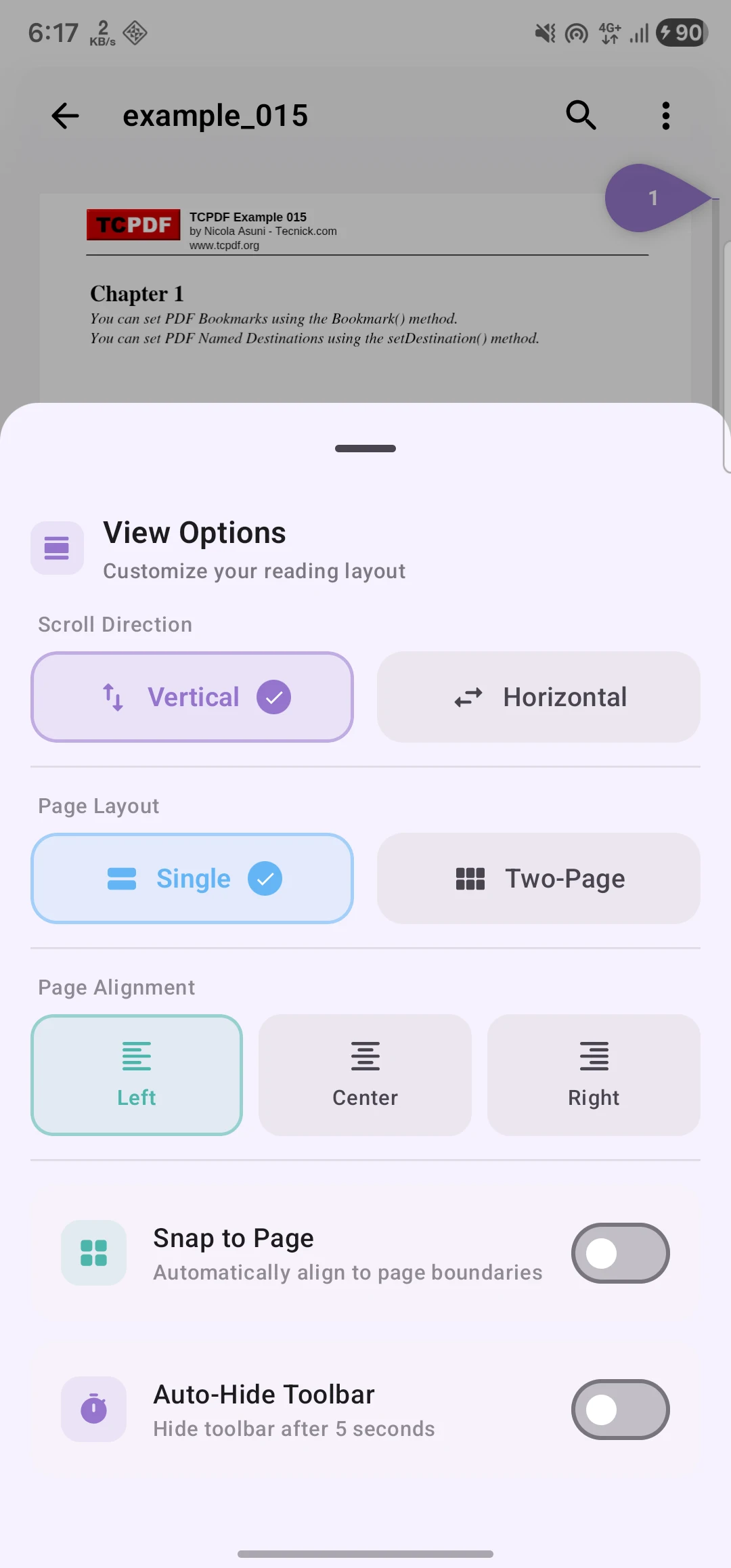
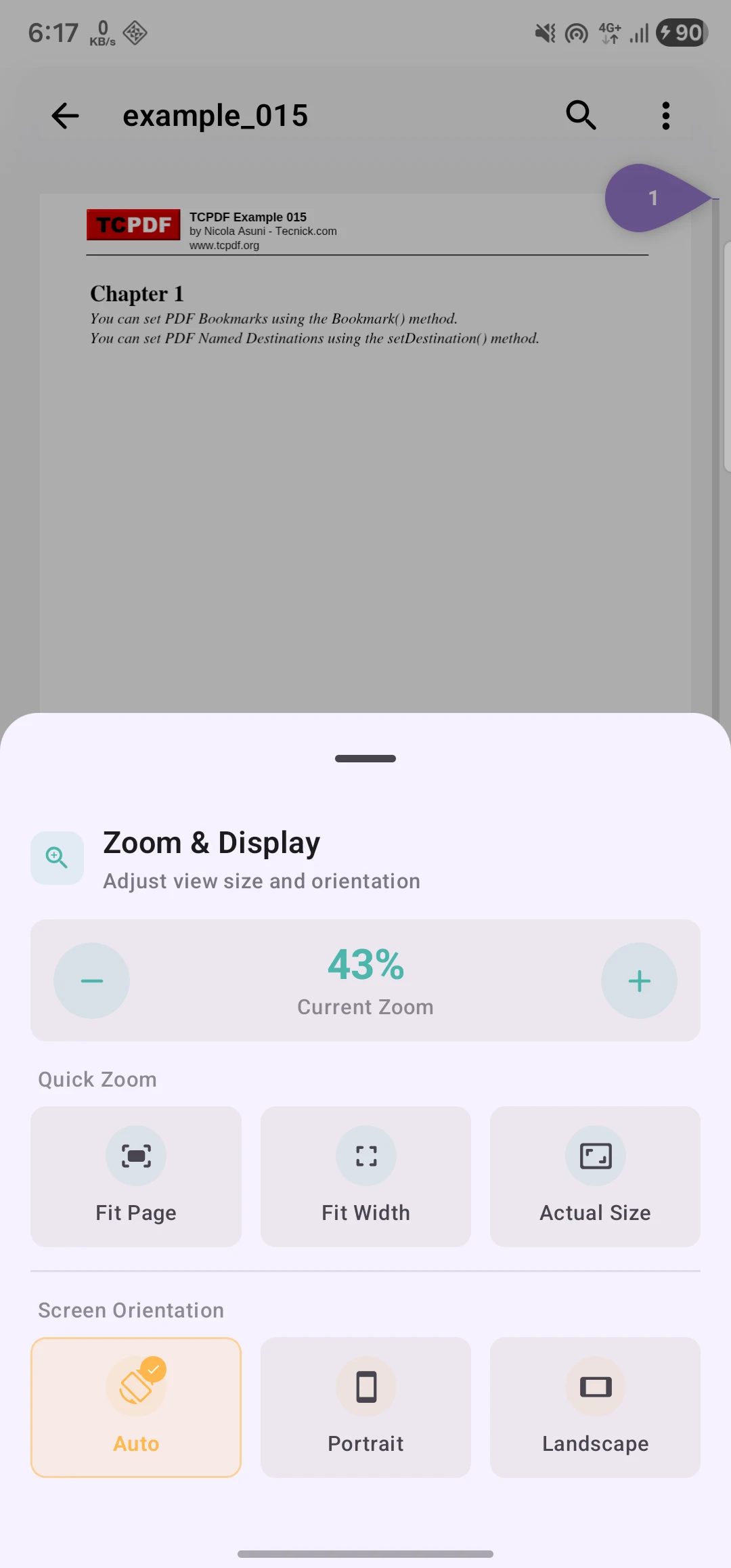
- PDF Viewing - Smooth rendering with zoom, scroll, and page navigation
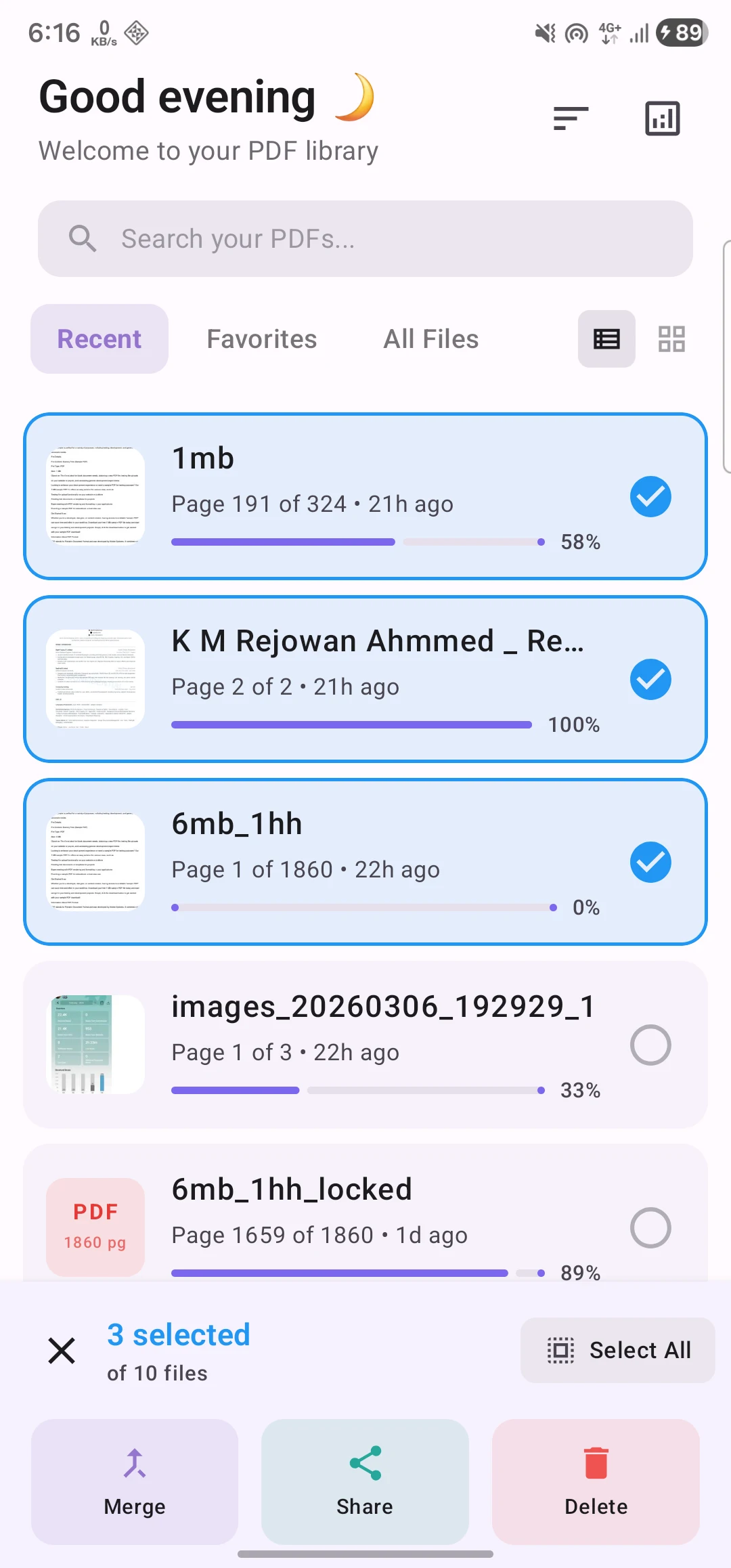
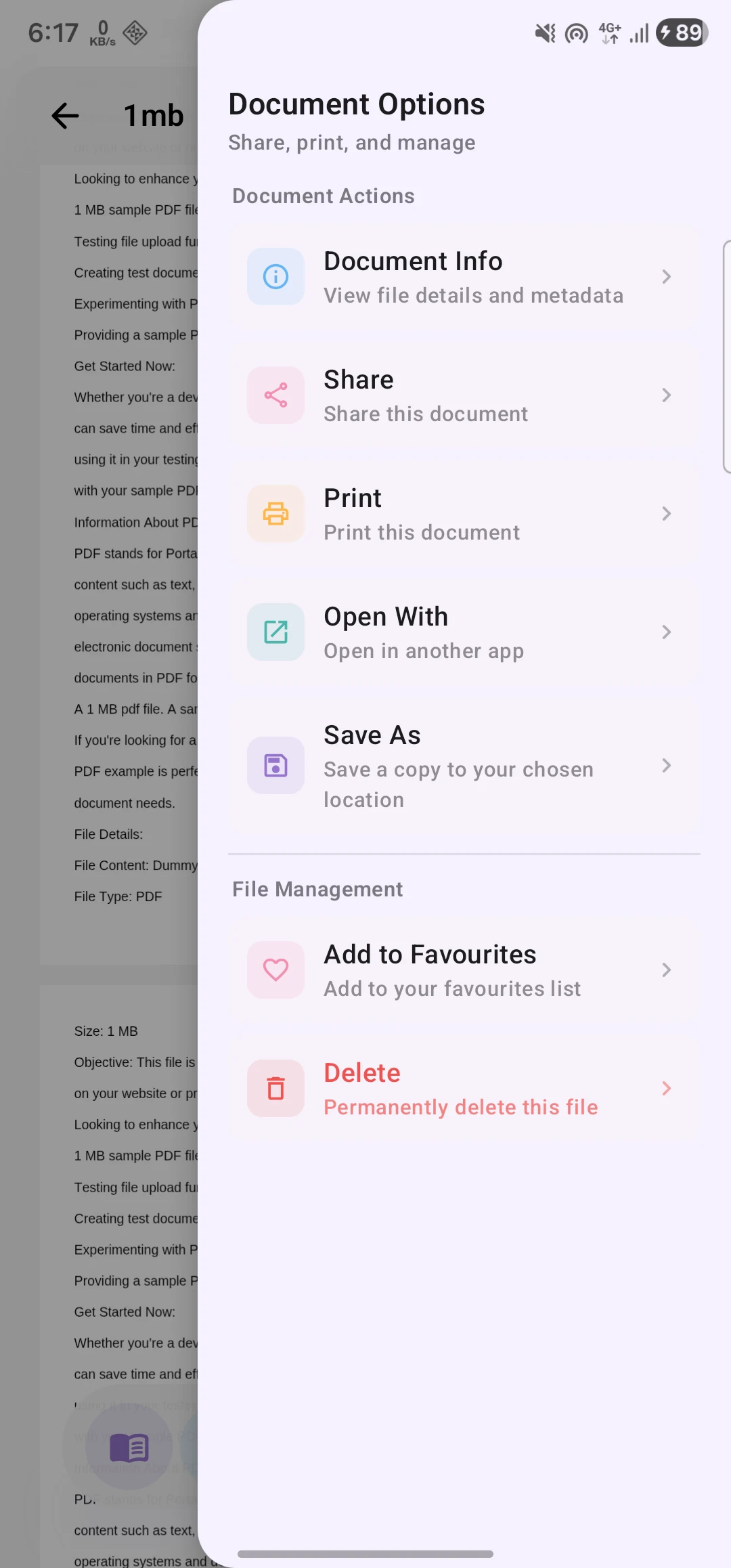
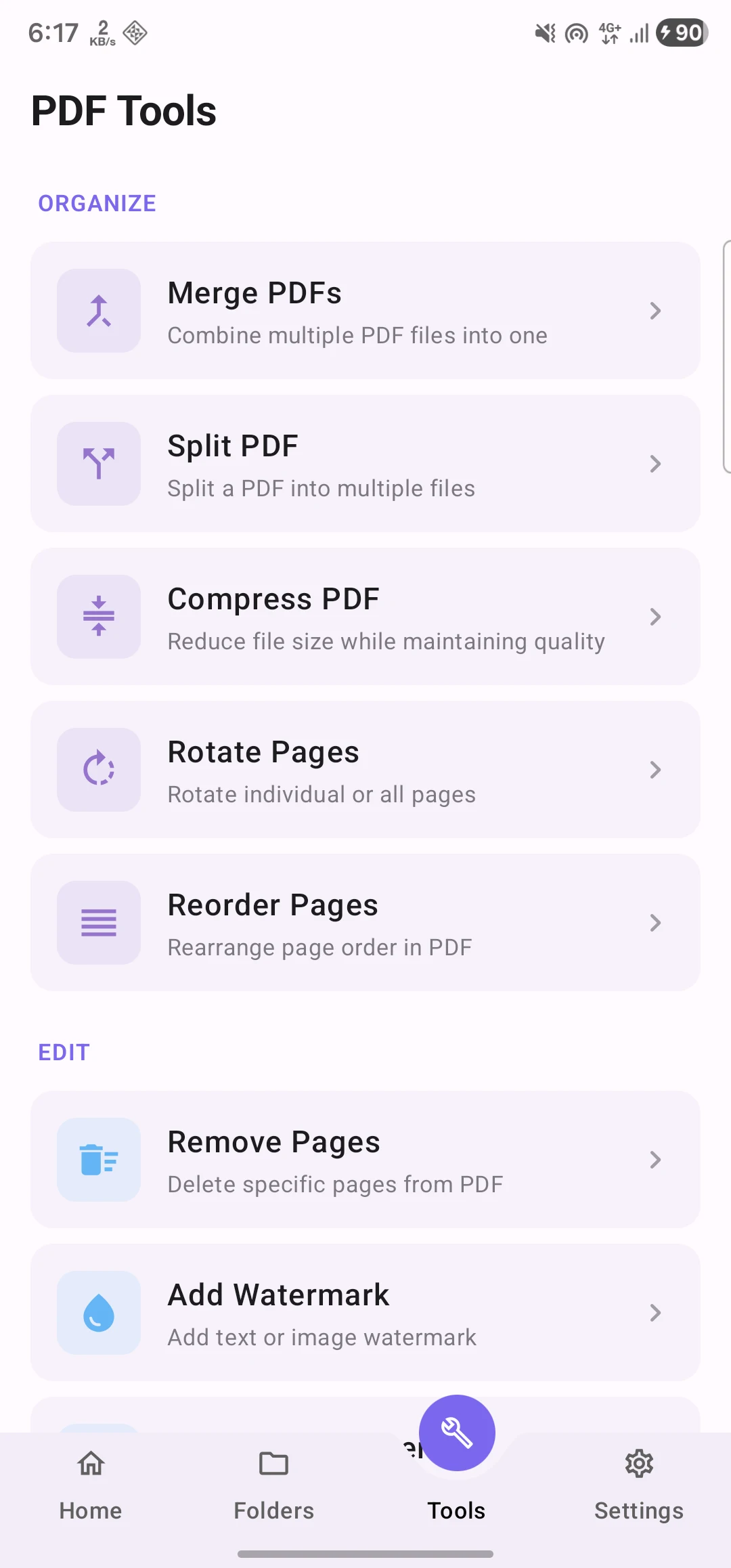
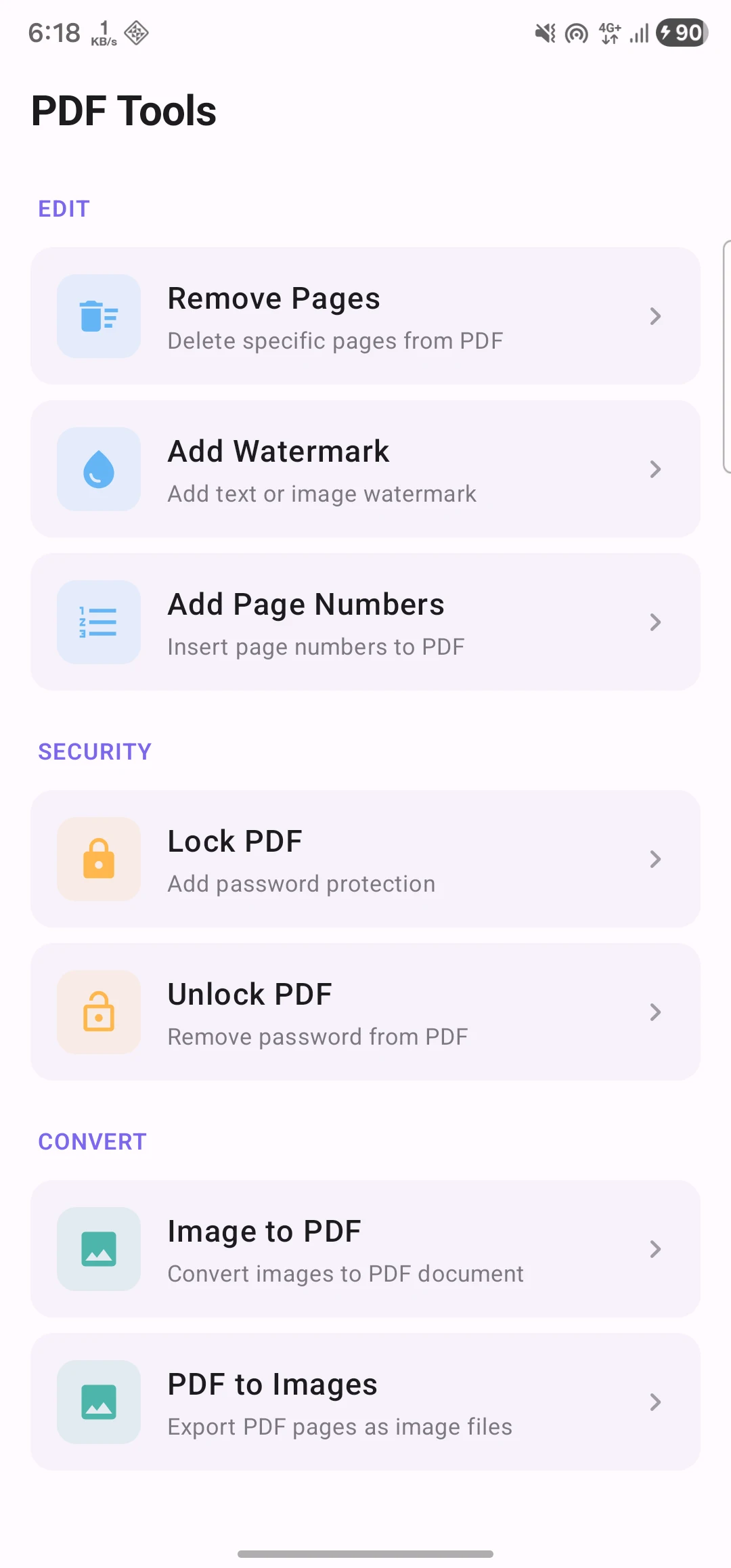
- 12 PDF Tools - Merge, split, compress, rotate, reorder, remove pages, add page numbers, watermark, lock/unlock, PDF to images, images to PDF
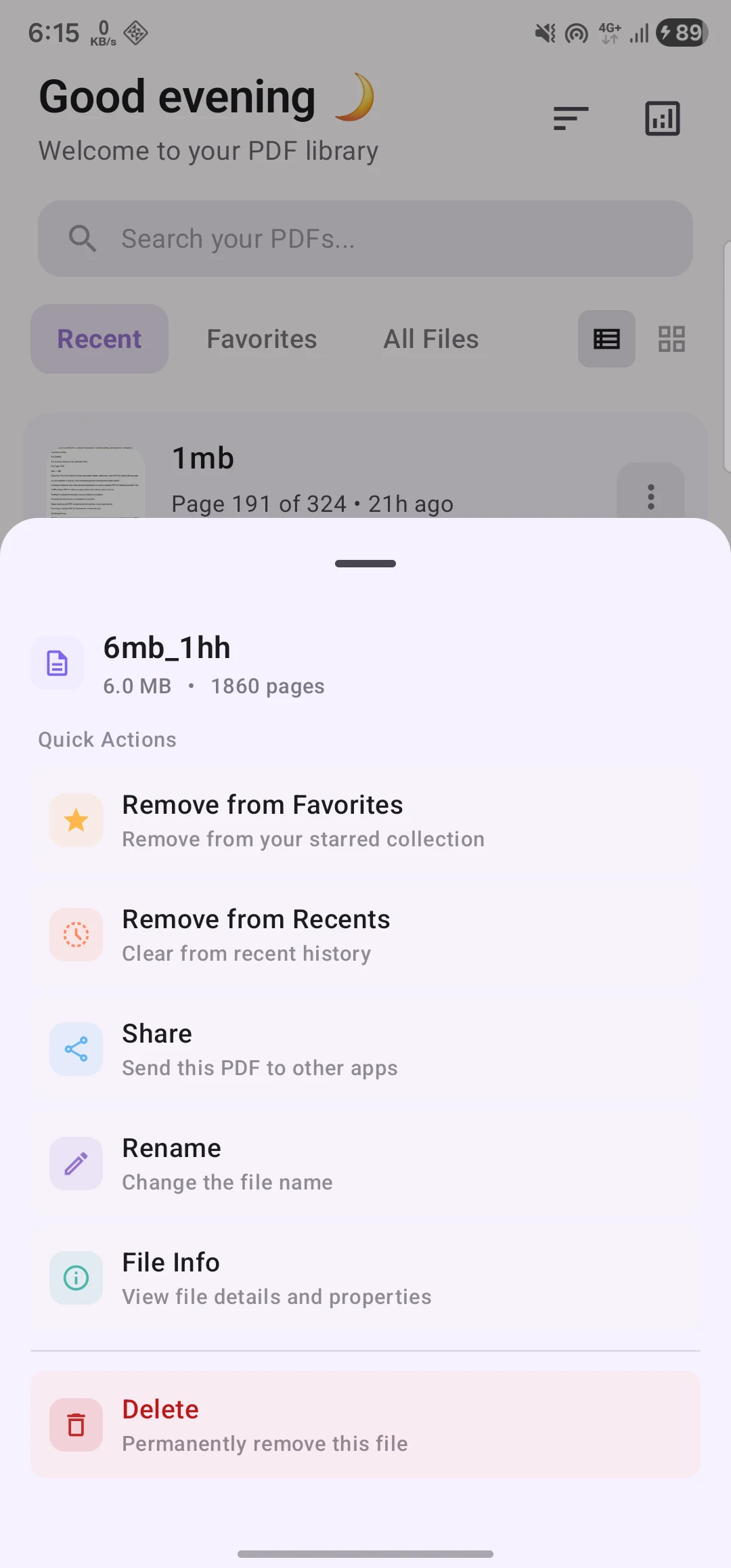
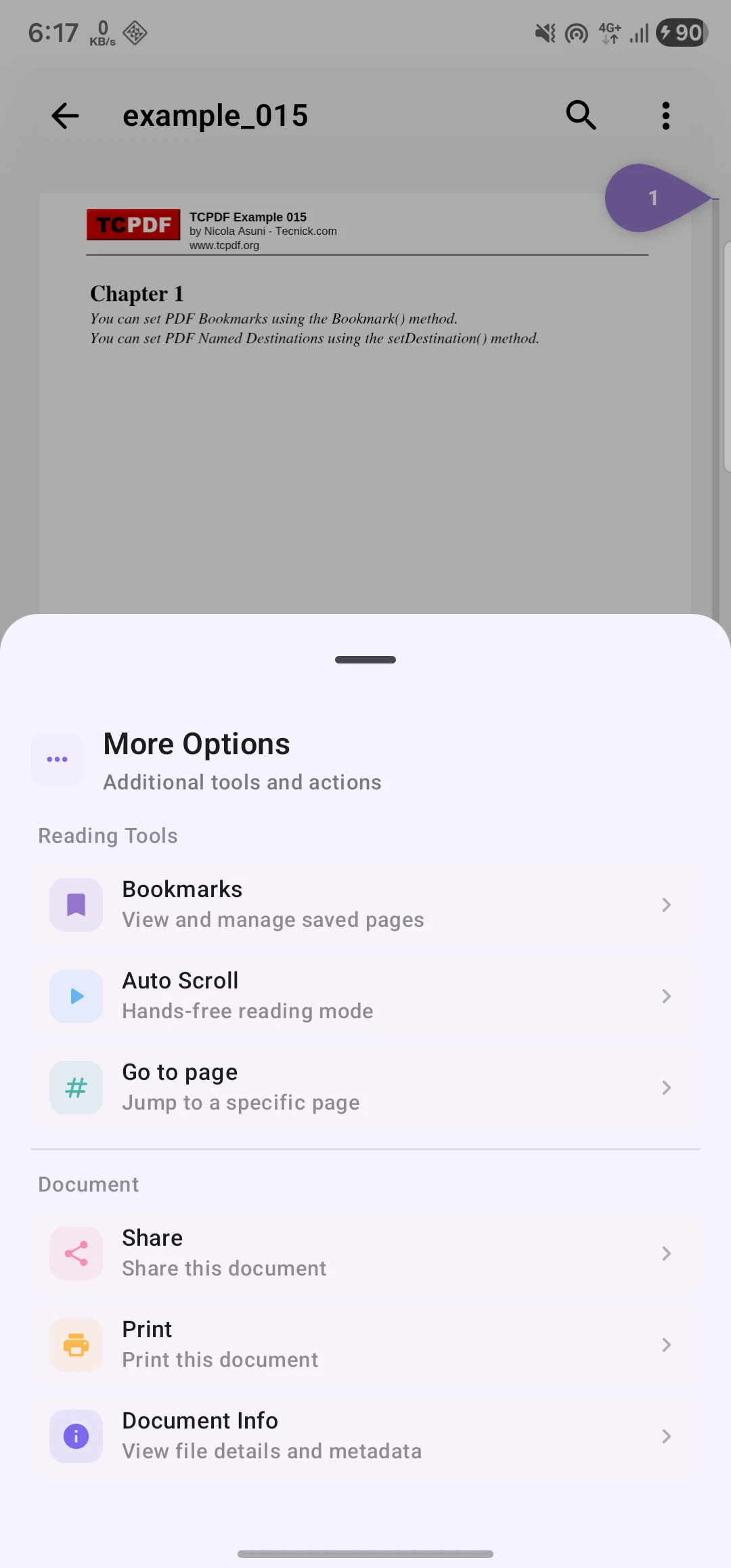
- Bookmarks - Save and manage bookmarks within documents
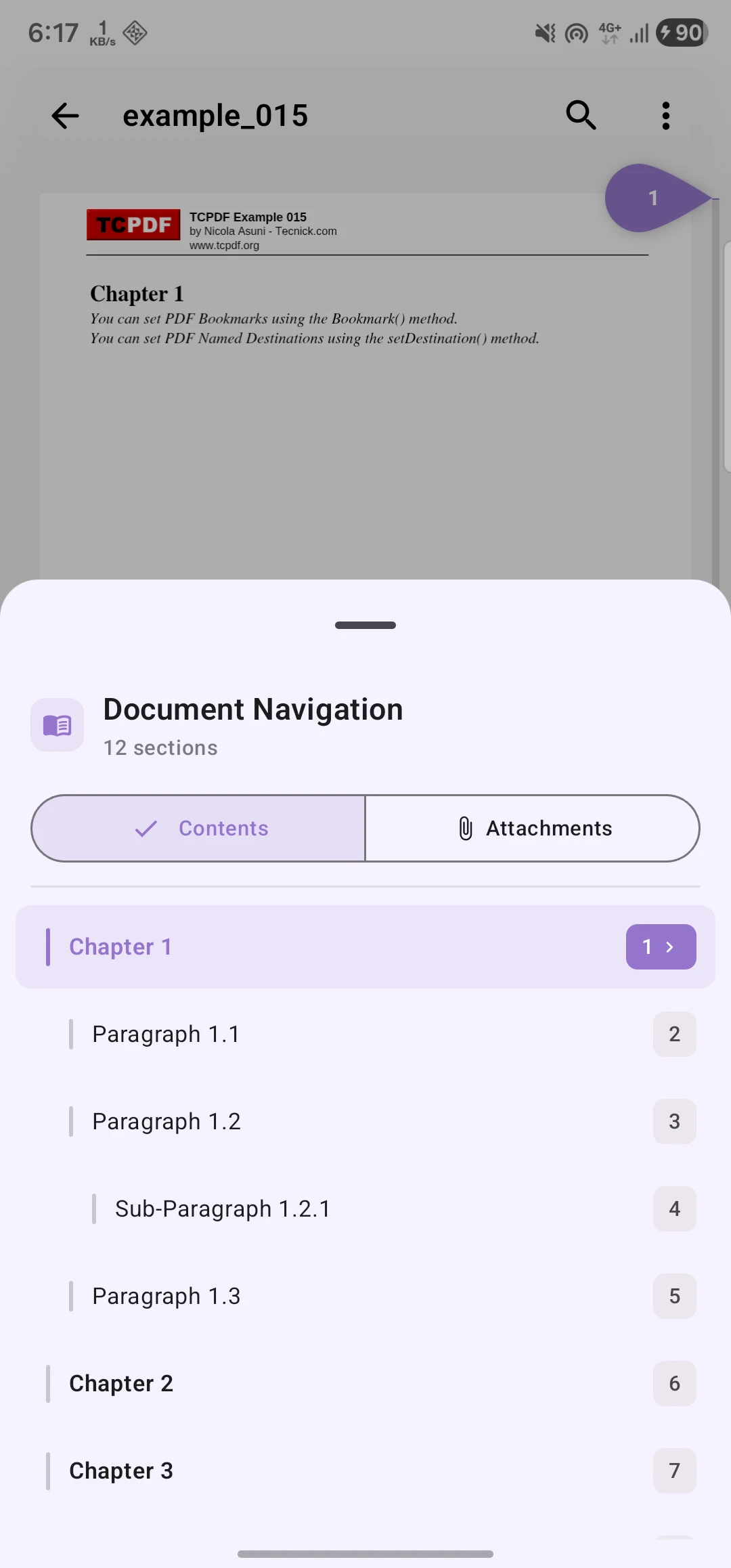
- Table of Contents - Navigate using document outlines
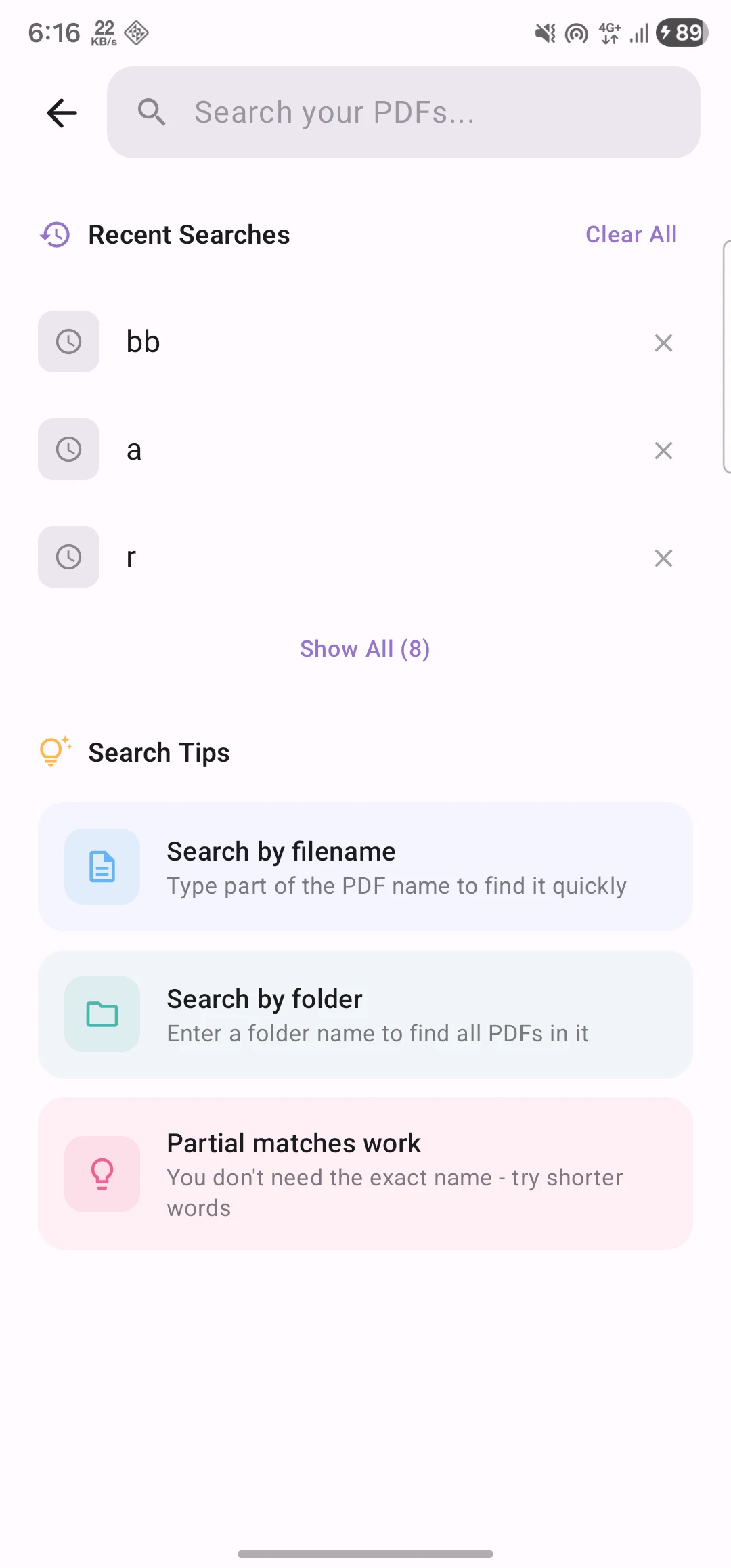
- Search - Full-text search within documents
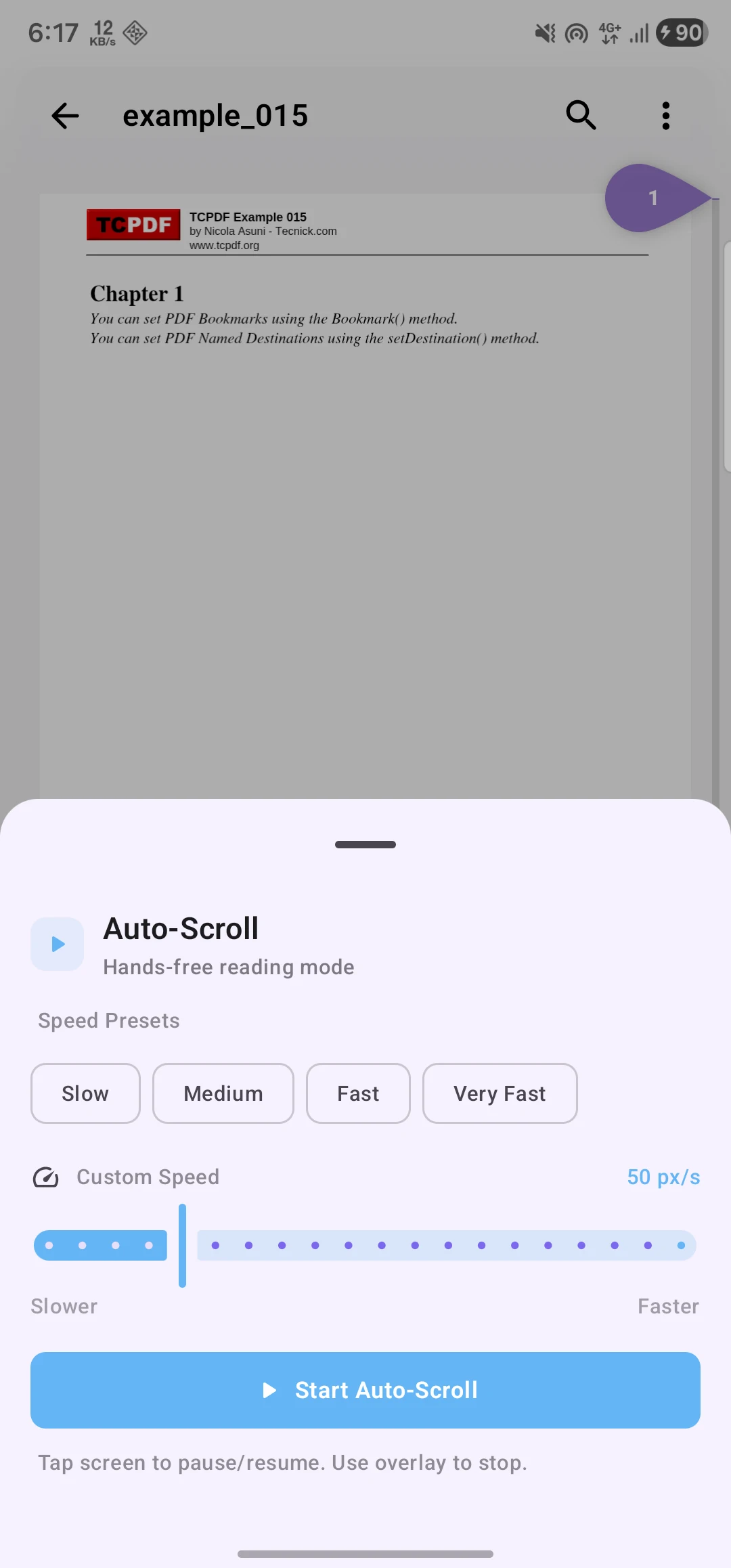
- Auto-Scroll - Hands-free reading with adjustable speed
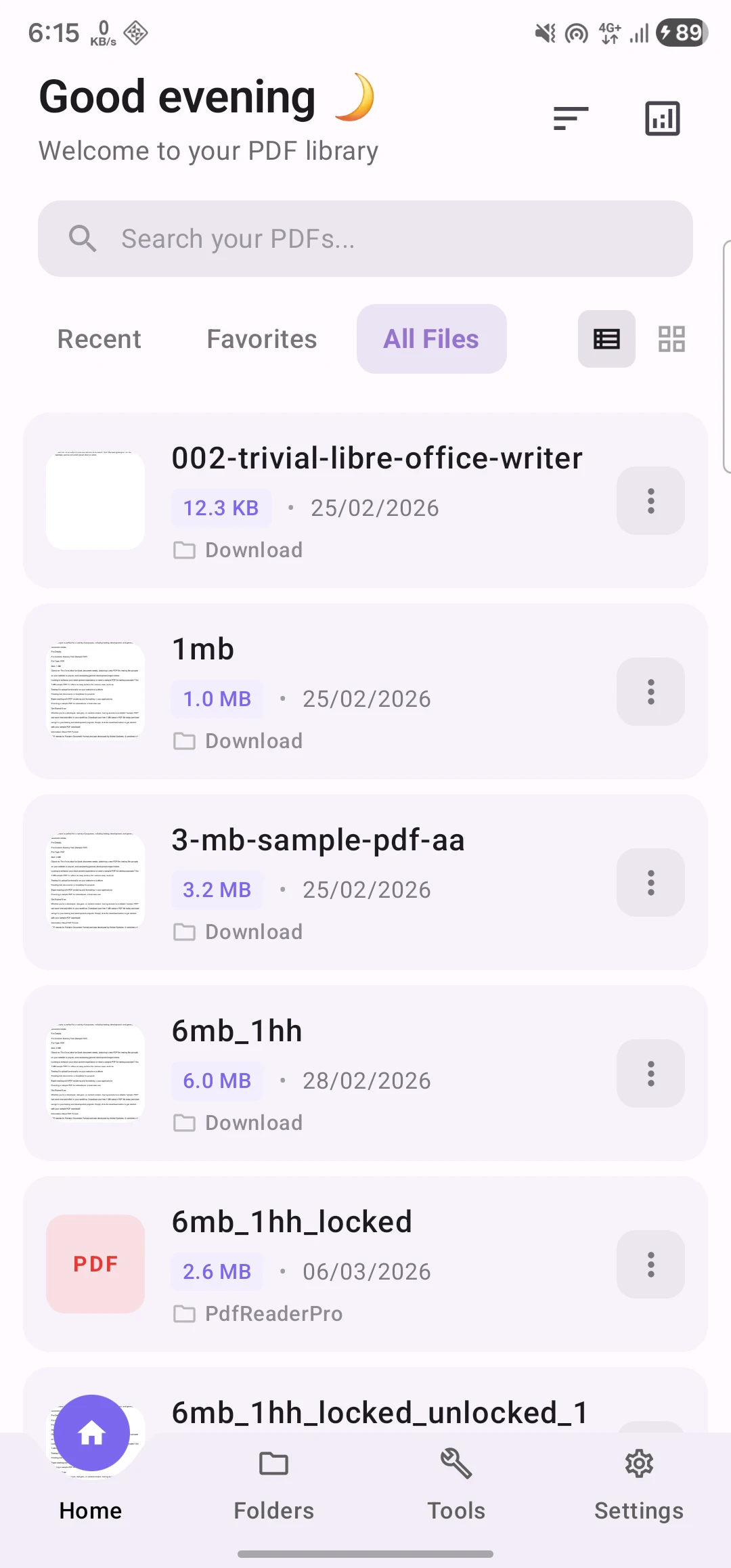
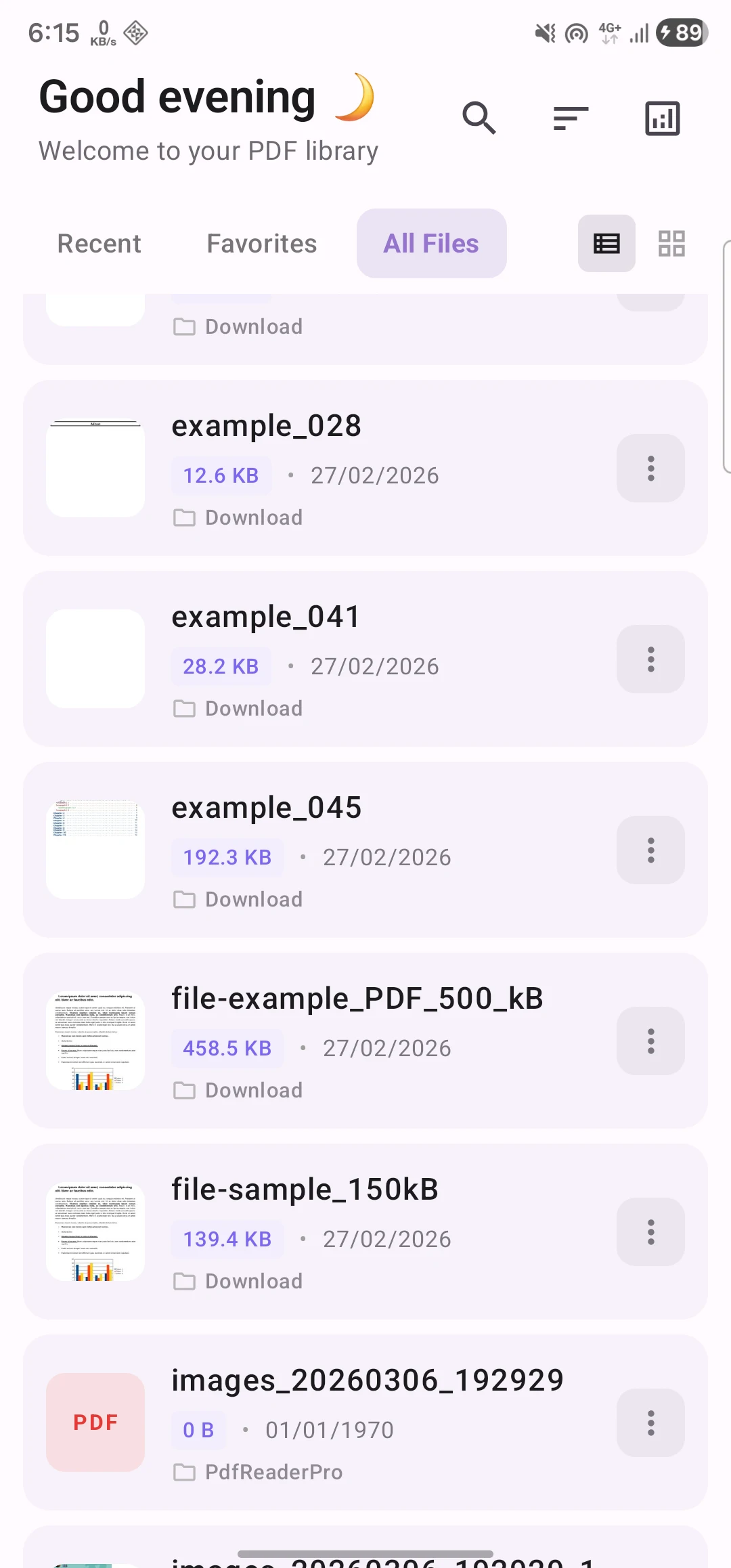
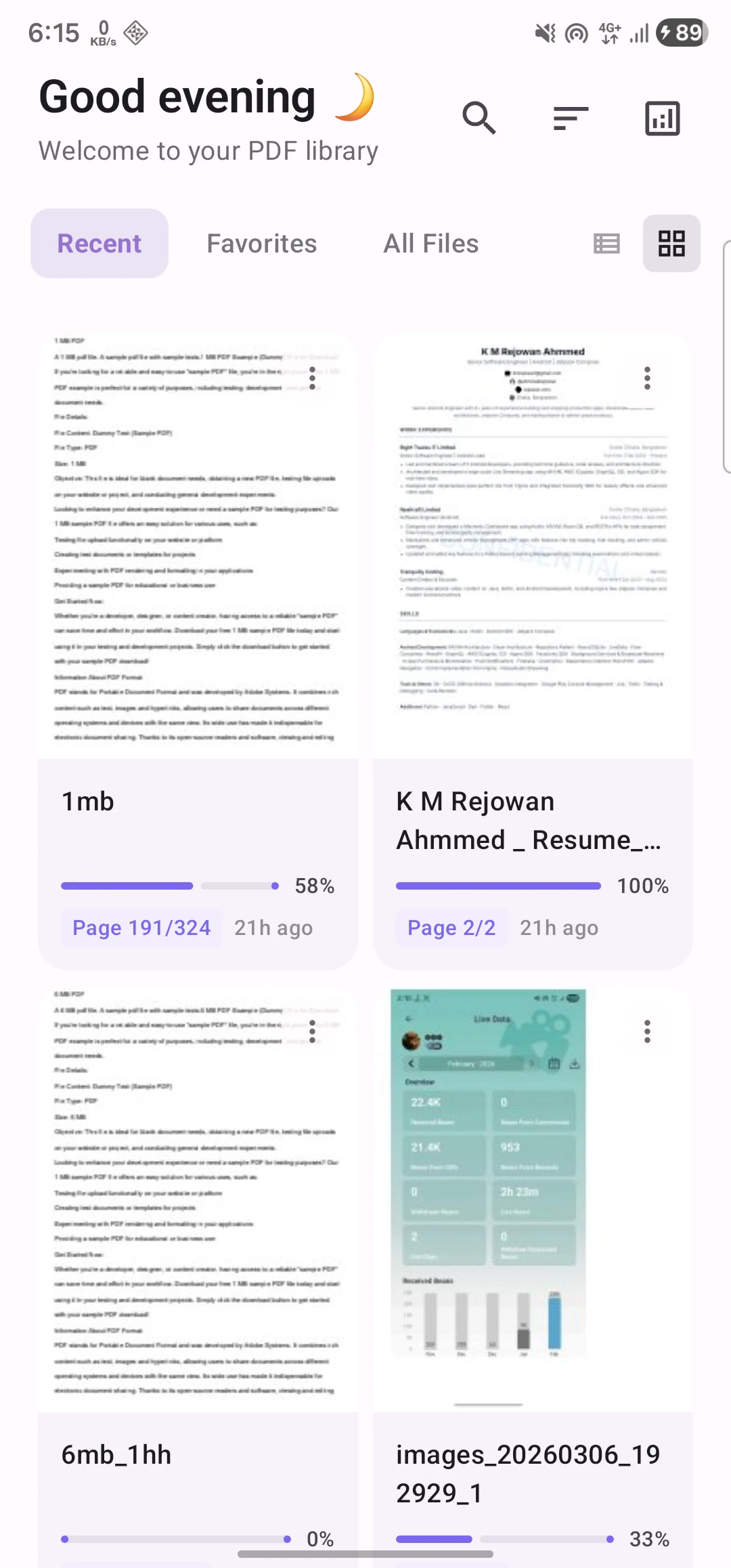
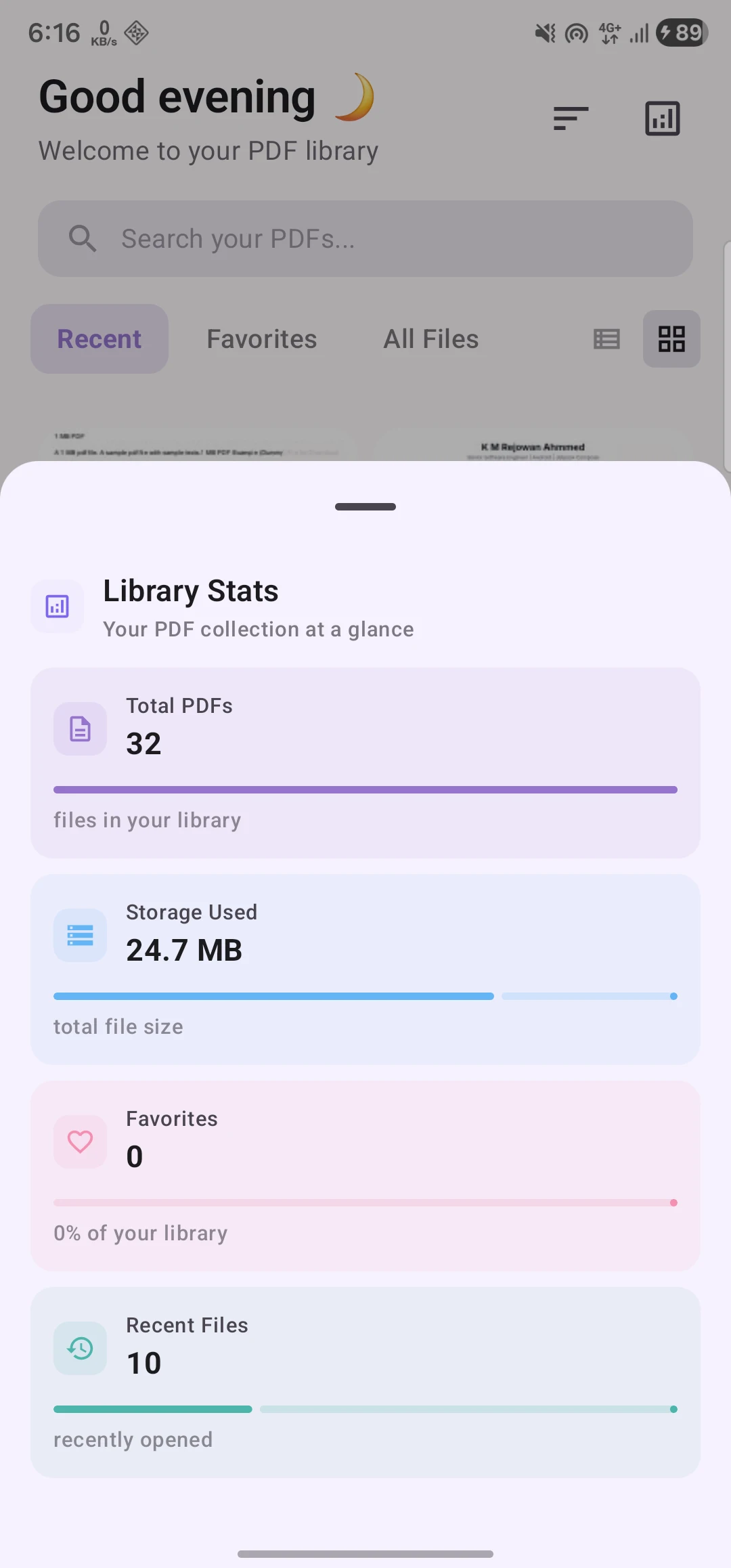
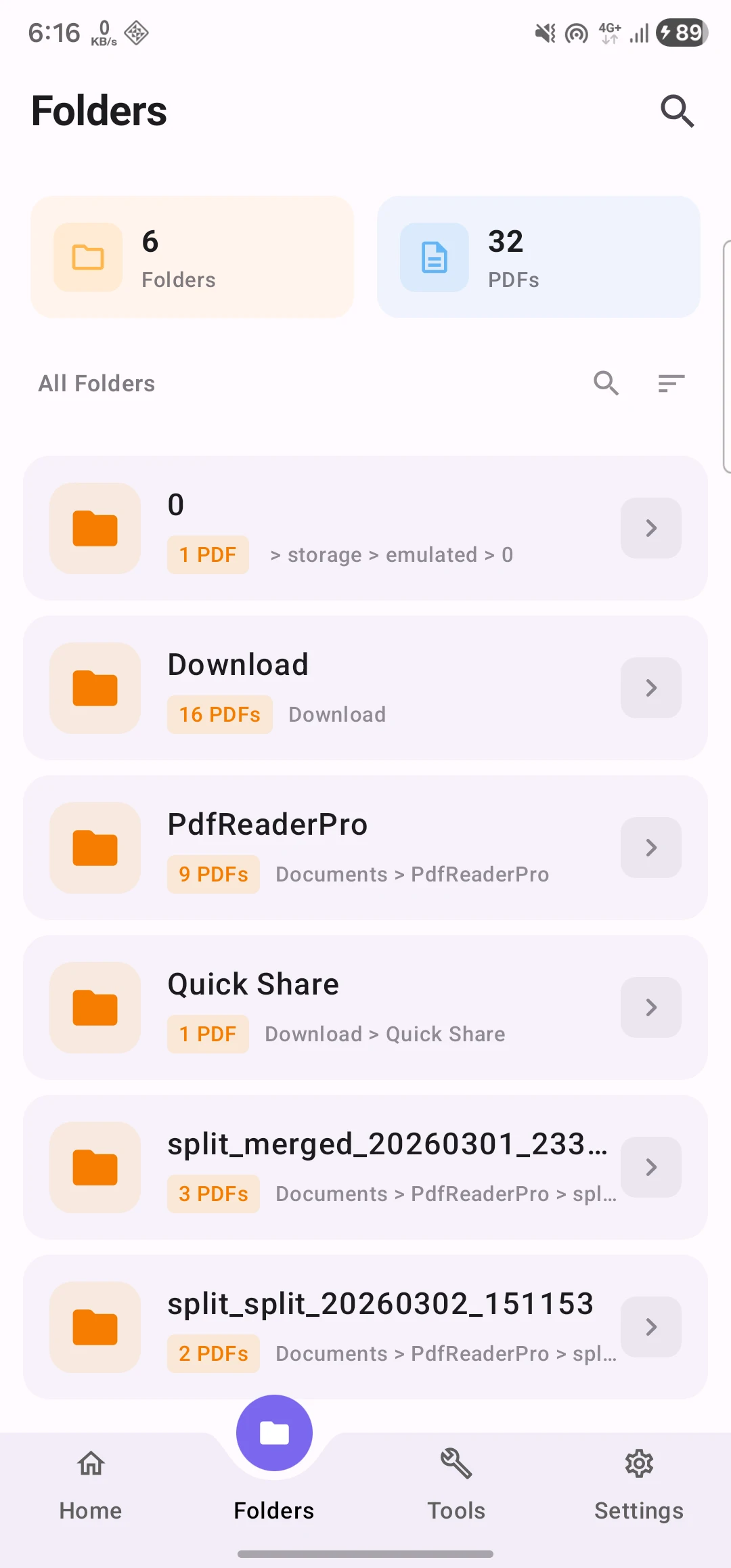
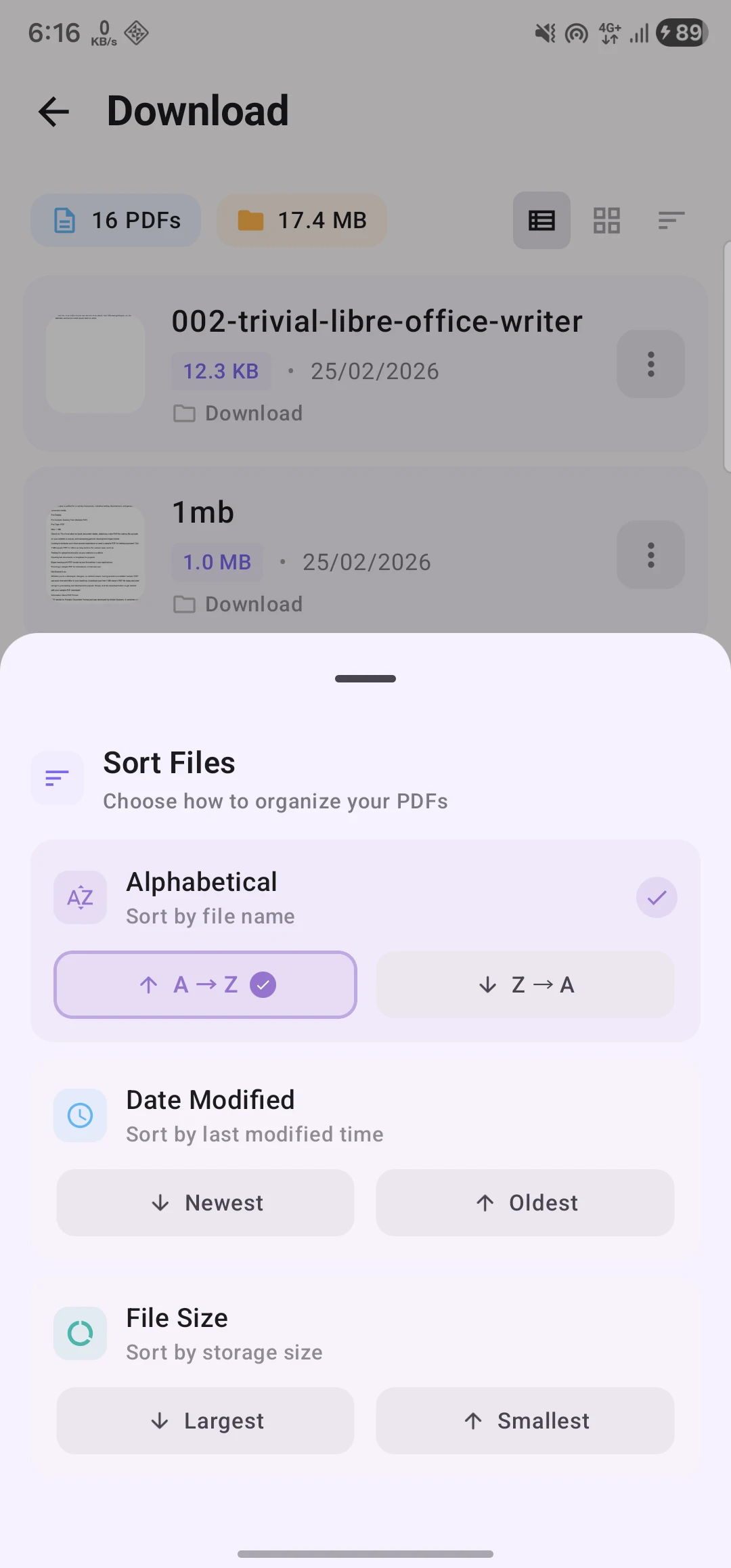
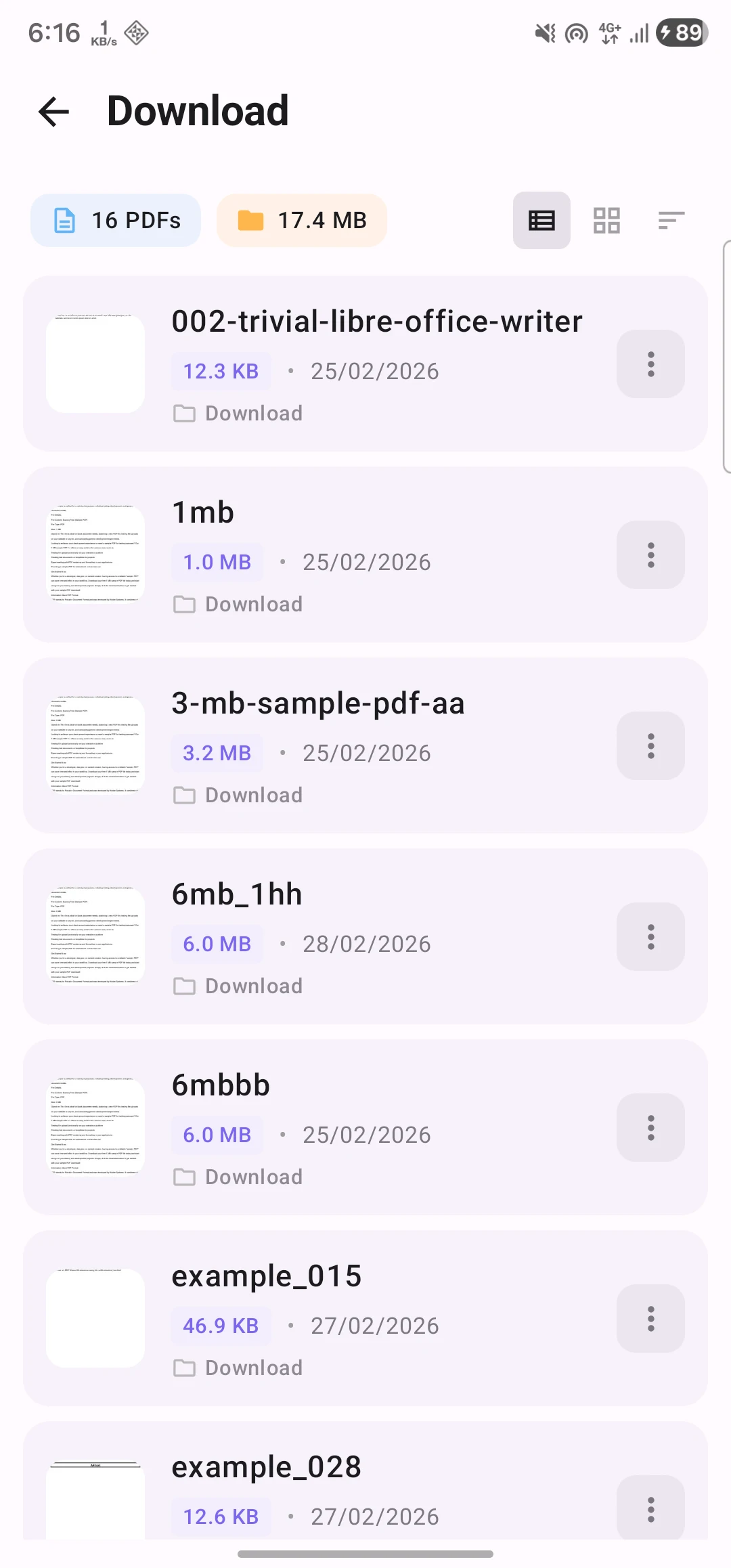
- File Management - Browse, search, sort, and organize PDFs
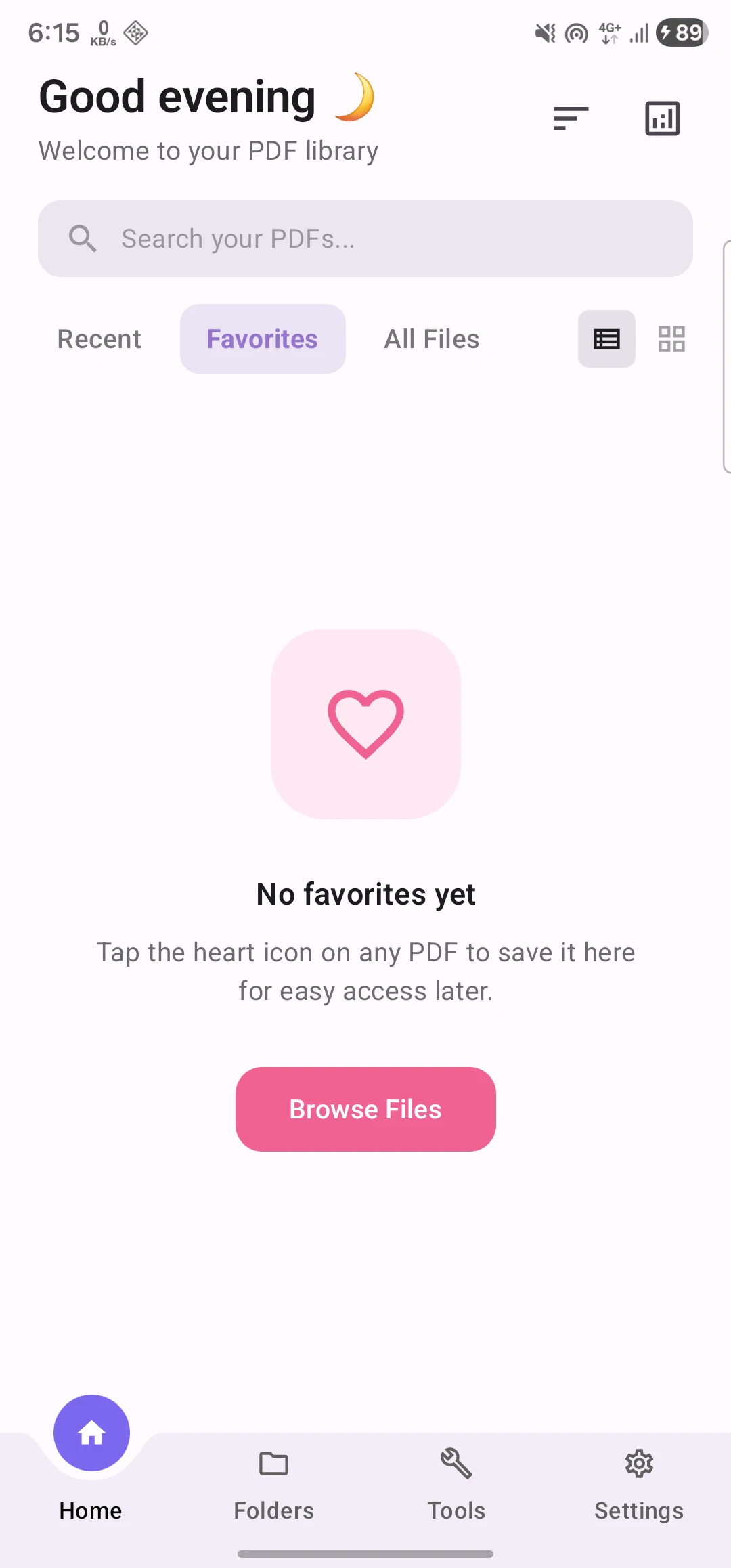
- Recent & Favorites - Quick access to your files
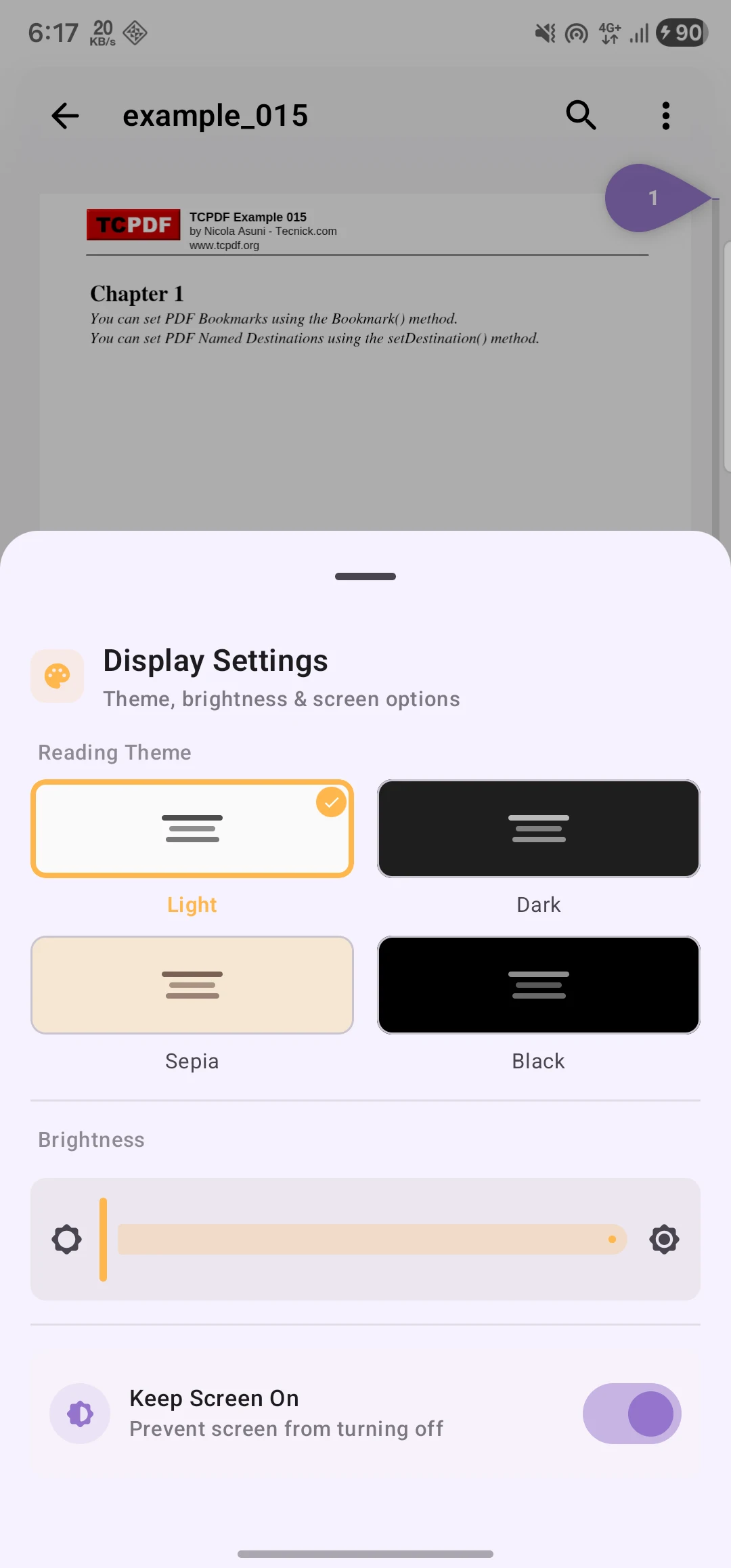
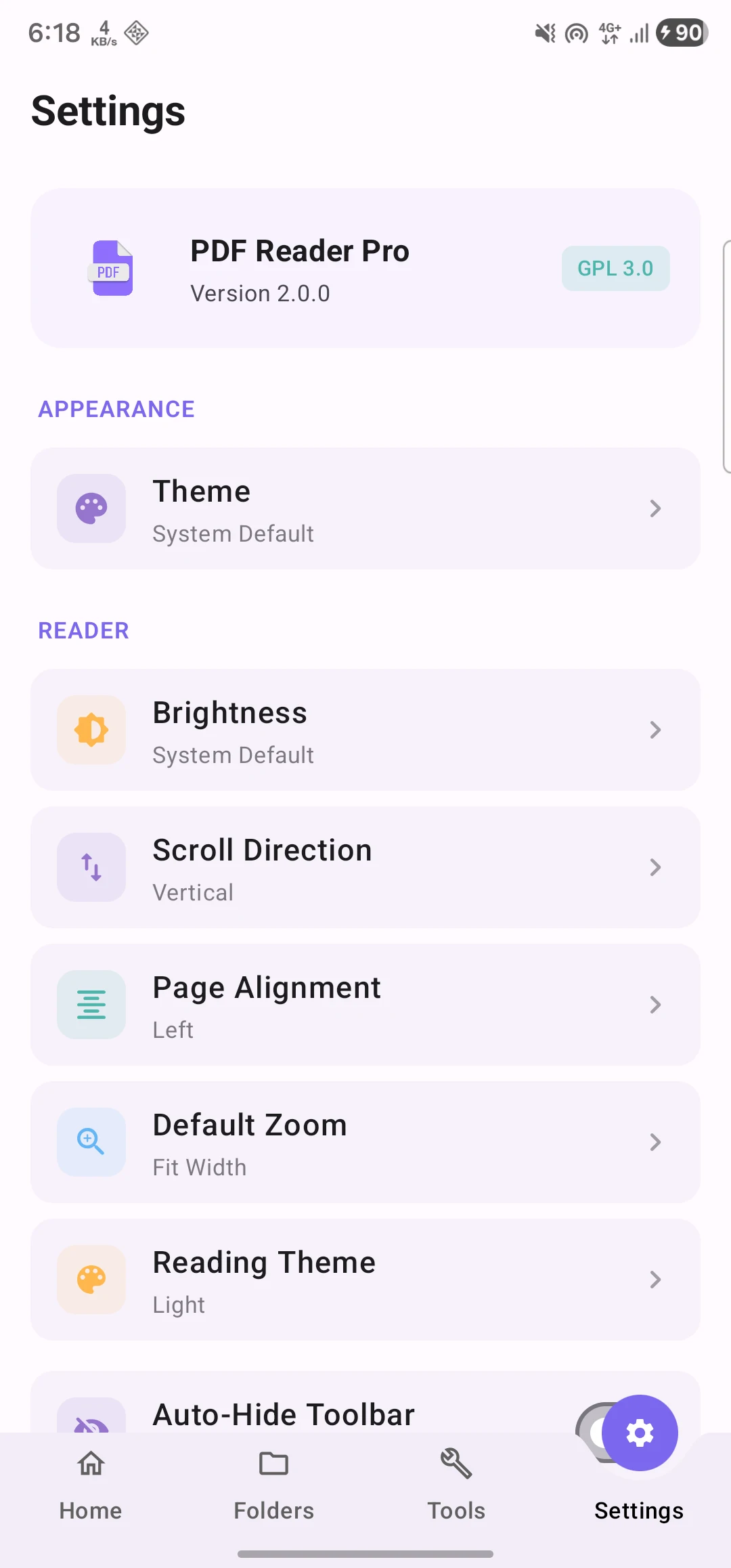
- Material 3 Design - Modern UI with dark mode and dynamic colors
- 100% Offline - Complete privacy, no ads, no tracking
Download

You can download the latest APK from here
<a href="https://github.com/ahmmedrejowan/PdfReaderPro/releases/latest"> <img src="https://raw.githubusercontent.com/ahmmedrejowan/PdfReaderPro/master/files/get.png" width="224px" align="center"/> </a>Check out the releases section for more details.
Screenshots
| Shots | Shots | Shots |
|-------|-------|-------|
|  |
|  |
|  |
|
|
|  |
|  |
|  |
|
|
|  |
|  |
|  |
|
|
|  |
|  |
|  |
|
|
|  |
|  |
|  |
|
|
|  |
|  |
|  |
|
|
|  |
|  |
|  |
|
|
|  |
|  |
|  |
|
|
| 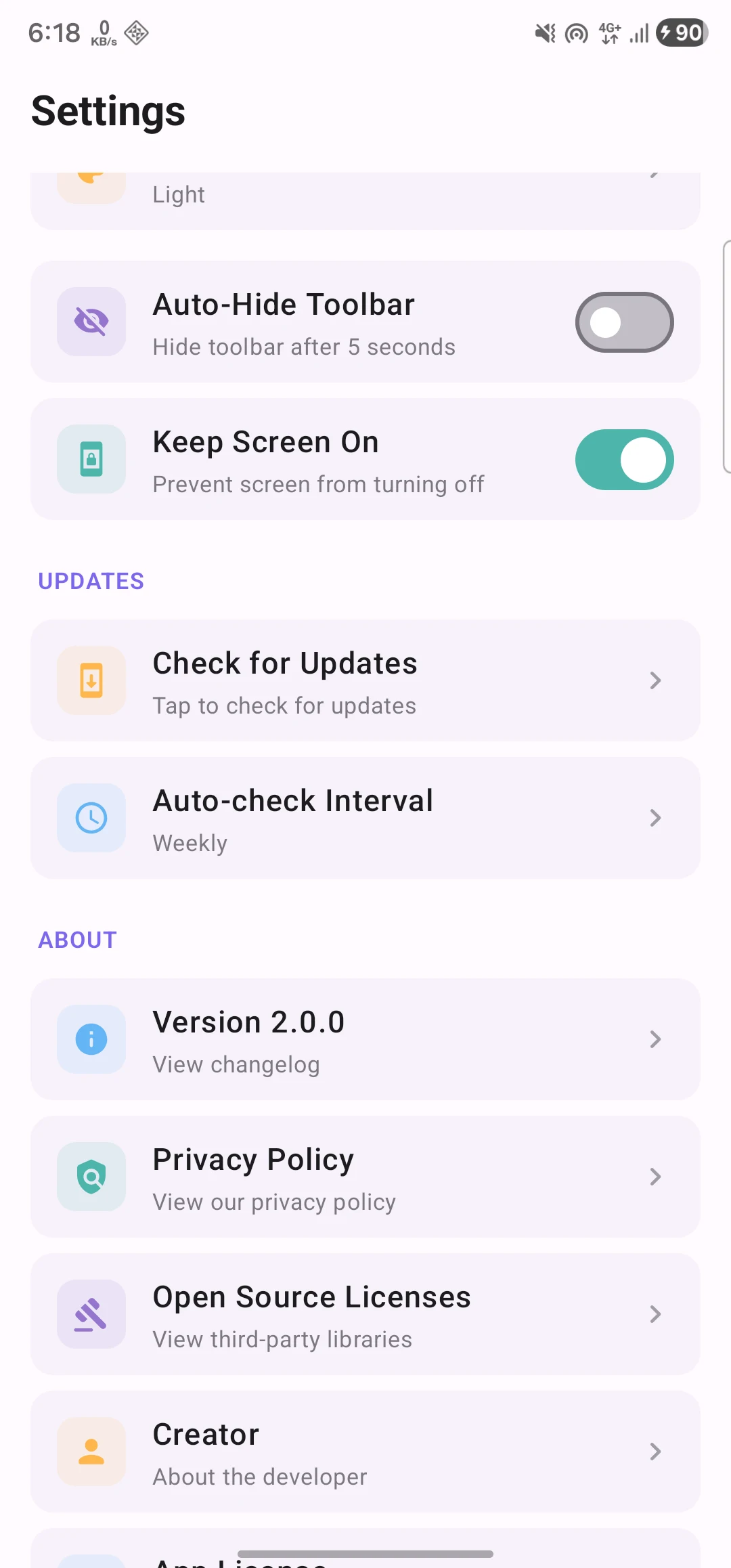 |
| 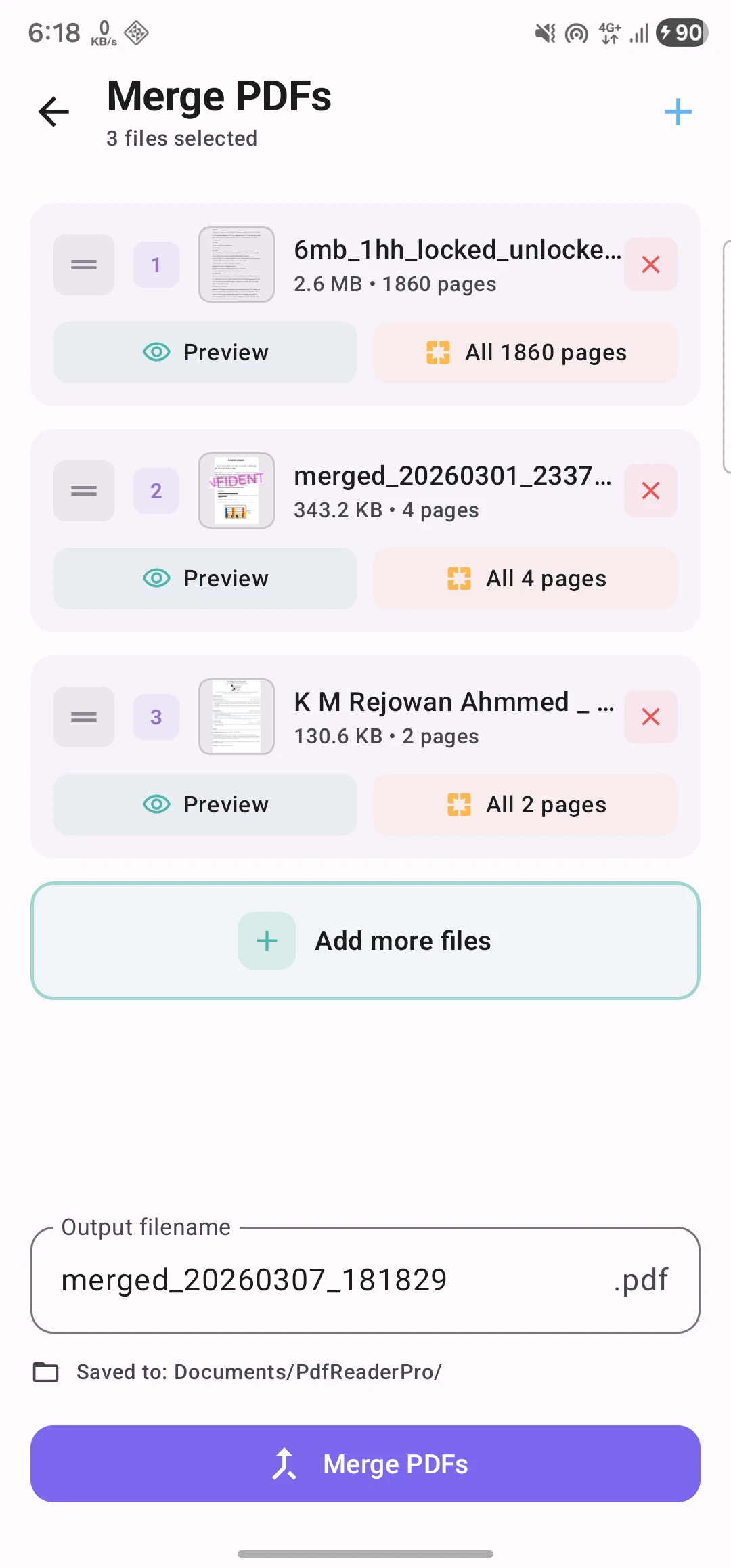 |
| 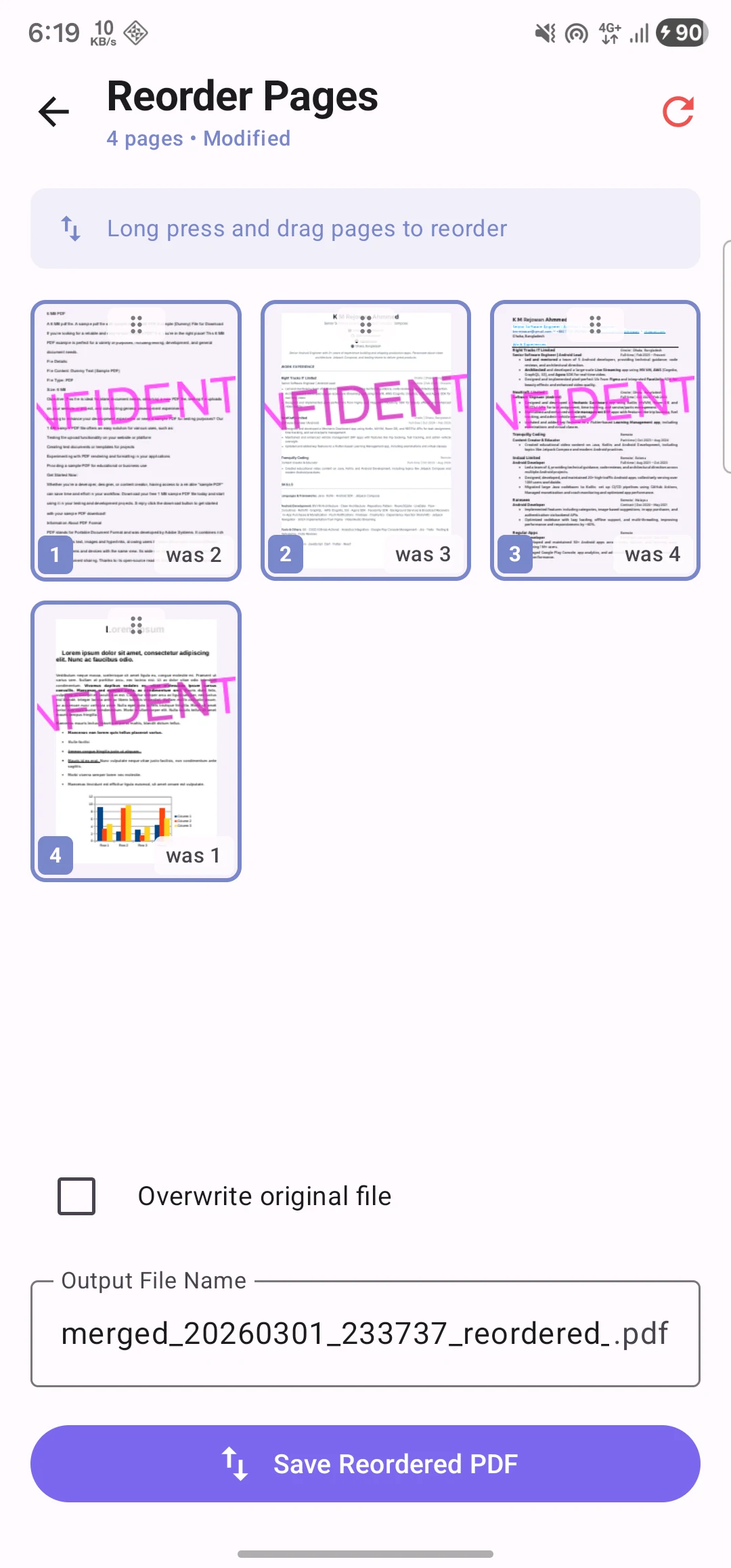 |
|
Architecture
PDF Reader Pro follows Clean Architecture principles with MVVM pattern:
app/
├── data/                      # Data layer
│   ├── local/
│   │   ├── database/          # Room database
│   │   └── preferences/       # DataStore preferences
│   └── repository/            # Repository implementations
│
├── domain/                    # Domain layer
│   ├── model/                 # Domain models
│   └── repository/            # Repository interfaces
│
├── presentation/              # Presentation layer (UI)
│   ├── components/            # Reusable Compose components
│   ├── navigation/            # Navigation graph
│   ├── screens/               # UI screens
│   │   ├── home/              # Home with file browser
│   │   ├── reader/            # PDF reader
│   │   ├── tools/             # PDF tools
│   │   └── settings/          # Settings
│   └── theme/                 # Material 3 theming
│
├── di/                        # Koin dependency injection
└── util/                      # Utilities
Tech Stack
- UI Framework: Jetpack Compose (100% Compose UI)
- Language: Kotlin (100%)
- Architecture: MVVM + Clean Architecture
- Dependency Injection: Koin
- Database: Room
- Async: Kotlin Coroutines + StateFlow
- Navigation: Jetpack Navigation Compose
- PDF Rendering: Custom PDF.js WebView
- PDF Processing: iText 7
- Image Loading: Coil
- Data Storage: DataStore Preferences
Requirements
- Minimum SDK: API 24 (Android 7.0 Nougat)
- Target SDK: API 36 (Android 16)
- Compile SDK: API 36
- Gradle: 9.4.0
- AGP: 9.1.0
- Kotlin: 2.3.10
- Java: 21
Permissions
READ_EXTERNAL_STORAGE/READ_MEDIA_DOCUMENTS- Access PDF filesWRITE_EXTERNAL_STORAGE- Save processed PDFs (Android 9 and below)INTERNET- Optional, only for in-app update checks
Note: This app does not collect or transmit any user data.
Build & Run
To build and run the project, follow these steps:
- Clone the repository:
git clone https://github.com/ahmmedrejowan/PdfReaderPro.git - Open the project in Android Studio.
- Sync the project with Gradle files.
- Connect your Android device or start an emulator.
- Click on the "Run" button in Android Studio to build and run the app.
Testing
# Run unit tests
./gradlew test

# Run instrumented tests
./gradlew connectedAndroidTest
Contributing
Contributions are welcome! Please read CONTRIBUTING.md for guidelines.
Quick Start
- Fork the repository
- Create your feature branch (
git checkout -b feature/AmazingFeature) - Commit your changes (
git commit -m 'Add some AmazingFeature') - Push to the branch (
git push origin feature/AmazingFeature) - Open a Pull Request
License
Copyright (C) 2024-2026 K M Rejowan Ahmmed

This program is free software: you can redistribute it and/or modify
it under the terms of the GNU General Public License as published by
the Free Software Foundation, either version 3 of the License, or
(at your option) any later version.

This program is distributed in the hope that it will be useful,
but WITHOUT ANY WARRANTY; without even the implied warranty of
MERCHANTABILITY or FITNESS FOR A PARTICULAR PURPOSE. See the
GNU General Public License for more details.
Warning This is a copyleft license. Any derivative work must also be open source under the same license.
Community
- Discussions - Ask questions, share ideas
- Issues - Report bugs, request features
- Releases - Download latest versions
Author
K M Rejowan Ahmmed
- GitHub: @ahmmedrejowan
- Email: kmrejowan@gmail.com
Acknowledgments
- PDF.js - Mozilla's PDF rendering library
- iText - PDF processing library
- Jetpack Compose - Modern Android UI toolkit
- Material Design 3 - Design system
- Koin - Dependency injection framework
- Coil - Image loading library
Changelog
v2.1.3 (2026-03-24)
- F-Droid build compatibility (removed JVM toolchain)
v2.1.2 (2026-03-24)
- Fixed build compatibility with standard OpenJDK
v2.1.1 (2026-03-24)
- F-Droid metadata and fastlane structure for app store listing
v2.1.0 (2026-03-23)
- Horizontal page scrubber for horizontal scroll mode
- Global settings for snap-to-pages and screen orientation
- Simplified view mode options
v2.0.0 (2026-03-07) - Complete Rewrite
- Complete UI rewrite with Jetpack Compose and Material 3
- 12 PDF tools (me
Related Skills
node-connect
349.0kDiagnose OpenClaw node connection and pairing failures for Android, iOS, and macOS companion apps
frontend-design
109.4kCreate distinctive, production-grade frontend interfaces with high design quality. Use this skill when the user asks to build web components, pages, or applications. Generates creative, polished code that avoids generic AI aesthetics.
openai-whisper-api
349.0kTranscribe audio via OpenAI Audio Transcriptions API (Whisper).
qqbot-media
349.0kQQBot 富媒体收发能力。使用 <qqmedia> 标签,系统根据文件扩展名自动识别类型(图片/语音/视频/文件)。
