
HalkaBox.js
A simple and basic Javascript lightbox.
Install / Use
/learn @ahmednooor/HalkaBox.jsREADME
halkaBox.js



A simple and basic Javascript lightbox.
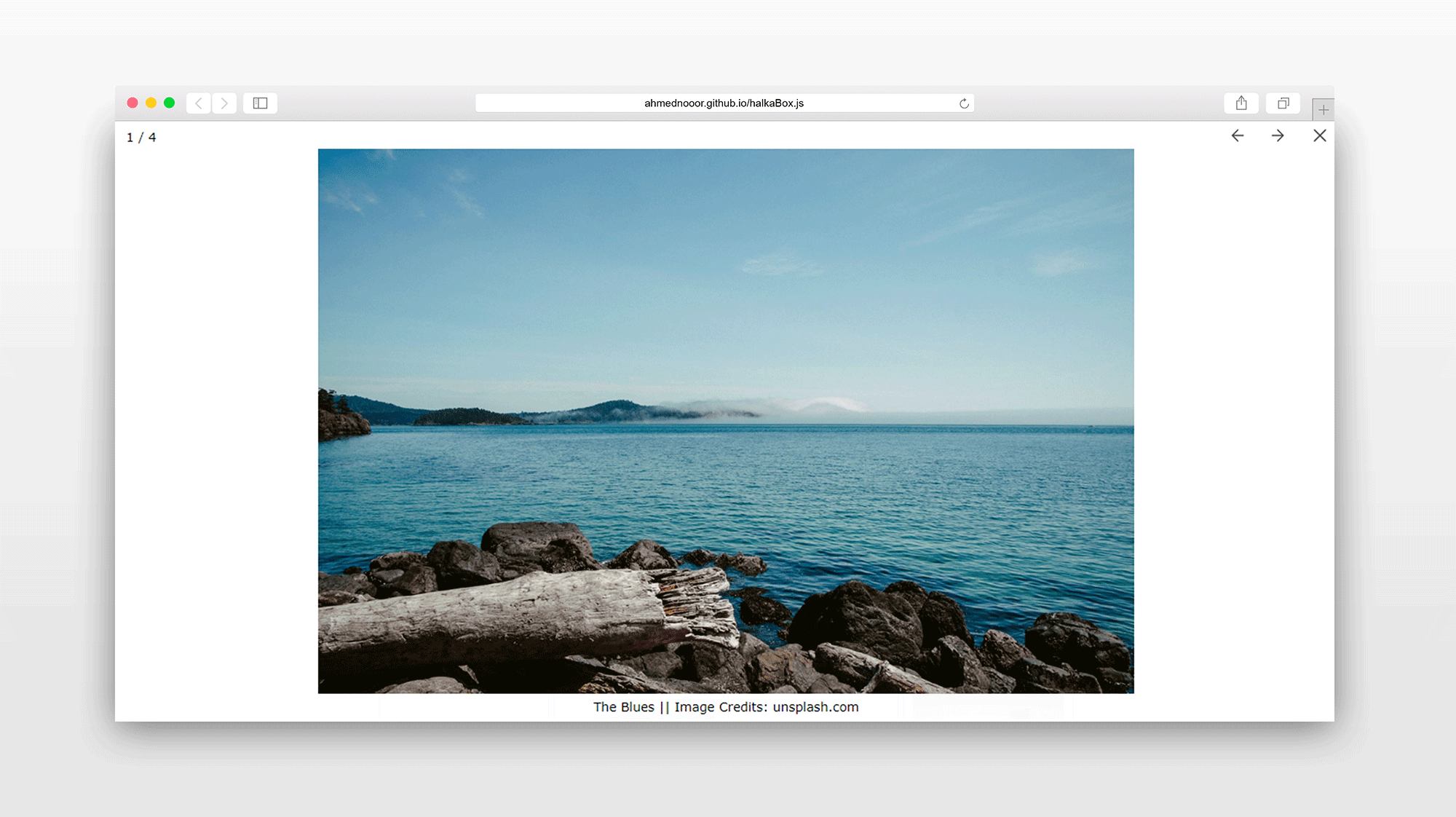
Features
- Made with Javascript. No dependencies required.
- Simple and lightweight.
- Multiple galleries. Custom options for each.
- Keyboard arrow keys to navigate and escape to close supported.
- Swipe gestures supported on touch devices.
- Spread/Pinch or Double Tap to Zoom In/Out on touch devices.
- MouseWheel for next/prev images.
- Ctrl+MouseWheel to Zoom In/Out.
- SVG Icons.
- Transitions via CSS Keyframes.
- Minimal.
- Light and Dark themes.
Download
npm
npm install halkabox --save
yarn
yarn add halkabox
Usage Example
Files
<link rel="stylesheet" href="path/to/halkaBox.min.css">
<script src="path/to/halkaBox.min.js"></script>
Markup for Galleries
Anchor tags with
shared classeswill be treated as galleries. Put captions if any, intitleordata-titleattributes.
<a href="..." class="gallery1" title="Caption"><img src="..."></a>
<a href="..." class="gallery1" data-title="Caption"><img src="..."></a>
<a href="..." class="gallery1"><img src="..."></a>

<a href="..." class="gallery2"><img src="..."></a>
<a href="..." class="gallery2" title="Caption"><img src="..."></a>
<a href="..." class="gallery2" data-title="Caption"><img src="..."></a>
Markup for Single Images
"hb-single"class is reserved for single images. This way you can set options for all single images at once.
<a href="..." class="hb-single" title="Caption"><img src="..."></a>
<a href="..." class="hb-single"><img src="..."></a>
<a href="..." class="hb-single" title="Caption"><img src="..."></a>
Or you can set a
unique classto each anchor tag and it will be treated as a single image. You can use custom options for each single image this way.
<a href="..." class="singleImage1" title="Caption"><img src="..."></a>
<a href="..." class="singleImage2"><img src="..."></a>
Javascript for Galleries
halkaBox.run("gallery1");
halkaBox.run("gallery2");
Javascript for Single Images
halkaBox.run("hb-single");
halkaBox.run("singleImage1");
halkaBox.run("singleImage2");
Options
Setting Options Globally
halkaBox.options({
    hideButtons: true,       // hide buttons on touch devices (true || false)
    animation: "slide",      // animation type on next/prev ("slide" || "fade")
    theme: "light",          // lightbox overlay theme ("light" || "dark")
    preload: 2,              // number of images to preload
    swipeDownToClose: false, // swipe down to close (true || false)
    swipeUpToClose: false,   // swipe up to close (true || false)
    nextPrevOnWheel: true,   // goto next/prev image on wheel (true || false)
    isZoomable: true         // ability to zoom image (true || false)
});
halkaBox.run("...");
...
halkaBox.options()should come beforehalkaBox.run().
Setting Options Individually
halkaBox.run("...", {
    hideButtons: true,       // hide buttons on touch devices (true || false)
    animation: "slide",      // animation type on next/prev ("slide" || "fade")
    theme: "light",          // lightbox overlay theme ("light" || "dark")
    preload: 2,              // number of images to preload
    swipeDownToClose: false, // swipe down to close (true || false)
    swipeUpToClose: false,   // swipe up to close (true || false)
    nextPrevOnWheel: true,   // goto next/prev image on wheel (true || false)
    isZoomable: true         // ability to zoom image (true || false)
});
...
Available Options
| Option | Value Type | Default Value | Available Values | Description |
| --- | --- | --- | --- | --- |
| hideButtons | Boolean | true | true, false | Hides next/previous buttons on touch devices. |
| animation | String | "slide" | "slide", "fade" | Sets animation type on next/previous actions. |
| theme | String | "light" | "light", "dark" | Sets lightbox overlay theme. |
| preload | Number | 2 | 0, 1,2,3, ... | Sets the number of images to preload. |
| swipeDownToClose | Boolean | false | true, false | Swipe down to close lightbox. |
| swipeUpToClose | Boolean | false | true, false | Swipe up to close lightbox. |
| nextPrevOnWheel | Boolean | true | true, false | Wheel down for next image and up for previous. |
| isZoomable | Boolean | true | true, false | Ability to zoom the image. |
API
var gallery = halkaBox.run("class-name", {/* options if any */});
gallery.open(0)     // opens the lightbox. takes index of the image <0,1,2...>. first is 0
gallery.next()      // shows next image in the gallery
gallery.previous()  // shows previous image in the gallery
gallery.close()     // closes the lightbox
gallery.destroy()   // unbinds event bindings. removes lightbox markup
// other methods won't work after calling `destroy`
Compatibility
All the latest versions of,
- Chrome
- Firefox
- Edge
- IE
- Opera
- Safari
Feel free to report any issues and share your feedback in the issues tracker.
Licence and Credits
License: MIT
Author: Ahmed Noor
Credits: Unsplash for images.
Related Skills
node-connect
342.0kDiagnose OpenClaw node connection and pairing failures for Android, iOS, and macOS companion apps
frontend-design
84.7kCreate distinctive, production-grade frontend interfaces with high design quality. Use this skill when the user asks to build web components, pages, or applications. Generates creative, polished code that avoids generic AI aesthetics.
openai-whisper-api
342.0kTranscribe audio via OpenAI Audio Transcriptions API (Whisper).
commit-push-pr
84.7kCommit, push, and open a PR
