
Clidoro
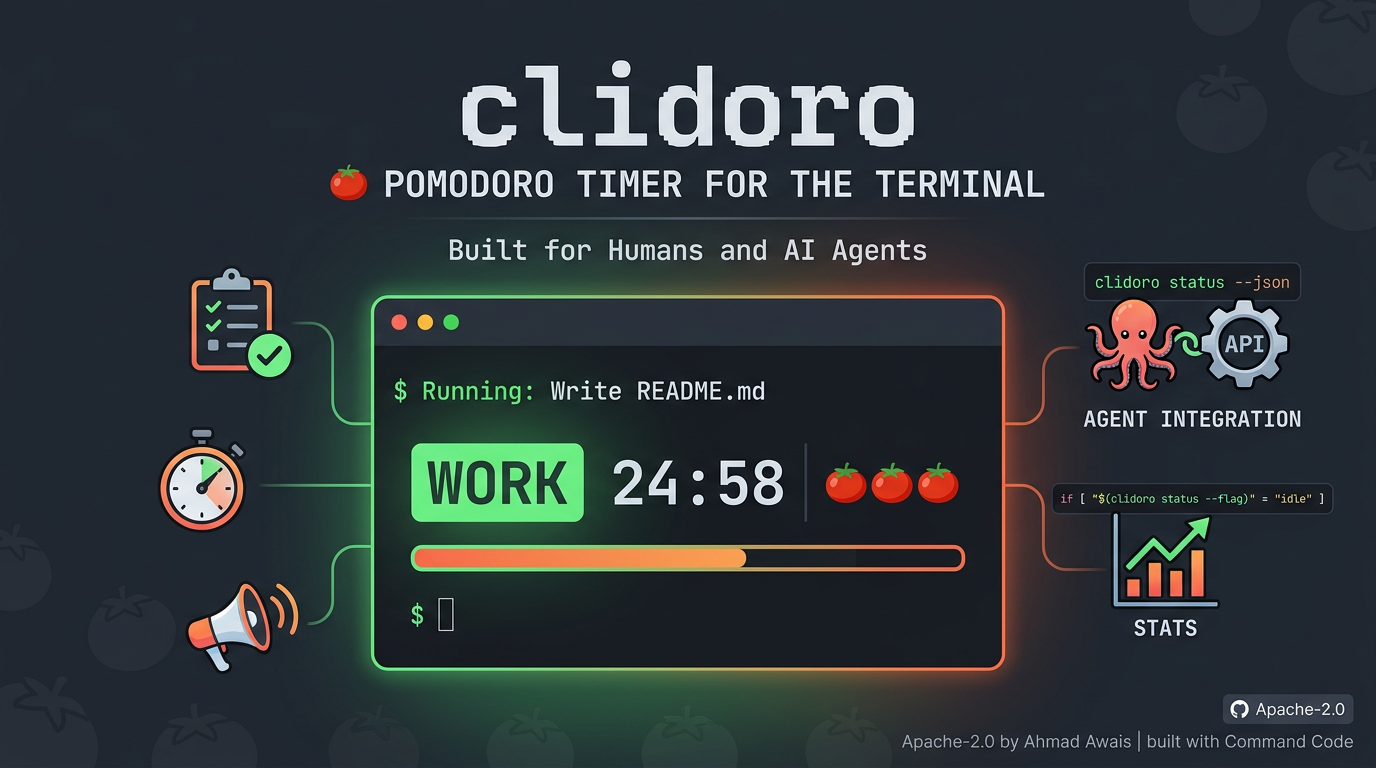
CLI Pomodoro timer for the terminal. Built for humans and AI agents.
Install / Use
/learn @ahmadawais/ClidoroREADME
clidoro
Pomodoro timer for the terminal. Built for humans and AI agents.
Install
npx clidoro
Or globally:
npm i -g clidoro
For agents, use skills
npx skills add ahmadawais/clidoro
Interactive Mode (default)
Just run clidoro with no arguments to launch the interactive TUI.
clidoro
Then press a to add tasks, navigate with ↑↓, and hit enter to start a pomodoro. The interface will show a real-time countdown, progress bar, and 🍅 tomato count for each task. Press c to complete a task or session early. Press b to start a break. Use the keyboard shortcuts below to manage your sessions and tasks.
Keyboard shortcuts:
| Key | Action |
|-----|--------|
| ↑↓| Navigate tasks |
| enter | Start pomodoro on selected task |
| a | Add new task |
| c | Complete task (in task list) or complete session early (during timer) |
| d | Delete task (press twice to confirm) |
| b | Start break |
| p | Choose timer preset |
| h | Show/hide completed tasks |
| space | Pause/resume session |
| x | Cancel session |
| q | Quit |
Features:
- Real-time countdown with progress bar
- Tracks actual time spent (early completion supported)
- 🍅 tomato count per task
- Auto long break every 4 pomodoros
- Desktop notifications and sound alerts
- Vertically centered, responsive layout
CLI Mode
Every action is also available as a one-shot command with --json support.
Tasks
clidoro add "Write docs"          # Add a task → #1
clidoro edit 1 "Write README"     # Rename task #1
clidoro list                      # List all tasks
clidoro done 1                    # Mark task done
clidoro remove 1                  # Delete task
Sessions
clidoro start 1                   # Start 25min pomodoro on task #1
clidoro start 1 --break           # Start a break
clidoro start 1 --duration 15     # Custom duration (minutes)
clidoro start 1 --preset "Long Work"  # Use a preset
clidoro pause                     # Pause active session
clidoro resume                    # Resume paused session
clidoro complete                  # Complete session (records actual time)
clidoro cancel                    # Cancel without recording
Status
clidoro status                    # Human-readable status
clidoro status --json             # JSON status
clidoro status --flag             # Single word: idle, work, break, paused
Stats
clidoro stats                     # Full stats overview
clidoro stats --daily             # Today's stats
clidoro stats --weekly            # Last 7 days
clidoro stats --all               # All-time totals
clidoro stats --streak            # Current day streak
clidoro history --limit 10        # Recent sessions
Config
clidoro config                    # View all settings
clidoro config --set workDuration=30    # Set work to 30min
clidoro config --set breakDuration=10   # Set break to 10min
clidoro config --set autoStartBreak=true
clidoro config --set soundEnabled=true
clidoro config --set soundType=chime    # bell, chime, ding, none
clidoro config --reset            # Reset to defaults
clidoro presets                   # List timer presets
All commands support --json for machine-readable output.
Agent Integration
For AI agents and scripts, use the flag and JSON output modes:
# Check state with a single word
clidoro status --flag    # → idle, work, break, or paused

# Full structured output
clidoro status --json
clidoro list --json
clidoro stats --json

# Scripting example
if [ "$(clidoro status --flag)" = "idle" ]; then
  clidoro start 1
fi
See skills/clidoro/skill.md for the agent skill definition.
Config & State
- State:
~/.clidoro/state.json(tasks, sessions) - Config:
~/.clidoro/config.json(preferences) - Default: 25min work, 5min break, 15min long break (every 4th)
Presets
| Name | Work | Break | |------|------|-------| | Standard | 25min | 5min | | Short Work | 15min | 3min | | Long Work | 50min | 10min | | Quick Break | 25min | 1min |
Development
pnpm run dev          # Run with tsx
pnpm run build        # Compile TypeScript
pnpm run typecheck    # Type check only
pnpm run test         # Run tests
License
Apache-2.0 by Ahmad Awais built with Command Code.
