
AnyAppStart
Control panel to Start/Stop/View Logs for apps in Docker, Systemd, VMs or anything else (with user scripts)
Install / Use
/learn @aceberg/AnyAppStartREADME


Control panel to Start/Stop/Restart/View Logs for Docker, Systemd, VMs or anything else (with user scripts)
- Backend:
Go, Frontend:React,TypeScript,MobX - Small lightweight app, easy to set up and configure
- User can add any types (like LXC or WakeOnLAN)
- Control remote machines via SSH
- Config in
yamlfiles, no DB - Simple API
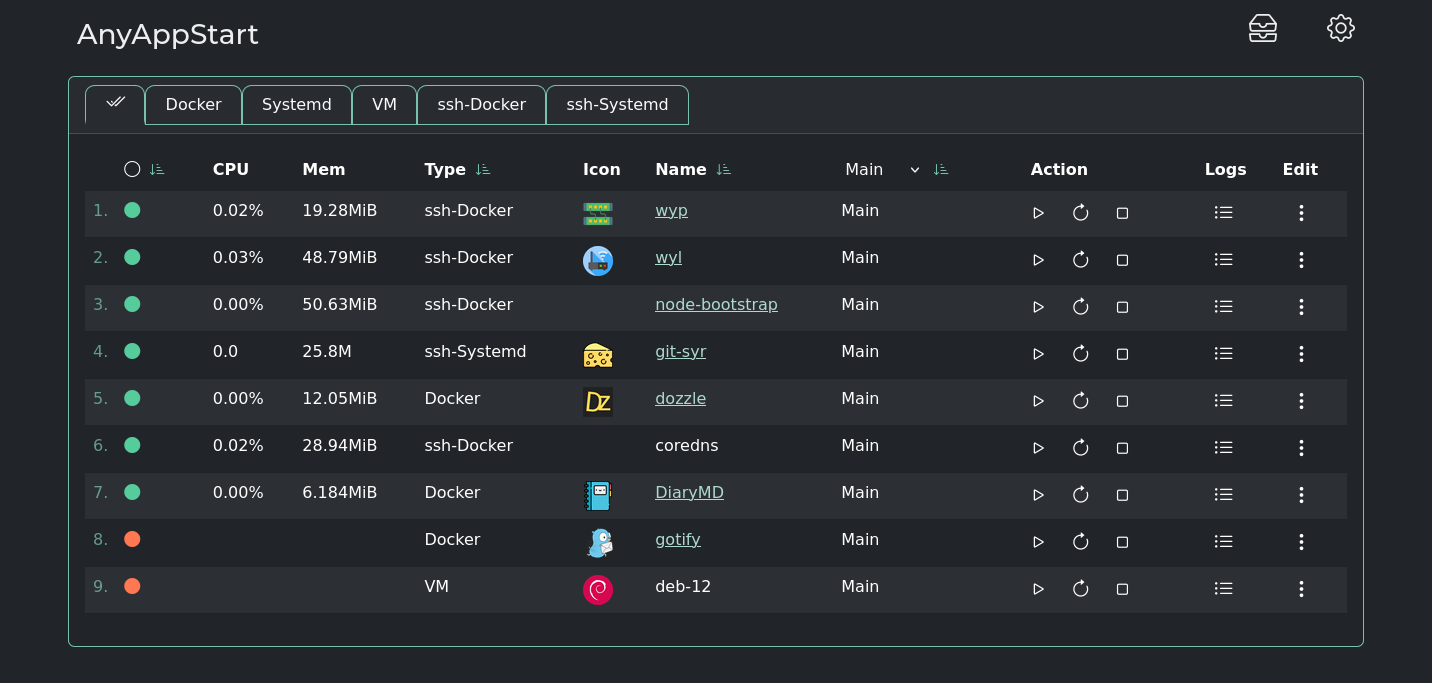
More screenshots
<details> <summary>Expand</summary>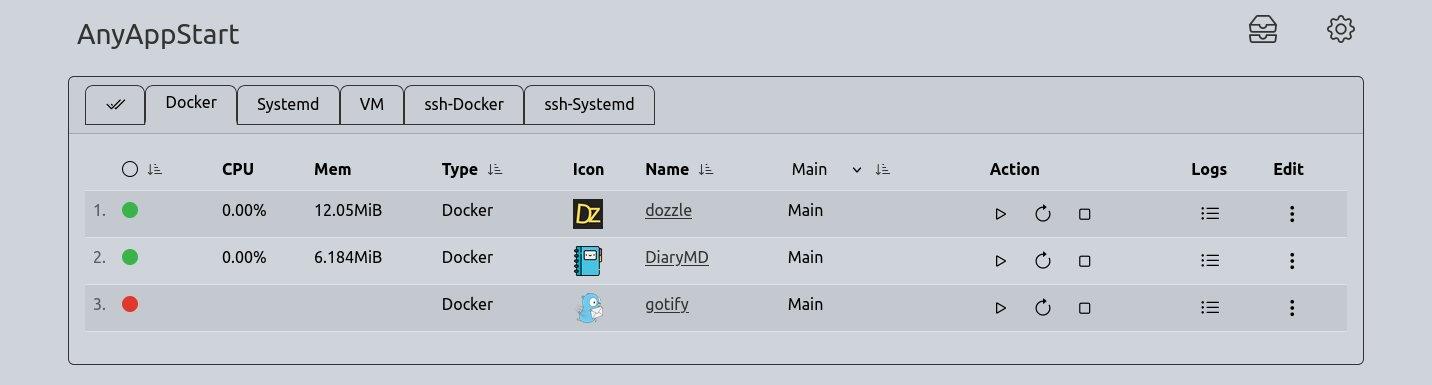
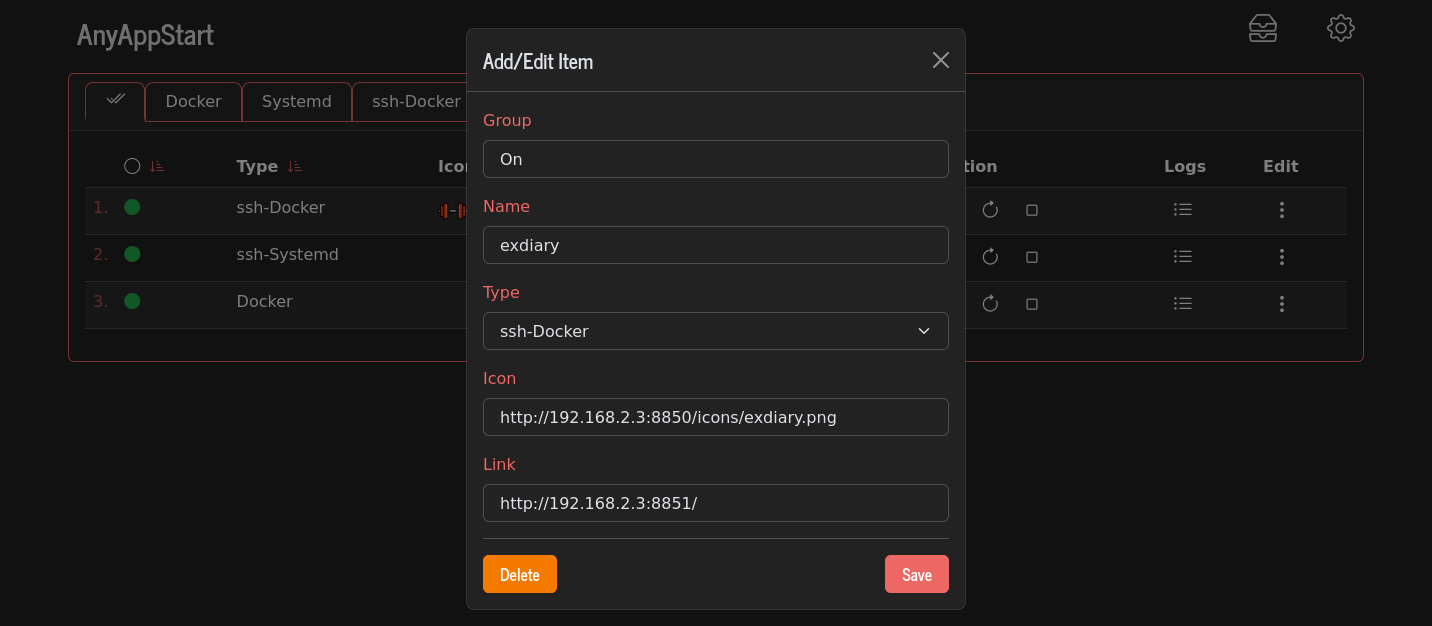
Quick start (Docker, Binary)
<details> <summary>Expand</summary>:warning: Warning
There is no built-in auth in this app, so make sure to restrict access to it with firewall and/or SSO (like Authelia) or simple ForAuth
After installation, you need to fill types.yaml file, either manually by clicking Add Type in GUI Types menu, or by copying this types.yaml example to config dir (see Options for path).
Docker
docker run --name AnyAppStart \
  -e "TZ=$YOURTIMEZONE" \
  -v ~/.dockerdata/AnyAppStart:/data/AnyAppStart \ # yaml files here
  -v /var/run/docker.sock:/var/run/docker.sock \   # mount docker
  -p 8855:8855 \
aceberg/anyappstart # or ghcr.io/aceberg/anyappstart
Or use docker-compose.yaml
Binary
All binary packages can be found in latest release. There are .deb, .rpm, .apk (Alpine Linux) and .tar.gz files.
Supported architectures: amd64, i386, arm_v5, arm_v6, arm_v7, arm64.
For amd64 there is a deb repo available
To run AnyAppStart as user, enable and start it:
sudo systemctl enable --now AnyAppStart@$USER.service
SSH from Docker container
<details> <summary>Expand</summary>To be able to pass commands over SSH from Docker container, you need to put SSH private key and known_host file in AnyAppStart config dir. Then, add a correct SSH string to types.yaml file. Example:
SSH: 'ssh -i /data/AnyAppStart/priv_key -oUserKnownHostsFile=/data/AnyAppStart/known_hosts user@remote-host'
Config
<details> <summary>Expand</summary>| Variable | Description | Default | | -------- | ----------- | ------- | | TZ | Set your timezone for correct time | | | HOST | Listen address | 0.0.0.0 | | PORT | Port for web GUI | 8855 | | THEME | Any theme name from https://bootswatch.com in lowcase or additional | minty | | COLOR | Background color: light or dark | dark | | NODEPATH | Path to local node modules | |
</details>Options
<details> <summary>Expand</summary>| Key | Description | Default/Docker | Systemd (root) | Systemd (user) | | -------- | ----------- | ------- | ------- | ------- | | -d | Path to config dir | /data/AnyAppStart | /etc/AnyAppStart | ~/.config/AnyAppStart | | -n | Path to local node modules | | | |
</details>Build (for devs) and API
<details> <summary>Expand</summary>- API: docs/API.md
- Build: docs/BUILD.md
Thanks
<details> <summary>Expand</summary>- All go packages listed in dependencies
- Favicon and logo: Flaticon
- Bootstrap
