
Aksara
Aksara is a CodeIgniter based CRUD Toolkit you can use to build complex applications become shorter, secure and more reliable just in a few lines of code. Serving both CMS or Framework, produce both HEADLESS (RESTful API) or TRADITIONAL (Browser Based) just by writing single controller. Yet it's reusable, scalable and ready to use!
Install / Use
/learn @abydahana/AksaraREADME
About Aksara
Aksara is a CodeIgniter based CRUD Toolkit you can use to build complex applications become shorter, secure and more reliable just in a few lines of code. Serving both CMS or Framework, produce both HEADLESS (RESTful API) or TRADITIONAL (Browser Based), just by writing single controller. Yet it's reusable, scalable and ready to use!
Server Requirements
PHP version 8.1 or higher is required, with the following extensions installed:
- intl
- mbstring
- libcurl to connect with Aksara Market
[!WARNING] The end of life date for PHP 7.4 was November 28, 2022. The end of life date for PHP 8.0 was November 26, 2023. If you are still using PHP 7.4 or 8.0, you should upgrade immediately. The end of life date for PHP 8.1 will be November 25, 2024.
Additionally, make sure that the following extensions are enabled in your PHP:
- json (enabled by default - don't turn it off)
- xml (enabled by default - don't turn it off)
Aksara can be run under the MySQLi, PostgreSQL, SQL Server, Oracle (OCI8) and SQLite3 or BOTH OF IT without changing any single code. The installer will guide you well when picking up the database type during the installation, so follow the step carefully and make sure you reads every highlighted notes.
Installation
There are two installation methods you can choose:
Composer Installation
- Run "
composer create-project abydahana/aksara aksaracms" anywhere inside your root directory of your web server. The command will create "aksaracms" folder. If you omit the "aksaracms" argument, the command will create an "aksara" folder instead, which can be renamed as appropriate; - Access your project from the browser and;
- Follow the installation wizard.
Manual Installation
- Download the source code and extract its content to the directory of your webserver;
- Run "
composer install" from the root of Aksara project directory; - Access your project from the browser and;
- Follow the installation wizard.
Yes, as simple as that!
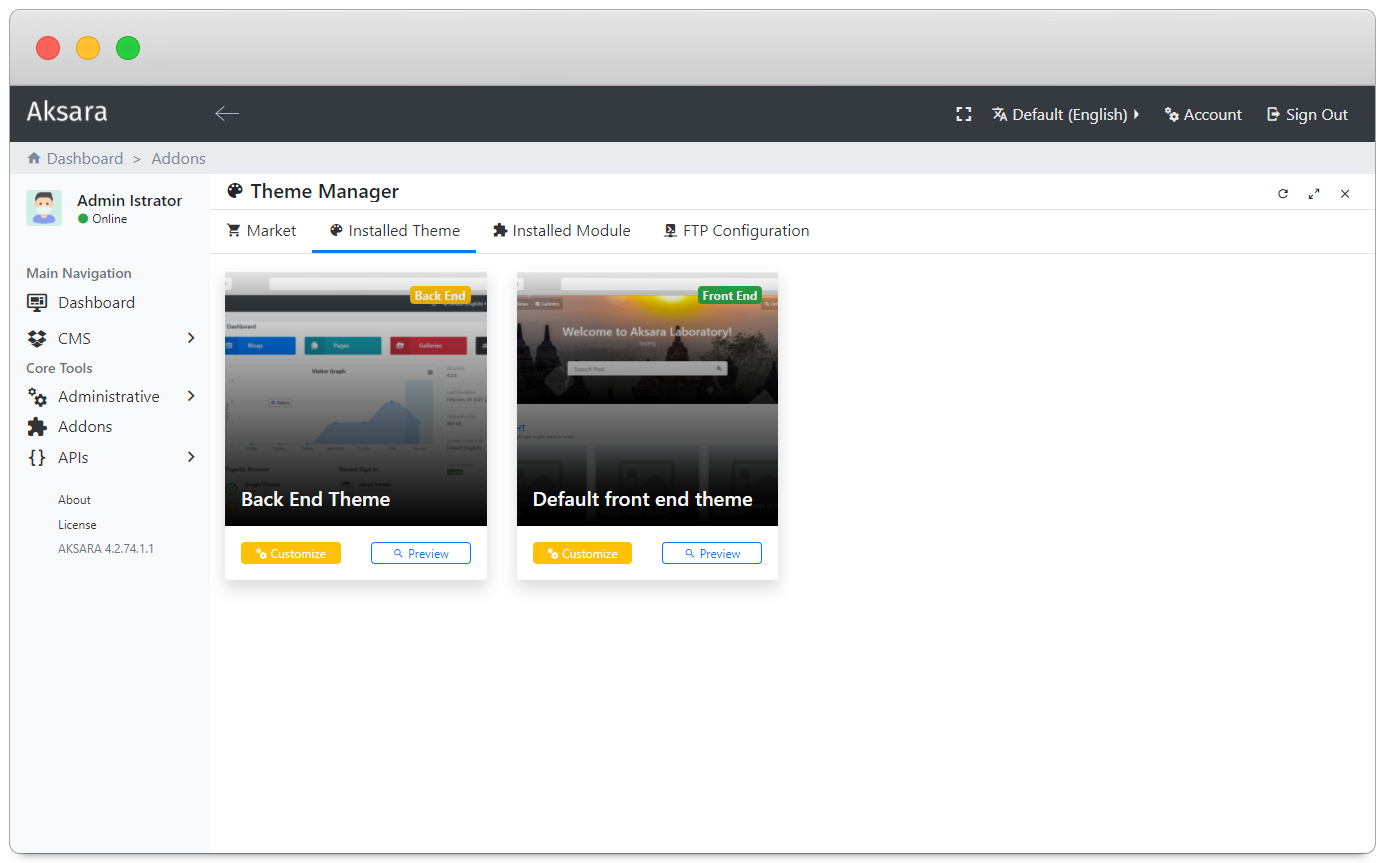
Some Screenshot
|  |
|  |
|  |
| :---: | :---: | :---: |
|
|
| :---: | :---: | :---: |
|  |
|  |
|  |
|
|
|  |
|  |
|  |
|
|
|  |
|  |
|  |
|
|
|  | * | * |
Contributing
We are accepting contributions from the community! It doesn't matter whether you can code, write documentation, or help find bugs, all contributions are welcome.
Please read the Contributing to Aksara.
