
AndroJack MCP
AndroJack: AI that actually knows Android. Real-time dependency tracking, modern architectures, and zero hallucinations.
Install / Use
/learn @VIKAS9793/AndroJack MCPQuality Score
Category
Development & EngineeringSupported Platforms
README
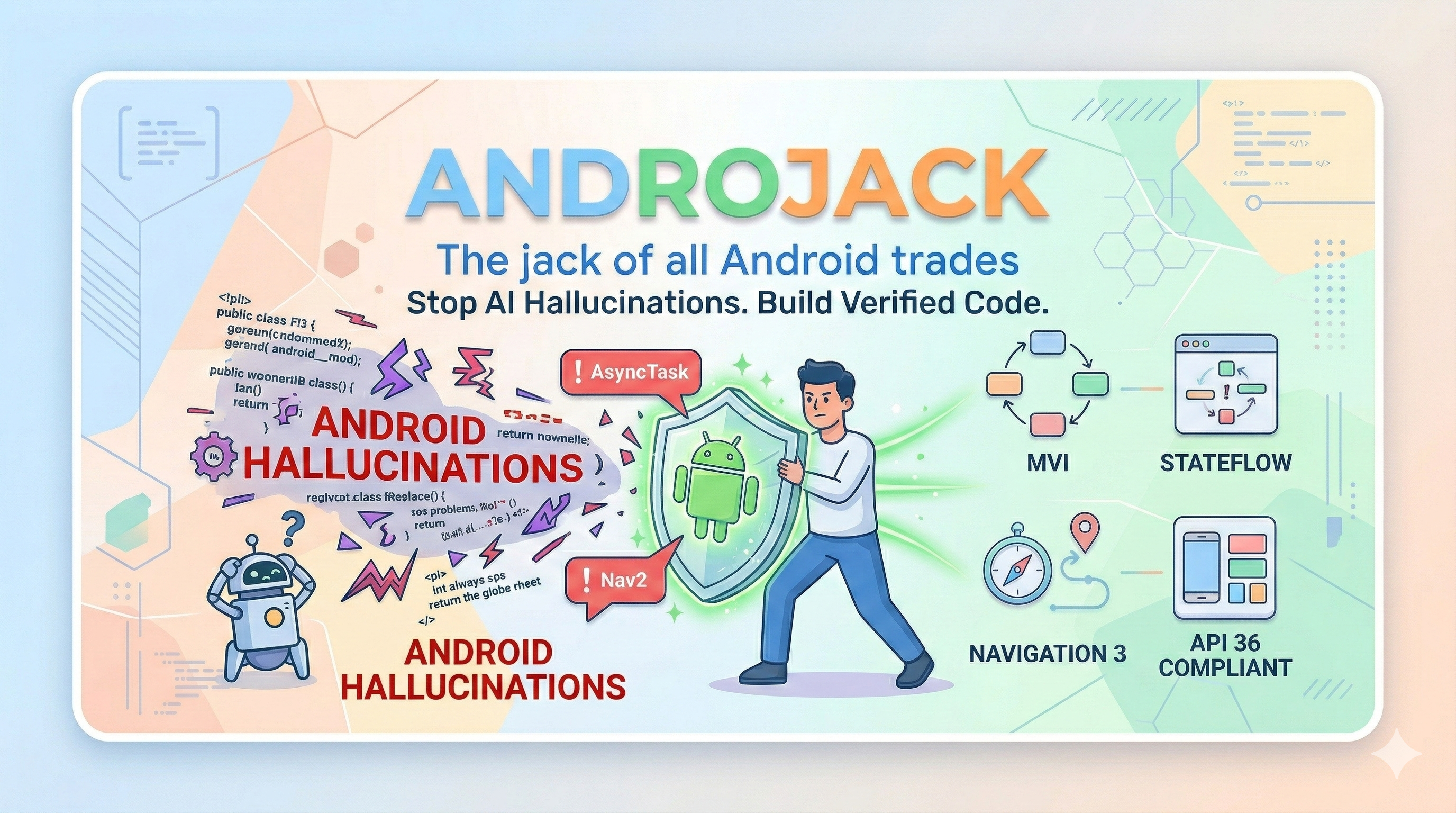
AndroJack — The Jack of All Android Trades
<img src="https://img.shields.io/badge/Android-3DDC84?style=for-the-badge&logo=android&logoColor=white" /> <img src="https://img.shields.io/badge/Kotlin-7F52FF?style=for-the-badge&logo=kotlin&logoColor=white" /> <img src="https://img.shields.io/badge/MCP-Protocol-blueviolet?style=for-the-badge" />An MCP server that equips your AI coding assistant with live, verified Android knowledge — so it builds from official sources, not from memory.
<br/>
















Also works with: Windsurf · VS Code Copilot · Google Antigravity · JetBrains AI — see Manual Config below ↓
VS Code distribution: Also live on the VS Code Marketplace as AndroJack MCP for VS Code.
PM / APM docs: Product strategy, JTBD, personas, roadmap, user stories, competitive analysis, and GTM materials live under product-management/README.md.
</div>Table of Contents
- The Crisis That Created This Tool
- What Actually Breaks In Practice
- What AndroJack Does
- Honest Activation Model
- What Can Still Break — Even at Level 3
- Defence-in-Depth
- The Killer Argument
- The 21 Tools
- Quick Start
- Manual Config
- Ecosystem Comparison
- Security & Privacy
- Changelog
🔥 The Crisis That Created This Tool
In 2025, the Stack Overflow Developer Survey asked 49,000 developers about their experience with AI coding tools. The results should alarm every Android engineer:
- 84% of developers now use AI coding tools — up from 76% the year before.
- Trust in AI accuracy collapsed from 40% to just 29% in a single year.
- 35% of all Stack Overflow visits in 2025 are now triggered by developers debugging and fixing AI-generated code.
The gap between usage and trust is not a coincidence. It is the product of a structural problem: AI models predict tokens, not APIs. They were trained on a snapshot of the world and have no mechanism to know what changed at API 30, what shipped at Google I/O 2025, or what Google Play now rejects at review time.
For Android developers, this failure mode is uniquely dangerous. Android has the fastest-moving ecosystem in mobile development — a new Compose BOM every month, Navigation 3 going stable after seven years of Nav2, Android 16 rewriting the rules on screen orientation locking — and most AI tools have training data that is six months to two years stale by the time you use them.
The result is not just bad code. It is confidently bad code.
⚡ What Actually Breaks In Practice — Documented Evidence
<details> <summary><strong>The Navigation 3 Hallucination (January 2026)</strong></summary>These are not hypothetical risks. They are documented failure modes from real developer projects.
A published case study from Atomic Robot documented a live Navigation 2 → Navigation 3 migration using both Gemini and Claude — with internet access enabled on both. The conclusion, verbatim:
"LLMs still hallucinate versions. Even with internet access, both agents wanted to use an outdated release candidate instead of the stable 1.0.0 release."
Navigation 3 went stable in November 2025 after seven years of the same library. It is a complete architectural rethink: back stacks are now plain Kotlin lists, the monolithic nav graph is gone, and NavDisplay replaces NavController. Google's own migration guide is so aware that AI tools get this wrong that it now contains special "AI Agent:" annotations — instructions embedded directly in the official docs for AI tools to follow. An AI tool that generates Nav2 code for a new Compose project in 2026 is not making a small mistake. It is creating an architectural incoherence that requires a full rewrite to fix.
Jetpack Compose ships a new BOM every month. Since most models' training cutoffs, these APIs changed:
| API | Status | What goes wrong |
|:----|:-------|:----------------|
| ContextualFlowRow / ContextualFlowColumn | Deprecated in Compose 1.8 | AI still generates them — compile warning today, removal tomorrow |
| TestCoroutineDispatcher | Removed from coroutines-test 1.8+ | AI still generates it — non-deterministic test failures in CI |
| FlowRow overflow parameter | Deprecated in 1.8 | Subtle behavioral regression at runtime, silent in most linting setups |
| AnchoredDraggableState.confirmValueChange | Deprecated | Incorrect drag behavior at anchor boundaries |
| Navigation 2 in new projects | Superseded by Nav3 stable Nov 2025 | Architectural dead-end that requires a rewrite to fix |
Every one of these compiles. Most run without errors. The bugs surface later in CI flakiness, UI regressions, or Play Store review failures.
</details> <details> <summary><strong>The Android 16 / API 36 Mandate (August 2026 deadline)</strong></summary>Android 16 made a platform-level change affecting every published app: on devices ≥600dp — tablets, foldables, ChromeOS — apps can no longer lock screen orientation or restrict resizability. Google Play requires API 36 targeting by August 2026.
An AI tool generating android:screenOrientation="portrait" or android:resizeableActivity="false" today is generating code that will trigger App Compatibility warnings in Play Console, fail large-screen quality checks, and get apps demoted in Play Store search results.
The business impact is not theoretical: Foldable users spend 14× more on apps than phone-only users. Tablet + phone users spend 9× more. FlipaClip saw 54% growth in tablet users within four months of going adaptive.
</details> <details> <summary><strong>The KMP Silent Failure</strong></summary>Kotlin Multiplatform went mainstream in 2025 — over 900 new KMP libraries published, Room added KMP support, companies now hire specifically for KMP skills. When a developer on a KMP project asks an AI tool to add database support, the AI generates Android-only Room cod
Related Skills
node-connect
327.7kDiagnose OpenClaw node connection and pairing failures for Android, iOS, and macOS companion apps
frontend-design
80.7kCreate distinctive, production-grade frontend interfaces with high design quality. Use this skill when the user asks to build web components, pages, or applications. Generates creative, polished code that avoids generic AI aesthetics.
Hook Development
80.7kThis skill should be used when the user asks to "create a hook", "add a PreToolUse/PostToolUse/Stop hook", "validate tool use", "implement prompt-based hooks", "use ${CLAUDE_PLUGIN_ROOT}", "set up event-driven automation", "block dangerous commands", or mentions hook events (PreToolUse, PostToolUse, Stop, SubagentStop, SessionStart, SessionEnd, UserPromptSubmit, PreCompact, Notification). Provides comprehensive guidance for creating and implementing Claude Code plugin hooks with focus on advanced prompt-based hooks API.
MCP Integration
80.7kThis skill should be used when the user asks to "add MCP server", "integrate MCP", "configure MCP in plugin", "use .mcp.json", "set up Model Context Protocol", "connect external service", mentions "${CLAUDE_PLUGIN_ROOT} with MCP", or discusses MCP server types (SSE, stdio, HTTP, WebSocket). Provides comprehensive guidance for integrating Model Context Protocol servers into Claude Code plugins for external tool and service integration.
