Dotfiles
Gruvbox I3WM Full Config
Install / Use
/learn @TheSerphh/DotfilesREADME
Gruvbox I3-GAPS setup
<p align="left"> <a href="https://github.com/arcticicestudio/styleguide-git/releases/latest" target="_blank"><img src="https://img.shields.io/github/release/arcticicestudio/styleguide-git.svg?style=flat-square&label=Git%20Style%20Guide&logoColor=fbf1c7&colorA=3c3836&colorB=fbf1c7&logo=git"/></a></p>Installation for ArchLinux
curl -LO https://raw.githubusercontent.com/Project-Junk/junk-scripts/main/i3wm-gruvbox.sh && chmod a+x i3wm-gruvbox.sh && ./i3wm-gruvbox.sh
Install the Packages Required
- git
- jq
- clash
- glava
- conky
- feh
- yay
- dunst
- i3-gaps
- automake
- make
- autoconf
- dbus-python
- i3blocks
- mpd
- ncmpcpp
- neovim
- rofi
- i3lock
- gnome-screenshot
- alacritty
- ttf-font-awesome
- playerctl
- cava
- polybar
- picom-jonaburg-git
Now install the dotfiles
Just Copy Paste these codes
alias config='/usr/bin/git --git-dir=$HOME/.cfg/ --work-tree=$HOME'

echo ".cfg" >> .gitignore

git clone --bare https://github.com/sourav2k/dotfiles.git -b i3wm-gruvbox $HOME/.cfg

alias config='/usr/bin/git --git-dir=$HOME/.cfg/ --work-tree=$HOME'

config checkout
# Now if you see any errors related to untracted files then just delete those

mkdir -p .config-backup && \
config checkout 2>&1 | egrep "\s+\." | awk {'print $1'} | \
xargs -I{} mv {} .config-backup/{}

config checkout

config config --local status.showUntrackedFiles no
# NOTE: To install the YouCompleteMe for nvim , you need to sudo rm -rf ~/.config/nvim/autoload/plugged/YouCompleteMe then python3 install.py --all
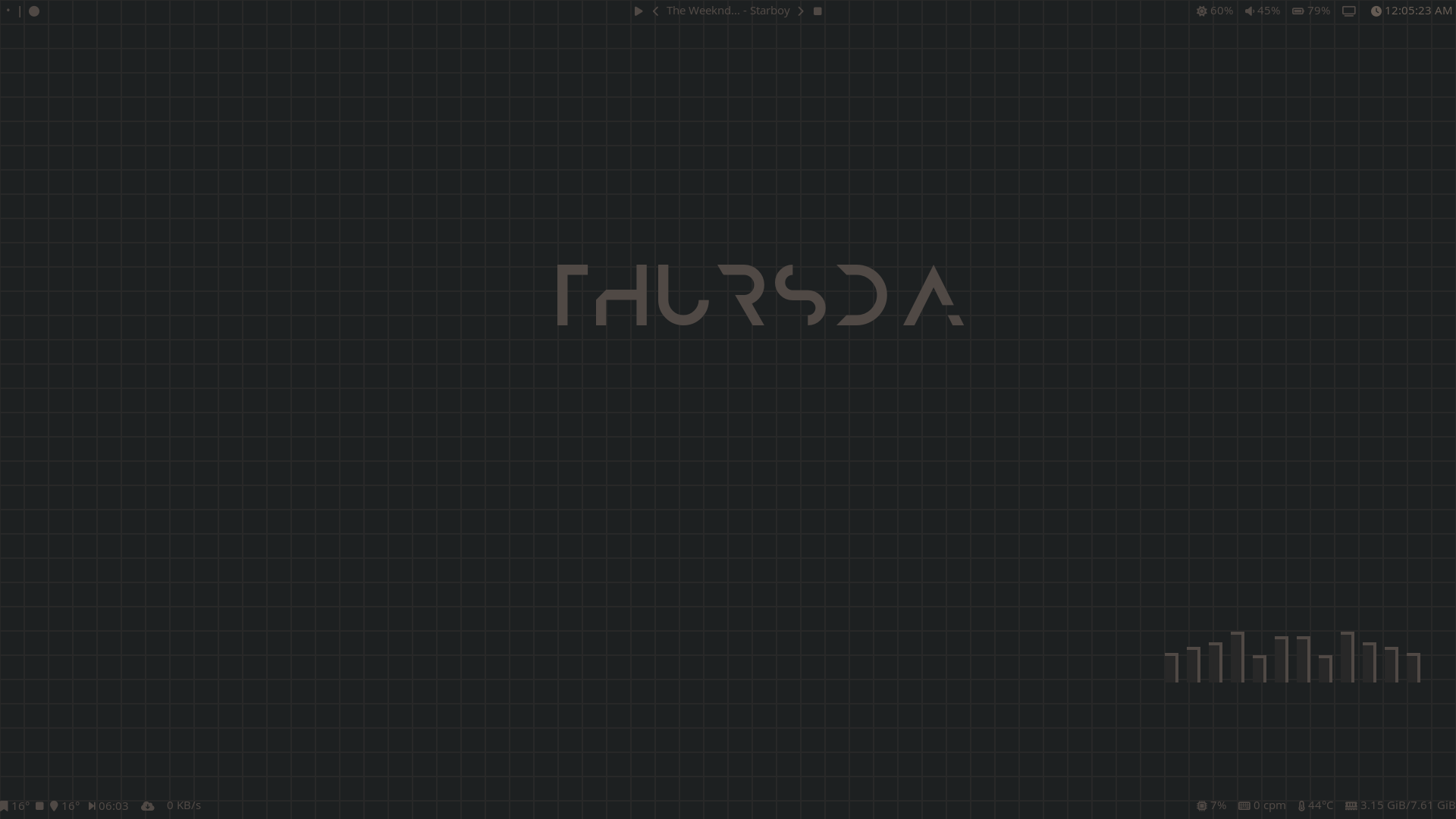
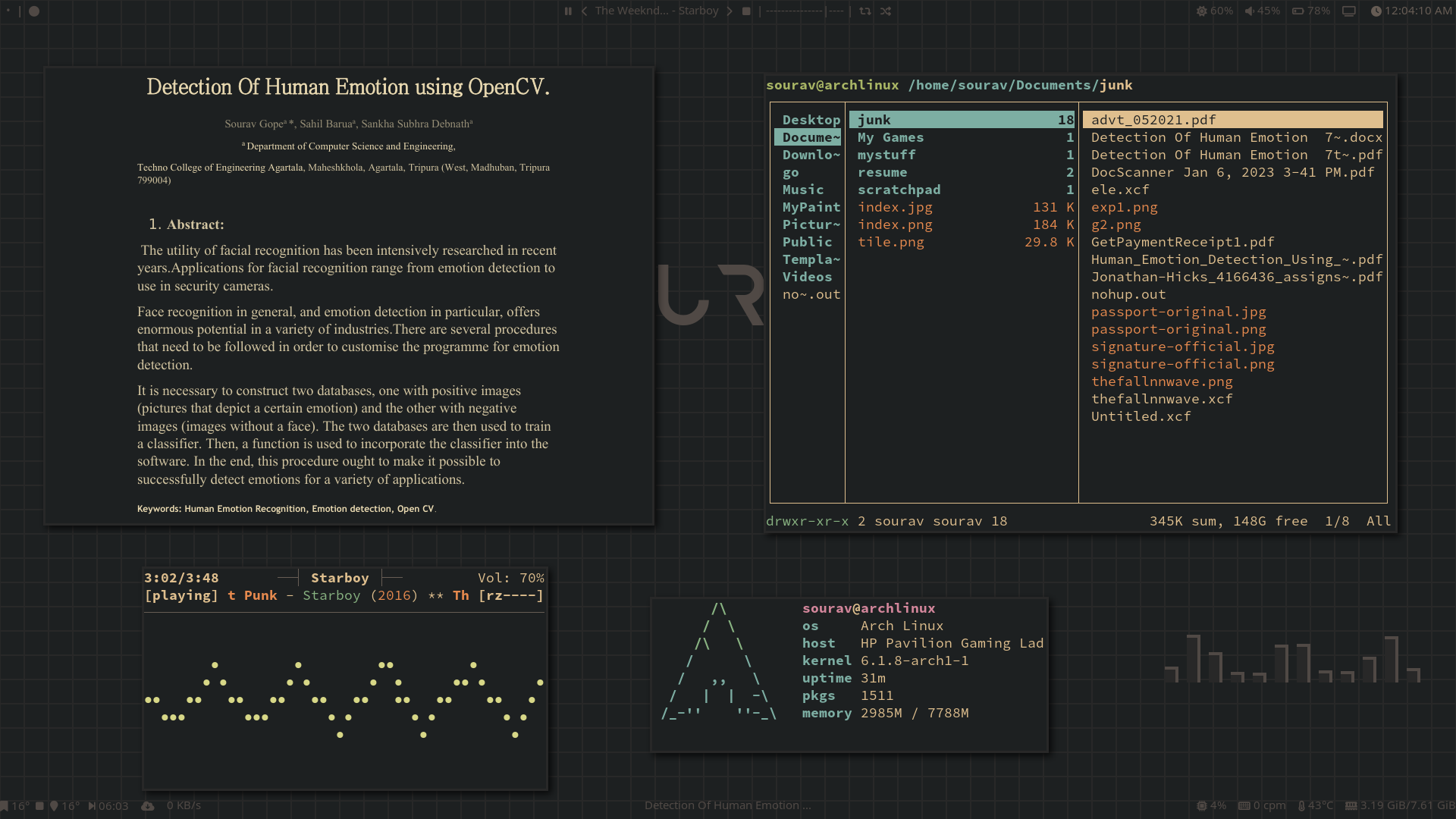
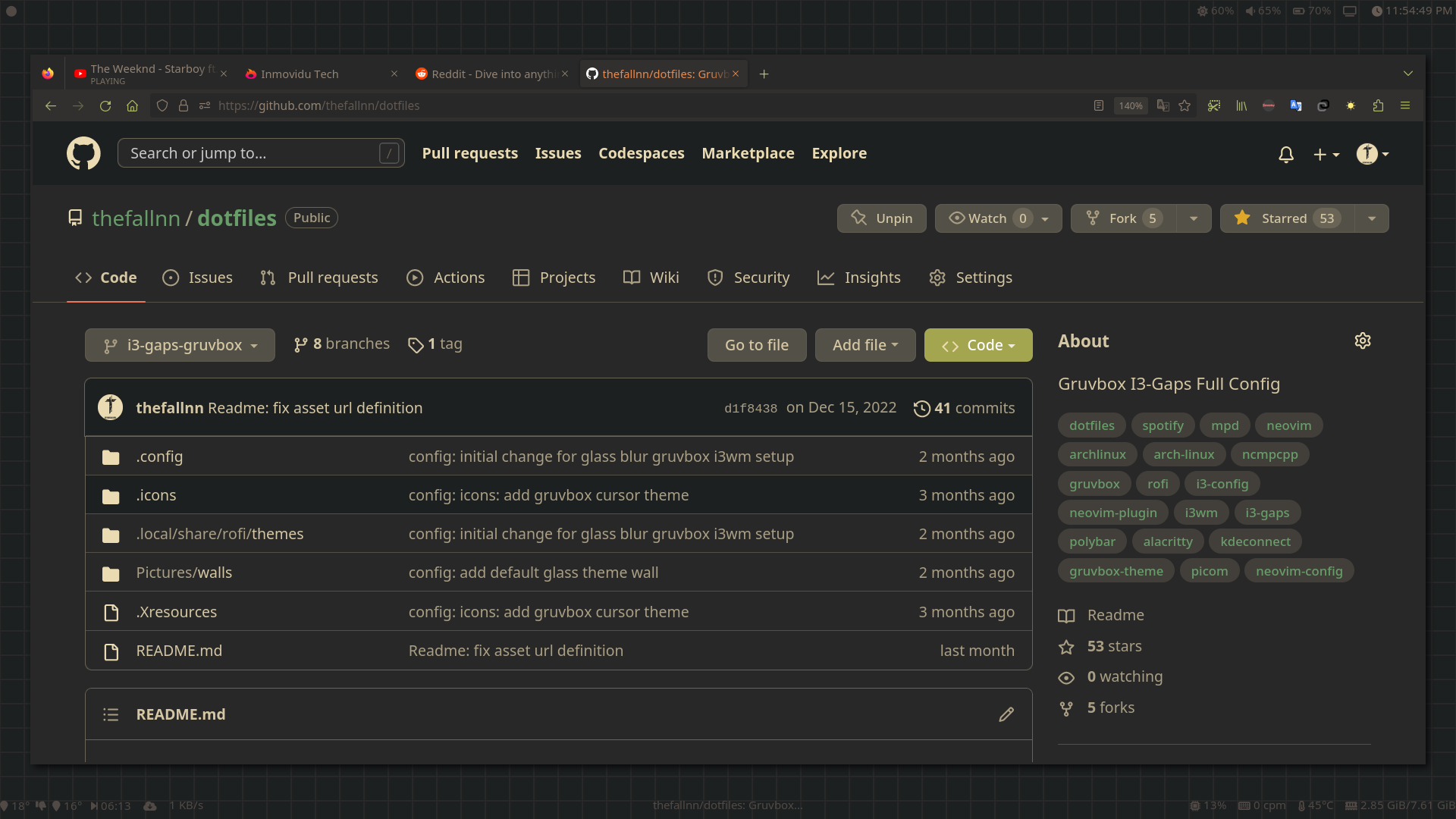
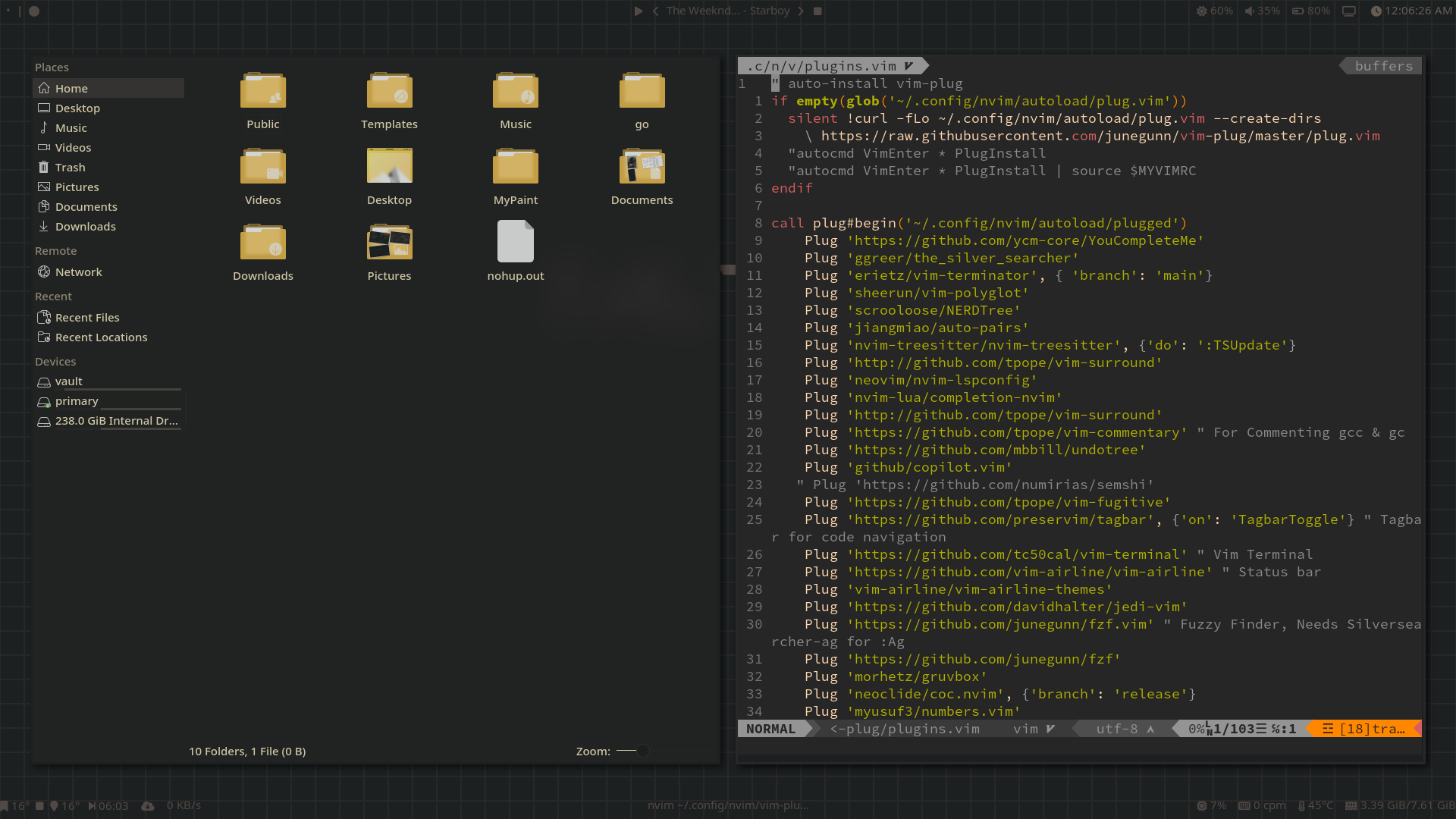
Sample Screenshots 👑