
Swoosh
SFML Activity and Segue Mini Library
Install / Use
/learn @TheMaverickProgrammer/SwooshREADME

Swoosh v1.2.6
Header-only SFML Activity and Segue Mini Library
Tested across MSVC, GNU C++, and Clang compilers on Windows, Linux, OSX, and Android operating systems.
See what else comes with Swoosh
🚨 Critical changes from v1.2.3+
- queuePop() and queueRewind() are now just pop() and rewind()
- optimizeForPerformance(true/false) is changed to optimizeForPerformance(const quality& mode)
- quality can be { realtime, reduced, mobile } where each is best-to-worst quality but worst-to-best performance depending on your hardware
- Segues can query the controller's quality set with getRequestedQuality()
- Added much-needed doxygen style documentation throughout the entire project
- New Dream segue effect
- Fixed some bugs with view toggling between activities See older changes at the changelog
✨ Get Jump Started
See all the effects and more that come with the library on the wiki.
See the demo project for examples on how to use Swoosh. You can also copy the segues in the source folder and use them immediately in your games with no extra configuration.
Instant Updates
Follow @swooshlib on Twitter to get instant updates!
Technology
SFML 2.5, C++14, GLSL 1.10
Video
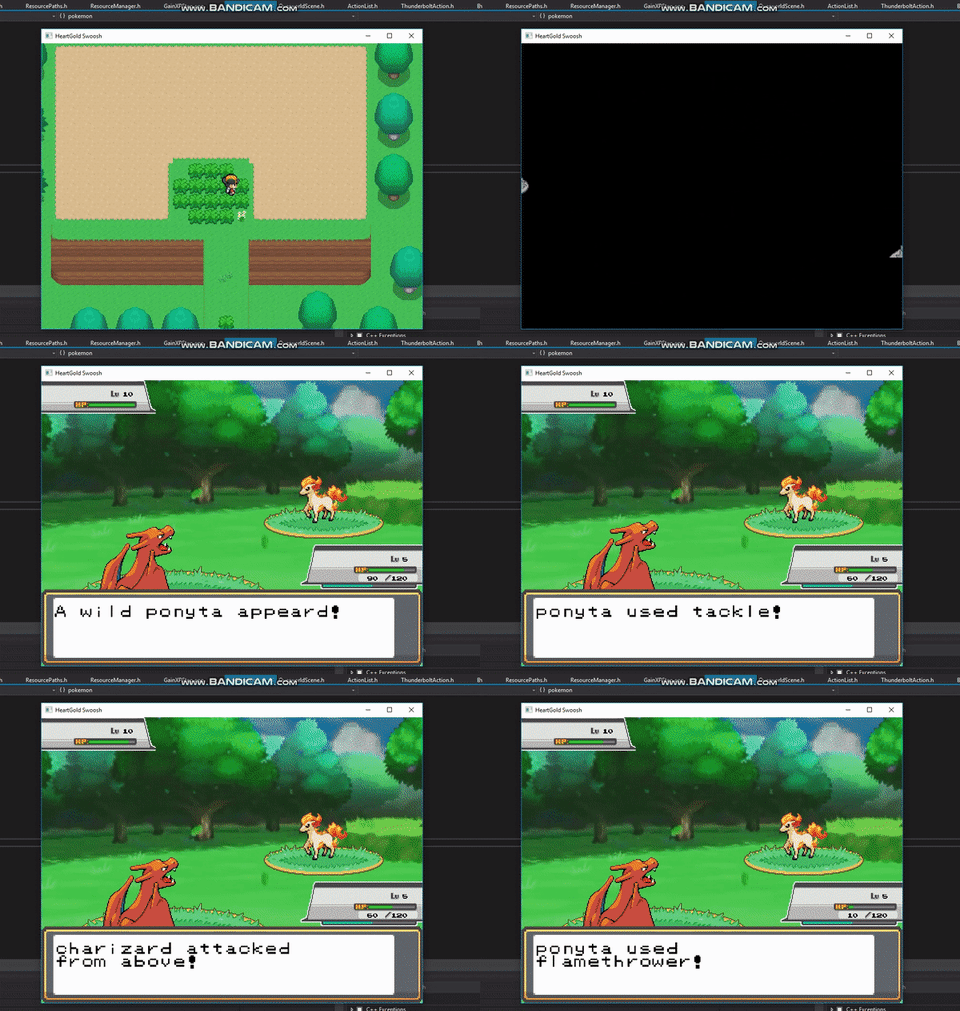
Click the gif for the full video!
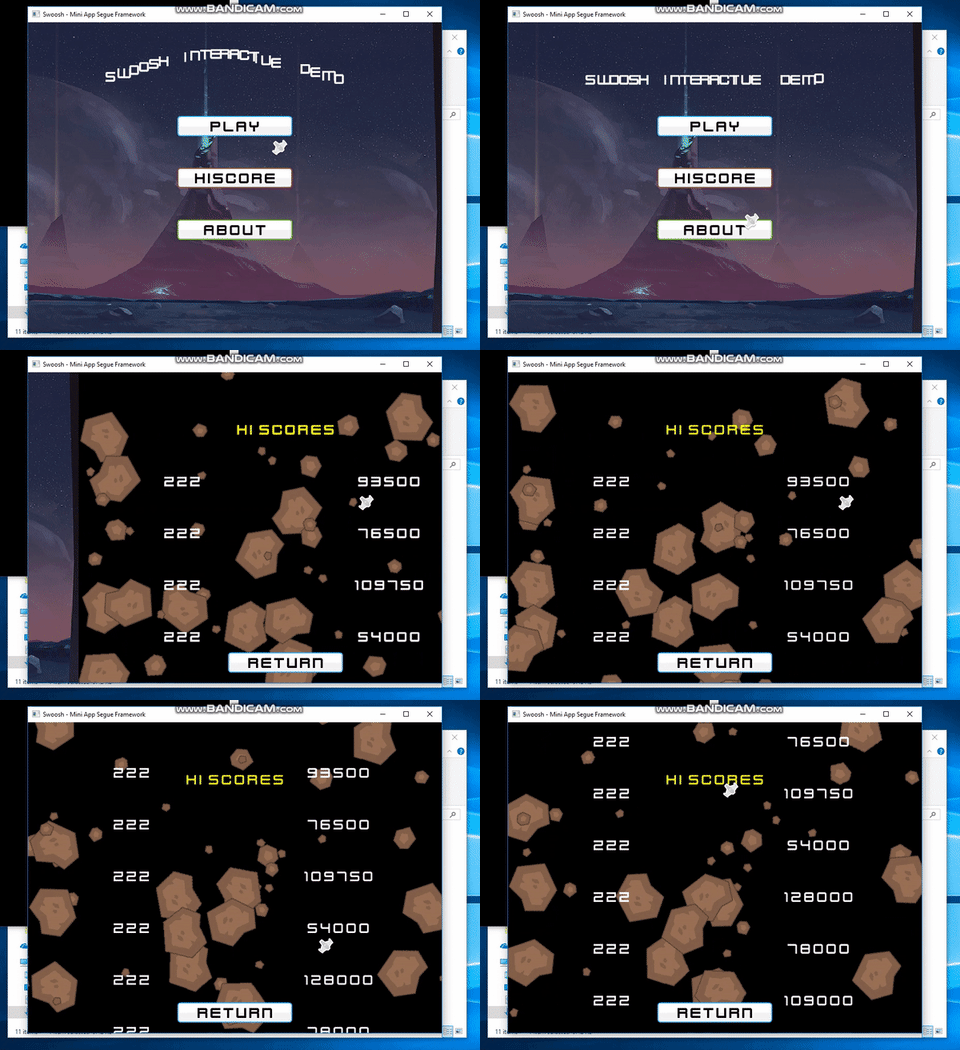
See the pokemon demo using just Swoosh!
§ Integrating Swoosh into your SFML app in 2 steps
✔️ Copy the headers found in the root at src/Swoosh. Optionally you can include the segues at src/Segues.
✔️ See this example for how you should structure your main loop with the Activty Controller.
⚙️ Inheriting the AC (Activity Controller)
You can inherit the activity controller to extend and supply more complex data to your applications. For instance, you could extend the AC to know about your TextureResource class or AudioResource class so that each Activity instance has a way to load your game's media.
📱 Optimizing for Mobile
Mobile hardware cannot capture the screen, draw to it, and write back onto the frame buffer as quickly as we can on PC. There are some ways to do this faster but not with SFML at this time. In order to solve this, the AC has a new function pair isOptimizedForPerformance() and optimizeForPerformance(const quality& mode) that will allow you to query if you should go easy on the target device's GPU. These 2 functions by themselves mostly do nothing but with getRequestedQuality() can be used in both your custom Activities and your custom Segue effects to use different behavior for each possible quality mode.
As of v1.2.4 all segue effects shipped with this library have quality mode support and should be very performant on low-end mobile hardware
§ API and Memory Management
When creating polished applications, it should not be a concern to the user how to handle the memory for a scene or video game level. If you think about it, these scenes are just shells around the incoming or outgoing data in visual form. In mobile apps, activities are just container for the important stuff that shows up on the target device's screen.
With this in mind, the biggest goal when designing this software was allowing users to write complex transitions as simple as possible and have the syntax to perform said action be human-readable while also discouraging memory allocation and management.
📝 Syntax
Swoosh addresses these issues by wrapping push and pop calls with templated types that expect either a class derived from Activity for screens or Segue for transition effects.
For example
ActivityController controller;
controller.push<MainMenuScene>();

...

// User selects settings
using types::segue;
controller.push<segue<BlendFadeIn>::to<AppSettingsScene>>();
The syntax is human-readable and flows naturally. Swoosh hides the intricacies from the user so they can focus on what's really important: Writing the application!
⏰ Changing Time
The Segue class takes in two arguments: The next activity type, and the duration for the transition to last. By default the transition is set to 1 second.
This may be too fast or too slow for your needs. The DurationType class takes a templated wrapper for SFML time functions. They are found in the swoosh::types namespace.
For example
using namespace swoosh::types;
controller.push<segue<Cube3D<direction::left>, seconds<5>>::to<DramaticIntroScene>>();
🔍 Writing Clearer Code
The last example had a segue that required directional input and the line of code was longer than we'd like. Although Swoosh is doing a ton behind the scenes for us, we lost clarity.
We can clean up the code by creating our own typename aliases. Later, modifying your screen transition effect is as easy as changing one line.
using effect = segue<Cube3D<direction::up>, sec<2>>;
getController().push<effect::to<DramaticIntroScene>>();
Much more elegant!
🏭 Supplying Additional Arguments
Your activity classes may be dependant on external information like loading your game from a save file or displaying important business data exported from another screen.
SaveInfo info = LoadSaveFile(selectedProfile);

// Pass on specific data the level wants from the save file
controller.push<SuperJumpManLevel1>({info.getLives(), info.getCoins(), info.getMapData()});
This is the same for segues
ActivityController& controller = getController();
LobbyInfo data = queryLobbyServer().get(); // blocking future request

using effect  = segue<CheckerboardEffect, sec<3>>;

// Go!
controller.push<effect::to<MatchMakingLobby>>(data);
§ Actions & Leaving Activities
The ActivityController class can push and pop states but only when it's safe to do so. It does not pop in the middle of a cycle and does not push when in the middle of a segue.
Make sure your activity controller calls are in an Activity's onUpdate(double elapsed) function to avoid having push or pop intents discarded.
Push
controller.push<MyScene>();
controller.push<segue<FadeIn>::to<MyScene>>();
Pop
Pushed activities are added to the stack immediately. However there are steps involved in the controller's update loop that do not make this safe to do for pop. Instead, the function pop() may return false, signalling the controller cannot pop. If true, the controller will wait until it is safe to unload your scene.
controller.pop();
controller.pop<segue<BlurFadeIn>>();
Rewinding
Rewinding is useful when you have an inactive Activity lingering in your stack from before and you wish to go back to that point. Rewinding the activity stack pops and ends all previous activities until it finds the first matching activity type. pop is an intent to pop once where rewind is an intent to pop many times.
Example: jumping from the menu to the battle screen to a hiscore screen back to the menu.
This is useful to simulate persistent behavior such as in a top-down adventure game where you star as a young elf crossing the overworld, going deep into dungeons, and then teleporting yourself back to the overworld; exactly the way it was before you left.
The syntax is close to push except if it succeeds, activities are ended and discarded.
using effect = segue<BlackWashFadeIn>;
using action = effect::to<LOZOverworld>;

bool found = controller.rewind<action>();

if(!found) {
    // Perhaps we're already in overworld. Certain teleport items cannot be used!
}
Replacing
Sometimes you need to directly modify the current item on the stack. Some games let you restart levels. Others have dozens in a row and tracking each one would eat up too much memory!
Now you can replace the current activity safely like so:
if(restartLevel == true) {
    controller.replace<MyLevel>();
}
This works like any other action and so it will work with segues too!
§ Writing Activities
An activity has 8 unique lifecycle events that can be overriden:
- onStart , called once when this activity begins for the first time
- onExit , called once before this activity is deleted
- onEnter , called when this activity is entering the view during a segue
- onResume, called when this activity has finished entering the view after a segue
- onLeave , called when this activity is leaving the view during a segue
- onEnd , called when the activity has finished leaving a view after a segue
- onUpdate, called every tick while still in view
- onDraw , called every tick while still in view
Here is an example of a simple About scene in your app. It shows text and has a button to click next for more info. The SFML logo rolls across the top just for visual effect.
Defining a View
If you need to define a view for one activity without affecting another you use that Activity's setView(sf::View view) function. You can set once and forget! The controller will make sure everything looks right.
§ Writing Segues
When writing transitions or action-dependant software, one of the worst things that can happen is to have a buggy action. If one ac
