
GammaOS
LineageOS based firmware for Anbernic Unisoc T618 devices
Install / Use
/learn @TheGammaSqueeze/GammaOSREADME
Anbernic RG405M / RG405V / RG505
GammaOS + GammaOS Lite Custom Firmware - v1.5.1
Superceded by GammaOS Next: https://github.com/TheGammaSqueeze/GammaOSNext
WARNING: NEW UNITS MAY BE AFFECTED BY A HARDWARE CHANGE. If you have no wifi after installing GammaOS, follow this thread: https://github.com/TheGammaSqueeze/GammaOS/issues/155
Download and instructions
- GammaOS v1.5.1 download: https://github.com/TheGammaSqueeze/GammaOS/releases
- (Changelog)
Instructions:
- Brand new install (Flashing from Stock Anbernic Firmware. Bootloader never unlocked before, flashing via fastbootd)
- Upgrading to v1.5 from GammaOS / Stock OS with unlocked bootloader
-
- If you are upgrading, make sure to disable any pre-existing Magisk modules for Audio and CPU speed fixes.
- Help! My device is no longer booting! Or I want to go back to Stock OS!
Information
GammaOS is based on LineageOS 19.1 (Android 12). It provides a debloated and performance optimized experience for users who are looking to get the best out of their Anbernic T618 devices.
Features:
- Based on debloated and clean LineageOS 19.1 build, Android 12 for a smoother experience. GammaOS includes Google Services and Play Store. GammaOS Lite excludes Google apps and services for extra performance headroom.
- Daijisho launcher as front-end, pre-configured with RetroArch for some systems. (Optimized settings for GB,GBC,GBA,NES,SNES,Genesis,PSX) (BIOS files need to be supplied by you).
- Aurora store included.
- Quick settings tiles for Performance modes, ABXY layout changes, Fan control, Adjusting analog stick sensitivity, invert axis for analog left/right, swap dpad and left analog input (useful for RG ARC). No more need to hold down button combos.
- Adguard ad blocking included as default (can be disabled via Private DNS settings).
- Magisk/root included.
- 60hz refresh rate fix for display.
- Oversharpening display fixed.
- Analog stick calibration for more tighter controls.
- CPU, GPU, Memory now using performance governors for extra performance boost.
- Experimental GPU drivers taken from Retroid Pocket 3+.
- L2/R2 fixed for apps and games with issues with those buttons.
- GarlicOS 2.0 bootloader included, no need to install any additional applications. Pop in your SD card and go (404 & 505 supported).
Other Information:
- RetroArch hotkey: Home/Back button
- RetroArch menu toggle: (L3 + R3 or Home/Back button short press). Choosing Close Content option closes the game.
- RetroArch shortcuts (Hold hotkey down) + L1 = Slow Motion | L2 = Load State | R2 = Save State | R1 = Fast Forward | X = Show FPS | Y = Screenshot
- Auto save state then quit RetroArch: Hold down Home/Back. Auto loads save state when launching a game again.
What's missing:
- Built-in button to on-screen mapping software, alternative solutions can be found in app store.
Instructions - Brand new install (Flashing from Stock Anbernic Firmware. Bootloader never unlocked before, flashing via fastbootd)
Skip this section if you have either 1) Already installed GammaOS 2) Unlocked your bootloader but are still on stock firmware. - Go to instructions for Upgrading to v1.5 from GammaOS / Stock OS with unlocked bootloader
Video guides here for a brand new install from stock firmware:
-
Phyrex: https://www.youtube.com/watch?v=qhancN0CLFw
-
Joey's Retro Handhelds: https://www.youtube.com/watch?v=gTyQyv8E20I
- Written guide here: https://joeysretrohandhelds.com/guides/gammaos-installation-guide-rg405m-rg405v/
-
Retro Tech Dad: https://youtu.be/vMJKEG3CV-k
The same instructions apply to both RG405 and RG505.
Prerequisites:
- For the bootloader unlocking method using Google Chrome, a Windows or MacOS installation.
- On Linux, the bootloader can be unlocked with unisoc-unlock which requires Python.
- Extract the GammaOS/GammaOSLite folder and its files before proceeding.
- Get ADB and Fastboot tools + drivers.
On Windows, ensure you install the Universal ADB Driver also, and then reboot your computer: https://github.com/K3V1991/ADB-and-FastbootPlusPlus
- Make sure both these boxes are ticked when installing:
Install Unisoc Drivers (included in the release zip in the UnisocDrivers folder) Then run the DPInst64.exe program in your relevant OS folder. (Win10 drivers will also work on Win11. Also available here: https://github.com/TheGammaSqueeze/GammaOS/releases/download/GammaOS_v1_RG405M/UnisocDrivers.zip)
Remove/rename any existing fastboot.exe application that exists on your PC to prevent issues with flashing such as the flashing stalling at vbmeta_a. Open a command prompt, type in the following command: where.exe fastboot.exe. This will show you where your fastboot.exe is being called from. Anything that is not in the C:\Program Files (x86)\ADB and Fastboot++\fastboot.exe location should be renamed to something else. Rename to something like oldfastboot.exe
On MacOS: Install homebrew: https://brew.sh/
Via homebrew on MacOS:
brew updatebrew install android-platform-tools
The process on Linux differs from distro to distro.
On Arch, you can use the android-sdk-platform-tools from AUR.
On Garuda, simply run sudo pacman -Syu android-sdk-platform-tools since it has Chaotic-AUR preinstalled.
On the Anbernic device itself:
- Enable USB Debugging on the RG405/RG505: https://developer.android.com/studio/debug/dev-options
- Please remove any SD card from your device before proceeding to avoid any potential issues when booting into recovery/fastboot mode.
Unlocking bootloader (Chrome method):
- Connect your RG405/RG505 to your PC or Mac via USB cable while booted into Android, open a command prompt window, and issue the following command:
adb reboot bootloader - Your RG405/RG505 will reboot, and you will see the text "fastboot mode" on the screen next to the Anbernic logo
- Open this site in Google Chrome: https://thegammasqueeze.github.io/subut-rehost/
- Click Connect.
- Click "fastboot gadget" and connect.
- Click Unlock.
- WARNING: DO NOT PRESS THE VOLUME DOWN BUTTON WHEN PROMPTED
- Instead, you must press the "Home / Back" button to confirm instead (On the RG405m this is located on the front, in the bottom left corner. On the RG505, it's located on the right side)
- Wait for the unlock complete. Then your RG405/RG505 will display the message "Unlock bootloader success!"
- Ensure that the Google Chrome window with the thegammasqueeze.github.io/subut-rehost site is now shut before proceeding, otherwise the next commands won't work
- In your command prompt window, issue the following command: fastboot reboot fastboot
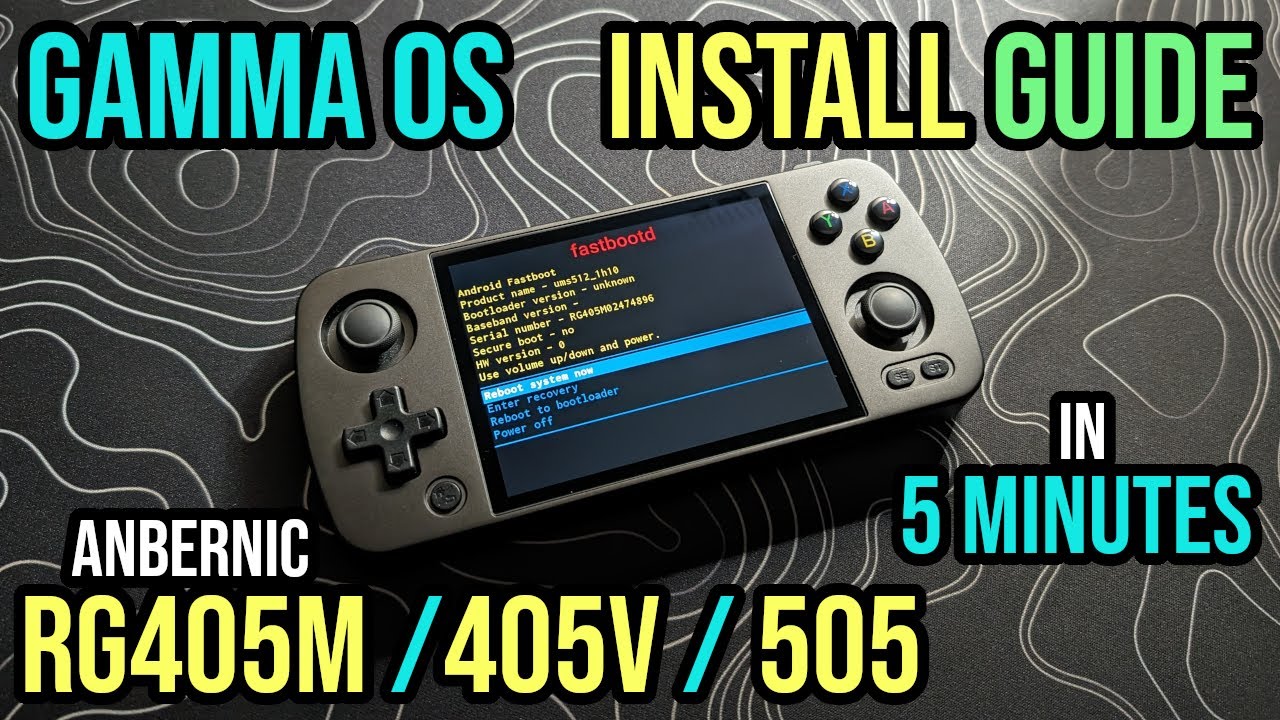
- You will now be booted into fastbootd mode, ensure that you see the fastbootd text on your RG405/RG505 before proceeding
Unlocking bootloader (alternative method using Python):
- Install unisoc-unlock:
pip3 install unisoc-unlock - Connect your RG405/RG505 to your PC or Mac via USB cable while booted into Android, open a command prompt window, and issue the following command:
adb reboot bootloader - Your RG405/RG505 will reboot, and you will see the text "fastboot mode" on the screen next to the Anbernic logo
- Run unisoc-unlock:
python3 -m unisoc_unlock - WARNING: DO NOT PRESS THE VOLUME DOWN BUTTON WHEN PROMPTED
- Instead, you must press the "Home / Back" button to confirm instead (On the RG405m this is located on the front, in the bottom left corner. On the RG505, it's located on the right side)
- Wait for the unlock complete. Then your RG405/RG505 will display the message "Unlock bootloader success!"
- In your command prompt window, issue the following command: fastboot reboot fastboot
- You will now be booted into fastbootd mode, ensure that you see the fastbootd text on your RG405/RG505 before proceeding
Flashing the custom firmware:
- Close all command prompt windows from before
- Navigate to your extracted GammaOS/GammaOSLite folder
- Open the FlashPartitions script
- Windows: double click the .bat file.
- Mac/Linux, open a terminal in the GammaOS directory, issue the command
sh FlashPartitions.sh
- It will begin flashing the firmware. This step can take up to 10 minutes so be patient.
- Open the EraseUserData script
- Windows: double click the .bat file.
- Mac/Linux, open a terminal in the GammaOS directory, issue the command
sh EraseUserData.sh
- It will begin factory resetting your device in preperation for GammaOS. This step can take up to 10 minutes so be patient. When the script is complete, the command prompt window will close itself after 60 seconds.
- You can now reboot your RG405/RG505 by pressing the power button once.
- Your device will reboot, and will stay at the Anbernic logo for about 2 minutes before booting into the new firmware for the first time. Reboots after this will be much quicker. Do not be alarmed by the debug messages warning about unlock and skip verify,

Security Score
Audited on Apr 5, 2026