
VBScript
VBScript package for Sublime Text
Install / Use
/learn @SublimeText/VBScriptREADME
VBScript package for Sublime Text 
This VBScript package for Sublime Text adds:
- syntax highlighting
- snippets
- build configuration
Credits
Original author: Thomas Aylott.
Screenshots
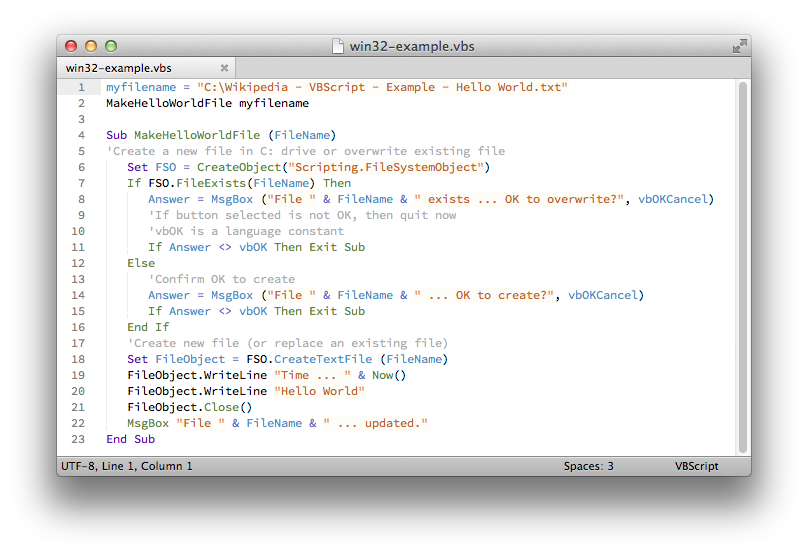
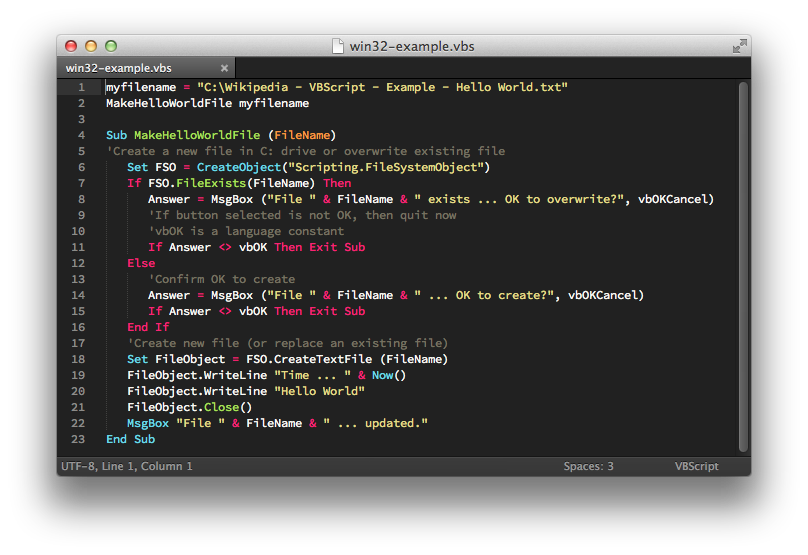
Installation
There are several ways to install this package.
Package Control
The easiest way to install this package is through Package Control.
- Install Package Control
- Open the
Command Palette(Tools >> Command PaletteorCtrl+Shift+PorCmd+Shift+P). - Type
Install Packageand hit return. - Type
VBScriptand hit return.
Using Git
Go to your Sublime Text Packages directory and clone the repository using the command below:
git clone https://github.com/SublimeText/VBScript "VBScript"
Download Manually
- Download the files using the GitHub .zip download option
- Unzip the files and rename the folder to
VBScript - Copy the folder to your Sublime Text
Packagesdirectory
Related Skills
node-connect
338.7kDiagnose OpenClaw node connection and pairing failures for Android, iOS, and macOS companion apps
frontend-design
83.6kCreate distinctive, production-grade frontend interfaces with high design quality. Use this skill when the user asks to build web components, pages, or applications. Generates creative, polished code that avoids generic AI aesthetics.
openai-whisper-api
338.7kTranscribe audio via OpenAI Audio Transcriptions API (Whisper).
commit-push-pr
83.6kCommit, push, and open a PR
