
SimpleAnimationSequenceLeanTween
A simple way of creating an animation sequence using LeanTween in the Unity Inspector.
Install / Use
/learn @StephenMcVicker/SimpleAnimationSequenceLeanTweenREADME
SimpleAnimationSequenceLeanTween
A simple way of creating an animation sequence using LeanTween in the Unity Inspector.
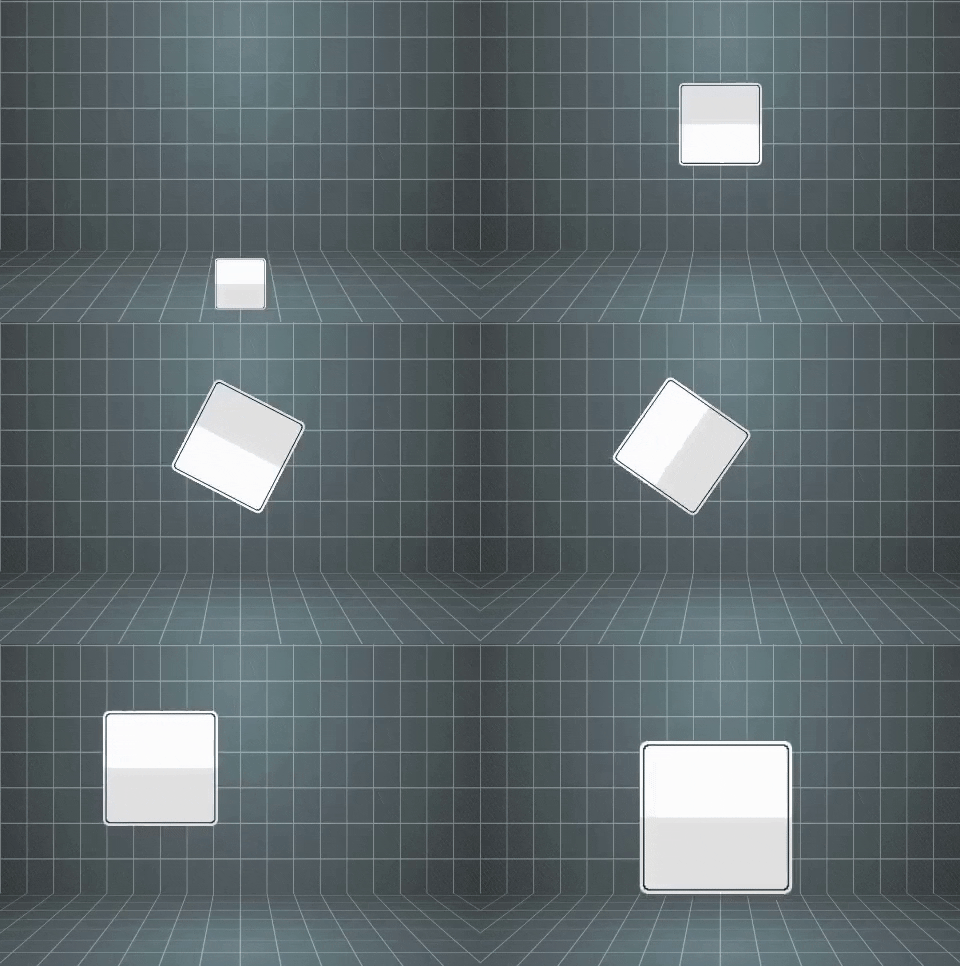
Quick Note: You need LeanTween to use this. Download for FREE from the Unity Asset Store: https://assetstore.unity.com/packages/tools/animation/leantween-3595
How To Use:
Download and drag SimpleAnimationSequence to your project. Add the compoent to a gameobject and look for "Animation/Simple Sequence" or search for the script. Build your animations with simple movement values, scale values, and/or rotate values. Each animation list can run independently and you can choose which gameobject the animation effects. Make sure to drag in the gameobject you want to animate to each animation or it will cause a crash!

You can do just one animation (such as just move) or use all 3 types, you can choose to play animations on enable and you can choose start delays and durations for each animation. You can also pass in another object to animate mid-seqence.
If you need any help or want to showcase some animations to me, reach out to me on Twitter: https://twitter.com/stephenmcvicker.
Related Skills
next
A beautifully designed, floating Pomodoro timer that respects your workspace.
product-manager-skills
47PM skill for Claude Code, Codex, Cursor, and Windsurf: diagnose SaaS metrics, critique PRDs, plan roadmaps, run discovery, and coach PM career transitions.
devplan-mcp-server
3MCP server for generating development plans, project roadmaps, and task breakdowns for Claude Code. Turn project ideas into paint-by-numbers implementation plans.
