
SAILoadingView
It's a basic loading view in Swift, with error message and Retry button.
Install / Use
/learn @SeptiyanAndika/SAILoadingViewREADME
SAILoadingView
[](https://travis-ci.org/Septiyan Andika/SAILoadingView)



Preview
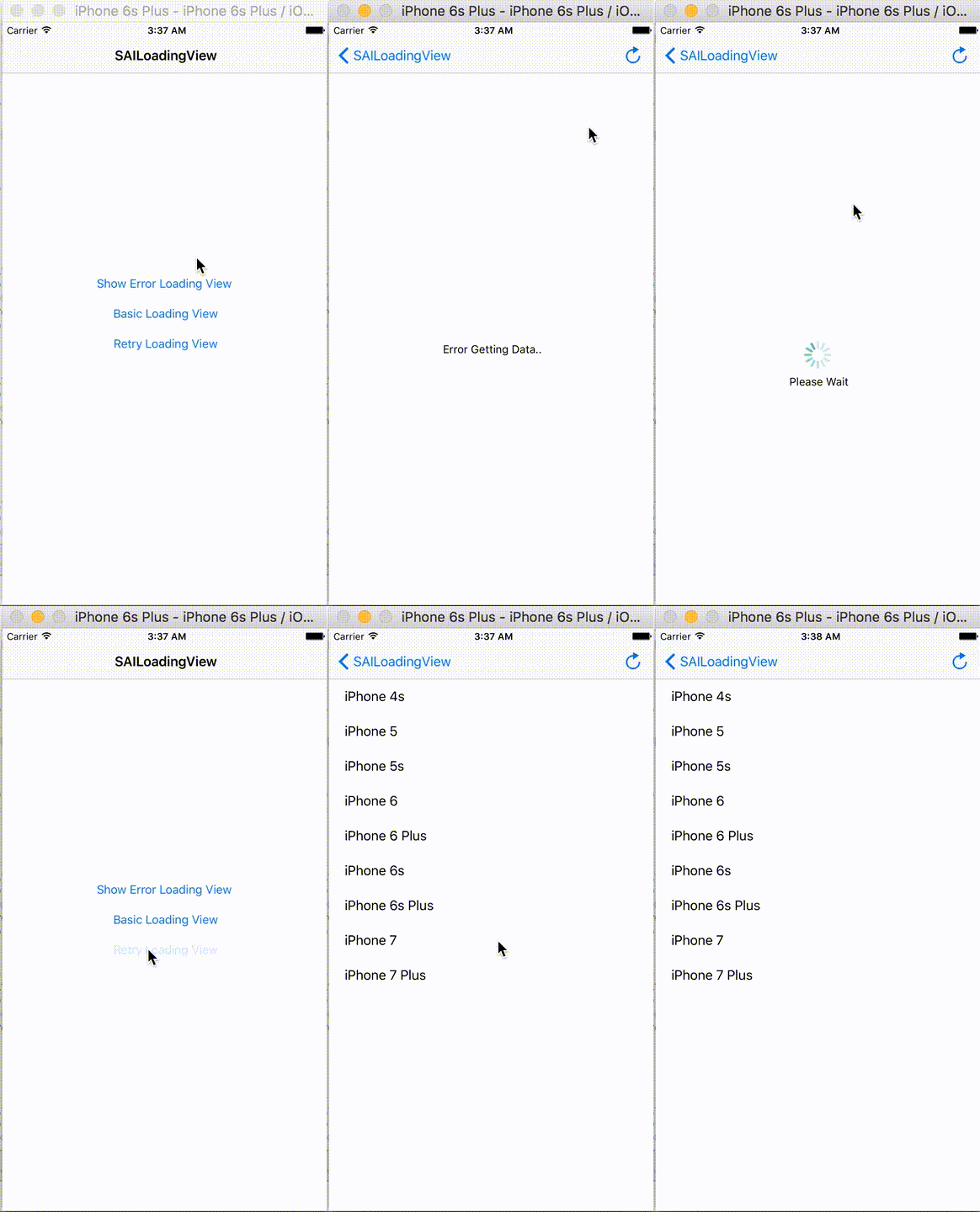
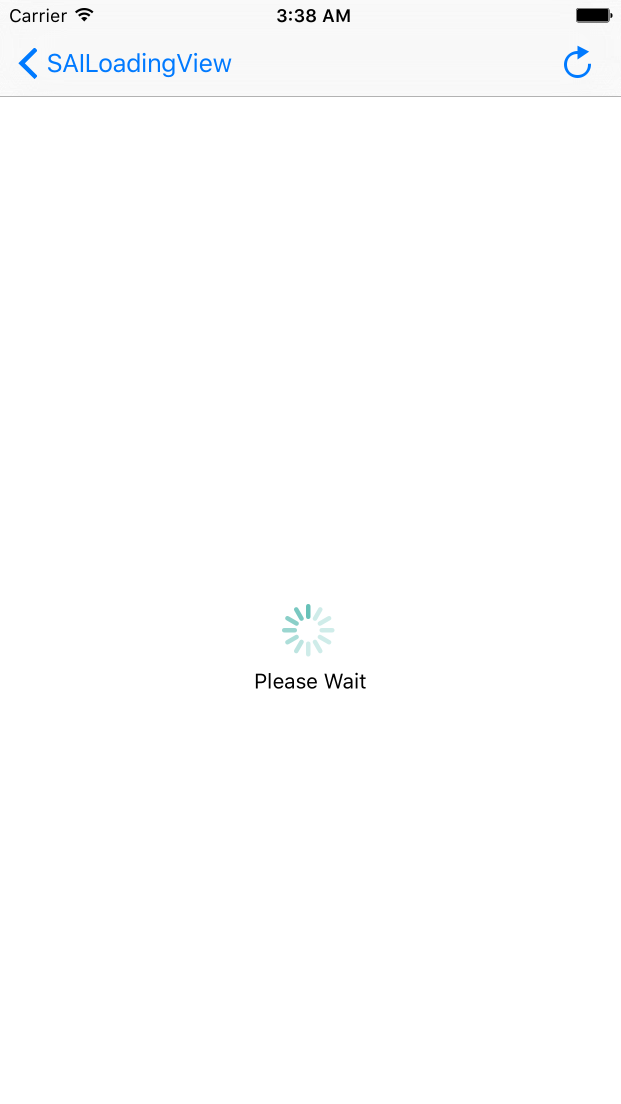
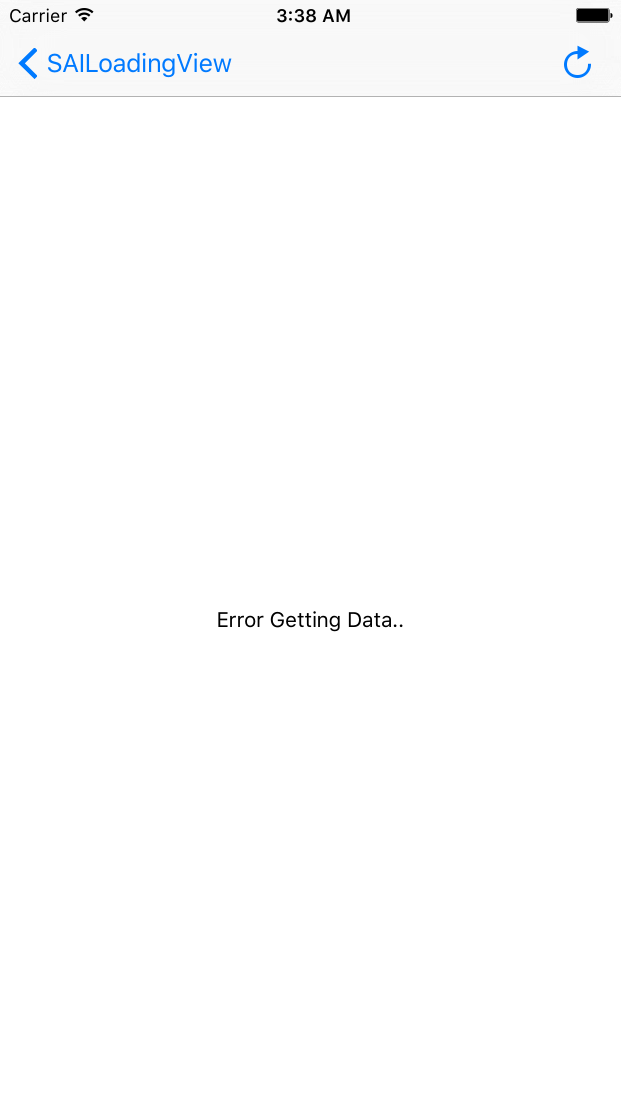
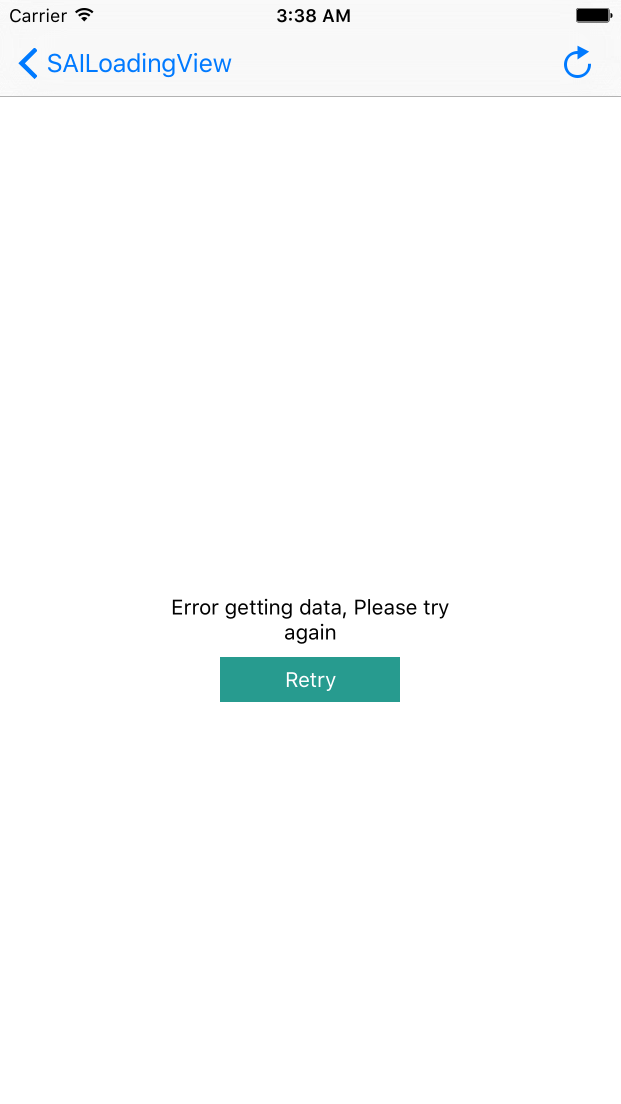
Example
To run the example project, clone the repo, and run pod install from the Example directory first.
Installation
-
Just add SAILoadingView.swift and SAILoadingView.xib file to your project, file are present inside SAILoadingView/Classes directory.
-
SAILoadingView is available through CocoaPods. To install it, simply add the following line to your Podfile:
pod "SAILoadingView"
Function
func showLoading(text:String)
Function to show loading view and text progress
func dismissLoading()
Function to dismiss loading view
func showError(text:String)
Function to show error message, if Properties onClickRetry not nil or declarede will show button retry, if onClickRetry not declared or nil button retry will be hidden
Properties
public final var onClickRetry: (Void -> Void)?

example :
var loadingView = SAILoadingView(parent: self.view)


loadingView?.onClickRetry = {

            self.loadData()
        }
- show retry button, and handle action when retry button clicked
Author
Septiyan Andika, septiyan.andika@gmail.com
License
SAILoadingView is available under the MIT license. See the LICENSE file for more info.
