
SPAlertController
提醒对话框,风格和微信原生几乎零误差。简书地址:
Install / Use
/learn @SPStore/SPAlertControllerREADME
SPAlertController





目录
功能特点
- [x] 采用VFL布局,3.0版本开始,核心控件为UIStackView,风格与微信几乎零误差
- [x] 3.0版本开始,对话框头部新增图片设置
- [x] 3.0版本开始,action支持图片设置
- [x] 3.0版本开始,iOS11及其以上系统可单独设置指定action后的间距
- [x] 3.0版本开始,支持富文本
- [x] action的排列可灵活设置垂直排列和水平排列
- [x] 每个action的高度自适应
- [x] 支持旋转(横竖屏)
- [x] 支持自定义头部视图
- [x] 支持头部和action之间插入自定义视图
- [x] 支持对话框毛玻璃和背景蒙层毛玻璃
- [x] 全面适配iPhoneX,iPhoneXR,iPhoneXS,iPhoneXS MAX
- [x] 全面适配深色模式
安装
CocoaPods
platform:ios,'9.0'
target 'MyApp' do
  pod 'SPAlertController', '~> 4.1.0'
end
Swift Package Manager
Swift Package Manager是Apple官方提供的依赖管理工具,在Xcode中集成。
- Xcode 11+,打开你的项目,选择:File > Swift Packages > Add Package Dependency
- 输入仓库地址:https://github.com/SPStore/SPAlertController
- 选择版本规则:Up to Next Major(4.1.0)
使用示例
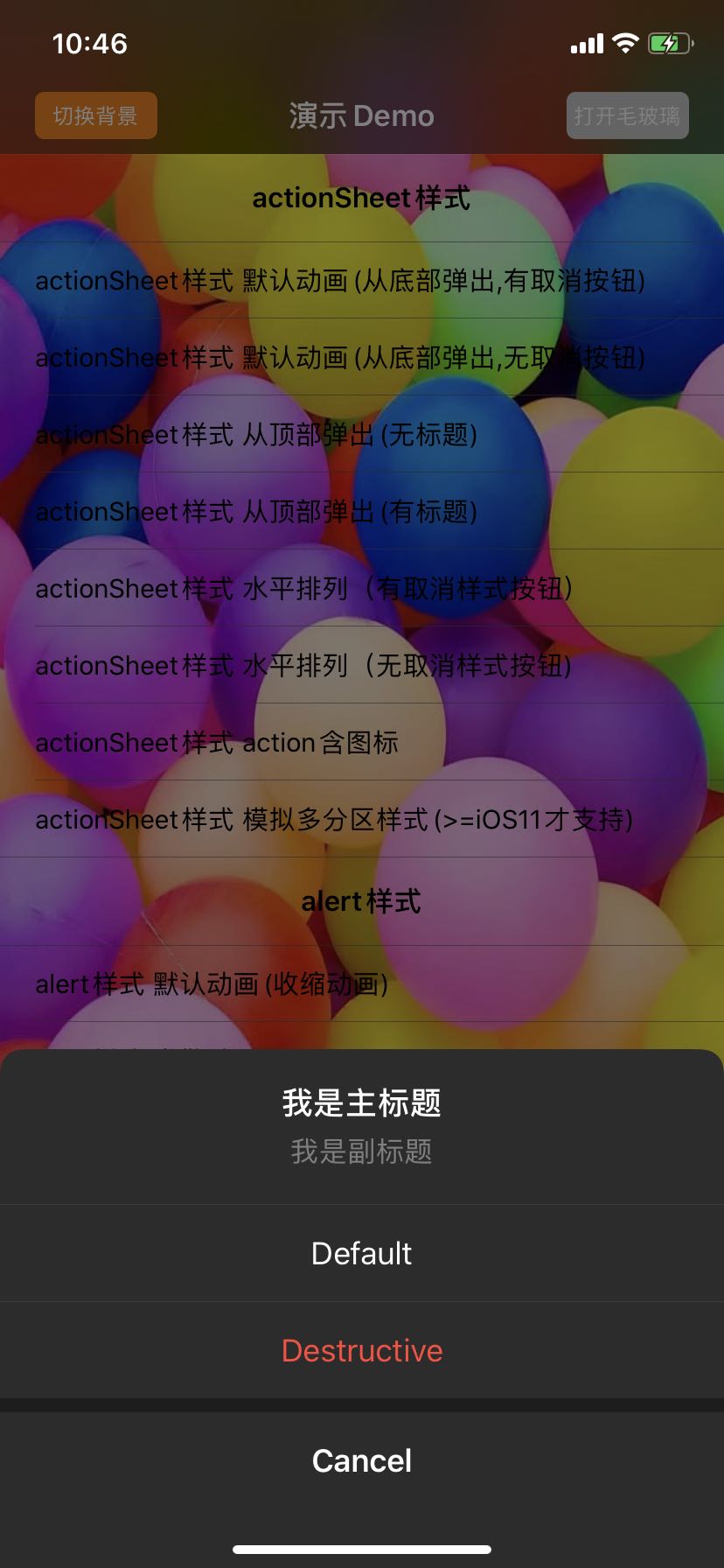
SPAlertController *alert = [SPAlertController alertControllerWithTitle:@"我是主标题" message:@"我是副标题" preferredStyle:SPAlertControllerStyleActionSheet];

SPAlertAction *action1 = [SPAlertAction actionWithTitle:@"Default" style:SPAlertActionStyleDefault handler:^(SPAlertAction * _Nonnull action) {}];
SPAlertAction *action2 = [SPAlertAction actionWithTitle:@"Destructive" style:SPAlertActionStyleDestructive handler:^(SPAlertAction * _Nonnull action) {}];
SPAlertAction *action3 = [SPAlertAction actionWithTitle:@"Cancel" style:SPAlertActionStyleCancel handler:^(SPAlertAction * _Nonnull action) {}];

[alert addAction:action1];
[alert addAction:action2];
[alert addAction:action3];
[self presentViewController: alert animated:YES completion:^{}];
API及属性详解
创建SPAlertController
+ (instancetype)alertControllerWithTitle:(nullable NSString *)title message:(nullable NSString *)message preferredStyle:(SPAlertControllerStyle)preferredStyle;
+ (instancetype)alertControllerWithTitle:(nullable NSString *)title message:(nullable NSString *)message preferredStyle:(SPAlertControllerStyle)preferredStyle animationType:(SPAlertAnimationType)animationType;
上面2种创建方式唯一的区别就是:第2种方式多了一个animationType参数,该参数可以设置弹出动画。如果以第一种方式创建,会采用默认动画,默认动画跟preferredStyle 有关,如果是SPAlertControllerStyleActionSheet样式,默认动画为从底部弹出,如果是SPAlertControllerStyleAlert样式,默认动画为从中间弹出
SPAlertController的头部配置
- title,对话框的主标题
- message,对话框的副标题
- attributedTitle,对话框的主标题,富文本
- attributedMessage,对话框的副标题,富文本
- image,对话框的头部上的图标,位置处于主标题之上
- titleColor,对话框主标题的颜色
- titleFont,对话框主标题的字体
- messageColor,对话框副标题的颜色
- messageFont,对话框副标题的字体
- textAlignment,对话框标题的对齐方式(标题指主标题和副标题)
- imageLimitSize,对话框头部图标的限制大小,默认是无穷大

SPAlertController的action配置
// 添加action,actions里面存放的就是添加的所有action

- (void)addAction:(SPAlertAction *)action;

@property (nonatomic, readonly) NSArray<SPAlertAction *> *actions;
// 添加文本输入框,textFields存放的就是添加的所有textField

- (void)addTextFieldWithConfigurationHandler:(void (^ __nullable)(UITextField *textField))configurationHandler;

@property(nullable, nonatomic, readonly) NSArray<UITextField *> *textFields;

// SPAlertControllerStyleActionSheet样式下:默认为UILayoutConstraintAxisVertical(垂直排列), 如果设置为UILayoutConstraintAxisHorizontal(水平排列),则除去取消样式action之外的其余action将水平排列;SPAlertControllerStyleAlert样式下:当actions的个数大于2,或者某个action的title显示不全时为UILayoutConstraintAxisVertical(垂直排列),否则默认为UILayoutConstraintAxisHorizontal(水平排列),此样式下设置该属性可以修改所有action的排列方式;不论哪种样式,只要外界设置了该属性,永远以外界设置的优先

@property(nonatomic) UILayoutConstraintAxis actionAxis;
- SPAlertControllerStyleActionSheet样式下的垂直排列和水平排列

- SPAlertControllerStyleAlert样式下的垂直排列和水平排列

// 该属性配置的是距离屏幕边缘的最小间距;SPAlertControllerStyleAlert样式下该属性是指对话框四边与屏幕边缘之间的距离,此样式下默认值随设备变化,SPAlertControllerStyleActionSheet样式下是指弹出边的对立边与屏幕之间的距离,比如如果从右边弹出,那么该属性指的就是对话框左边与屏幕之间的距离,此样式下默认值为70

@property(nonatomic, assign) CGFloat minDistanceToEdges;
// 该属性是制造对话框的毛玻璃效果,3.0版本开始采用的是系统私有类_UIDimmingKnockoutBackdropView所实现

@property(nonatomic, assign) BOOL needDialogBlur;
// SPAlertControllerStyleAlert下的偏移量配置 ,CGPoint类型,y值为正向下偏移,为负向上偏移;x值为正向右偏移,为负向左偏移,该属性只对SPAlertControllerStyleAlert样式有效,键盘的frame改变会自动偏移,如果外界手动设置偏移只会取手动设置的

@property(nonatomic, assign) CGPoint offsetForAlert;

- (void)setOffsetForAlert:(CGPoint)offsetForAlert animated:(BOOL)animated;
// 该API是设置和获取指定action后面的间距,如图中箭头所指,iOS11及其以上才支持

- (void)setCustomSpacing:(CGFloat)spacing afterAction:(SPAlertAction *)action API_AVAILABLE(ios(11.0));

- (CGFloat)customSpacingAfterAction:(SPAlertAction *)action API_AVAILABLE(ios(11.0));

 // 该API是设置背景蒙层的样式,分为半透明和毛玻璃效果,毛玻璃又细分为Dark,ExtraLight,Light3种样式

- (void)setBackgroundViewAppearanceStyle:(SPBackgroundViewAppearanceStyle)style alpha:(CGFloat)alpha;

  // 单击背景蒙层是否退出对话框,默认YES

@property(nonatomic, assign) BOOL tapBackgroundViewDismiss;
@property(nonatomic, assign) CGFloat cornerRadiusForAlert;
SPAlertControllerStyleAlert下的圆角半径
创建action
// 其中,title为action的标题,创建的时候仅支持普通文本,如果要使用富文本,可以另外设置action的属性attributedTitle,设置后会覆盖普通文本

+ (instancetype)actionWithTitle:(nullable NSString *)title style:(SPAlertActionStyle)style handler:(void (^ __nullable)(SPAlertAction *action))handler;
配置action
- title,action的标题
- attributedTitle,action的富文本标题,普通文本和富文本同时设置时,只会显示富文本
- image,action上的图片,文字和图片都存在时,图片在左,文字在右
- imageTitleSpacing,图片与文字之间的间距
- titleColor,action标题的颜色
- titleFont,action标题的字体
- titleEdgeInsets,action标题的内边距,此属性能够改变action的高度
- enabled,action是否能被点击

自定义View
- 自定义对话框的头部
+ (instancetype)alertControllerWithCustomHeaderView:(nullable UIView *)customHeaderView preferredStyle:(SPAlertControllerStyle)preferredStyle animationType:(SPAlertAnimationType)animationType;

- 自定义整个对话框
+ (instancetype)alertControllerWithCustomAlertView:(nullable UIView *)customAlertView preferredStyle:(SPAlertControllerStyle)preferredStyle animationType:(SPAlertAnimationType)animationType;

- 自定义对话框的action部分
+ (instancetype)alertControllerWithCustomActionSequenceView:(nullable UIView *)customActionSequenceView title:(nullable NSString *)title message:(nullable NSString *)message preferredStyle:(SPAlertControllerStyle)preferredStyle animationType:(SPAlertAnimationType)animationType;

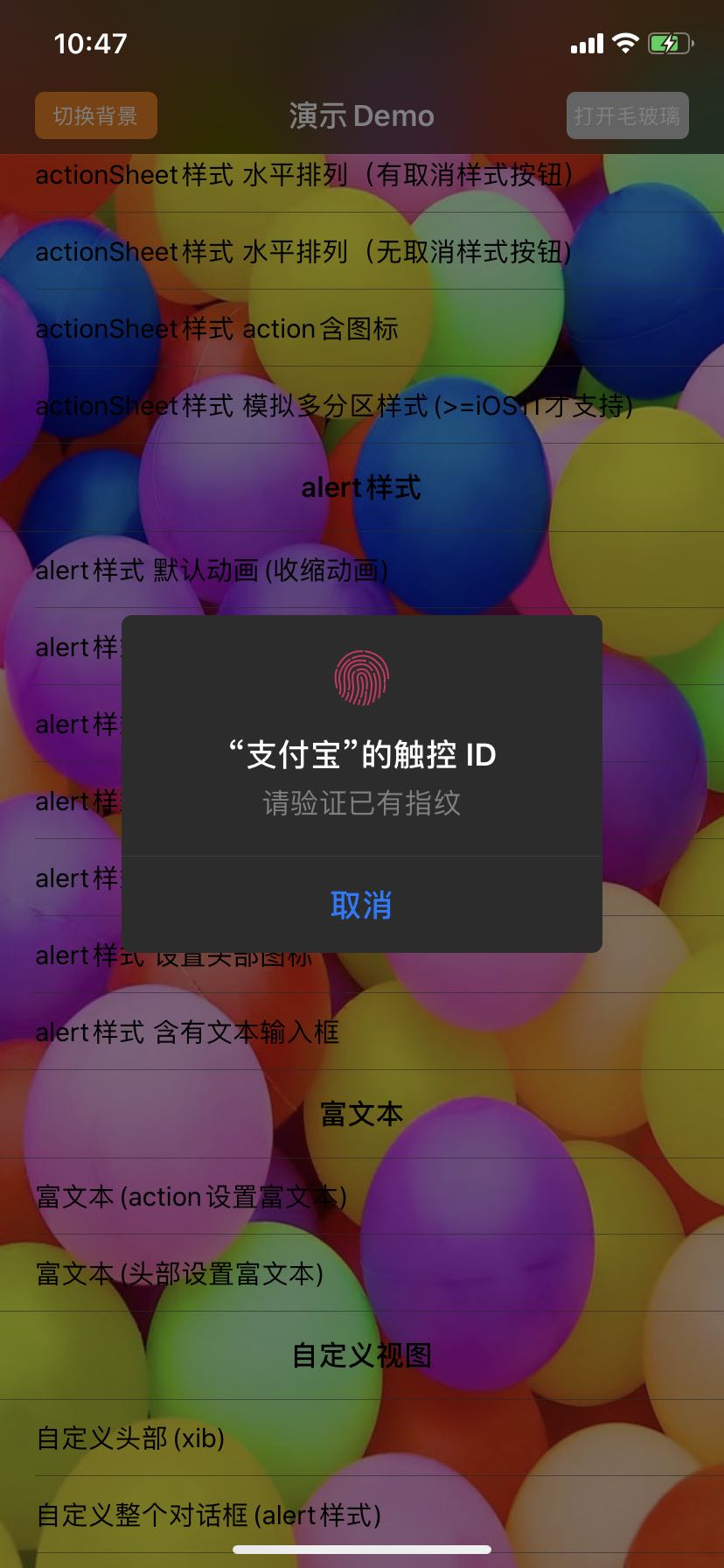
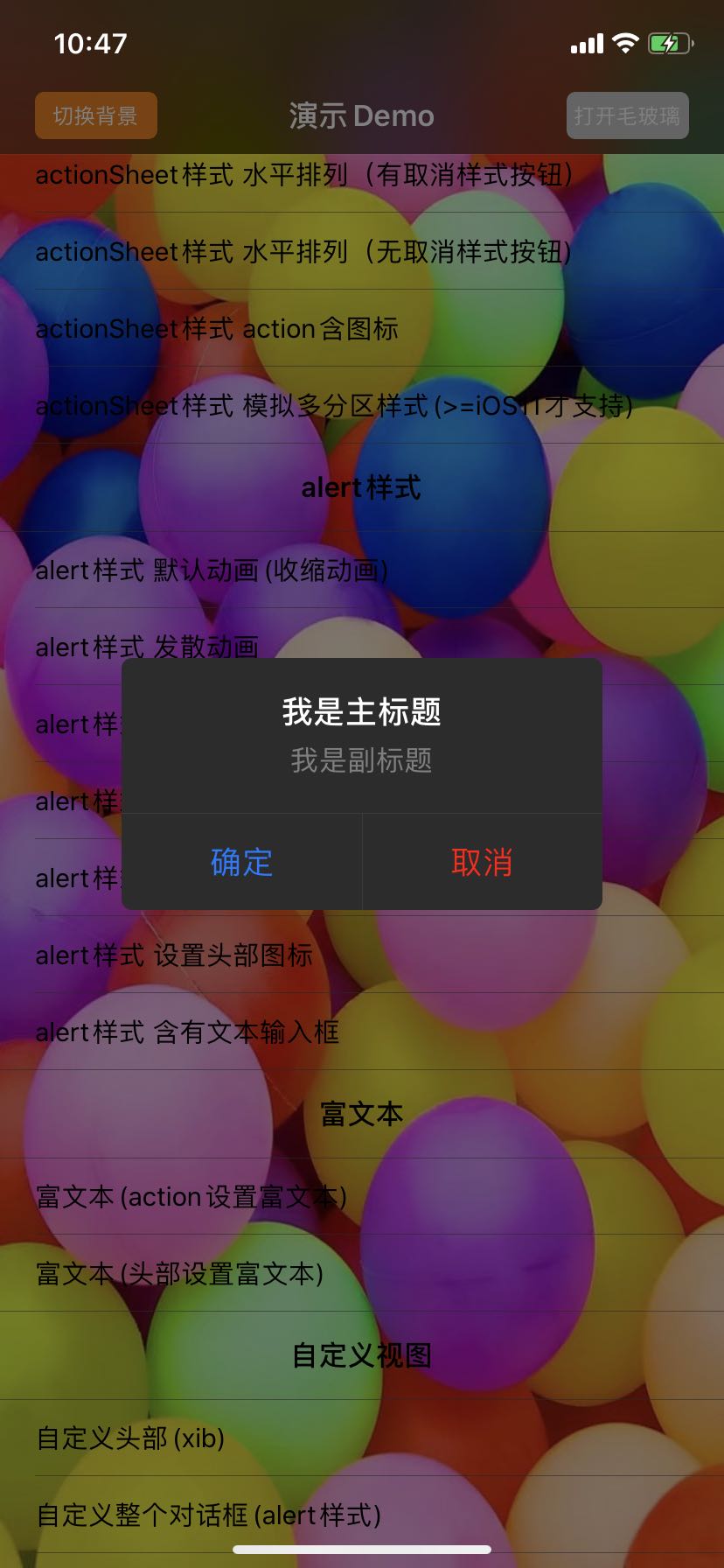
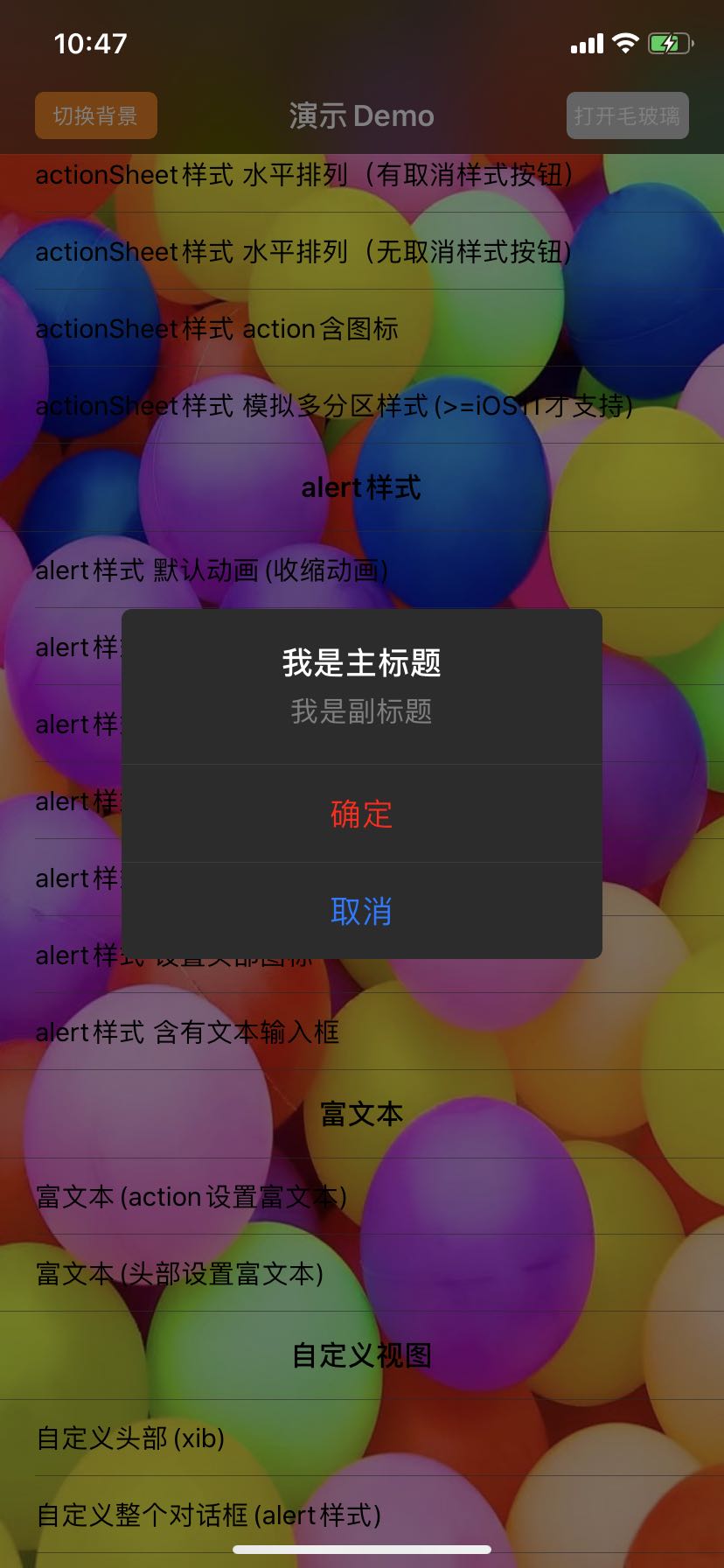
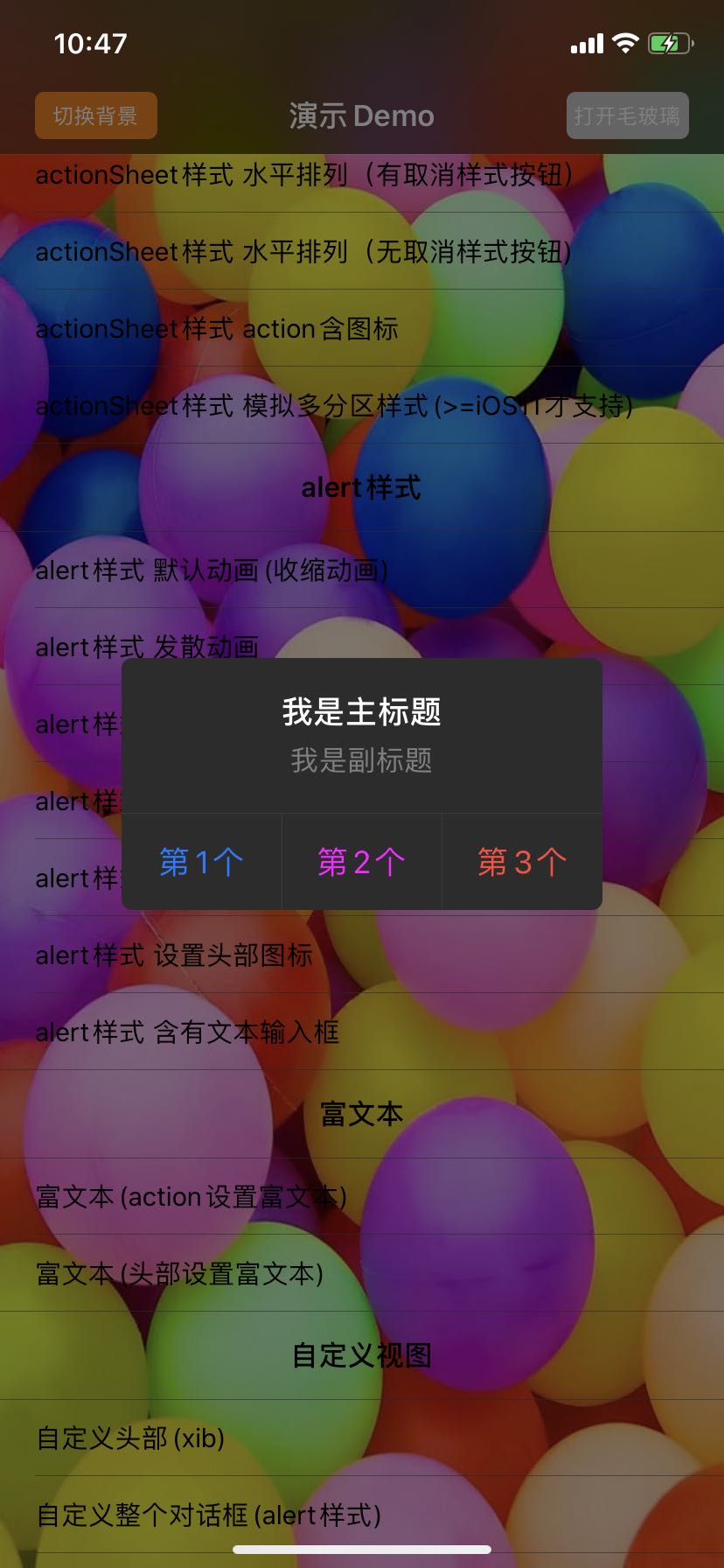
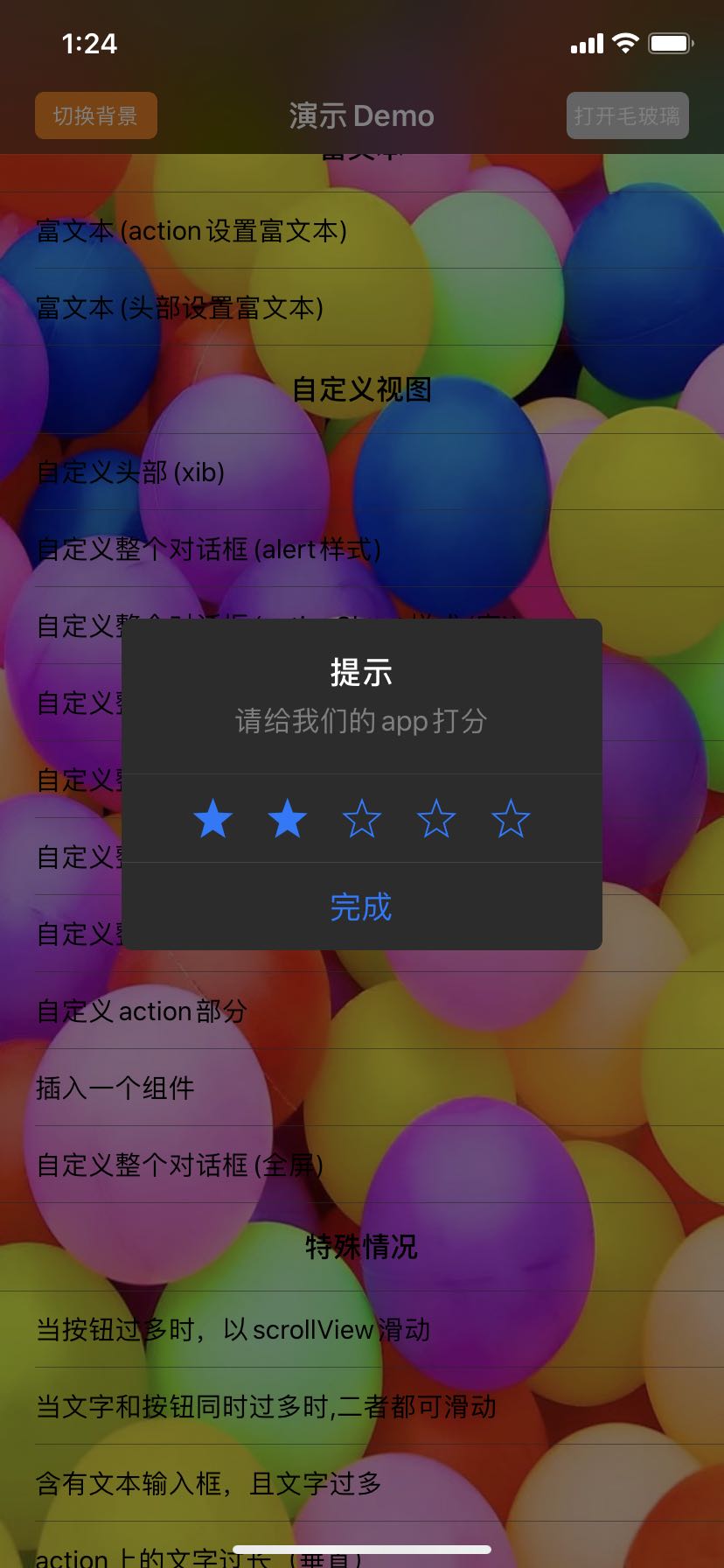
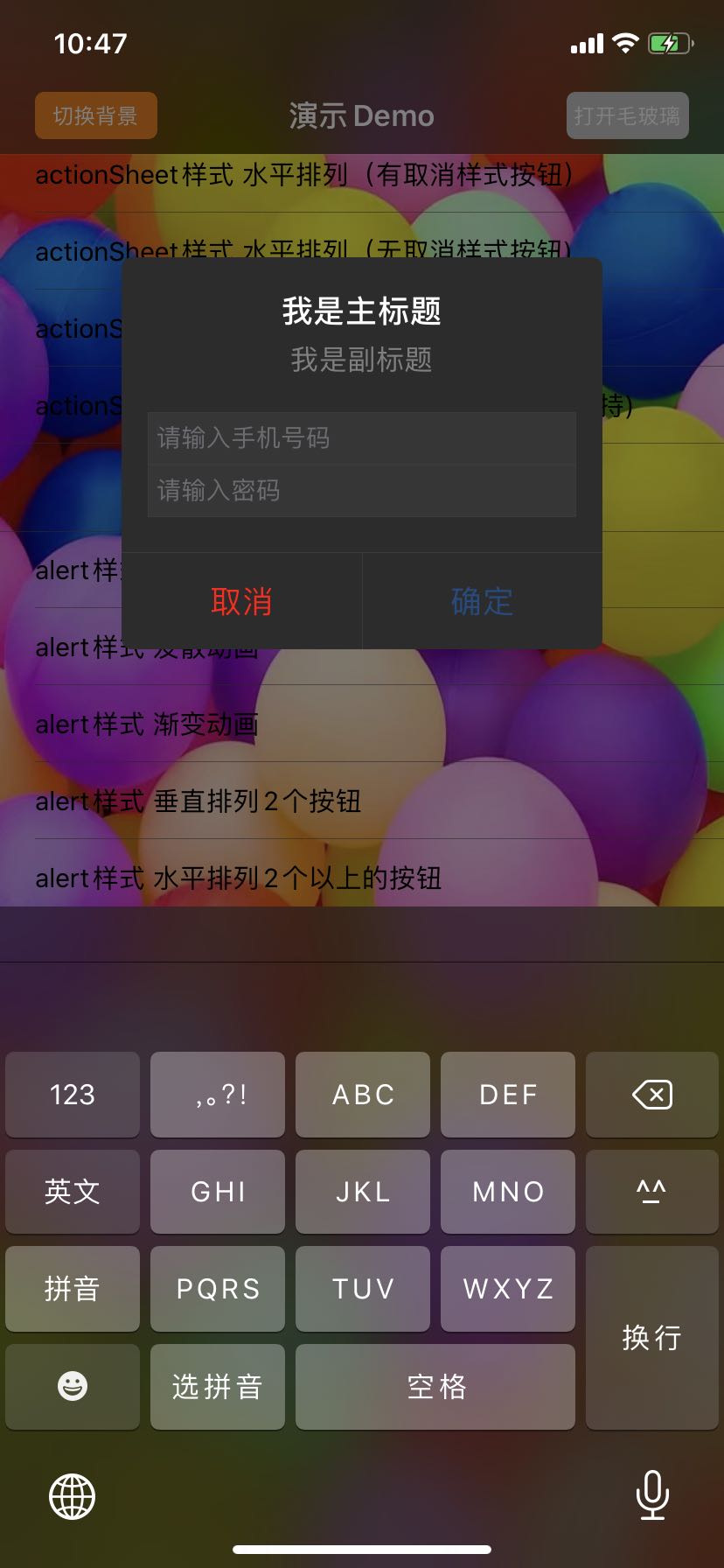
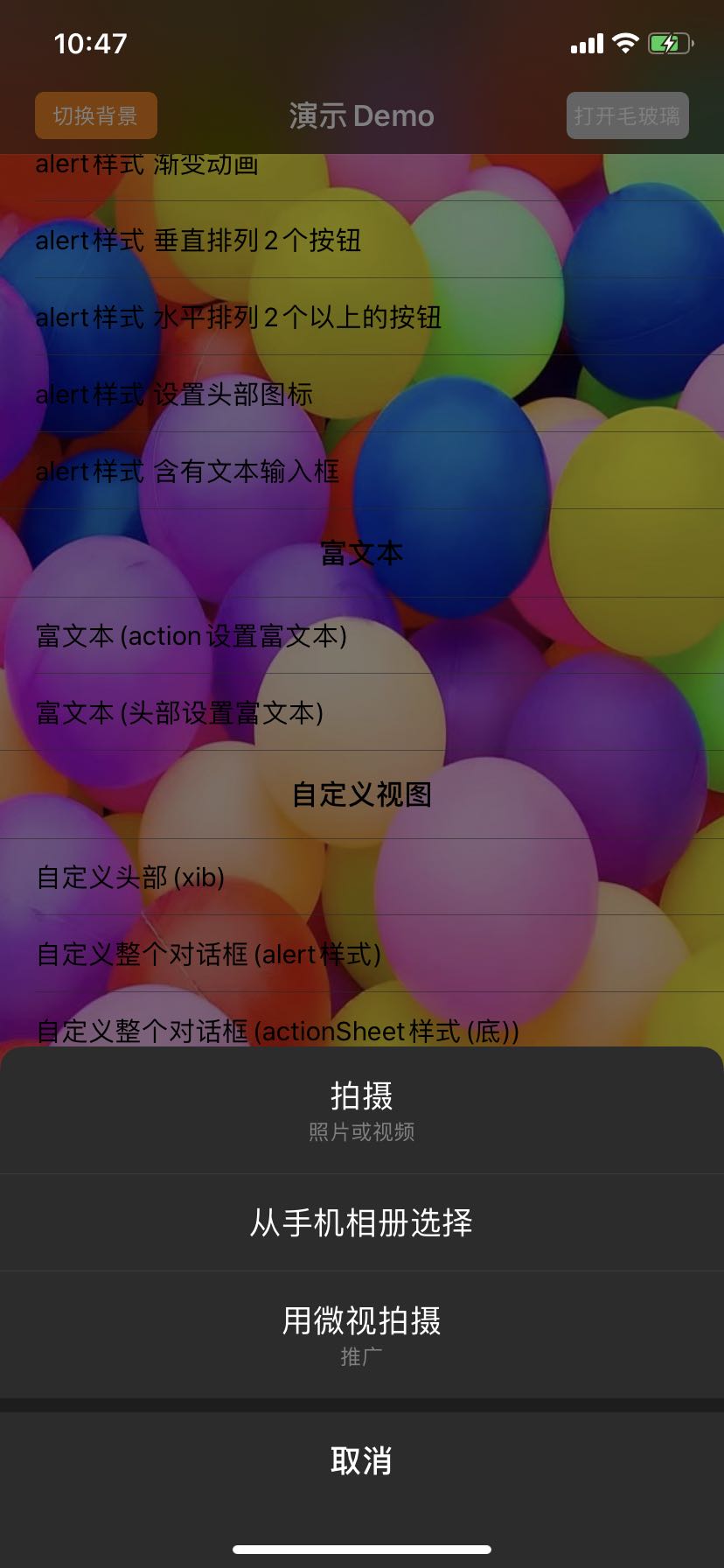
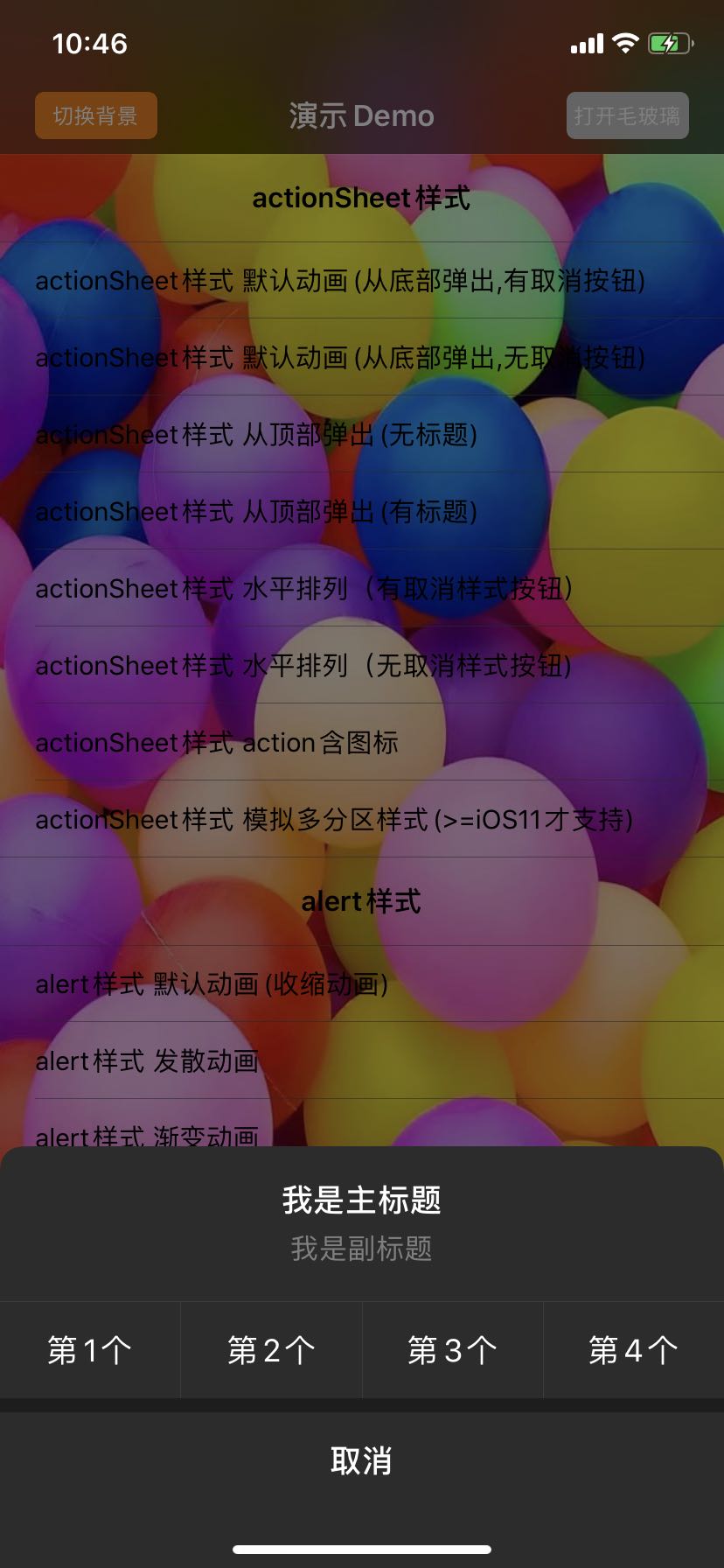
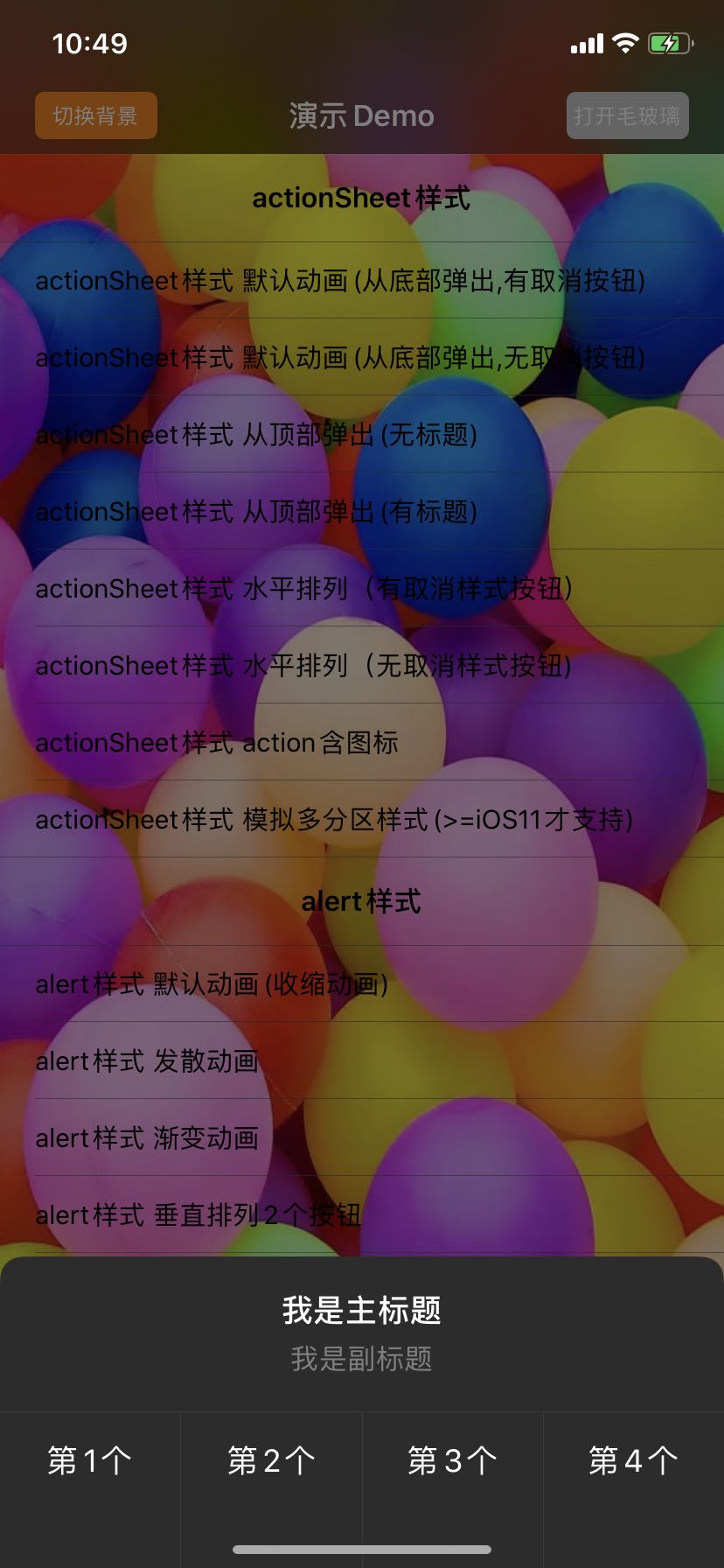
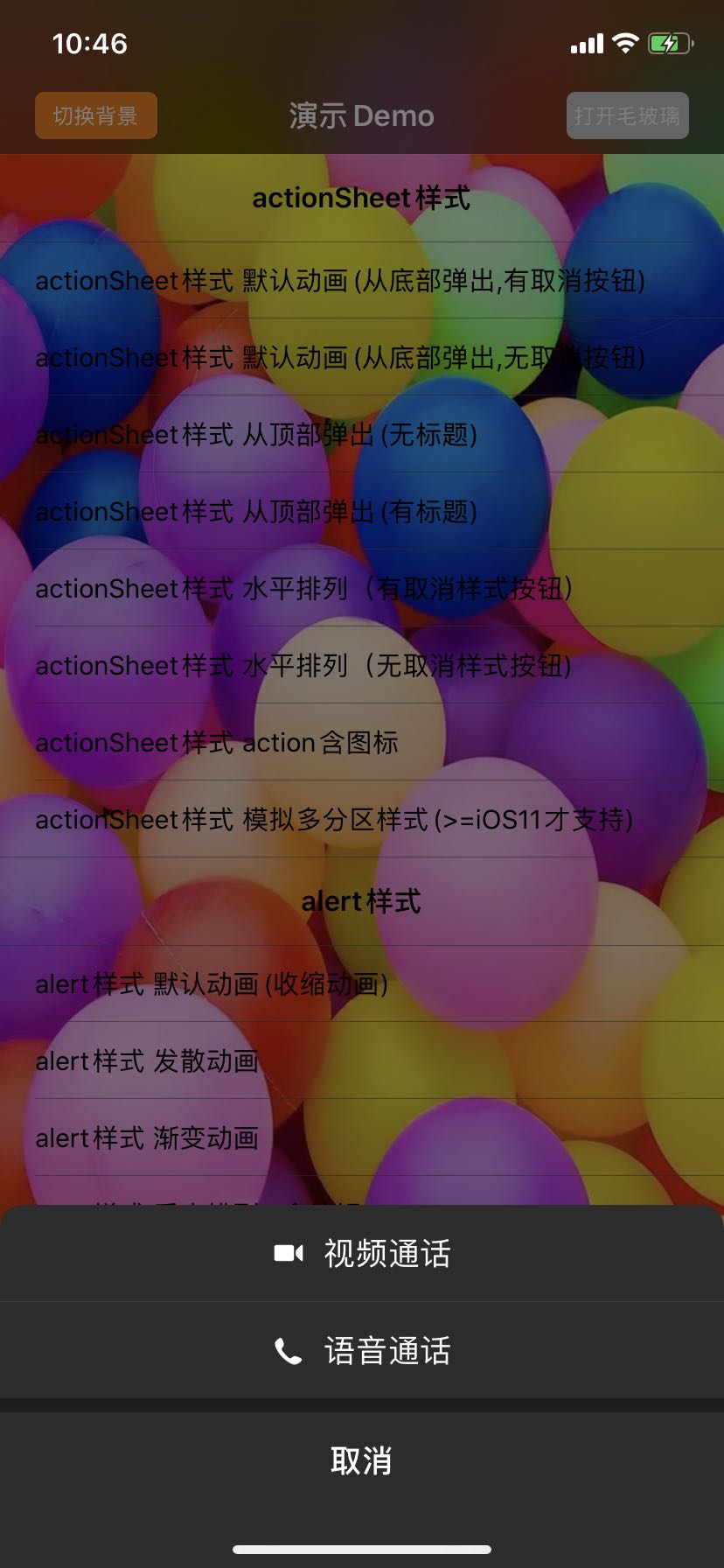
深色模式预览
 [
[ ](https://raw.githubusercontent.com/wiki/SPStore/SPAlertController/Screetshots/
