
PPLKiller
Tool to bypass LSA Protection (aka Protected Process Light)
Install / Use
/learn @RedCursorSecurityConsulting/PPLKillerREADME
PPLKiller
Tool to bypass LSA Protection (aka Protected Process Light)
I’ve noticed there is a common misconception that LSA Protection prevents attacks that leverage SeDebug or Administrative privileges to extract credential material from memory, like Mimikatz. LSA Protection does NOT protect from these attacks, at best it makes them slightly more difficult as an extra step needs to be performed.
Checkout the other tools like PPLKiller:
- https://github.com/itm4n/PPLcontrol (it uses runtime offsets which is a huge improvment since I dont have time to keep PPLKiller updated)
- https://github.com/wavestone-cdt/EDRSandblast (same concept but has more features)
- https://github.com/itm4n/PPLdump (This does the same thing without using a driver, but is now patched in the latest version of Windows)
Usage and Demo
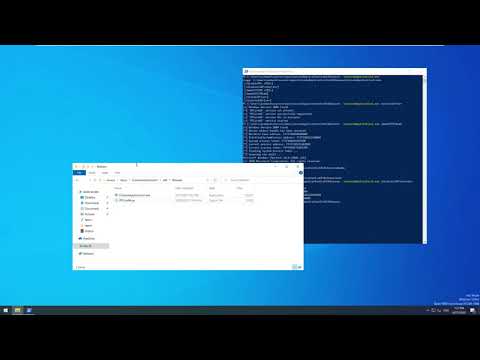
- Open PPLKiller.sln with Visual Studio 2019 and build a Release binary which will be saved in PPLKiller\x64\Release\PPLKiller.exe
- You'll always want to run
PPLKiller.exe /installDriverfirst to install the driver - Run an attack like
PPLKiller.exe /disableLSAProtection - Cleanup with
PPLKiller.exe /uninstallDriver
Video Usage
Mitigations
- Use Credential Guard which uses virtualization-based security. This would prevent PPLKiller and PPLdump.
- Use a Microsoft Defender Application Control kernel-mode code integrity policy to restrict which drivers can be loaded. The tool PPLdump, which can disable LSA Protection without loading a driver, could still be used.
