Cornifer
Unleash C4 DSL authoring.
Install / Use
/learn @RVR06/CorniferREADME
C4 DSL Visual Studio Code Extension








Whether you are a seasoned C4 DSL author or plan to start your architecture as code journey, Cornifer extension will support you along the way. Coupled with Structurizr engine, it provides a top-notch architecture stack. Give it a try and start contributing to the code-first architecture community.
Installation
Visual Studio Code Marketplace
Browse to the Visual Studio Code Marketplace and install the extension.
Alternatively, you can search for Cornifer in the Extensions view of Visual Studio Code and install it from there.
Manual installation
Navigate to the latest release and download the .vsix file.
Then, within VSCode, open the Extensions view, select for Install from VSIX from Views and more actions button and browse to the .vsix.
Overview of the extension features
Format document
<img alt="format" src="https://rvr06.github.io/cornifer/docs/features/format/format.gif" />
Syntax highlighting
<img alt="highlighting" src="https://rvr06.github.io/cornifer/docs/features/highlighting/highlighting.gif" />
Semantic highlighting
<img alt="semantic" src="https://rvr06.github.io/cornifer/docs/features/semantic/semantic.gif" />
Code completion
<img alt="completion" src="https://rvr06.github.io/cornifer/docs/features/intellisense/intellisense.gif" />
Hover
<img alt="hover" src="https://rvr06.github.io/cornifer/docs/features/hover/hover.png" />
Live preview
<img alt="preview" src="https://rvr06.github.io/cornifer/docs/features/preview/preview.png" />
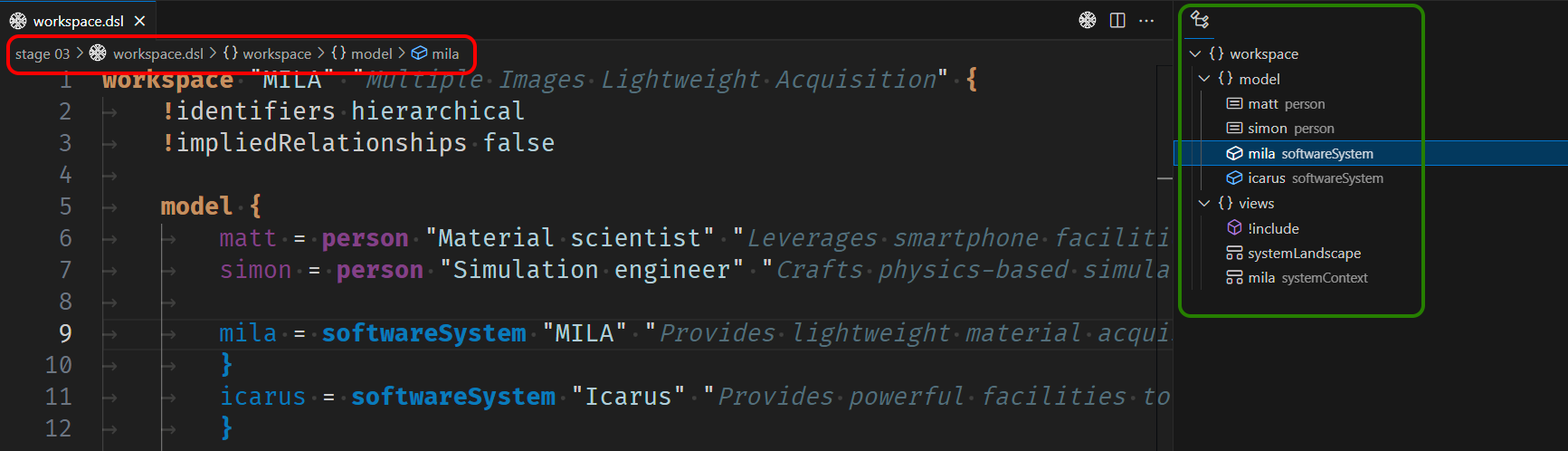
Outline preview
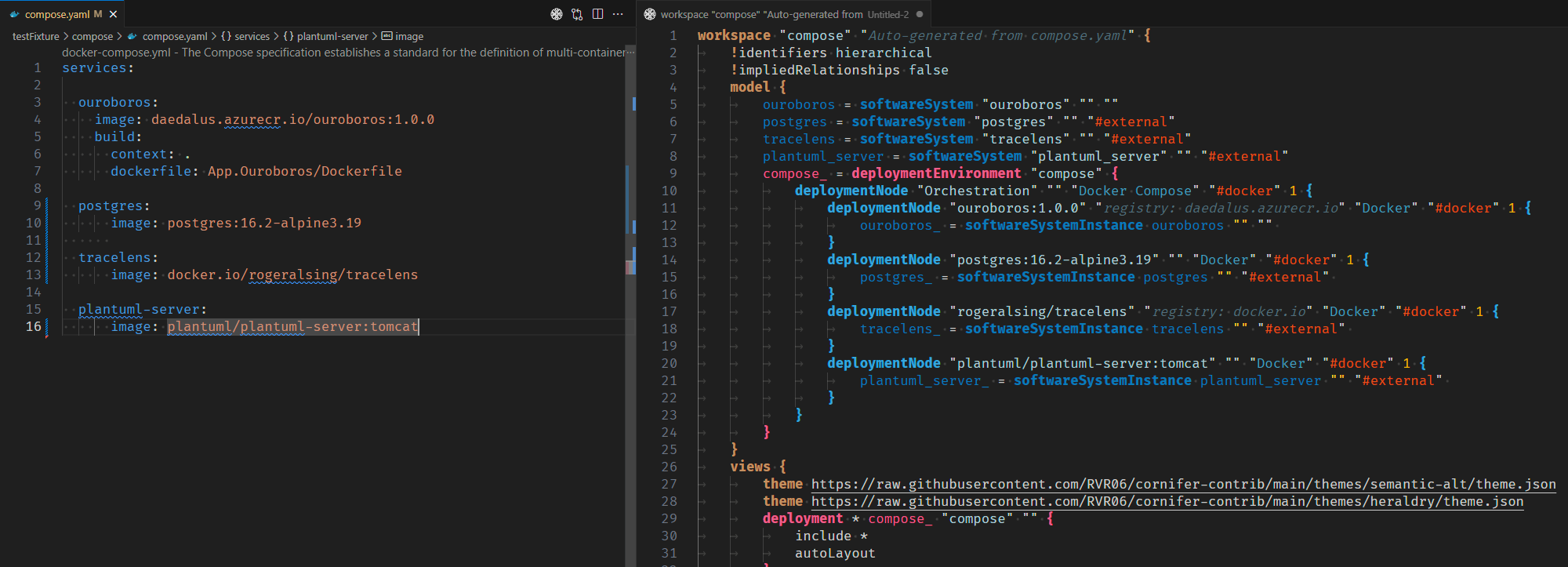
Docker compose transpiler