Screenwriter
A simple online screenwriting app
Install / Use
/learn @ProLoser/ScreenwriterREADME
Screenwriter
A simple copy of Final Draft that can be used online
Development
Prerequisites
- Node.js (v14 or higher recommended)
- Yarn (v1.22.22 or higher)
Installation
yarn install
Running Tests
# Run all tests
yarn test

# Run tests in watch mode
yarn test:watch

# Run tests with coverage
yarn test:coverage
Building
# Build SCSS to CSS
yarn build
# or
npx gulp sass

# Run development server with live reload
gulp
Note: CSS files (styles.css, print.css) are generated from SCSS sources and are not tracked in git. Run yarn build or npx gulp sass to generate them.
Continuous Integration & Deployment
This project uses GitHub Actions for CI/CD:
Testing (CI)
All pull requests automatically run:
- Unit tests on Node.js 24.x (latest LTS)
- Test coverage analysis
- Coverage reports uploaded to Codecov (if configured)
Tests must pass before pull requests can be merged. The workflow runs on:
- Pull requests to
mainormasterbranches - Direct pushes to
mainormasterbranches
Deployment (CD)
The website automatically deploys to GitHub Pages when changes are pushed to main or master:
- Builds CSS from SCSS sources
- Deploys all static files to GitHub Pages
- Available at the repository's GitHub Pages URL
You can view workflow status in the "Actions" tab of the repository.
Instructions
Use <kbd>Enter</kbd> to create new lines
Use <kbd>Tab</kbd> and <kbd>Shift</kbd>+<kbd>Tab</kbd> to cycle through different formats
Scripts are NOT private or secure (yet). Use at your own peril.
Scripts are synchronized across browsers. Collaborate in realtime with friends!
Roadmap
- Character / Location autocompletion
- Private scripts
- Better formatting
- Export
- Notes
Features
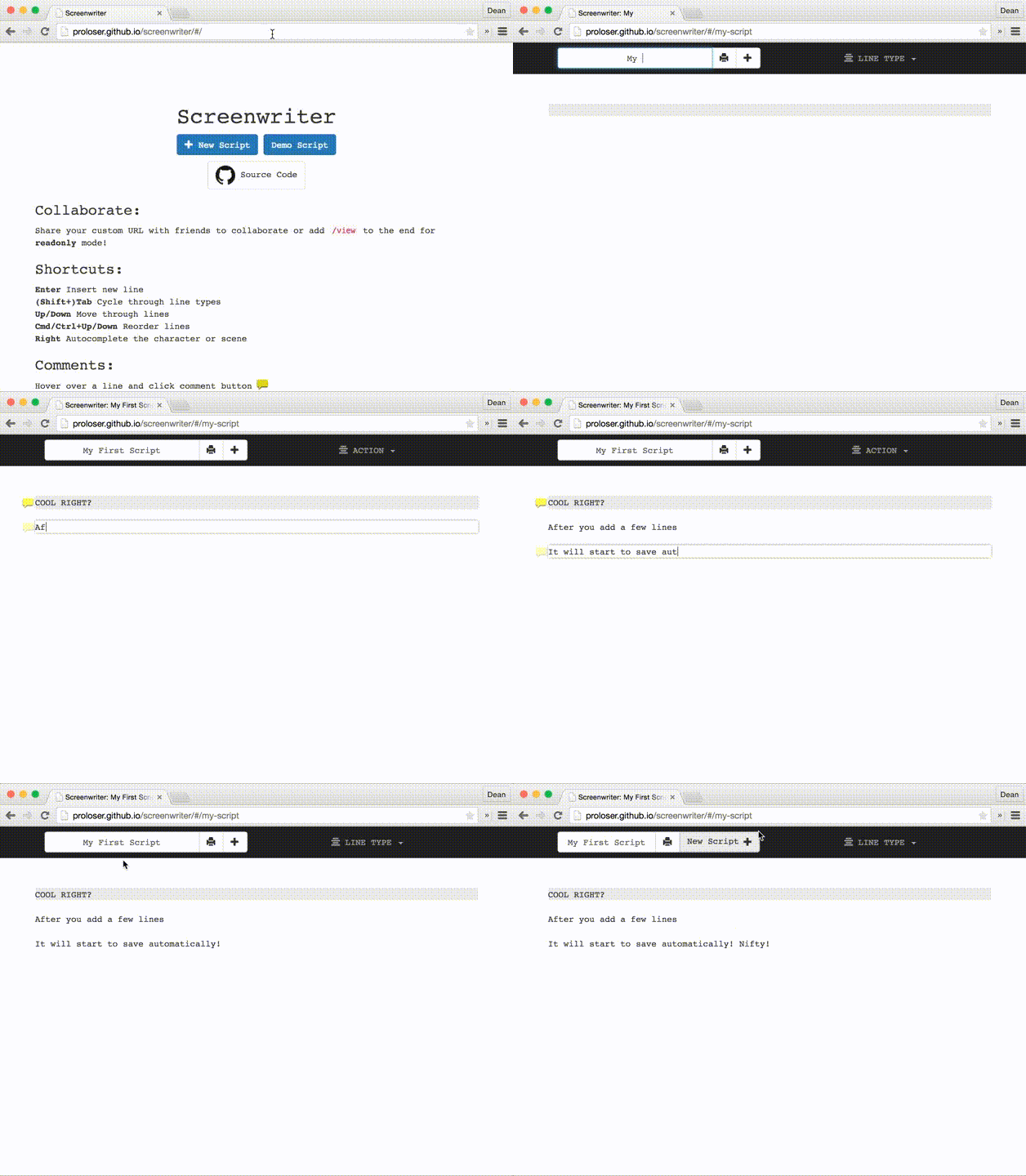
Custom Shareable URLs
Simply type in any unique URL and share it with others
Realtime Collaboration
Realtime collaboration across devices
Line Control Shortcuts
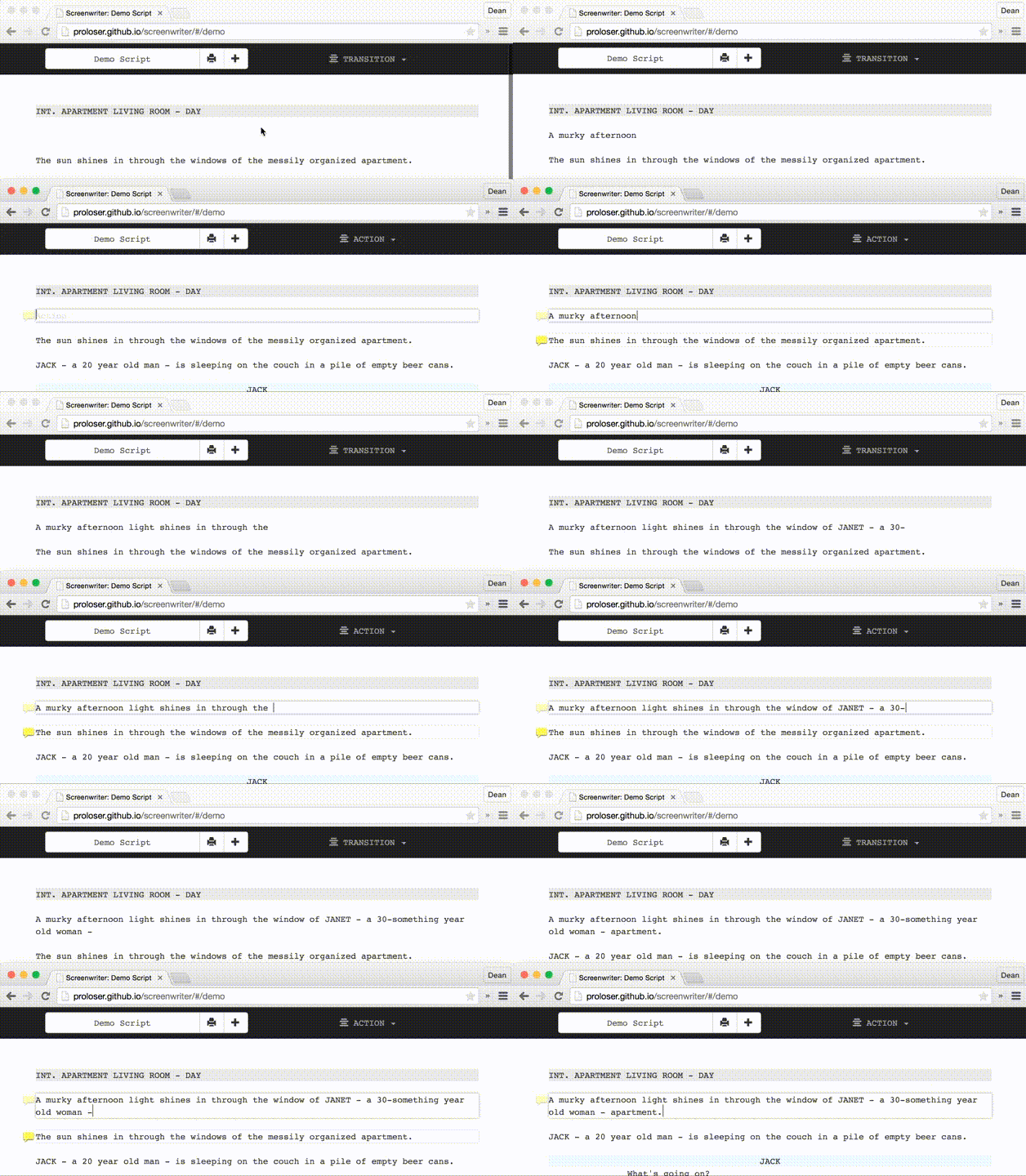
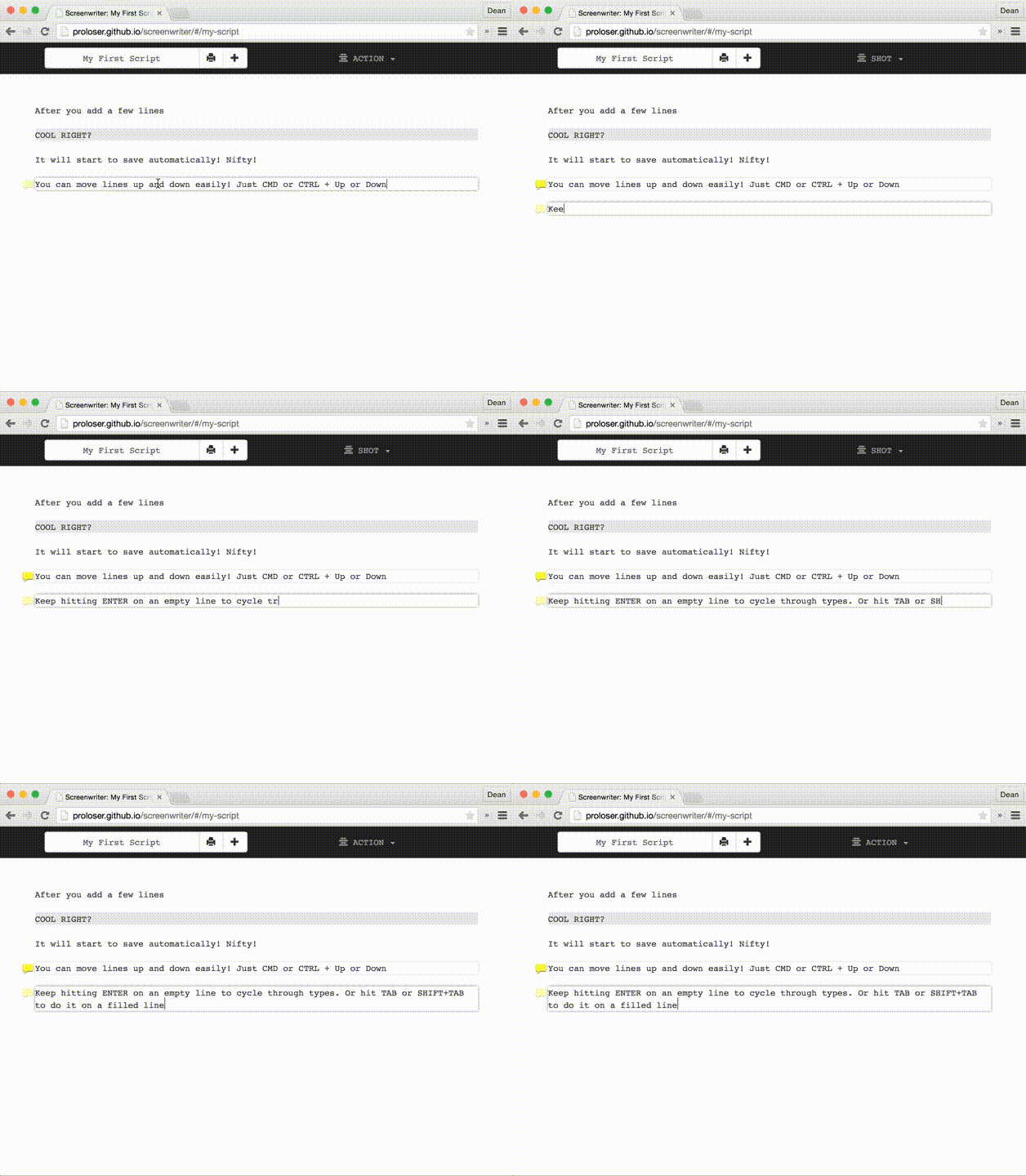
Easily change the line type using ENTER (repeatedly) on an empty line or TAB and SHIFT+TAB.
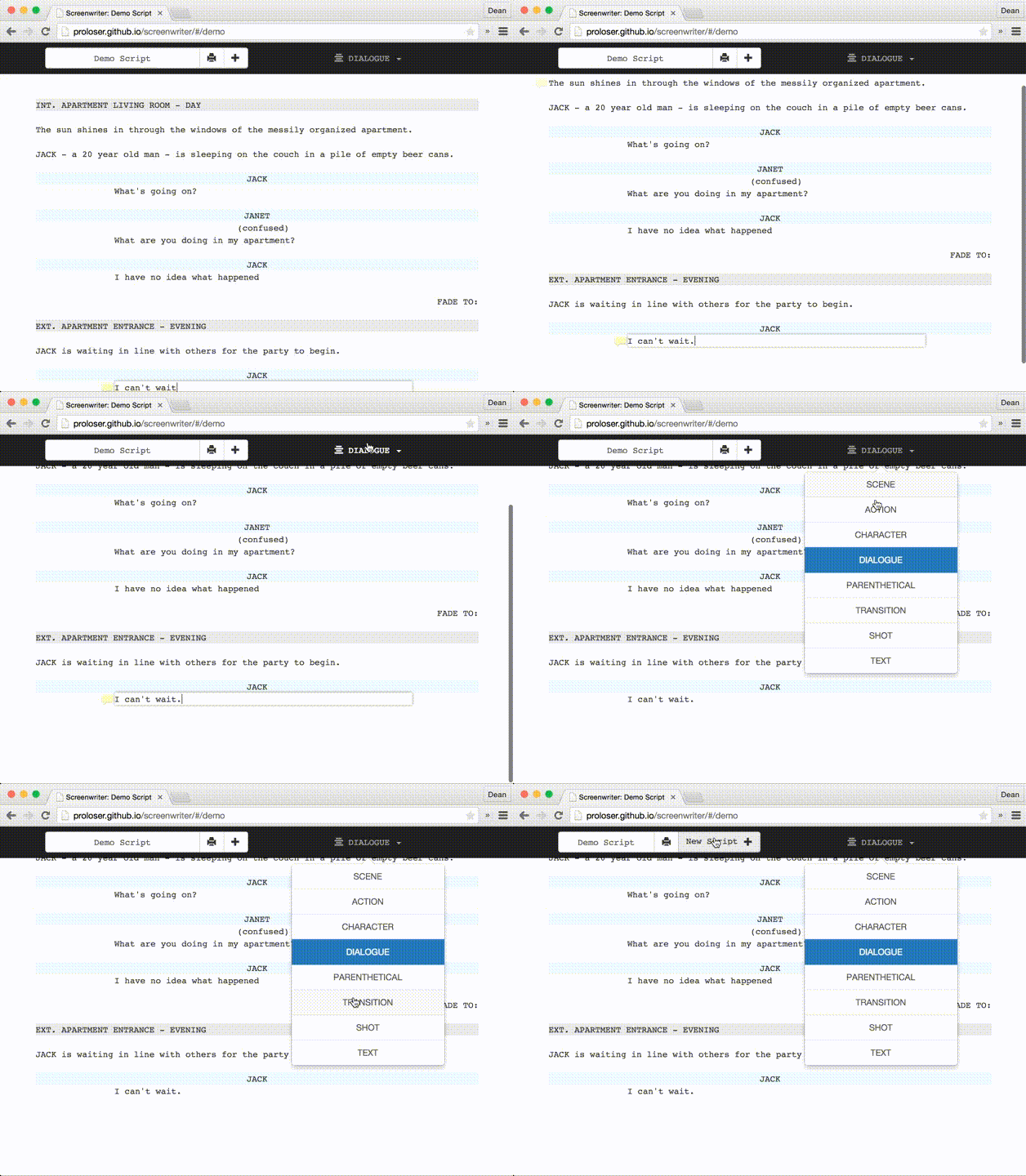
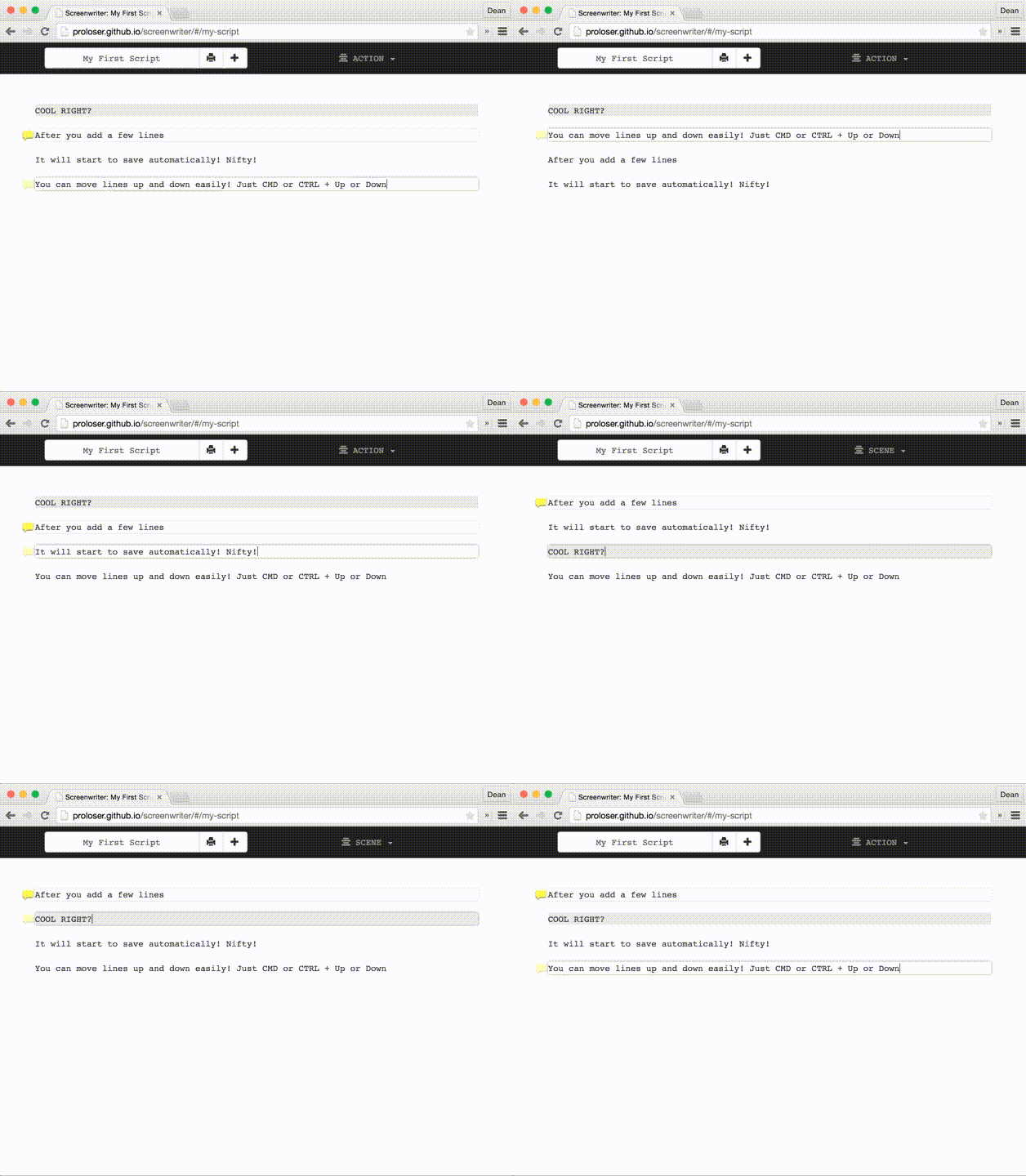
 Move lines up and down easily with CMD/CTRL + UP/DOWN
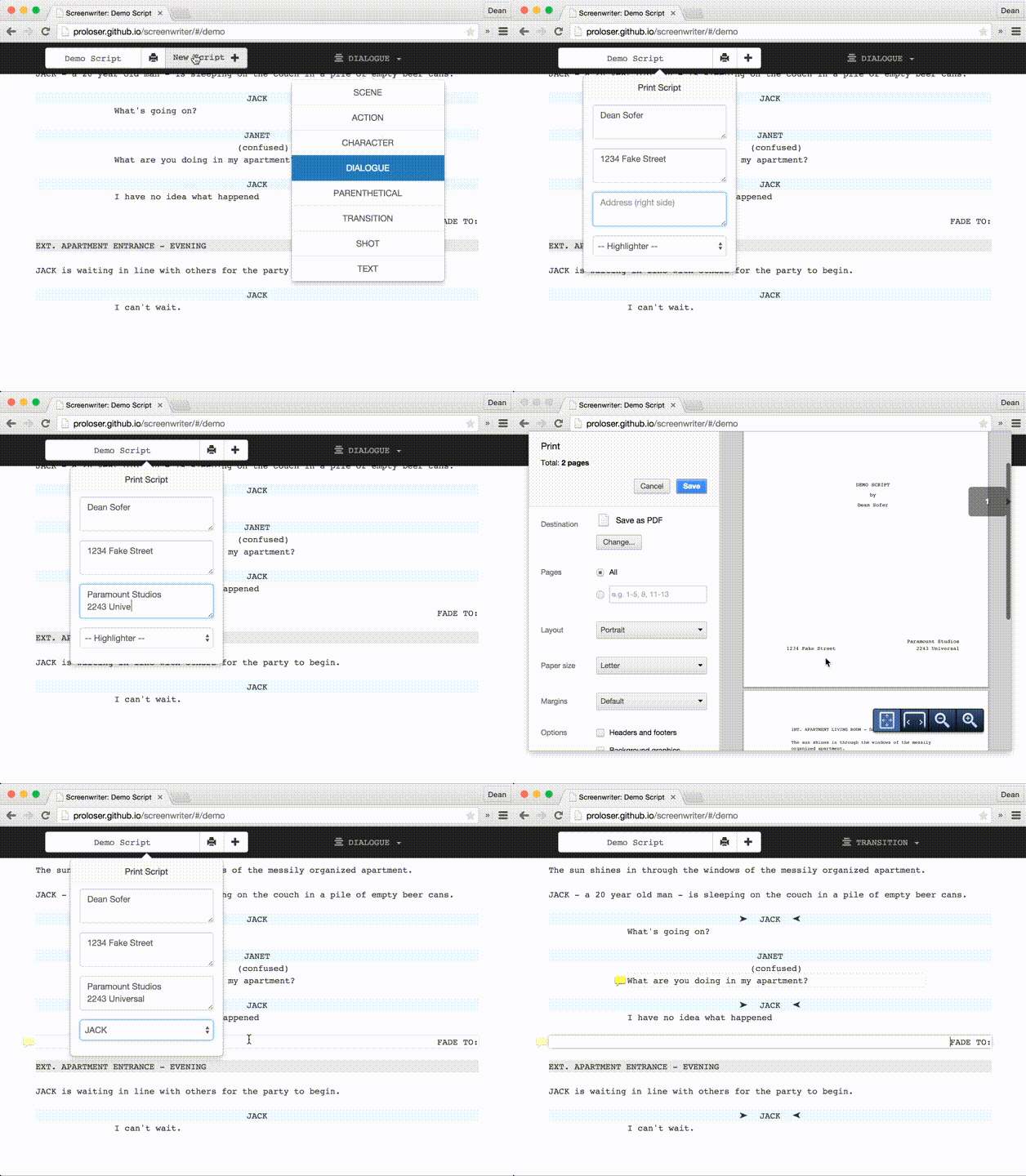
Printer Friendly
Printer friendly standards formatting. Add author notes or highlight character's lines
Read-Only Mode
Don't want someone to accidentally clobber your work? Just append <code>/view</code> to the end of the URL.
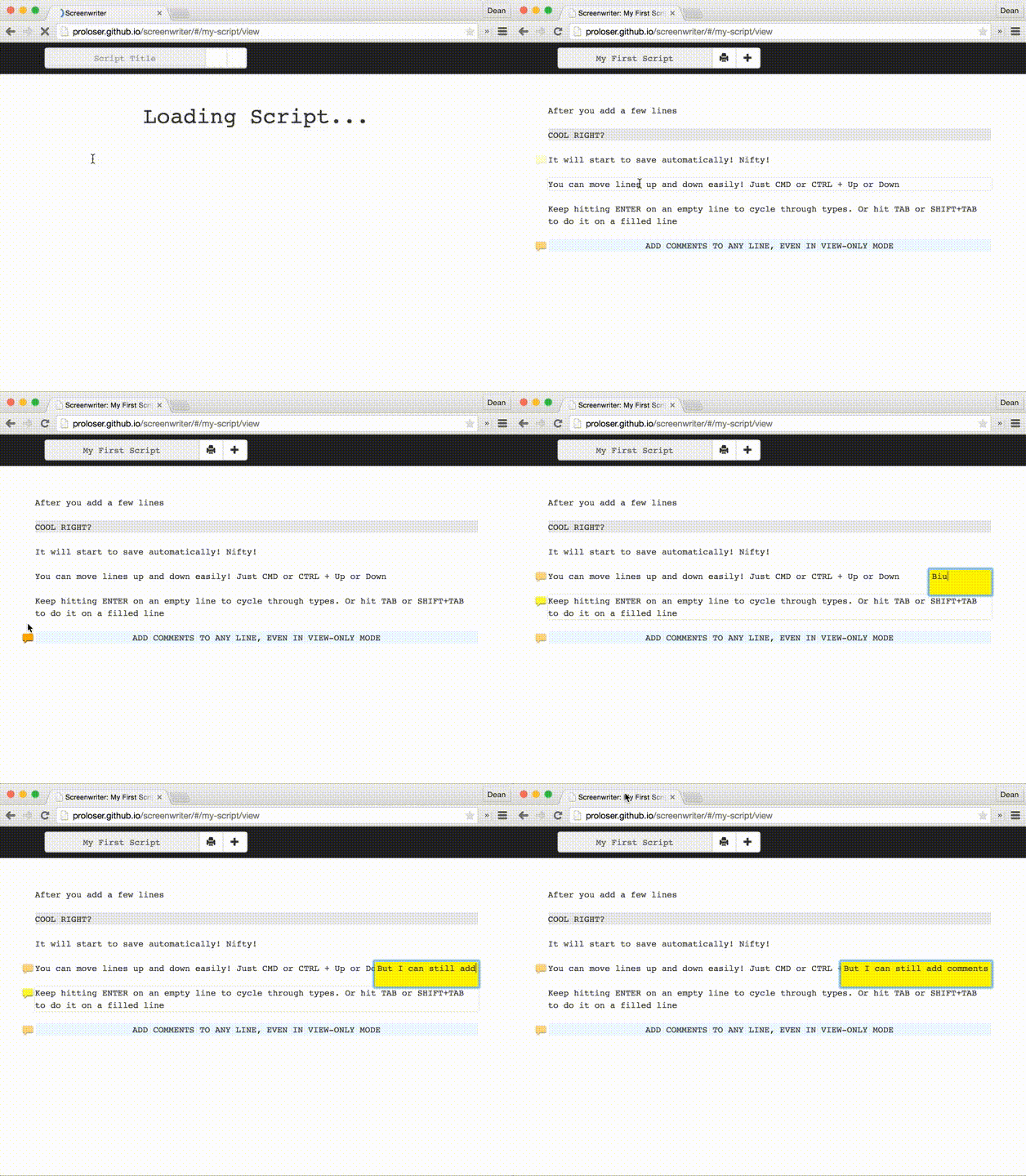
Line Comments
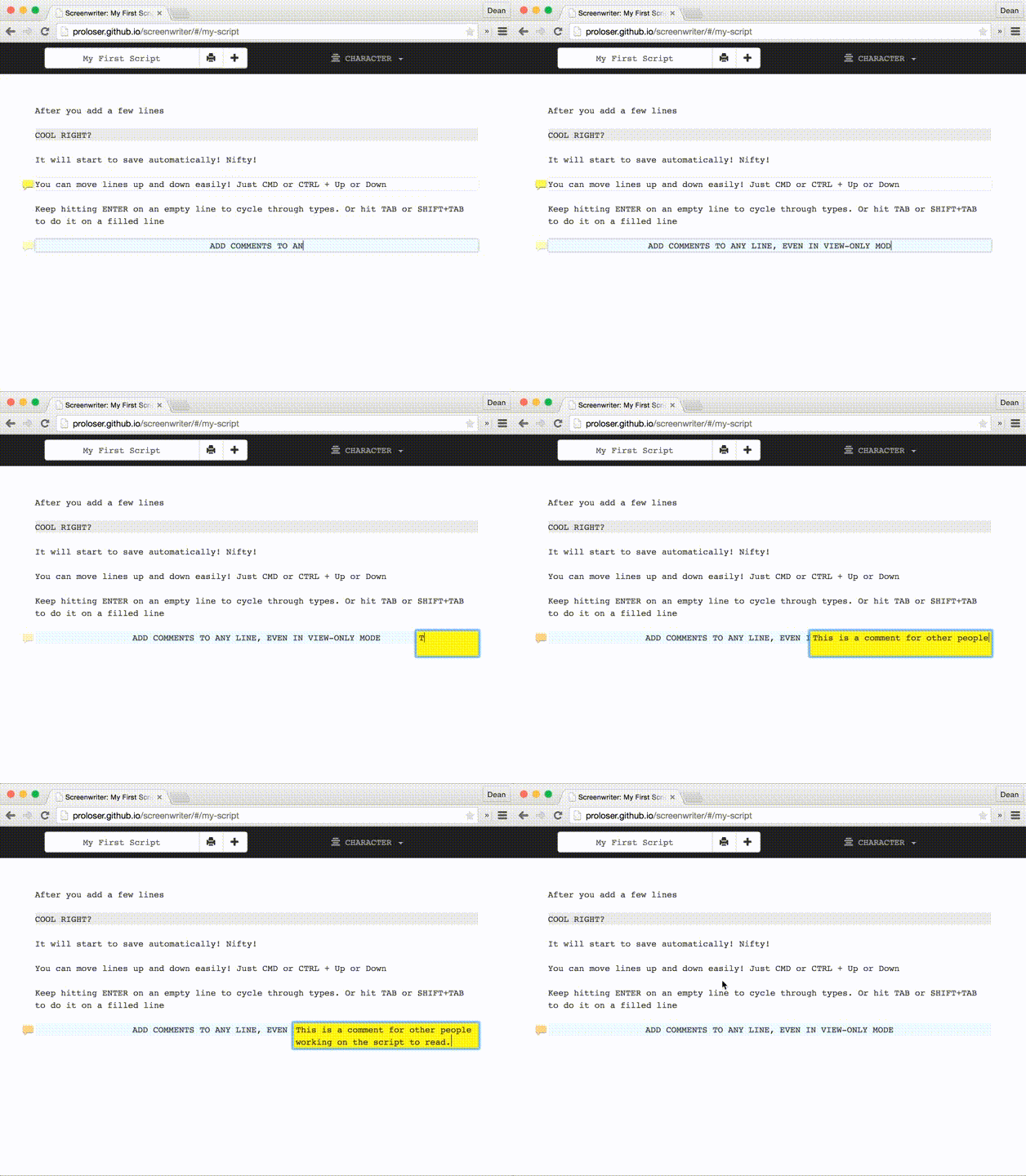
Add comments to any line, even in Read-Only mode.