
AppBundler.jl
Bundle your Julia application
Install / Use
/learn @PeaceFounder/AppBundler.jlREADME
AppBundler.jl


AppBundler.jl is a Julia package for building native installers — Snap, MSIX, and DMG — using open-source tools available across all UNIX platforms (Linux, macOS, FreeBSD), while also being able to build MSIX on Windows itself. It replaces host system packaging utilities with cross-compiled tools distributed through Julia's Yggdrasil registry, resulting in a consistent and reproducible pipeline with no per-platform build environments required.
The package provides a clean API for bundling any Julia application exposing @main, with support for icons, configuration files, and native customization. GitHub Actions workflows allow multi-platform installer builds to be triggered with a single click, making continuous delivery of native installers practical for open-source Julia projects. AppBundler can also bundle applications written in other build systems (see docs).
Showcase
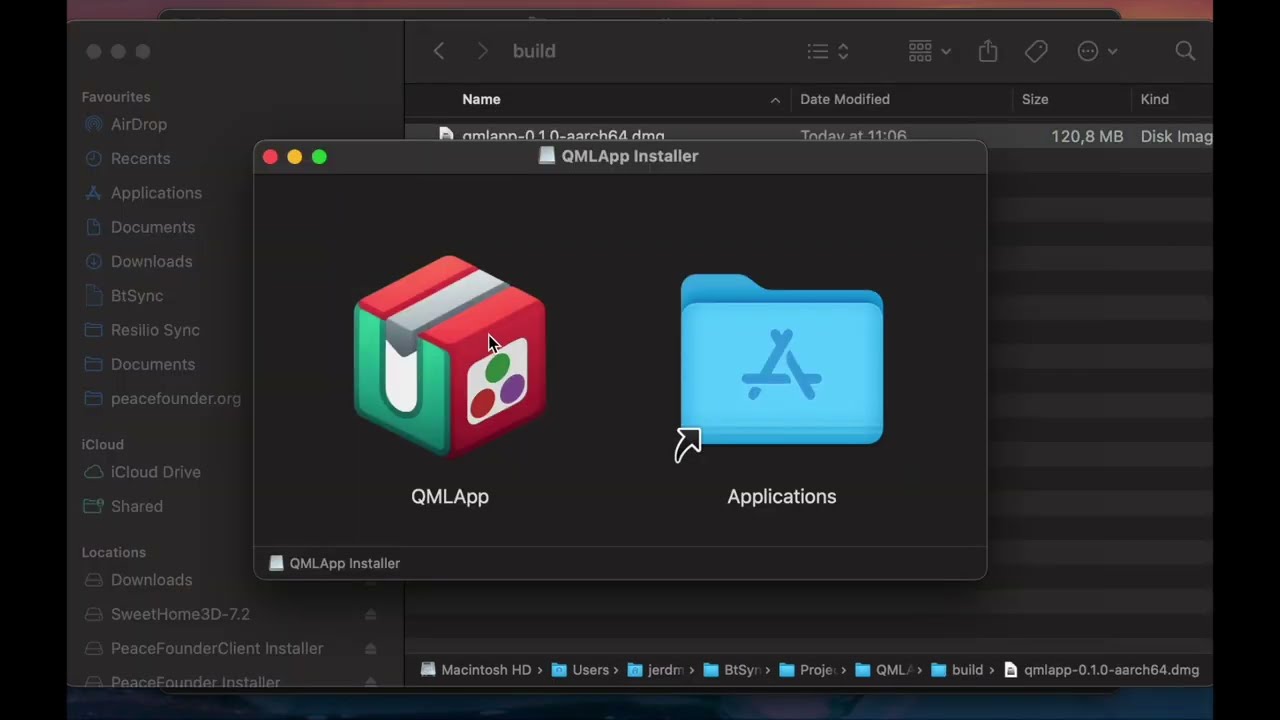
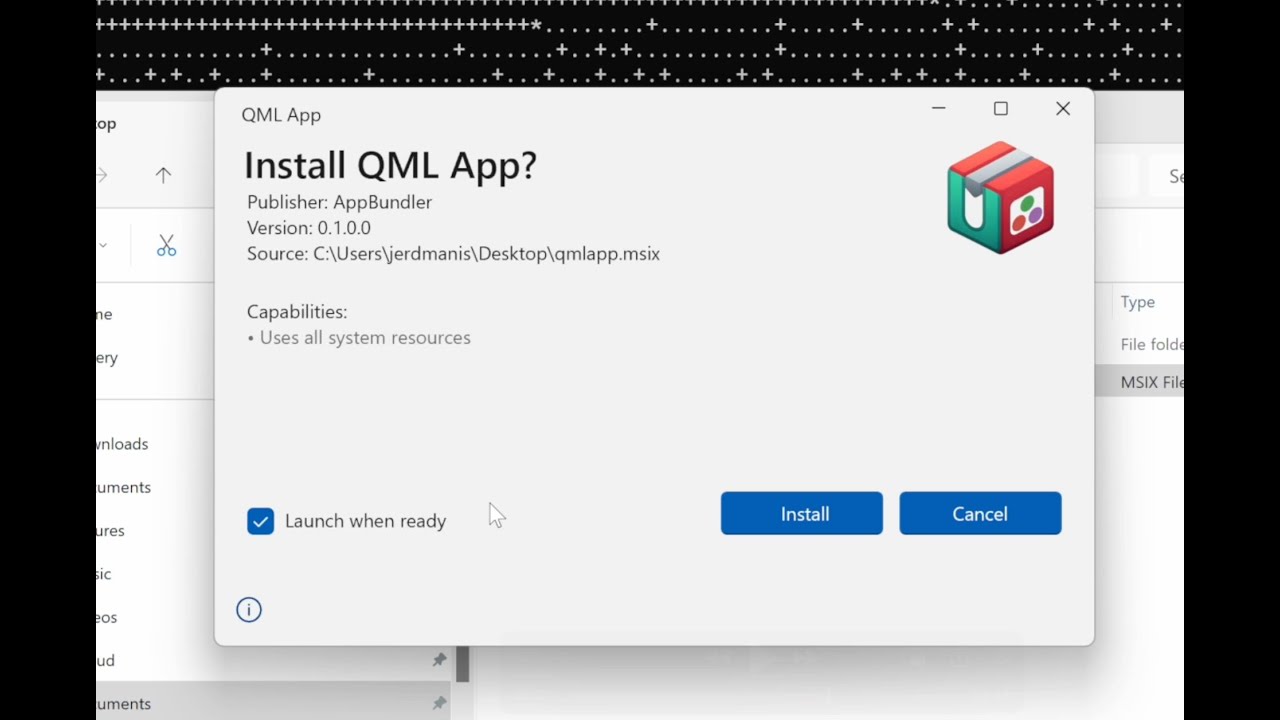
The following videos demonstrate the DMG and MSIX installers produced via AppBundler.
|  |
|  |
|:---:|:---:|
| DMG | MSIX |
|
|:---:|:---:|
| DMG | MSIX |
Note: The bundling API has evolved and since MSIX video were recorded, but the pipeline structure and the resulting installer looks just the same.
Quickstart
If your Julia application exposes @main and can be launched with julia --project=. -m MyApp, it's ready to bundle. Here's how to get from source to a native installer in a few steps.
1. Install AppBundler
]app add AppBundler
Make sure ~/.julia/bin is on your PATH after installation.
2. Build your installer
From your project directory, run:
appbundler build . --build-dir=build --selfsign
This detects your current platform and builds the appropriate installer — no extra configuration needed to get started.
3. Find your installer
Your installer will be in the build/ directory, ready to distribute. AppBundler detects your current platform and produces the corresponding installer:
build/MyApp.msixon Windowsbuild/MyApp.snapon Linuxbuild/MyApp.dmgon macOS
To build for all three platforms at once, check out the included GitHub Actions workflow templates — they run each platform's build in parallel with a single push.
Compilation & Customization
AppBundler offers a lot of room to grow as your project matures:
- Package images — faster startup via precompiled pkgimages
- Sysimage — even faster startup with a bundled system image
- JuliaC — native compilation (including the new
--trimfeature) for smaller installers - Sandboxing, terminal visibility, icons, and more — full control over how your app looks and behaves on each platform
AppBundler can also bundle applications written in other build systems, and can build full Julia distributions — as demonstrated by Jumbo Julia.
➡️ See the full documentation for all options and platform-specific configuration.
Supported GUI Frameworks
These frameworks have been tested with AppBundler. Minimal example applications for each are available in the examples folder — copy them straight from pkgdir(AppBundler) once installed.
| Framework | Platform Support | Notes | Examples | |-----------|-----------------|-------|----------| | QML | ✓ All platforms | Fully supported | PeaceFounderClient | | GLFW | ✓ All platforms | Fully supported | — | | Electron | ✓ All platforms | Fully supported | BonitoBook | | Gtk/Mousetrap | ⚠ macOS, Linux | Does not launch on Windows | — | | Makie | ⚠ All platforms | GLMakie may not work on Windows | ImageColorThresholderApp | | Blink | ⚠ All platforms | Requires heavy patching for relocatability | KomaMRI |
Installing Built Applications
Sharing your app with end users? Here's what they need to know.
- MSIX (Windows): For self-signed builds, open the MSIX properties and add the certificate to Trusted Root Certification Authorities first (step-by-step guide). Then double-click the installer.
- Snap (Linux): Install from the terminal:
snap install --classic --dangerous MyApp.snap - DMG (macOS): For self-signed builds, click the app, then go to Settings → Privacy & Security to approve the launch request. Drag it to Applications, launch it, and approve once more in Privacy & Security if prompted.
These extra steps are only needed for self-signed builds. Purchasing Windows and macOS code signing certificates eliminates them entirely. For Snap, submitting to the Snap Store enables one-click GUI installation.
Acknowledgments
This work is supported by the European Union through the Next Generation Internet initiative (NGI0 Entrust), via the NLnet Julia-AppBundler project.
Related Skills
tmux
349.2kRemote-control tmux sessions for interactive CLIs by sending keystrokes and scraping pane output.
diffs
349.2kUse the diffs tool to produce real, shareable diffs (viewer URL, file artifact, or both) instead of manual edit summaries.
blogwatcher
349.2kMonitor blogs and RSS/Atom feeds for updates using the blogwatcher CLI.
Unla
2.1k🧩 MCP Gateway - A lightweight gateway service that instantly transforms existing MCP Servers and APIs into MCP servers with zero code changes. Features Docker deployment and management UI, requiring no infrastructure modifications.
