
UploadAndPaste
Pastes contents of clipboard as plaintext, including uploading images/files to a public server and pasting the link
Install / Use
/learn @OkGoDoIt/UploadAndPasteREADME
Upload And Paste
This is a small Windows tool that allows you to paste the contents of the clipboard as plaintext (removing formatting). Additionally it automatically uploads images and files on the clipboard to a server and pastes the url. This provides functionality similar to CloudApp, except on your own server for free. It supports FTP, SFTP, SCP, AWS S3, WebDav, via the included WinSCP library.
Here is an example screenshot from my dev machine uploaded this way: 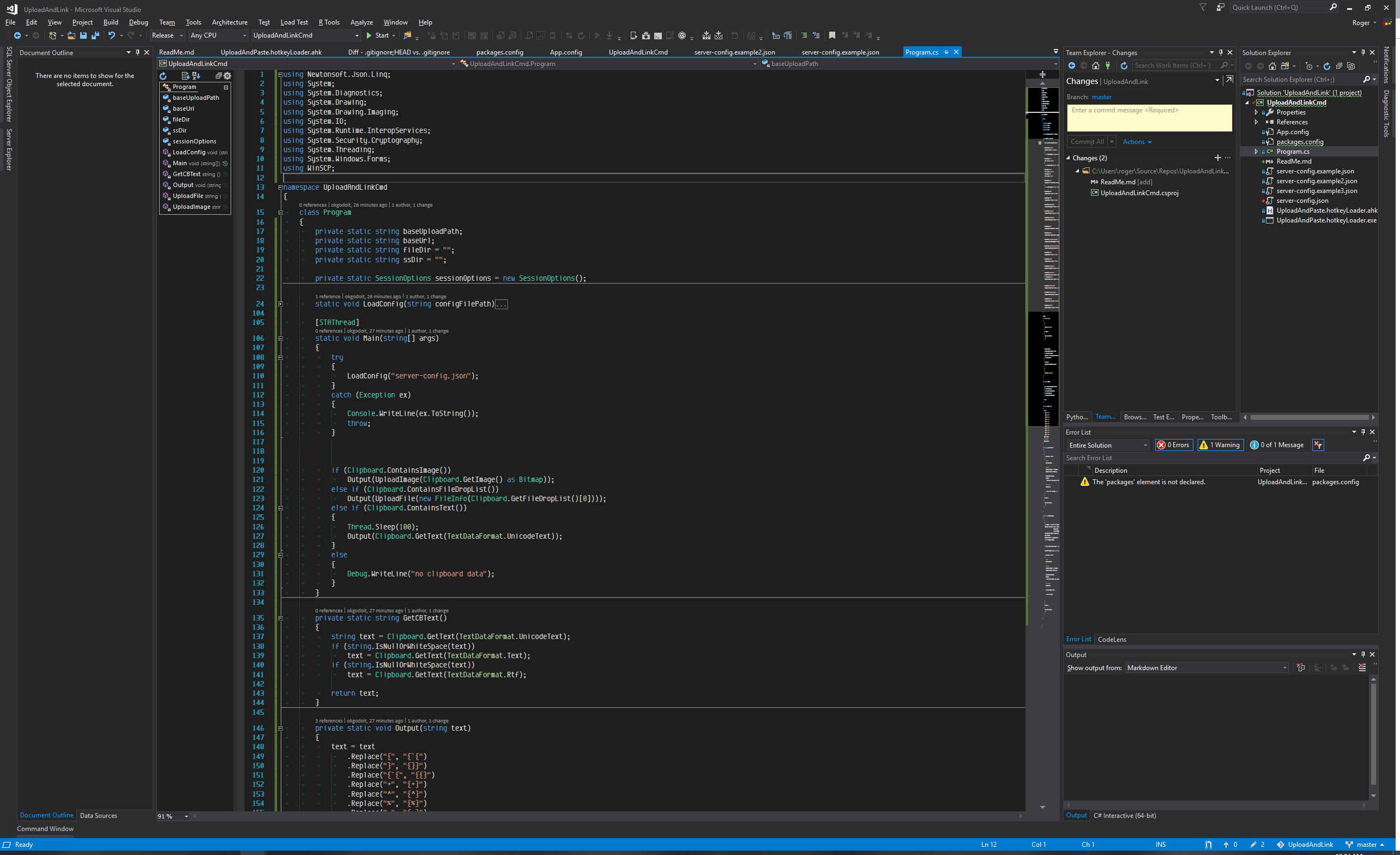 I simply pressed Alt-PrintScreen on my keyboard to take a screenshot of my active app, then Ctrl-Shift-V to paste the URL of the uploaded screenshot.
Functionality
- If content of clipboard is a file, it uploads that file to the server and pastes the public URL.
- If content of the clipboard is an image (such as a screenshot or other raw bitmap data), it saves to a png and uploads to the server, pasting the public URL.
- If content of clipboard is rich text or HTML, it pastes the plain text without formatting.
- If none of the above, it silently aborts.
In all supported cases it pastes a plain text, easily sharable representation of the content.
Setup
-
Either build from source in Visual Studio 2017 or download the pre-built binary from http://rog.gy/share/UploadAndPaste.zip (yes that was uploaded using this tool!)
-
Rename one of the
server-config.example.jsonfiles toserver-config.jsonand fill in the details.-
"baseUploadPath": "/var/www/mysite/"
This is the path relative to the root of your server where files should be uploaded -
"baseUrl":"https://example.com/"
This is the root public URL that the files are accessible from. -
"fileDir": "share/"Optional
You can specify a subdirectory where non-screenshot files are uploaded. Since these files may be of any type, you should configure your server/host to serve these files directly without running/executing them (for example a shared hosting provider may assume you want to execute a php script, which may result in unforeseen issues) -
"ssDir": "ss/"Optional
You can specify a subdirectory where screenshots uploaded. -
The remaining items are configuration for WinSCP to connect to the server. You can generate the values directly via WinSCP as documented here: https://winscp.net/eng/docs/ui_generateurl#code
-
-
If you want to use a hotkey other than Ctrl-Shift-V, you need to modify
UploadAndPaste.hotkeyLoader.ahkand use AutoHotKey to recompile the script -
Run
UploadAndPaste.hotkeyLoader.exeor set it to run on startup. Depending on how you set it to run on startup, you may need to ensure the working directory is specified. -
With some data on the clipboard and a focused text area to paste into, press Ctrl-Shift-V to test it out.
Known Issues
- When there are multiple files on the clipboard, it only uploads one.
- There is no progress indicatior, so large uploads may appear to stall on slow connections. The mouse cursor changes to the wait cursor so you know it's working.
Why
I created this tool to scratch my own itch. I hope you find it useful! Feel free to report any bugs or suggestions you may find. More information about this clipboard upload tool on my homepage.
Related Skills
qqbot-channel
343.3kQQ 频道管理技能。查询频道列表、子频道、成员、发帖、公告、日程等操作。使用 qqbot_channel_api 工具代理 QQ 开放平台 HTTP 接口,自动处理 Token 鉴权。当用户需要查看频道、管理子频道、查询成员、发布帖子/公告/日程时使用。
docs-writer
99.7k`docs-writer` skill instructions As an expert technical writer and editor for the Gemini CLI project, you produce accurate, clear, and consistent documentation. When asked to write, edit, or revie
model-usage
343.3kUse CodexBar CLI local cost usage to summarize per-model usage for Codex or Claude, including the current (most recent) model or a full model breakdown. Trigger when asked for model-level usage/cost data from codexbar, or when you need a scriptable per-model summary from codexbar cost JSON.
project-overview
FlightPHP Skeleton Project Instructions This document provides guidelines and best practices for structuring and developing a project using the FlightPHP framework. Instructions for AI Coding A
