
Ps2x2pico
USB keyboard/mouse to PS/2 interface converter using a Raspberry Pi Pico
Install / Use
/learn @No0ne/Ps2x2picoREADME
ps2x2pico
USB keyboard/mouse to PS/2 interface converter using a Raspberry Pi Pico
| |
| |
| |
| |
|-|-|-|-|
|
|-|-|-|-|
Keyboard only (incl. PC-XT) variant: https://github.com/No0ne/ps2pico
There is also an alternative ps2pico firmware for the PC-XT and ps2x2pico hardware: ps2pico-XT-alt.uf2
Additional excellent documentation by Ray: https://minuszerodegrees.net/keyboard/ps2x2pico.htm
PicoMiteVGA variant: https://github.com/No0ne/hid2cdc
PiKVM integration:
- https://docs.pikvm.org/pico_hid/
- https://docs.pikvm.org/pico_hid_bridge/
ITX-Llama integration: https://github.com/eivindbohler/itxllama
Usage
- Download
ps2x2pico.uf2from https://github.com/No0ne/ps2x2pico/releases - Copy
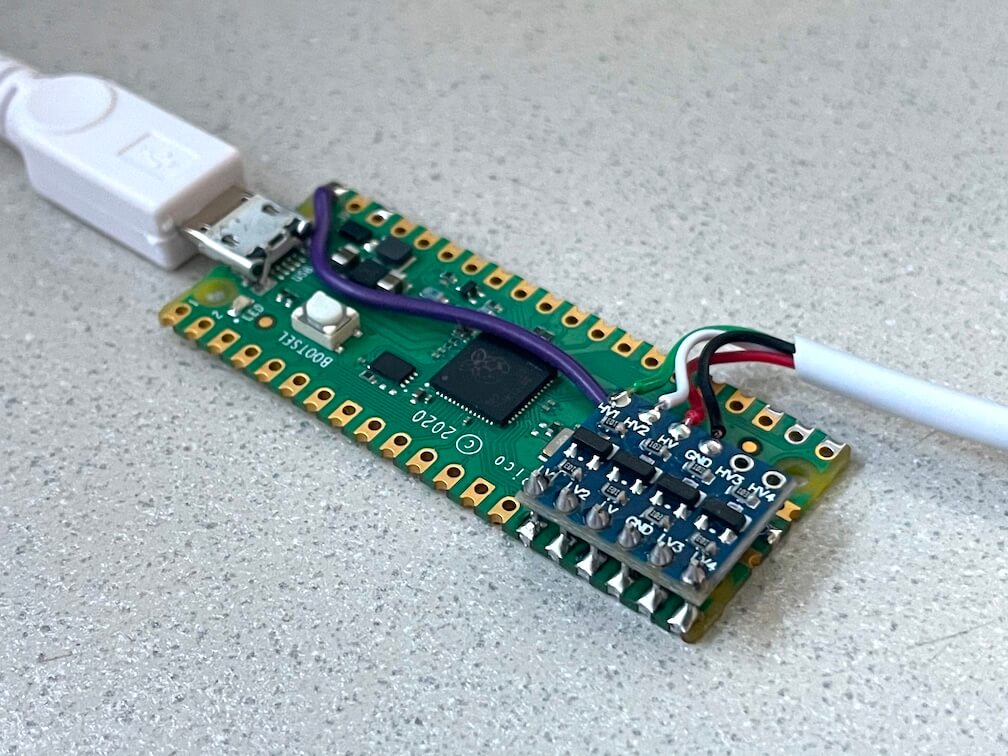
ps2x2pico.uf2to your Pi Pico by pressing BOOTSEL before pluggging in. - 3.3V/5V conversion is done using a bi-directional level shifter: https://learn.sparkfun.com/tutorials/bi-directional-logic-level-converter-hookup-guide/
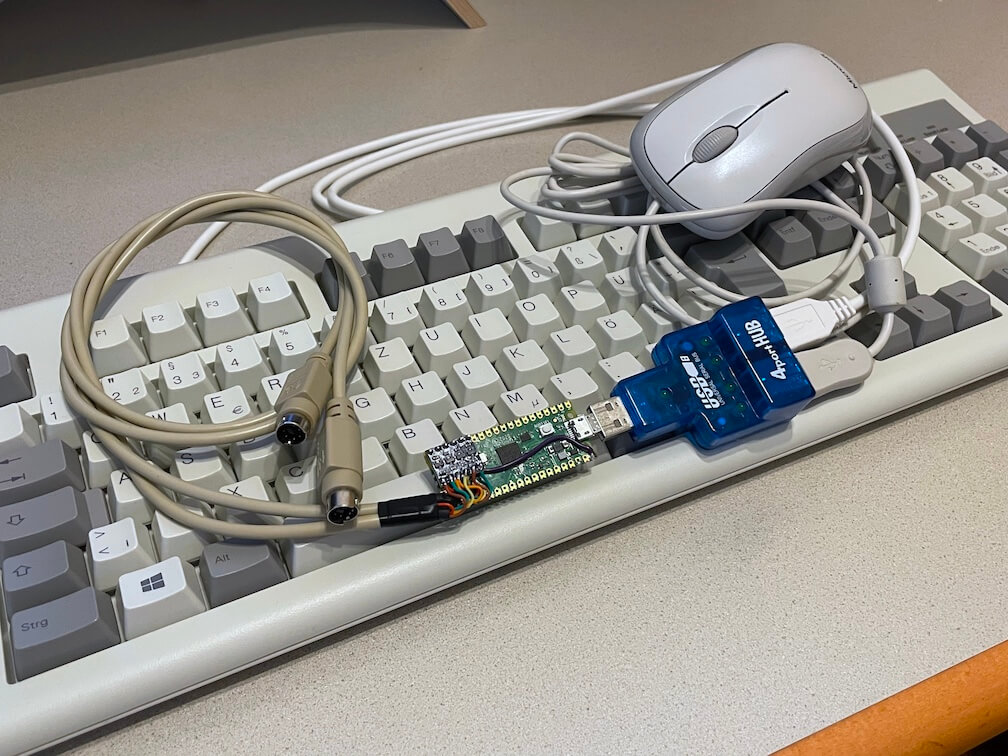
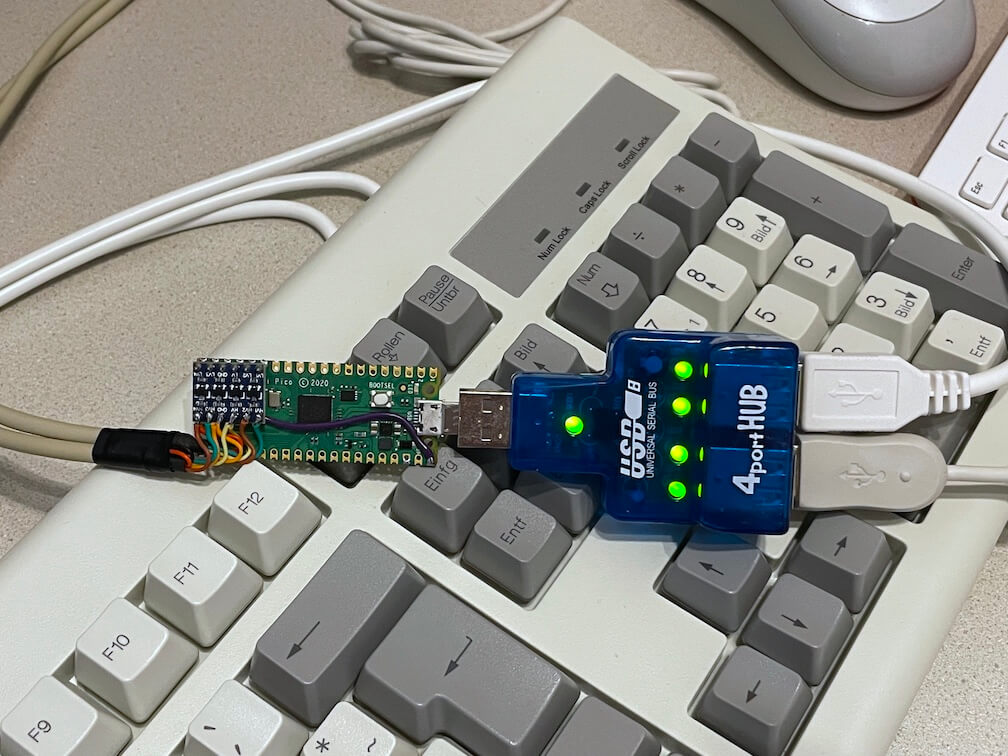
- Afterwards connect a USB keyboard and/or mouse using an OTG-adapter and optional USB hub.
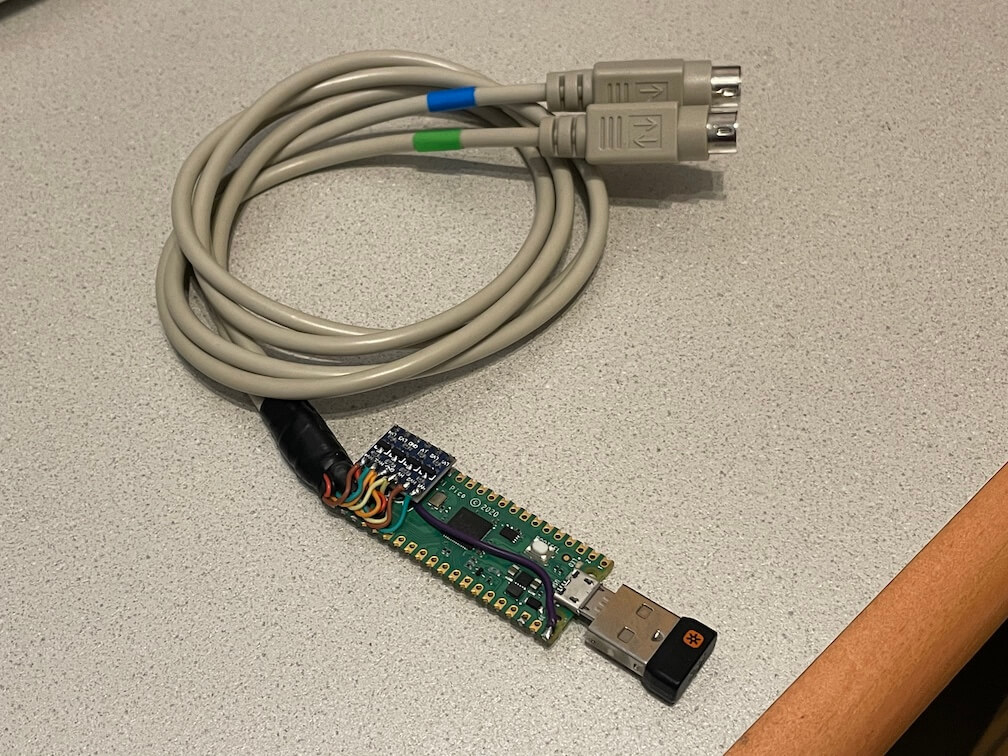
- Also works with wireless keyboards and mice with a dedicated USB receiver.
⚠️ Please note that some older motherboards have non-resettable fuses rated under 300mA.
Check the power consumption of your keyboard/mouse/hub first before plugging in!


⚠️ Do not assume wire colors will match cables depicted in photos. Double-check your pinout with a multimeter.
PS/2 passthru
If you also want to use a real PS/2 keyboard and mouse together with your USB devices you can mount another level shifter on top of the pico. These two ports work as PS/2 inputs and are passed through to the PS/2 output ports.
- GPIO3 LV1 - keyboard data
- GPIO4 LV2 - keyboard clock
- GPIO5 LV - 3.3V pull-up
- GND - GND
- GPIO6 LV3 - mouse data
- GPIO7 LV4 - mouse clock
Don't forget to wire HV to 5V and your PS/2 sockets to power the connected PS/2 devices.
PS/2 passthru is especially useful with the PiKVM Pico HID or Pico HID Bridge as you can continue using your existing peripherals.
⚠️ Please note that the UF2 from PiKVM uses different GPIOs due to jumper pins:
- GPIO26 LV1 - keyboard data
- GPIO27 LV2 - keyboard clock
- GPIO16 LV3 - mouse data
- GPIO17 LV4 - mouse clock
Don't forget to wire LV to 3.3V and GND to GND separately as the level shifter does not fit directly on top of the pico.
Troubleshooting
You can hook up a USB serial adapter to GPIO0 for additional debugging output. The serial settings are 115200 baud, 8 data bits and no parity. You can also use another Pico running the pico-uart-bridge for this.
⚠️ If you have a YD-RP2040 (see silkscreen on back of board if unsure) and are not using a USB hub with its own power supply, you need to bridge two pads of the diode pair near the USB-C port as seen here:

Build
Install needed libraries and tools:
sudo apt install cmake gcc-arm-none-eabi build-essential pkg-config libusb-1.0-0-dev libusb-1.0-0
Get the Raspberry Pi Pico SDK version 1.5.1:
git clone https://github.com/raspberrypi/pico-sdk
export PICO_SDK_PATH=/path/to/pico-sdk
cd $PICO_SDK_PATH
git checkout 1.5.1
git submodule update --init
Update to the latest TinyUSB release 0.17.0:
cd $PICO_SDK_PATH/lib/tinyusb
git checkout 0.17.0
Generate the UF2 file:
cd /path/to/ps2x2pico
mkdir build
cd build
cmake ..
make
Case
There are two case versions for this project, one for the hat variant in freecad/ and one for the level shifter version in openscad/.
Level shifter version
The case is snap fit and doesn't require any fasteners. You can print it as is using ps2x2pico_case.stl in your slicer but various customisation options are included in the underlying OpenSCAD model ps2x2pico_case.scad should you need them. This allows you to adjust tolerances or clearances of the height of the case and the various holes and support posts.
Note that when opening the case in OpenSCAD the BOSL2 library is required.
Resources
- https://github.com/No0ne/ps2pico
- https://wiki.osdev.org/PS/2_Keyboard
- https://wiki.osdev.org/PS/2_Mouse
- https://wiki.osdev.org/Mouse_Input
- https://wiki.osdev.org/%228042%22_PS/2_Controller
- http://www-ug.eecg.toronto.edu/msl/nios_devices/datasheets/PS2%20Keyboard%20Protocol.htm
- http://www-ug.eecg.utoronto.ca/desl/nios_devices_SoC/datasheets/PS2%20Mouse%20Protocol.htm
- Archive.org links for the dead links in the pages above
Related Skills
node-connect
336.9kDiagnose OpenClaw node connection and pairing failures for Android, iOS, and macOS companion apps
frontend-design
83.0kCreate distinctive, production-grade frontend interfaces with high design quality. Use this skill when the user asks to build web components, pages, or applications. Generates creative, polished code that avoids generic AI aesthetics.
openai-whisper-api
336.9kTranscribe audio via OpenAI Audio Transcriptions API (Whisper).
commit-push-pr
83.0kCommit, push, and open a PR
