Nev
Nev is a keyboard focused GUI and terminal text editor
Install / Use
/learn @Nimaoth/NevREADME
Nev

Nev is a text editor focused on keyboard usage, customizability and speed which runs in the terminal and in a GUI. It also aims to provide tools for writing code out of the box, like Git integration, syntax highlighting using Treesitter, language integration using LSP and debugging using DAP.
Nev is still relatively new, so many things are still missing or need improvement. If you want to contribute check out this.
There is a Discord server where you can ask questions as well.
Features
- Vim motions (incomplete)
- LSP (incomplete)
- Syntax highlighting using treesitter (no support for nested languages yet)
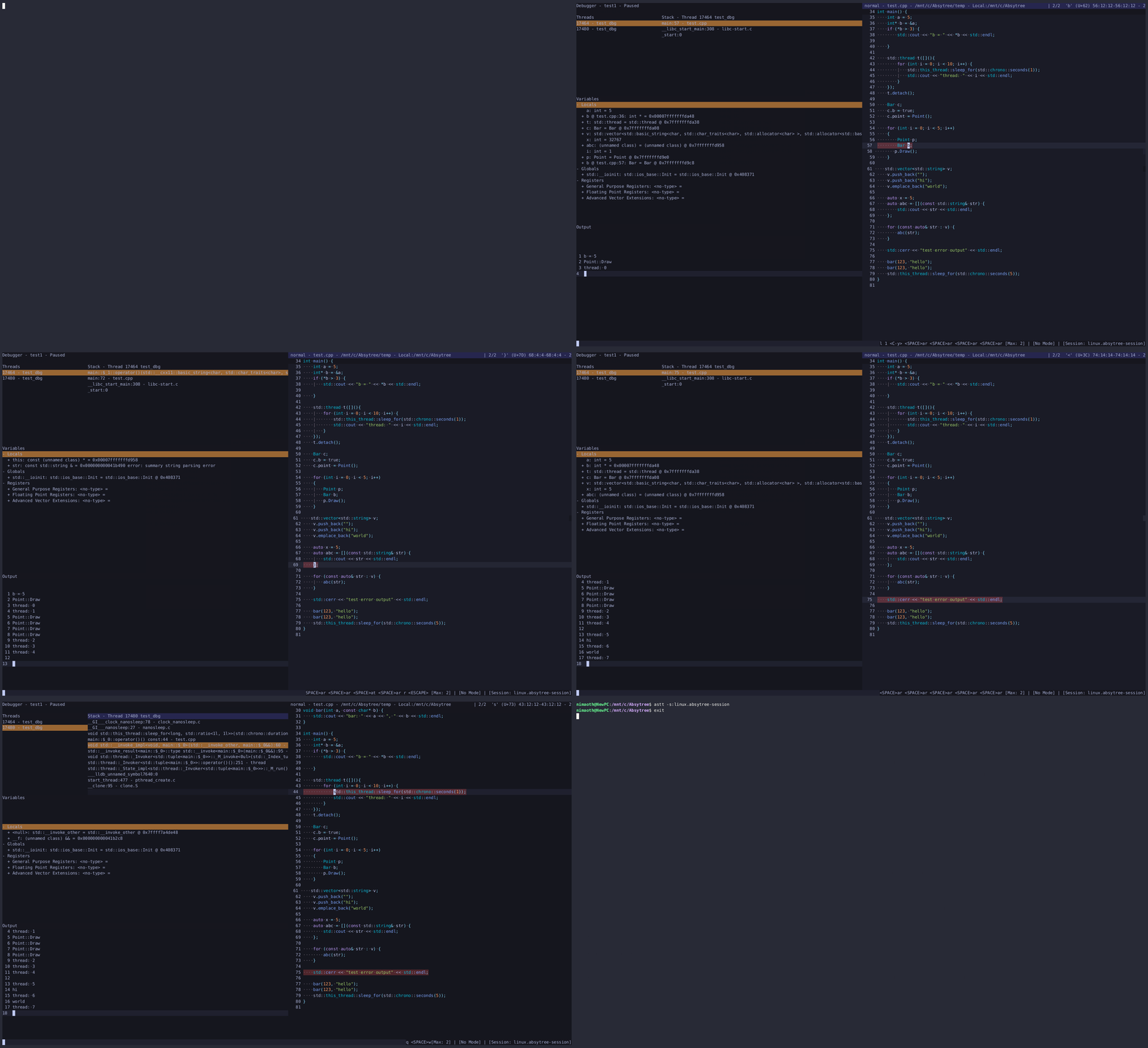
- Basic debugging using DAP
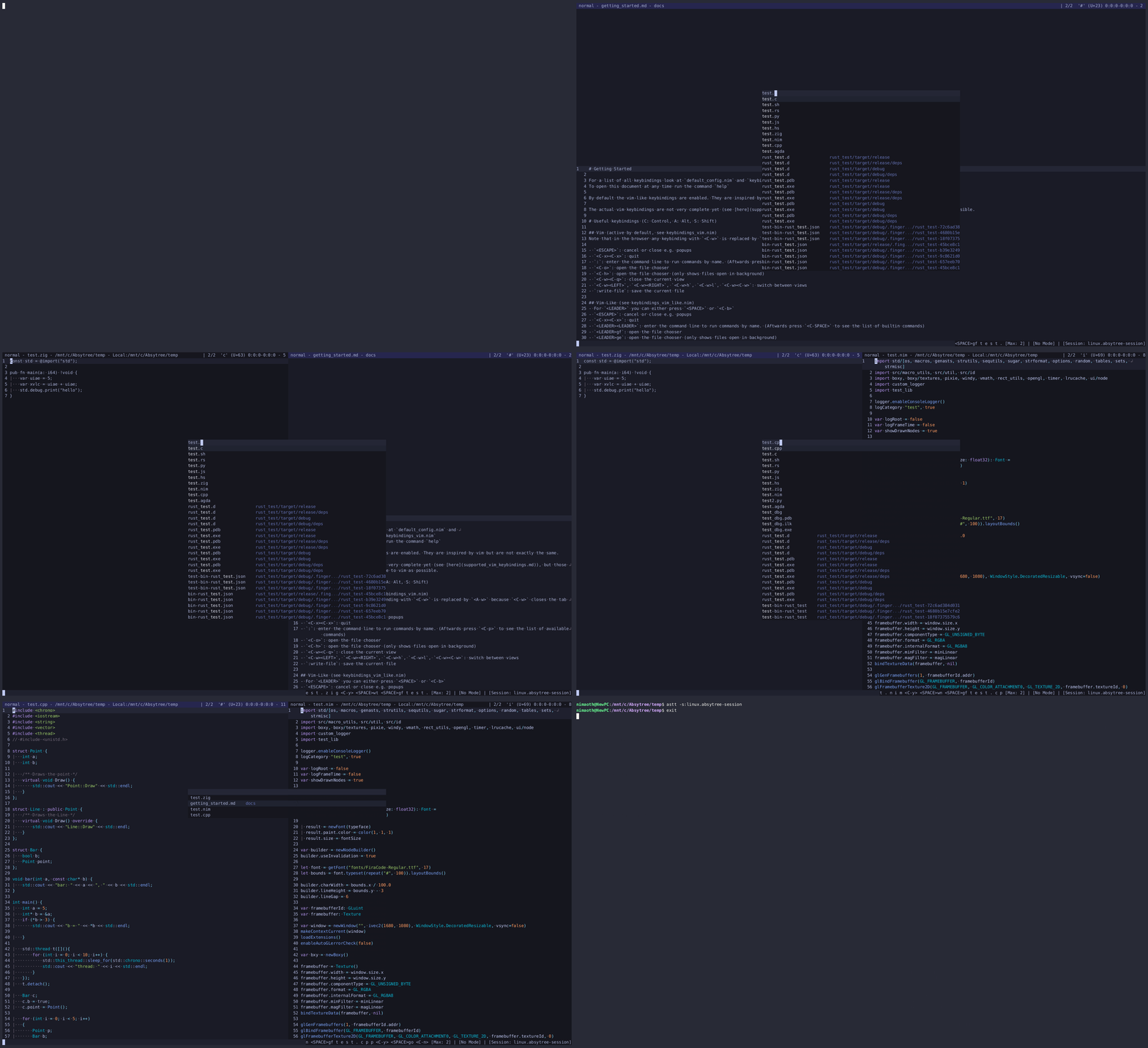
- Fuzzy search for various things
- Sessions
- WASM plugins
- Basic git integration (list/diff/add/stage/unstage/revert changed files)
- Builtin terminal emulator support multiple shells (e.g
bash,powershell,wsl) - Flexible layout system
- Nice looking markdown
- And many more smaller features...
Planned features
- Collaborative editing (the foundation exists already, the editor is using CRDTs based on Zeds implementation)
- Fine grained permissions for plugins
- Generic tree/table view with fuzzy searching, collapsing nodes, support for large trees. This will be used for e.g. file tree, document symbol outlines, type hierarchies, etc.
Installation
Download latest release or build from source
Inspirations
Important notes if you intend to use it
- Currently only UTF-8 encoded files are supported
- Carriage return (
0xD) will be removed when loading, and not added back when saving. - Language servers and debug adapters have to installed manually at the moment, treesitter parsers require emscripten
- Read the docs
Docs
- General docs, contains things that don't fit into other files
- Build from source
- Getting started
- Cheatsheet
- Configuration
- Keybindings
- Finders
- Plugin API.
- Virtual filesystem
- Moves
- Markdown
Screenshots
Some of these screenshots and GIFs are quite old and things might look different.
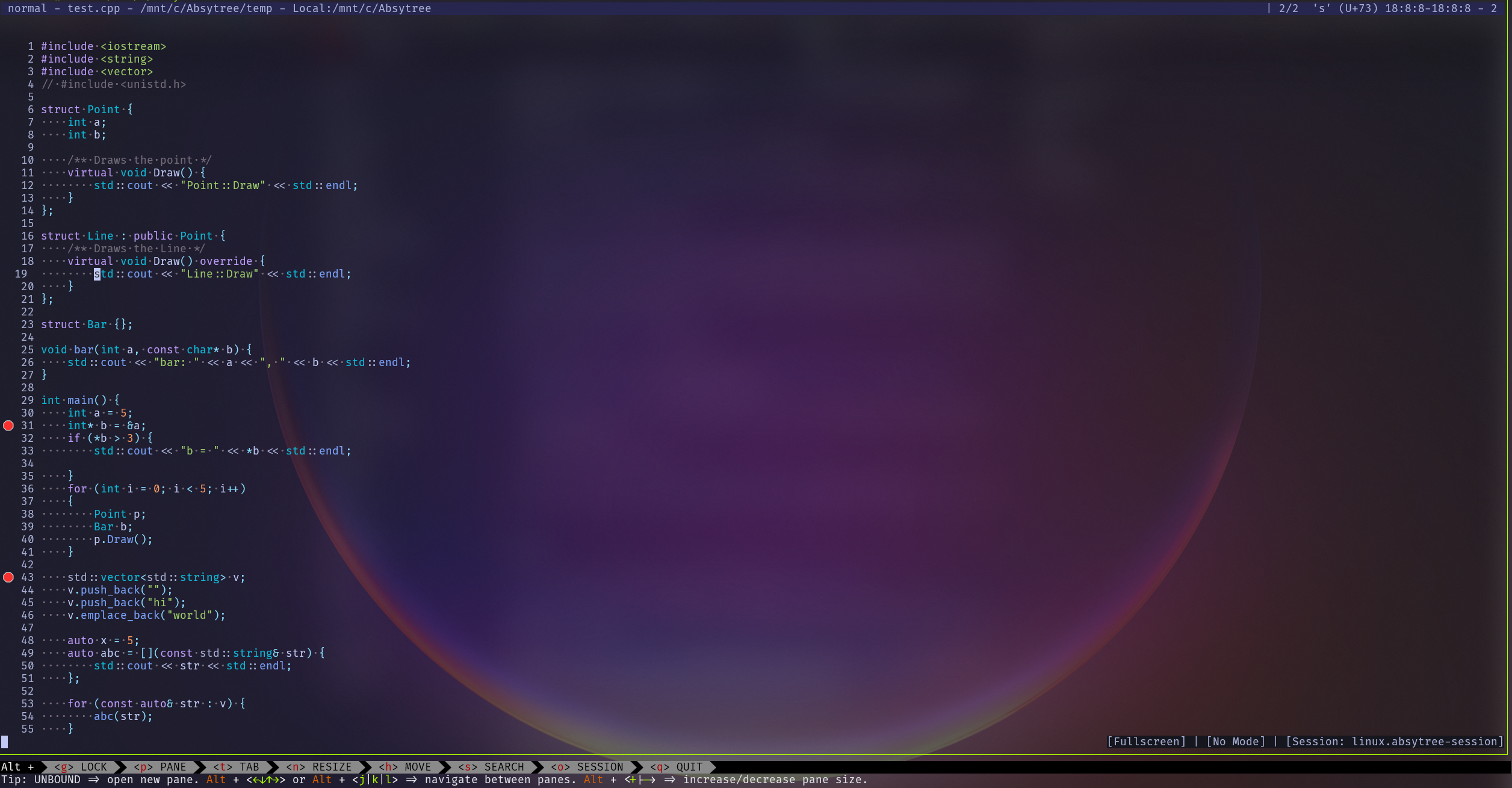
Nev running inside Windows Terminal -> WSL -> Zellij with transparent background
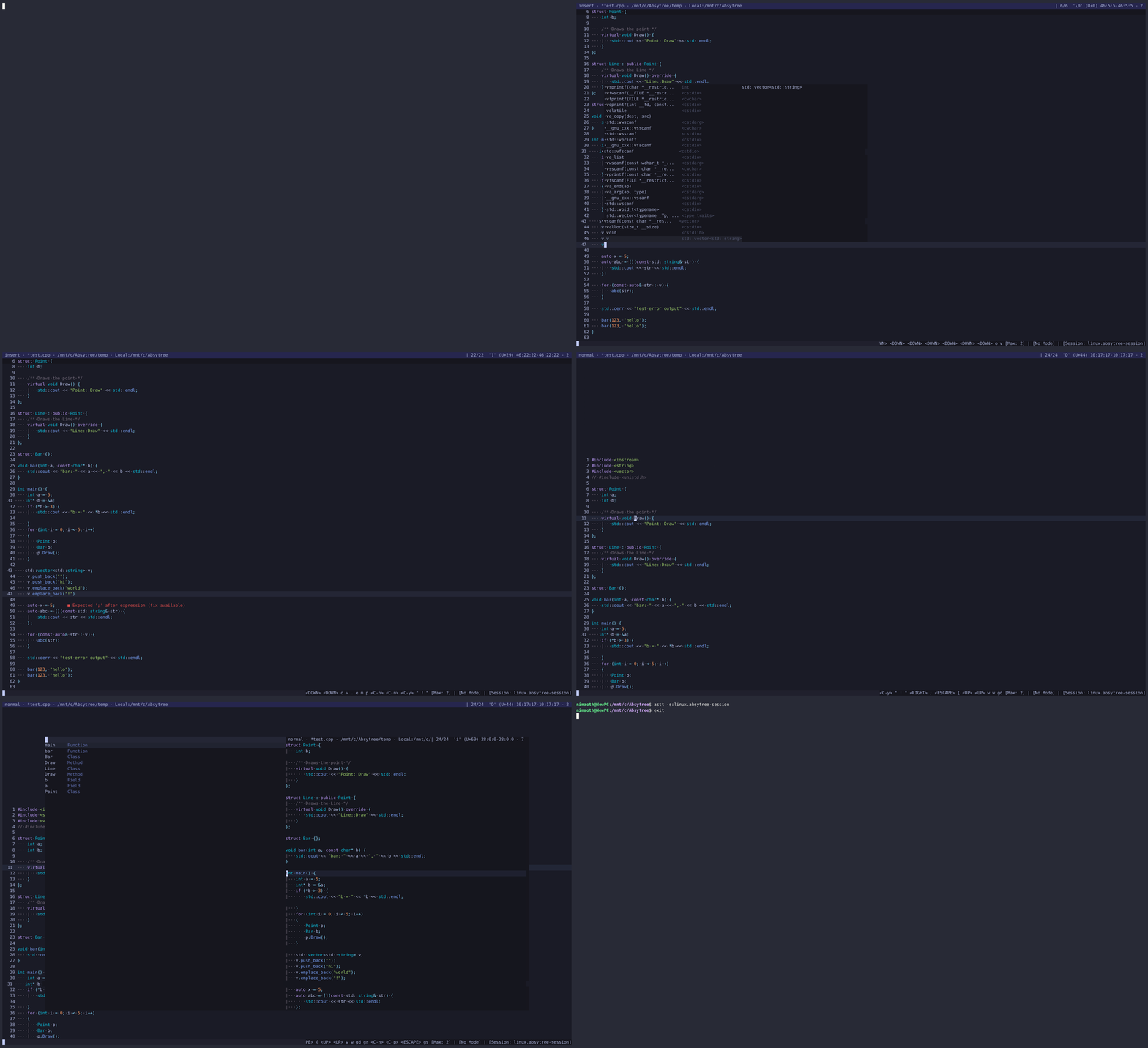
LSP integration
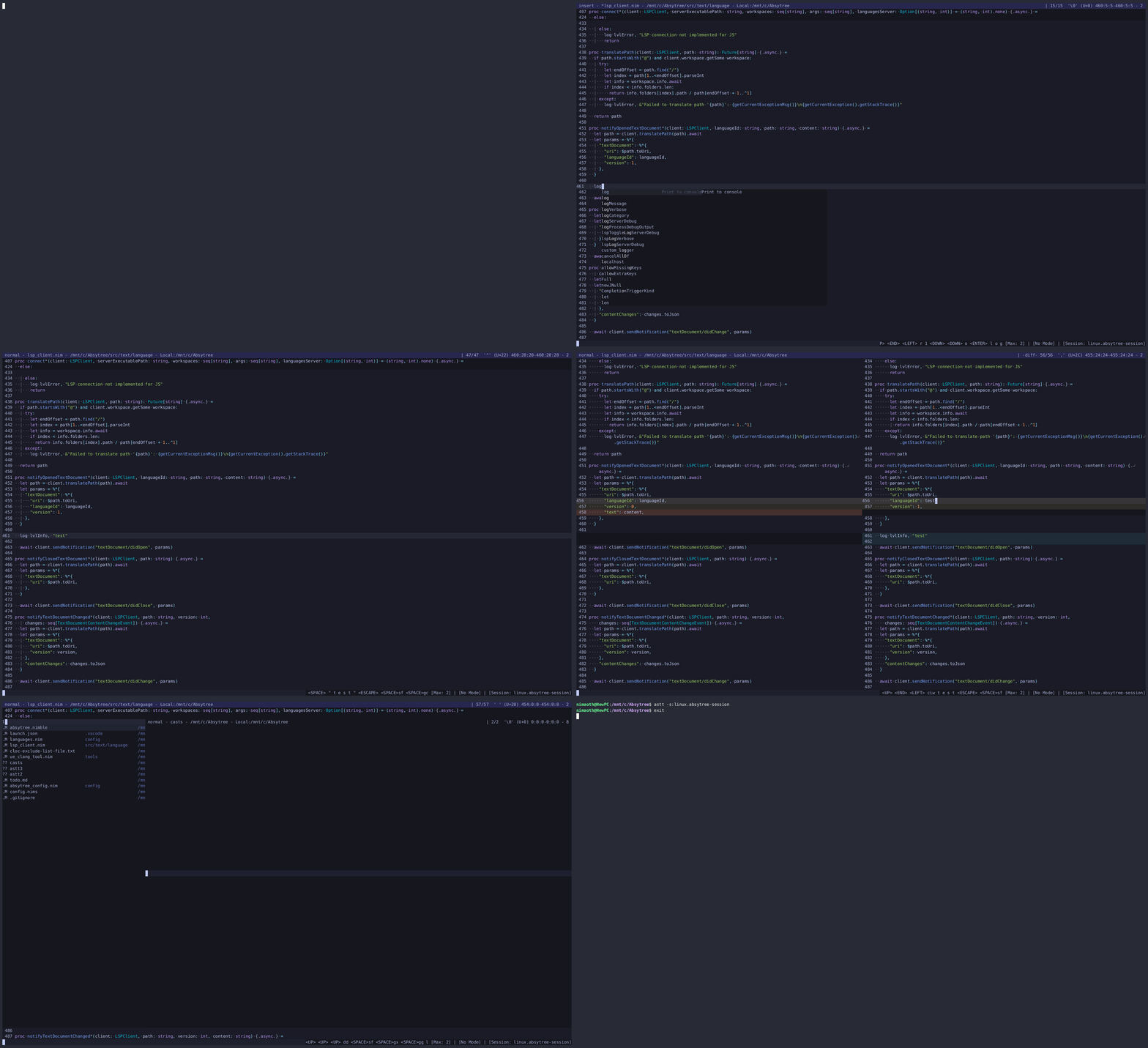
Git integration
Debugging support (breakpoints aren't rendered correctly in the GIF because of recording with asciinema and they use unicode symbols, see screenshot above)
Global and open file finders (and more)
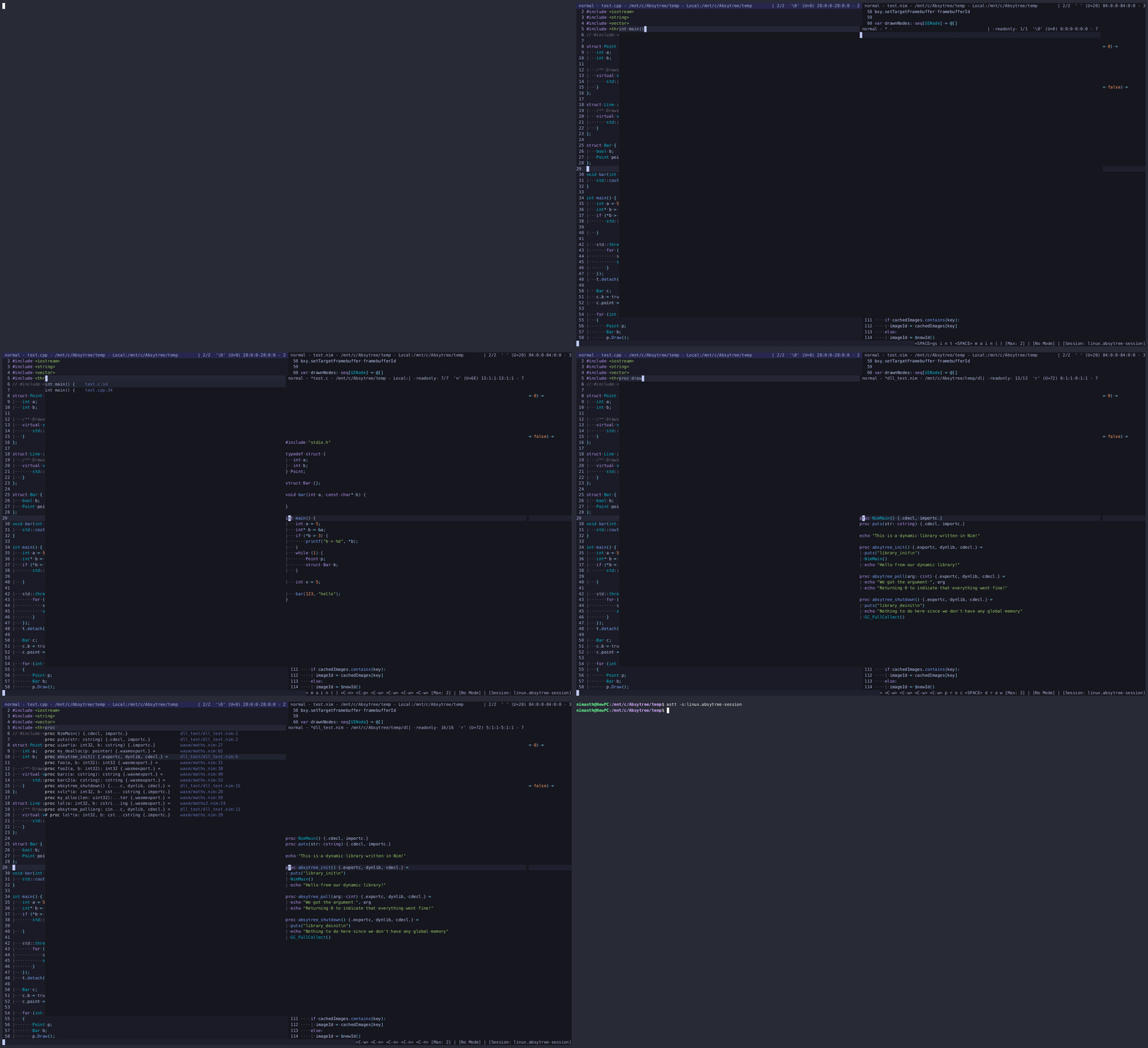
Global search
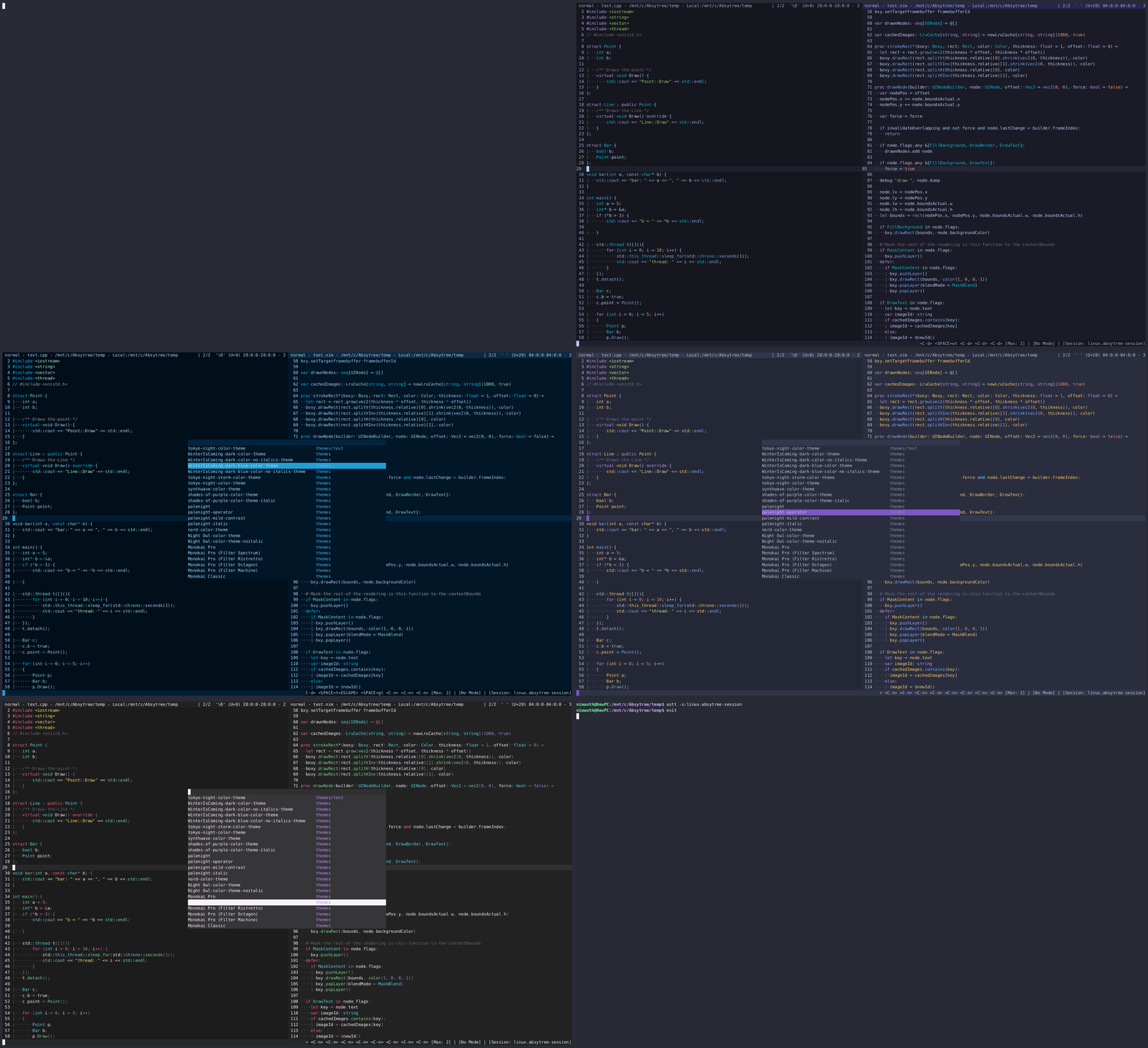
Themes
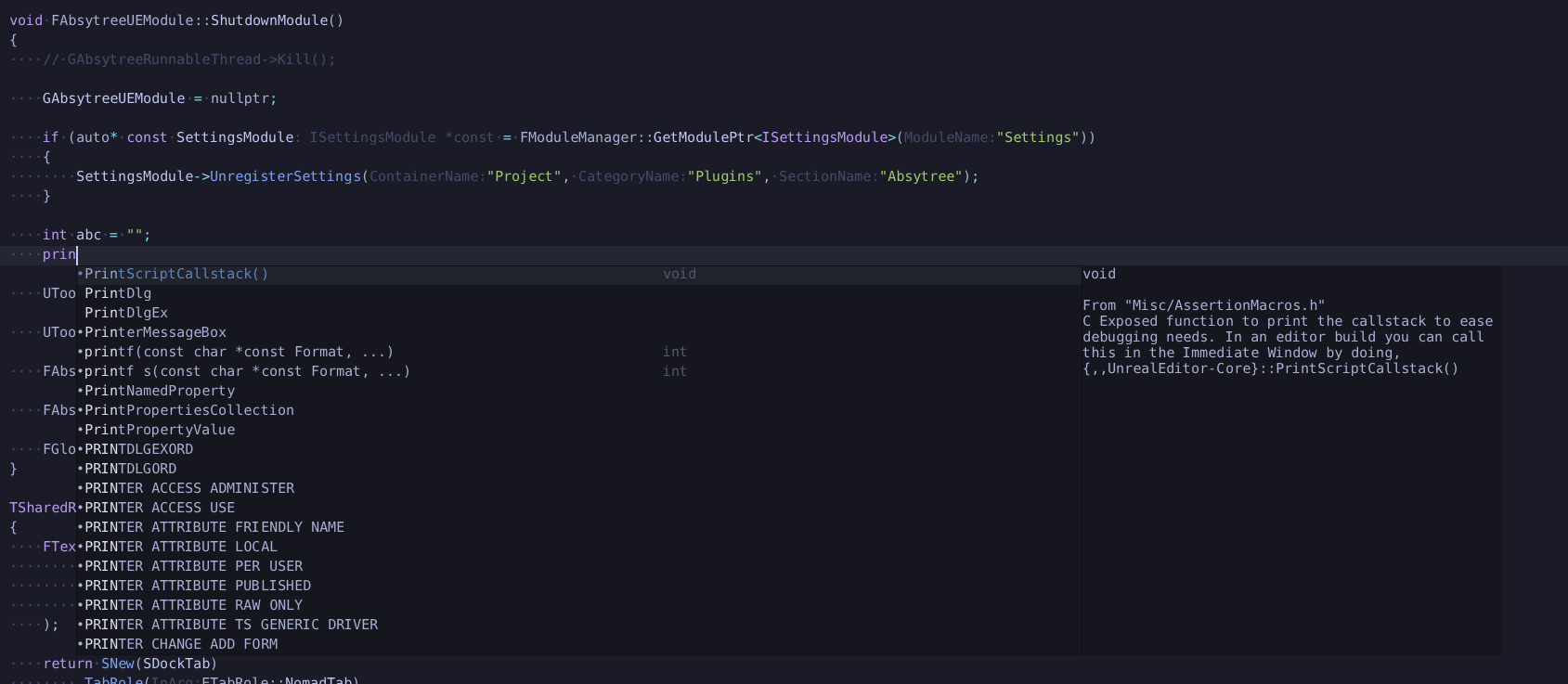
LSP completions
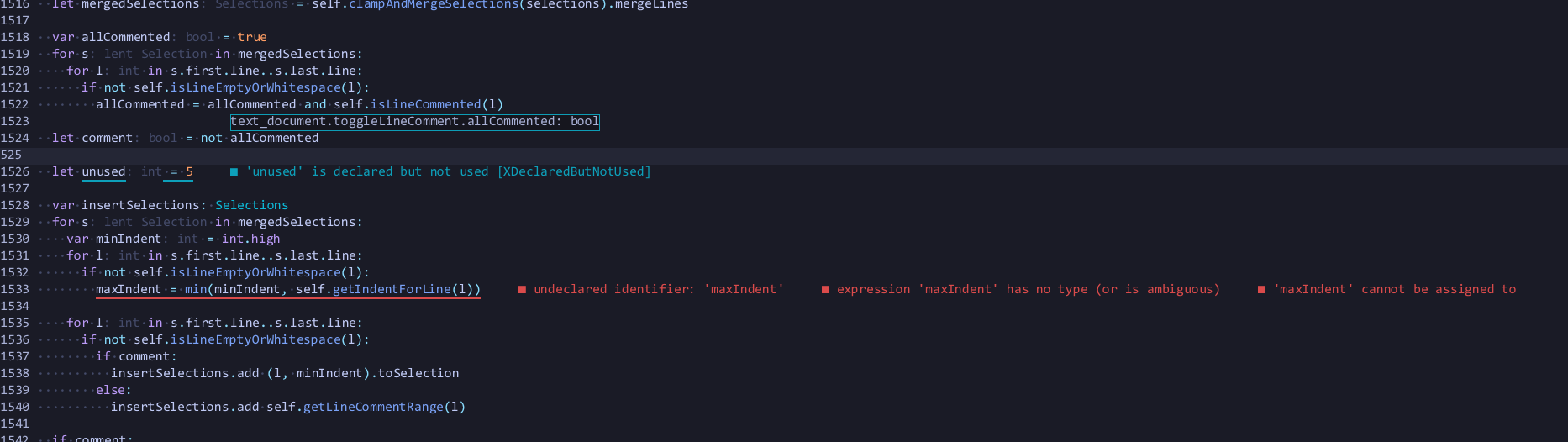
Diagnostics, inlay hints and hover information
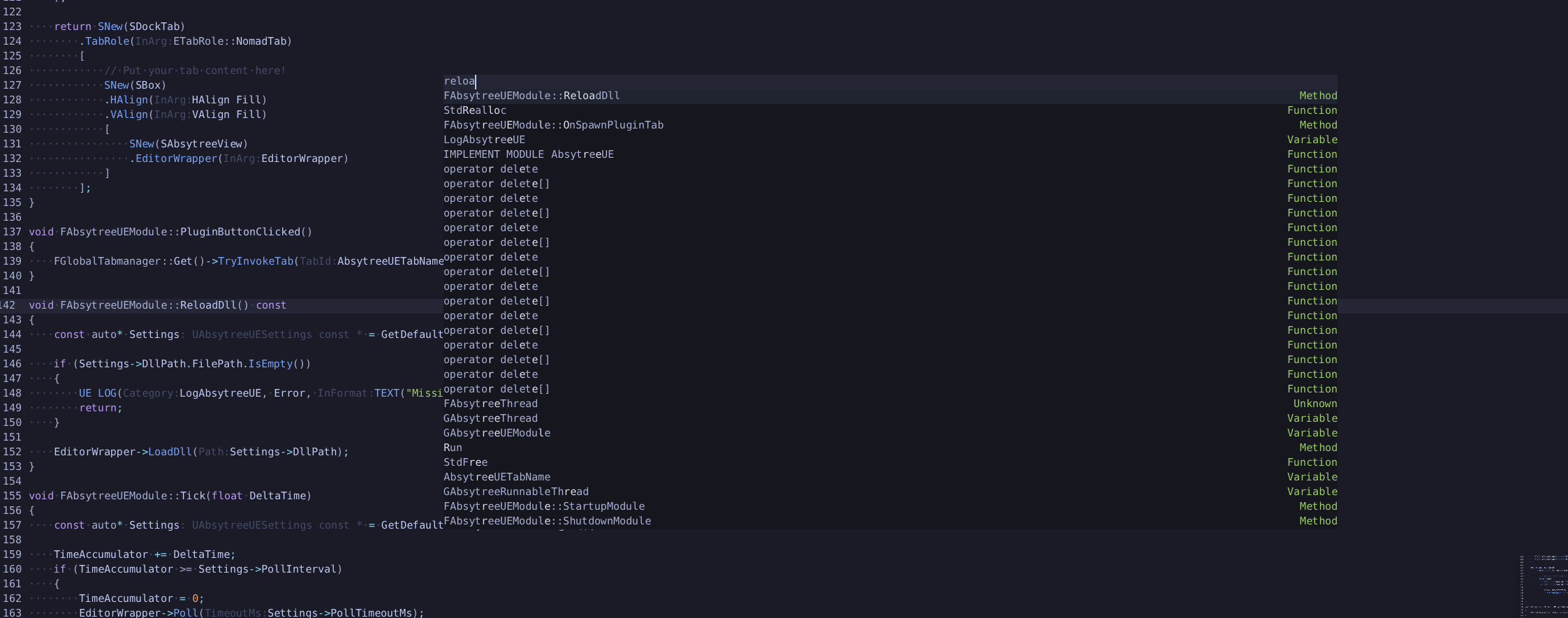
Fuzzy search for document symbols
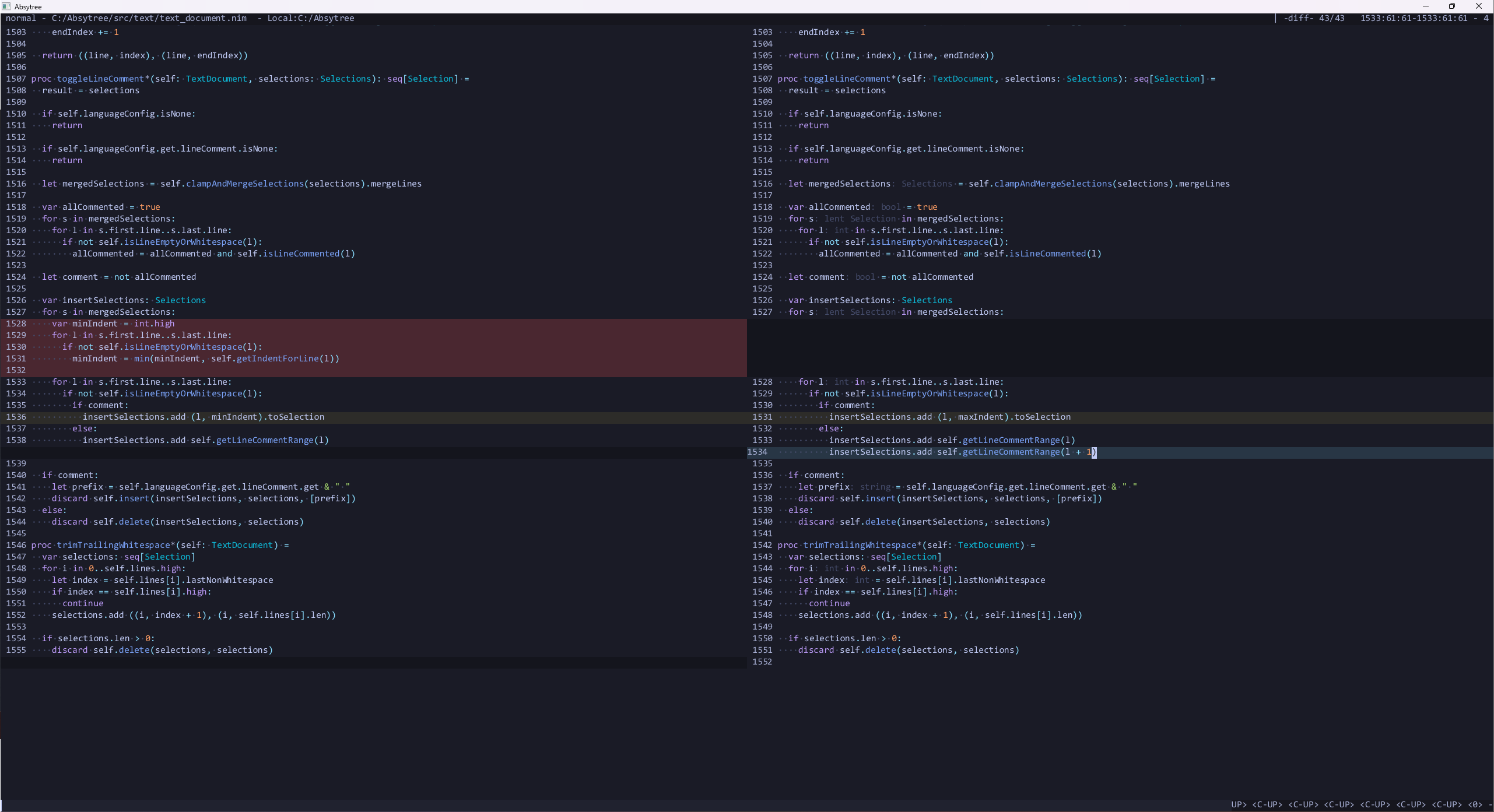
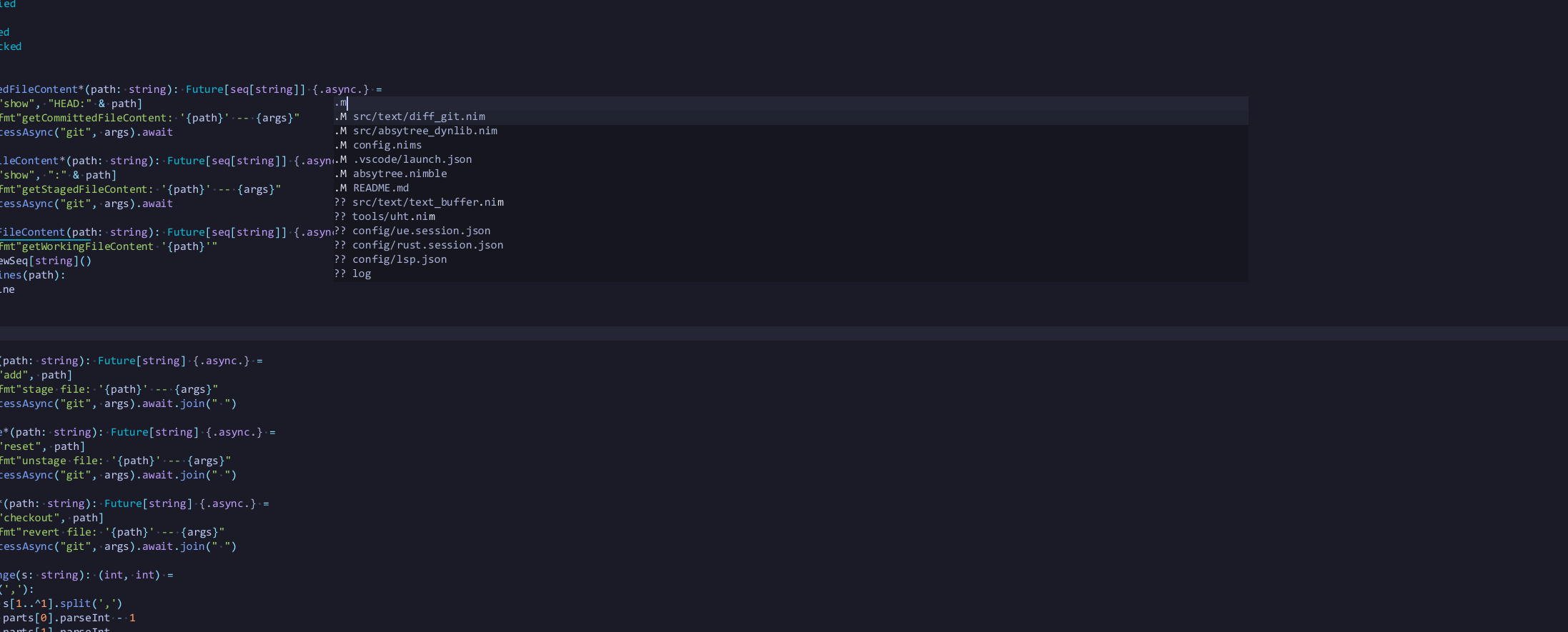
View changed/added files in git, and open the diff for files directly, or stage/unstage/revert them
View the git diff in the editor