
Pydocs
PyDocs is a modern, open-source documentation site for learning Python from scratch to advanced topics. It is built with Astro and Starlight, and organized by key themes for easy navigation and contribution.
Install / Use
/learn @Nelson-5553/PydocsREADME
PyDocs

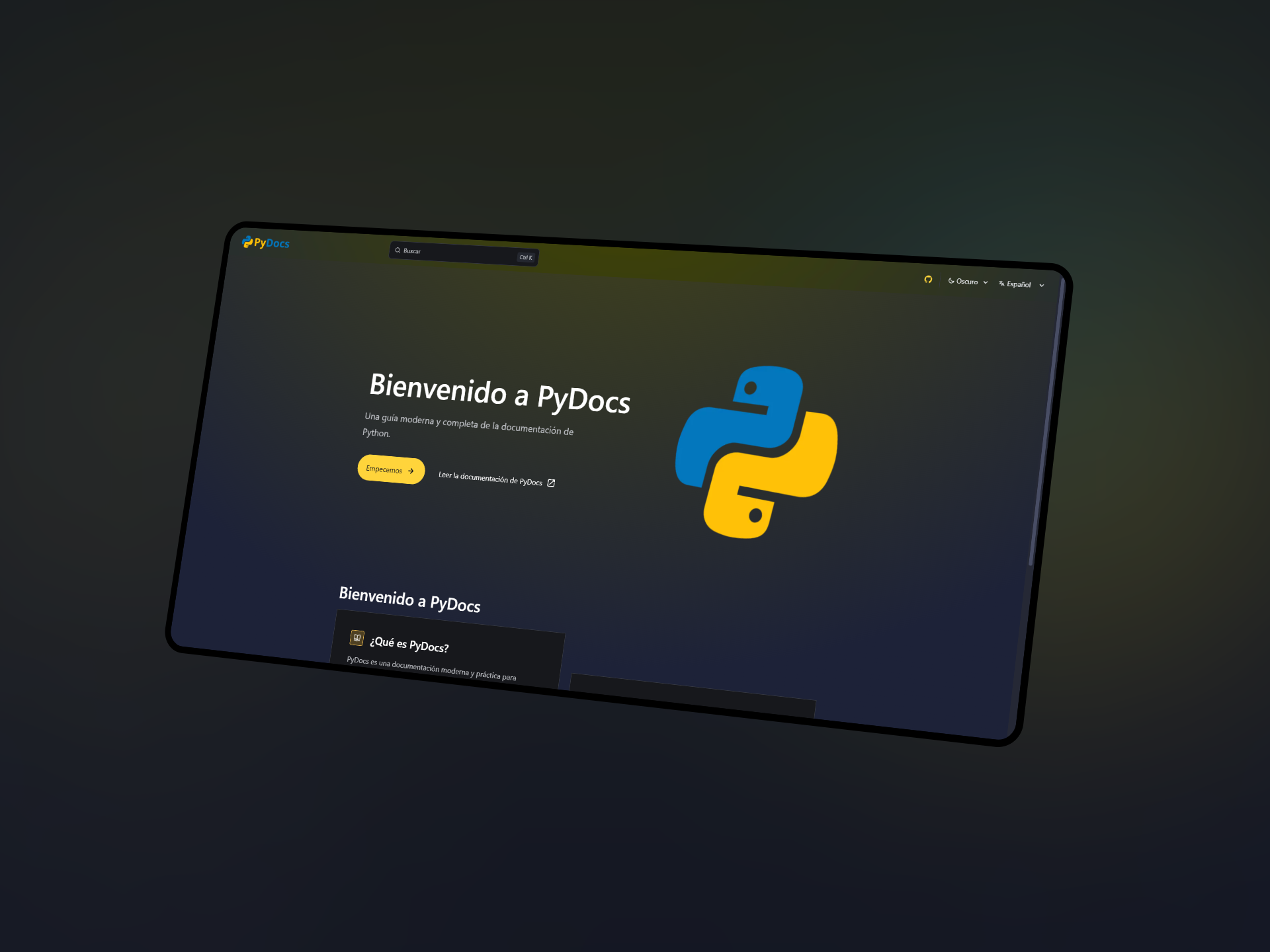
PyDocs is a modern, open-source documentation site for learning Python from scratch to advanced topics.
📖 Covered Topics
- Introduction to Python and installation
- Basic syntax and variables
- Data types (numbers, strings, lists, tuples, dictionaries, sets)
- Operators
- Control structures (conditionals and loops)
- Functions and arguments
- Modules and packages
- Input and output
- Error and exception handling
- Object-oriented programming
- File handling
- Standard and external libraries (such as NumPy, Pandas, Matplotlib)
- Best practices and code style
- Exercises and practical projects
📚 Features
- Step-by-step Python learning: From basics to advanced, with clear examples and exercises.
- Modern, multi-language documentation: Spanish and English support.
- Open Source: Community-driven, easy to contribute.
- Fast search and navigation: Quickly find any topic or function.
- Beautiful, responsive design: With light and dark mode.
🚀 Project Structure
Inside of your Astro + Starlight project, you'll see the following folders and files:
.
├── public/
├── src/
│   ├── assets/
│   ├── content/
│   │   ├── docs/
│   └── content.config.ts
├── astro.config.mjs
├── package.json
└── tsconfig.json
Starlight looks for .md or .mdx files in the src/content/docs/ directory. Each file is exposed as a route based on its file name.
Images can be added to src/assets/ and embedded in Markdown with a relative link.
Static assets, like favicons, can be placed in the public/ directory.
🧞 Commands
All commands are run from the root of the project, from a terminal:
| Command | Action |
| :------------------------ | :----------------------------------------------- |
| npm install | Installs dependencies |
| npm run dev | Starts local dev server at localhost:4321 |
| npm run build | Build your production site to ./dist/ |
| npm run preview | Preview your build locally, before deploying |
| npm run astro ... | Run CLI commands like astro add, astro check |
| npm run astro -- --help | Get help using the Astro CLI |
⚙️ .env Configuration for Contributions
To use the contributions component, you need to set up a .env file with your GitHub read-only token.
-
Copy
.env.exampleand rename it to.envin the root of the project. -
Get a GitHub Personal Access Token with read-only permissions.
-
Add your token to the
GITHUB_TOKENvariable in the.envfile:GITHUB_TOKEN=your_token_here
This allows the contributions component to securely access public
