BottomAppBar
A bottom app bar displays navigation and key actions at the bottom of mobile screens.
Install / Use
/learn @MishalAlchemy/BottomAppBarREADME
AppBar Bottom
- Bottom app bars provide access to a bottom navigation drawer and up to four actions, including the floating action button.
- To support the intent of different sections of an app, the layout and actions of a bottom app bar can be changed to suit each screen.
-
What's New
- Fab animation
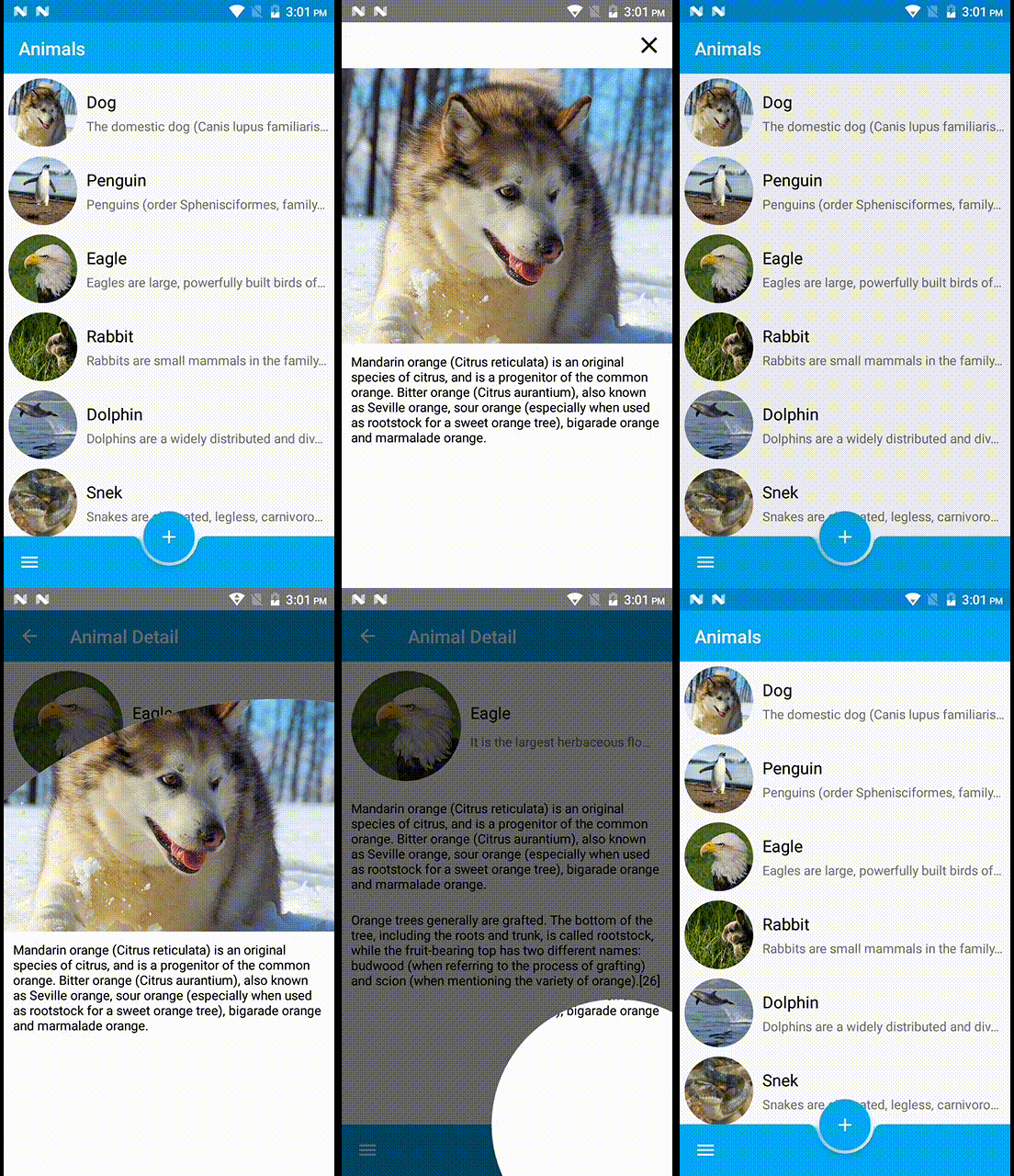
- Circle revel animation
- Shared animation
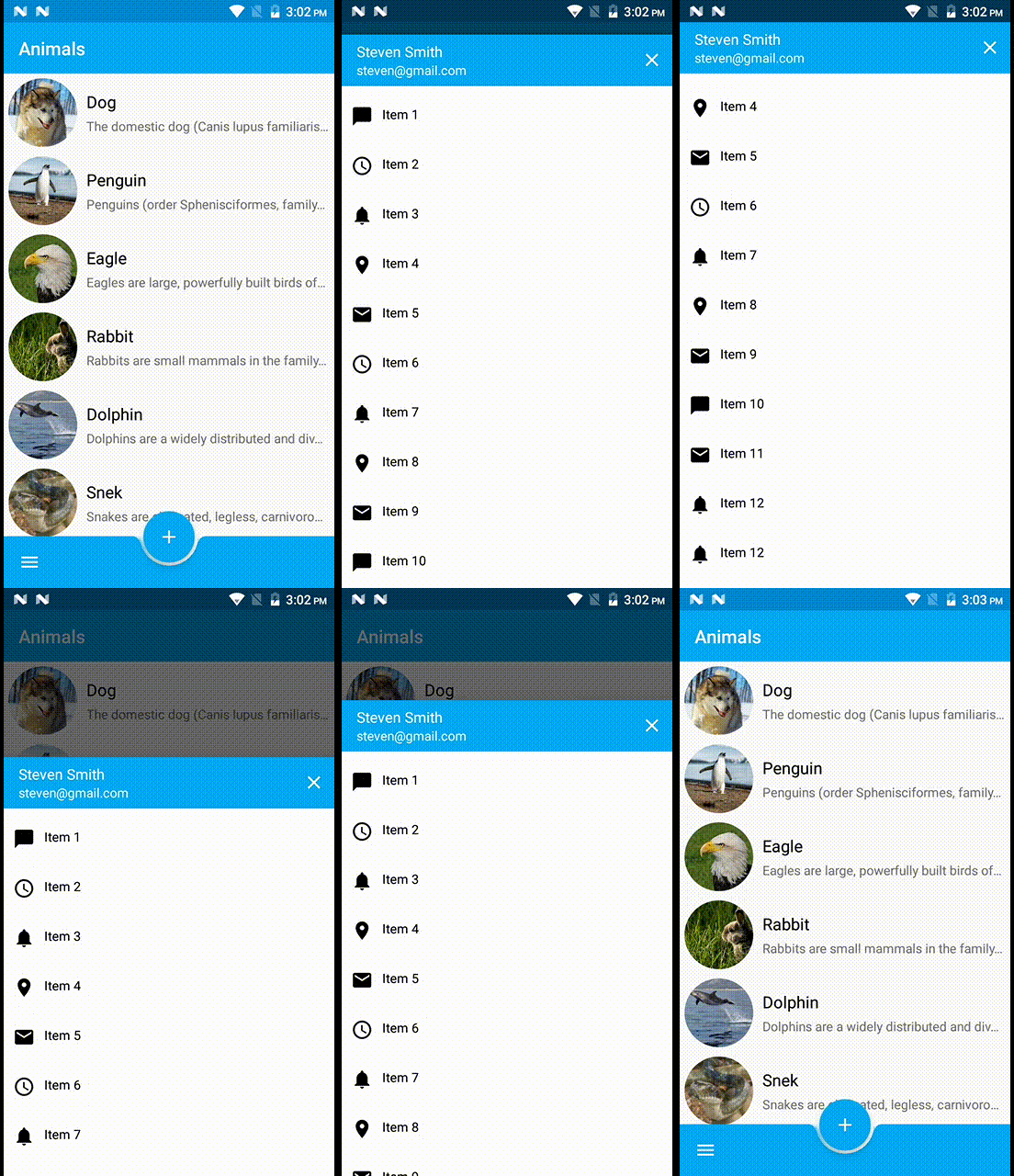
- Bottom sheet
-
Demo
-
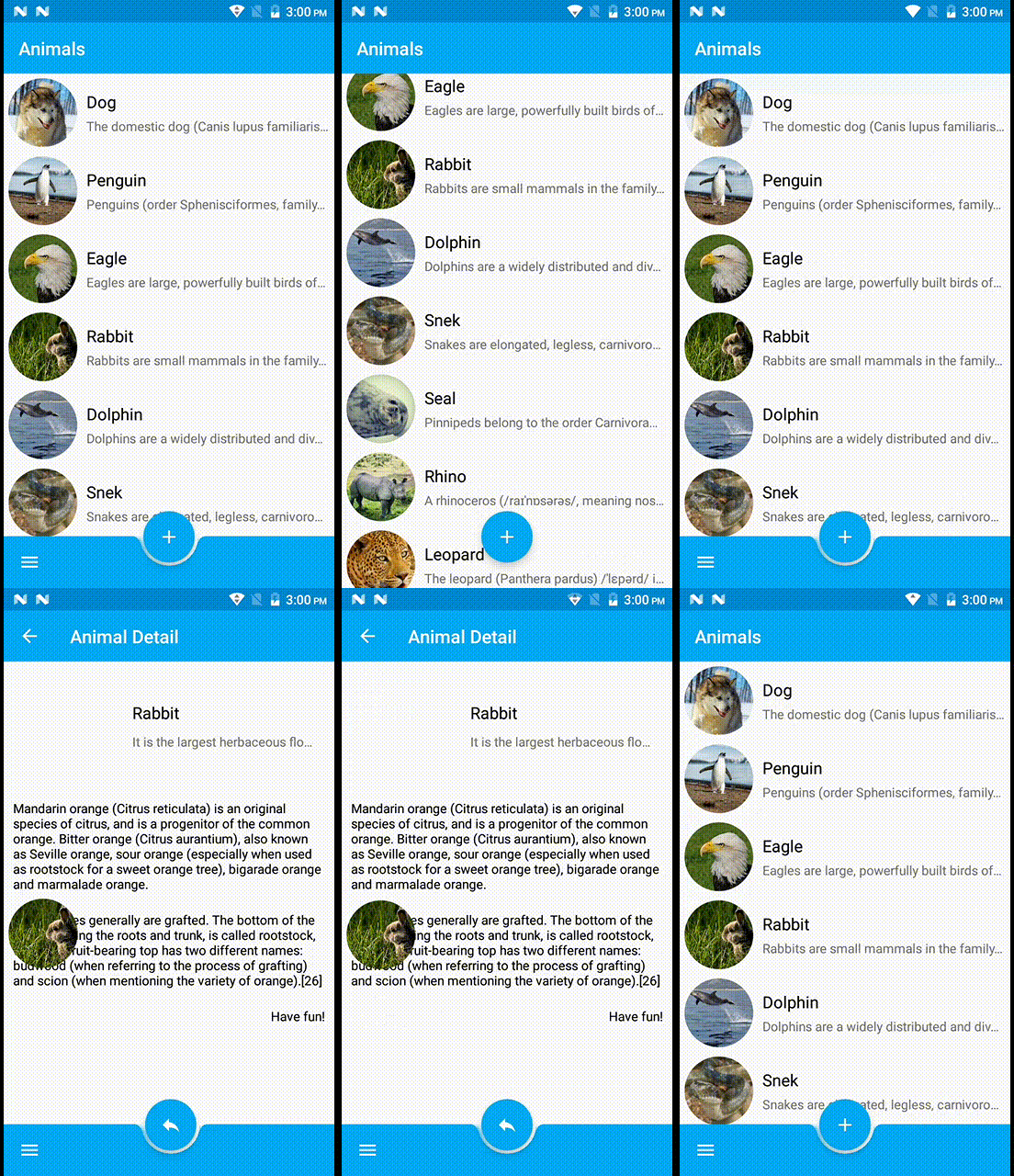
Floating Button Animation
Upon scroll, the bottom app bar can appear or disappear:
- Scrolling downward hides the bottom app bar. If a FAB is present, it detaches from the bar and remains on screen.
- Scrolling upward reveals the bottom app bar, and reattaches to a FAB if one is present.
-
Circle Revel Animation
-
Bottom Sheet
- Menus that are generated by the bottom app bar (such as a bottom navigation drawer or overflow menu) open as bottom sheets at a higher elevation than the bar.
- This bottom navigation drawer opens from a bottom app bar. The drawer opens in front of the bottom app bar, and displays a top app bar to close the drawer when it reaches full height.