MSActionSheet
MSActionSheet - Swift 3 Customized ActionSheet for taking photo from library / front / rear camera
Install / Use
/learn @MaorS/MSActionSheetREADME


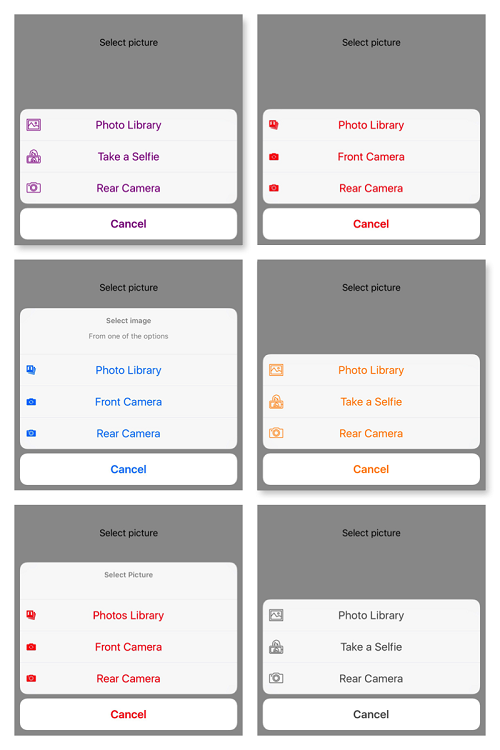
Customized ActionSheet for taking photo from library / front / rear camera or custom buttons.
Now supporting iPad
Installation
Manually
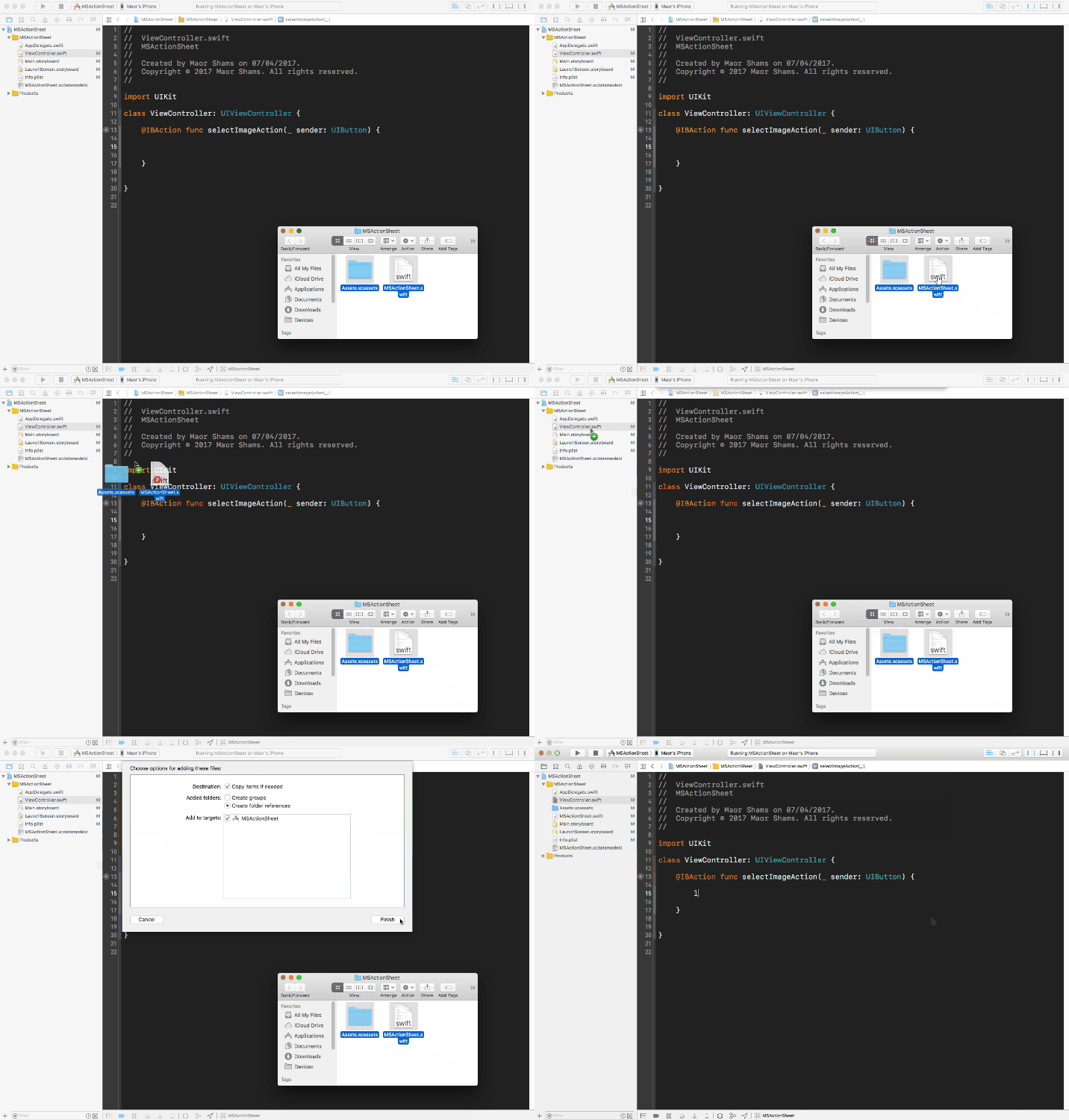
Drag and drop MSActionSheet.swift and Assets into your project
Usage - long way
Creating new ActionSheet, When the user select the image, get selected Image:
MSActionSheet(viewController: self, sourceView: sender)
    .add(.library)
    .add(.rearCamera)
    .add(.frontCamera)
    .add(.cancel).show { (image) in
}
Usage - Short way
Creating new ActionSheet, when user finish picking get image
MSActionSheet(viewController: self, sourceView: sender).showFullActionSheet {
    sender.setImage($0, for: .normal)
}
Customizing
Set custom title, image, style :
.add(.frontCamera, title: "Take a Selfie", style: .destructive, image: #imageLiteral(resourceName: "my_image"))
Use the default image :
.add(.rearCamera, defaultImage: true)
Add custom buttons :
.addCustom(title: "Print", image: #imageLiteral(resourceName: "print_photo")) {
    // action when the user click on "Print button"
    print("Printing the photo")
}.addCustom(title: "Share", image: #imageLiteral(resourceName: "share_photo")) {
    // action when the user click on "Share button"
    print("Sharing the photo")
}
Set ActionSheet tint color
.setTint(color: .purple)
Privacy permissions
Please make sure to enable in Info.plist
Privacy - Photo Library Usage Description
Privacy - Camera Usage Description

License
MSActionSheet is available under the MIT license. See the LICENSE file for more info.