
ForgeCAD
Multi-backend code-first parametric CAD in JavaScript/TypeScript with live params, constraints, assemblies, and exact STEP/BREP export.
Install / Use
/learn @KoStard/ForgeCADREADME
ForgeCAD
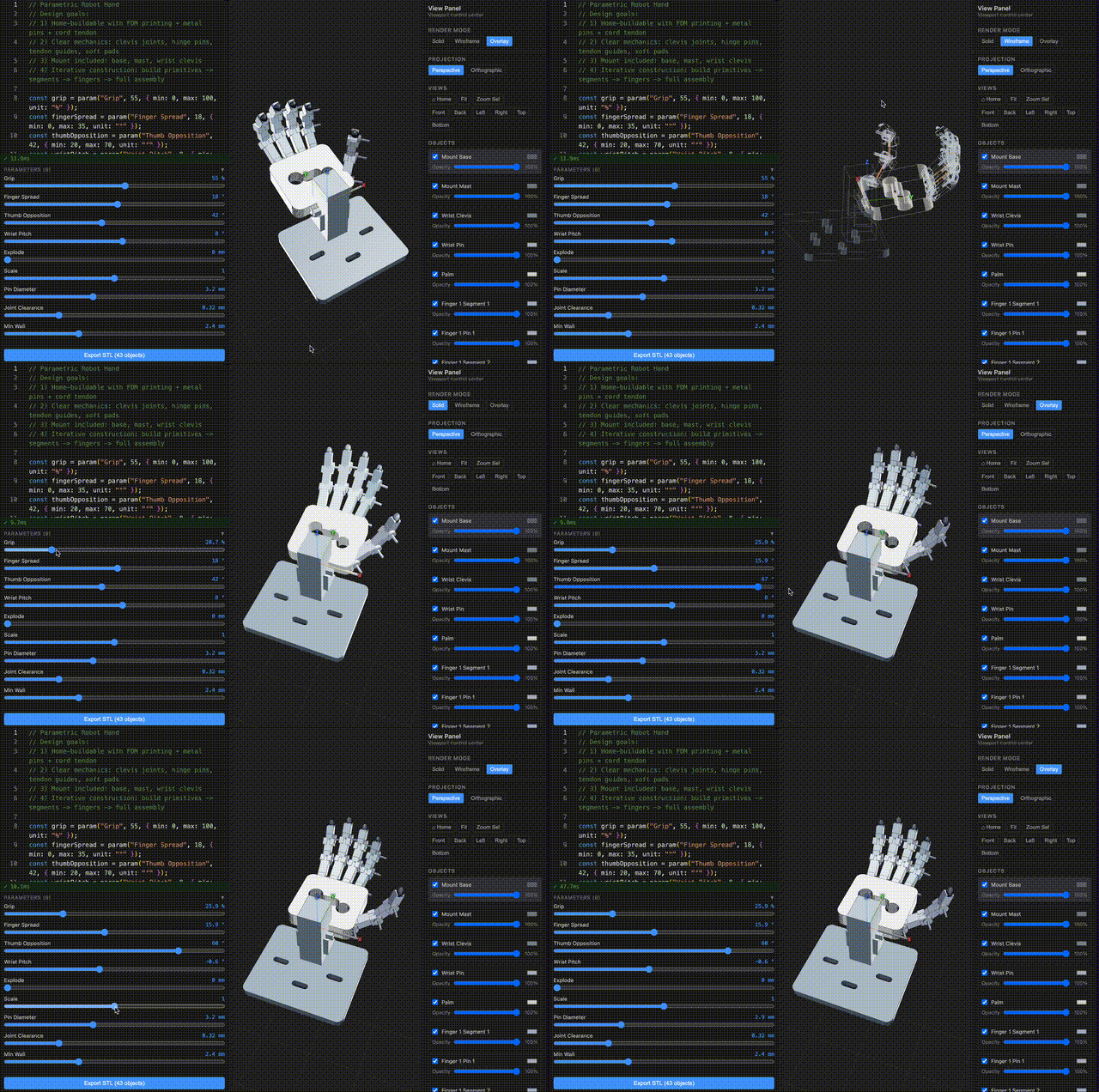
Code-first parametric CAD for JavaScript/TypeScript, in the browser and CLI.
ForgeCAD is a multi-backend CAD system with a JavaScript/TypeScript modeling API, live parameters, constraints, assemblies, reports, and exact STEP/BREP export. Interactive browser modeling currently uses Manifold for fast geometry work, while exact export runs through CadQuery/OpenCascade and the public modeling layer stays backend-aware rather than tied to one kernel.
TypeScript is the file format. The browser is the CAD system.
Try it in your browser → • API Reference • CLI Docs • Vision • Examples
Install
npm install -g forgecad
forgecad studio /path/to/your/project
Or without a project folder to start from a blank scratch file:
forgecad studio --blank
Start Here (contributors)
npm install
npm link
forgecad studio
Then open http://localhost:5173.
forgecad studio opens the packaged ./examples project by default, so you can edit and save files immediately.
Why ForgeCAD
Most geometry kernels are powerful but low-level. ForgeCAD adds the missing CAD layer:
- Constraint-driven sketch workflows
- Named entities and topology-aware operations
- Parametric design via
param(...)sliders - Multi-file composition with
require(path, paramOverrides?)and plain.jsutility modules - Assembly + mechanism modeling with joints, sweeps, and collision checks
- Script-authored BOM + dimension annotations for report export
- Exact STEP/BREP export for the maintained replayable subset
The result is a CAD workflow that is version-control friendly, AI-editable, and still practical for real mechanical modeling.
JS utility modules
ForgeCAD model files (.forge.js) can now use standard JS imports for shared helpers:
import { buildAssembly } from "./assembly-utils.js";
export default buildAssembly();
Utility modules can use export / export default, require(...), and explicit ForgeCAD runtime imports:
import { box, union } from "forgecad";
Modules can also use top-level return (including arrays) as the module value, as long as they do not also define exports in the same file.
Use require("./file.forge.js", { Param: value }) to import model files with optional parameter overrides (parameter scoping, dimension propagation). Use importSvgSketch() for SVG files. Use plain JS modules for reusable functions, classes, and constants. See examples/api/js-module-imports.forge.js.
Seamless AI integration
ForgeCAD is built to work cleanly with coding agents. Your CAD models are plain code, and the repository already includes the context agents need to be useful immediately:
docs/permanent/explains the modeling API and workflowsexamples/api/provides concrete model patterns to copy and adapt- browser + CLI run the same engine, so AI-generated scripts behave consistently
- the generated Codex skill is rebuilt with
npm run build:skill:forgecad
Agent skill (Claude Code, Codex, OpenCode, …)
Install a self-contained ForgeCAD skill for coding agents that support the ~/.agents/skills/ convention (all API docs inlined — no repo required):
forgecad skill install        # model-authoring docs (for users building models)
forgecad skill install --dev  # + internals, coding conventions, skill maintenance (for ForgeCAD developers)
This copies a pre-built SKILL.md to ~/.agents/skills/forgecad/SKILL.md. Reload your agent to activate. Run again after upgrading ForgeCAD to pick up updated docs.
The standard skill covers primitives, sketch, assembly, SDF, export, and CLI commands — everything needed to author .forge.js models. The dev skill adds compiler internals, constraint solver architecture, coding conventions, release processes, and skill system maintenance docs — for agents working on ForgeCAD itself.
Chat UI (Claude.ai, ChatGPT, Gemini, …)
No CLI agent? Generate a single self-contained context file with all ForgeCAD API docs and paste it into any chat session:
forgecad skill one-file ~/Desktop/forgecad-context.md
The file includes a preamble explaining the chat-UI setup: the AI has no shell access, so it will ask you to run commands like forgecad run <file> and paste back the output for validation and iteration.
Instructions for AI model generation
When an AI model is asked to generate ForgeCAD models, require this workflow:
- Read
docs/permanent/API/model-building/README.mdfirst. - Read every file listed there.
- Read the relevant files in
examples/api/next. - If the task is exploratory, unfamiliar, or likely to need debugging, start in a
.forge-notebook.jsonand iterate there first. - Only then stabilize the result as
.forge.js, or keep using the notebook when iteration is still active. - Read
docs/permanent/API/runtime/ordocs/permanent/API/output/only if the task explicitly needs viewport behavior, reporting, or export.
Use this instruction in prompts to avoid missing API capabilities or producing invalid model code:
Before generating any ForgeCAD model code, read docs/permanent/API/model-building/README.md, then every file it lists, then the relevant files in examples/api/. If the task is exploratory, unfamiliar, or likely to need debugging, start in a .forge-notebook.json and iterate there first. Only read docs/permanent/API/runtime/ or docs/permanent/API/output/ if the task explicitly needs those areas. Then generate a runnable model using only documented ForgeCAD APIs and patterns from those files.
Example AI workflows:
aider --read docs/permanent/ --read examples/api/ --model openrouter/google/gemini-3-flash-preview --reasoning-effort xhigh
kiro-cli chat
codex
This lets you iterate with AI on real .forge.js model files without custom glue code or one-off prompt scaffolding.
LLM Benchmarks
Latest benchmark iterations from ForgeCADBenchmark/results/* (version_{n}.forge.js with highest n per run folder).
| model name | prompt | GIF |
| --- | --- | --- |
| 3dprinter-gpt52codex<br><sub>2026-02-13 14-36-06 • v2</sub> | Make a detailed home 3D printer, showing the internal details of how it should work. Add some params for controlling positions, etc. | 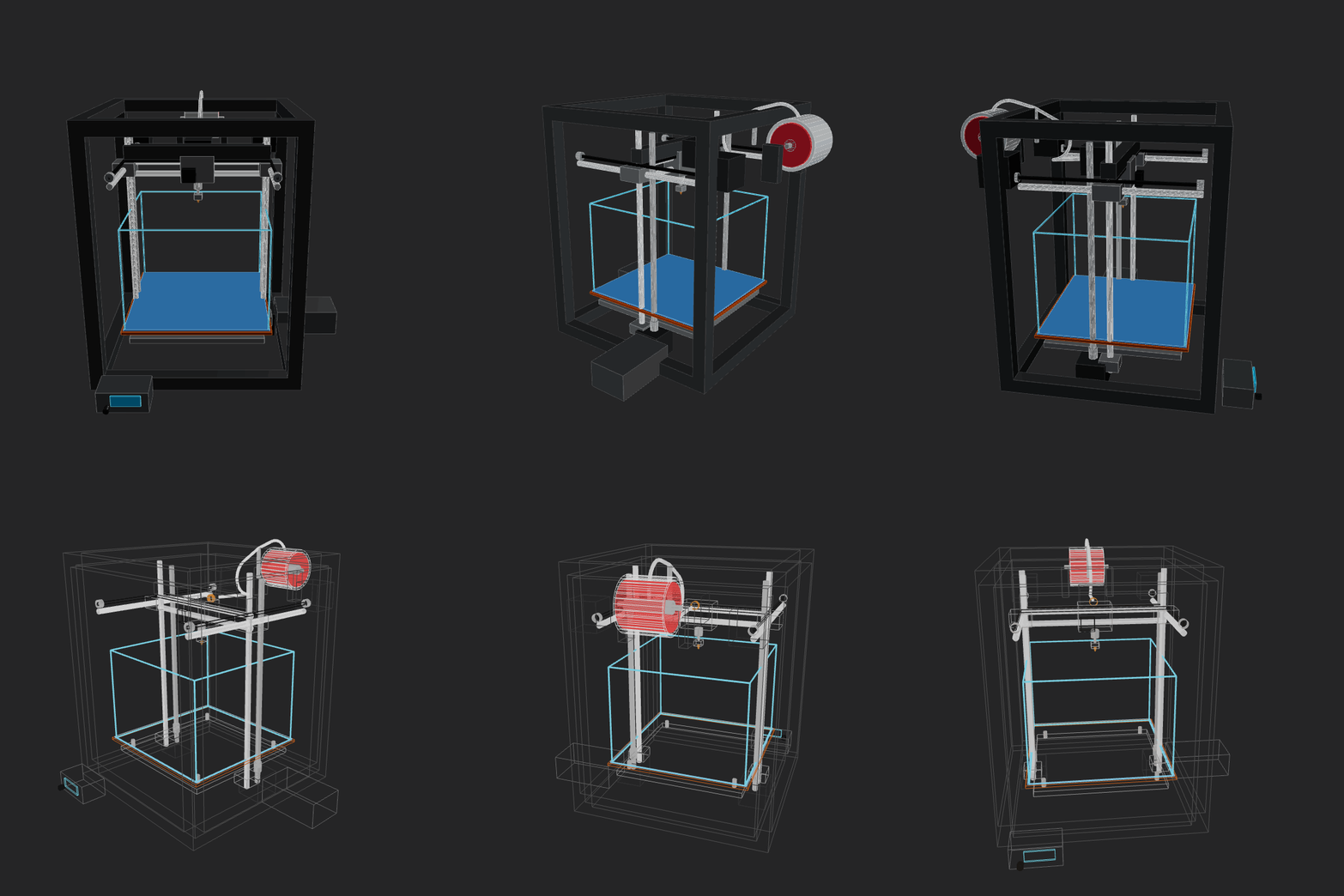 |
|
|
| amazon-nova-2-lite-v1<br><sub>2026-02-13 00-15-44 • v1</sub> | Make a home AC unit, showing both pieces on different sides of the wall (inside and outside). The external piece should have a fan positioned on its external face vertically. Implement whatever features/methods you are missing in the script itself for your convenience. Use the simpler primitives when unsure. | 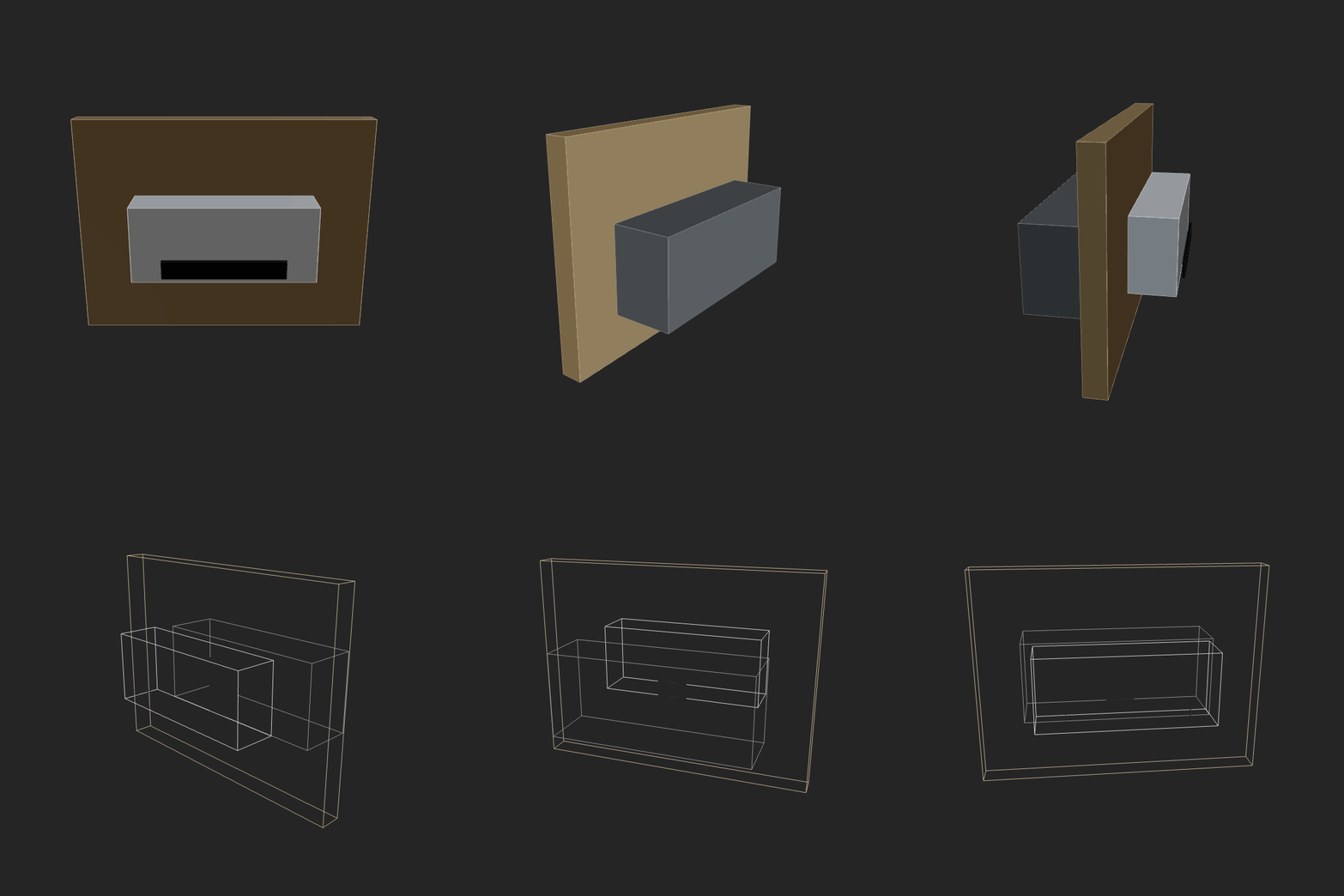 |
|
|
| amazon-nova-premier-v1<br><sub>2026-02-13 00-36-50 • v1</sub> | Make a home AC unit, showing both pieces on different sides of the wall (inside and outside). The external piece should have a fan positioned on its external face vertically. Implement whatever features/methods you are missing in the script itself for your convenience. Use the simpler primitives when unsure. | GIF generation failed (script runtime error). |
| aurora_alpha<br><sub>2026-02-12 15-19-30 • v2</sub> | Make a home AC unit, showing both pieces on different sides of the wall (inside and outside). Implement whatever features/methods you are missing in the script itself for your convenience. Use the simpler primitives when unsure. | GIF generation failed (script runtime error). |
| bytedance-seed-seed-1.6<br><sub>2026-02-13 00-14-02 • v3</sub> | Make a home AC unit, showing both pieces on different sides of the wall (inside and outside). The external piece should have a fan positioned on its external face vertically. Implement whatever features/methods you are missing in the script itself for your convenience. Use the simpler primitives when unsure. | 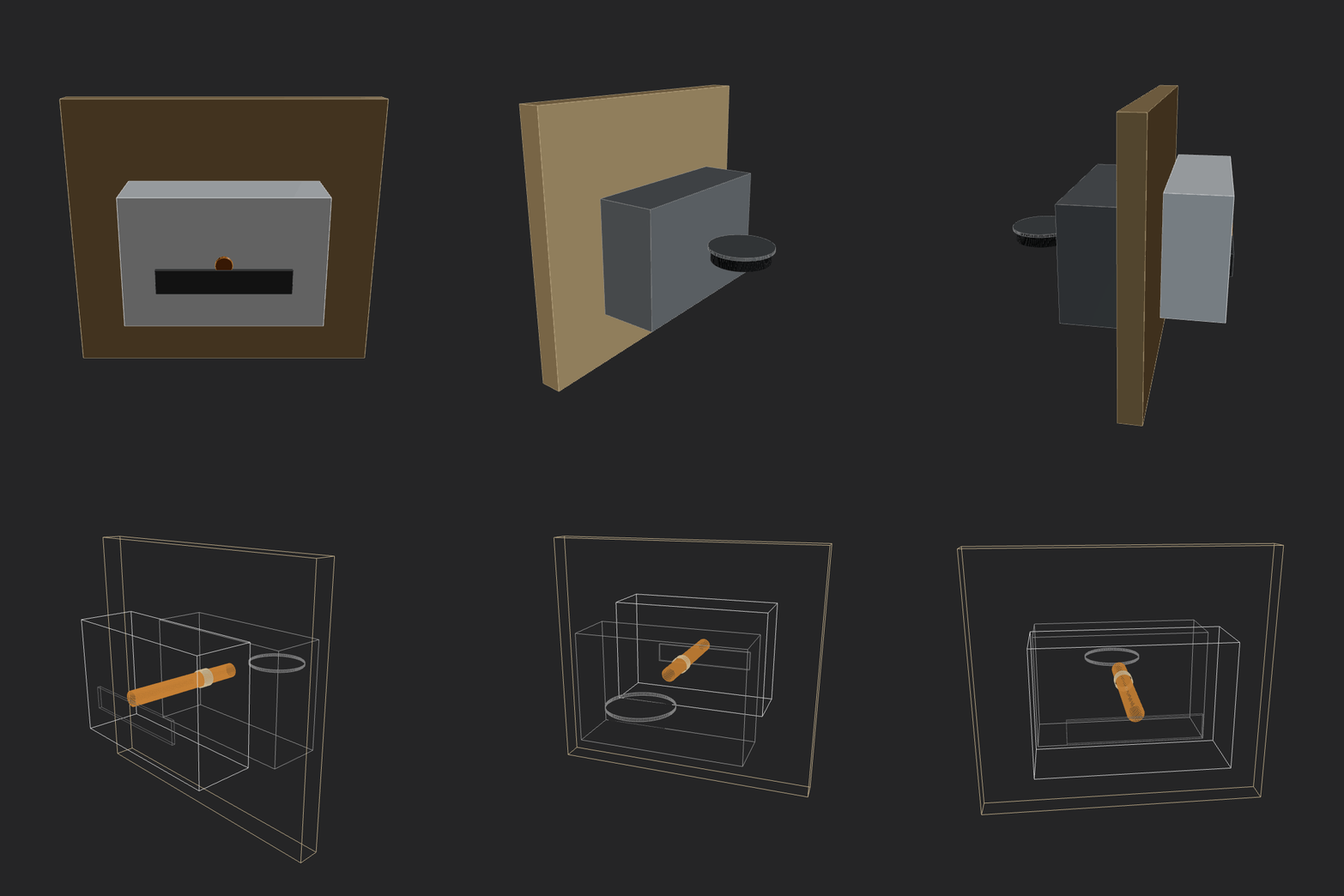 |
|
|
| deepseek-deepseek-v3.2<br><sub>2026-02-13 00-30-04 • v3</sub> | Make a home AC unit, showing both pieces on different sides of the wall (inside and outside). The external piece should have a fan positioned on its external face vertically. Implement whatever features/methods you are missing in the script itself for your convenience. Use the simpler primitives when unsure. | 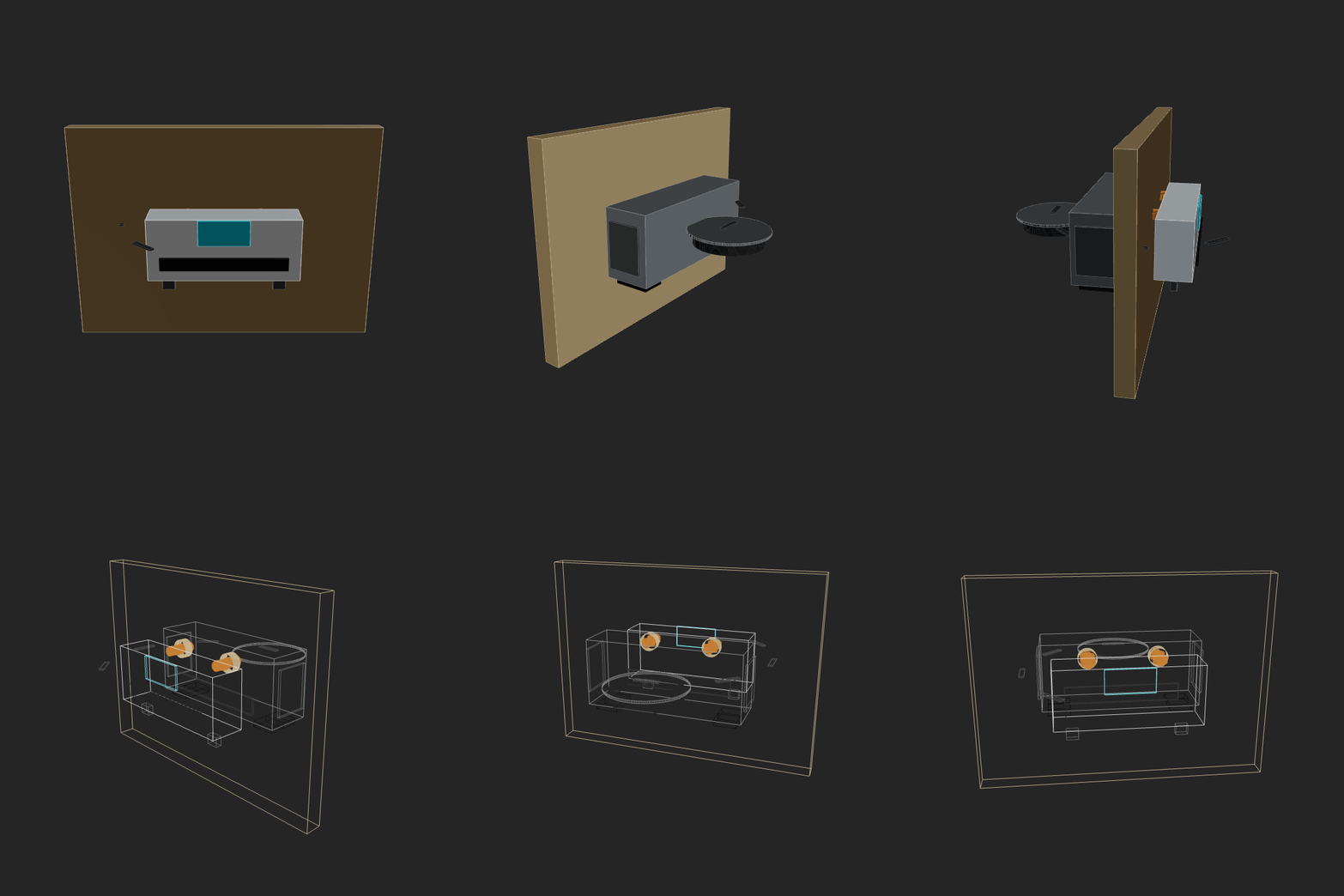 |
|
|
| gemini3flash<br><sub>2026-02-12 23-53-27 • v5</sub> | Make a home AC unit, showing both pieces on different sides of the wall (inside and outside). The external piece should have a fan positioned on its external face vertically. Implement whatever features/methods you are missing in the script itself for your convenience. Use the simpler primitives when unsure. | 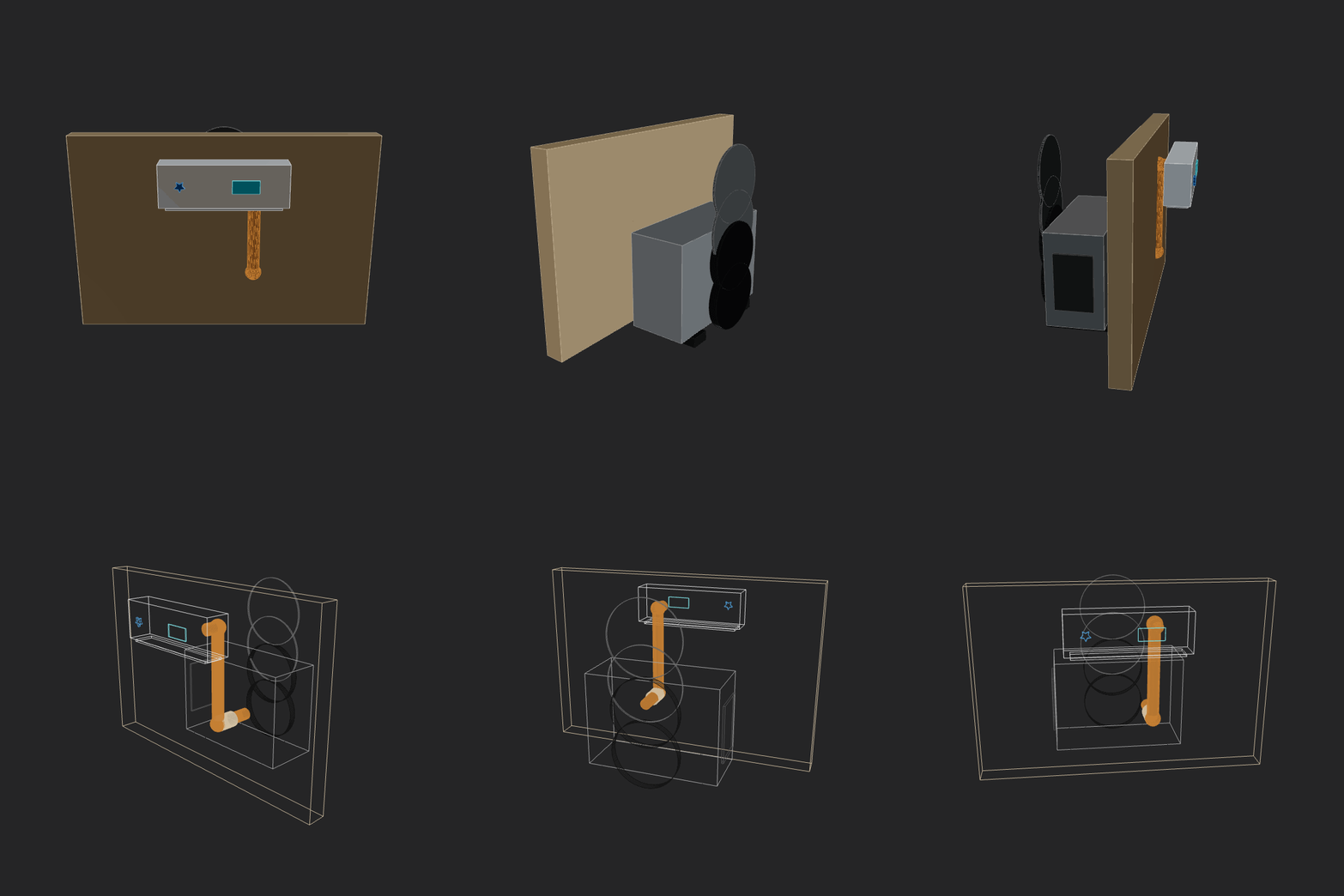 |
|
|
| glm5<br><sub>2026-02-12 14-58-52 • v3</sub> | Make a home AC unit, showing both pieces on different sides of the wall (inside and outside). Implement whatever features/methods you are missing in the script itself for your convenience. Use the simpler primitives when unsure. | 