
Litehook
Self-hosted Telegram channel scraper server that monitors channels and sends webhooks for new posts. Docker, proxies, and web dashboard. Built with Rust.
Install / Use
/learn @KITFC-dev/LitehookREADME
litehook

Litehook is a self-hosted Telegram scraper tool and webhook server for monitoring multiple public Telegram channels. It sends HTTP webhooks for new posts, supports media downloading, proxies, and Docker deployment, and includes a lightweight Rust web dashboard.
Quick start
-
Copy repository with:
git clone https://github.com/KITFC-dev/litehook.git cd litehook -
Run the server with:
cargo run
Features
Litehook works by scraping public telegram channels at a set interval, which doesn't require any authorization. It saves posts to the database and sends webhook if the post is new. You can see the Webhook Documentation below. You can also setup Environment Variables for litehook.
Dashboard
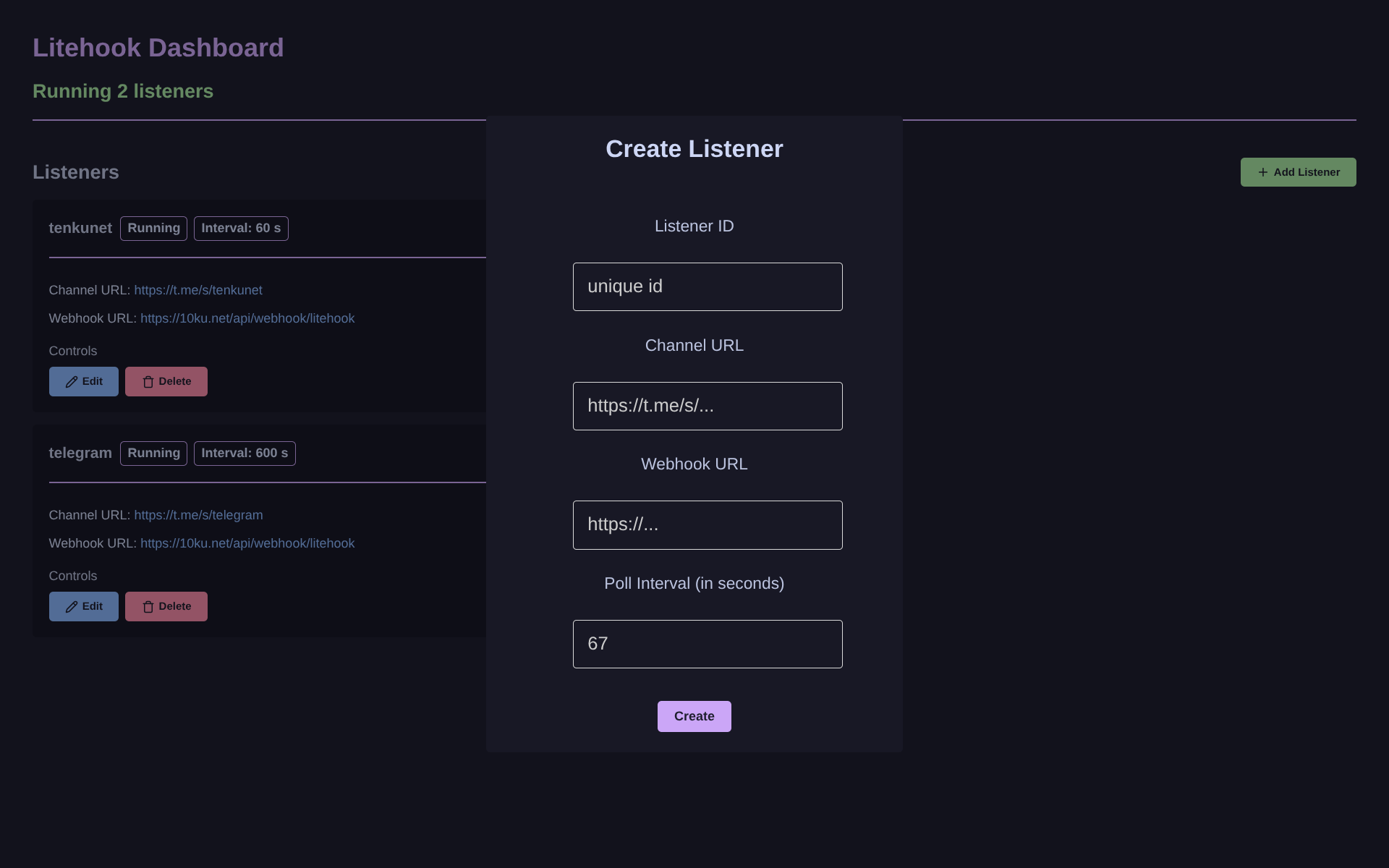
This is where you can manage and configure your listeners, you can create new, delete or edit listeners in here.
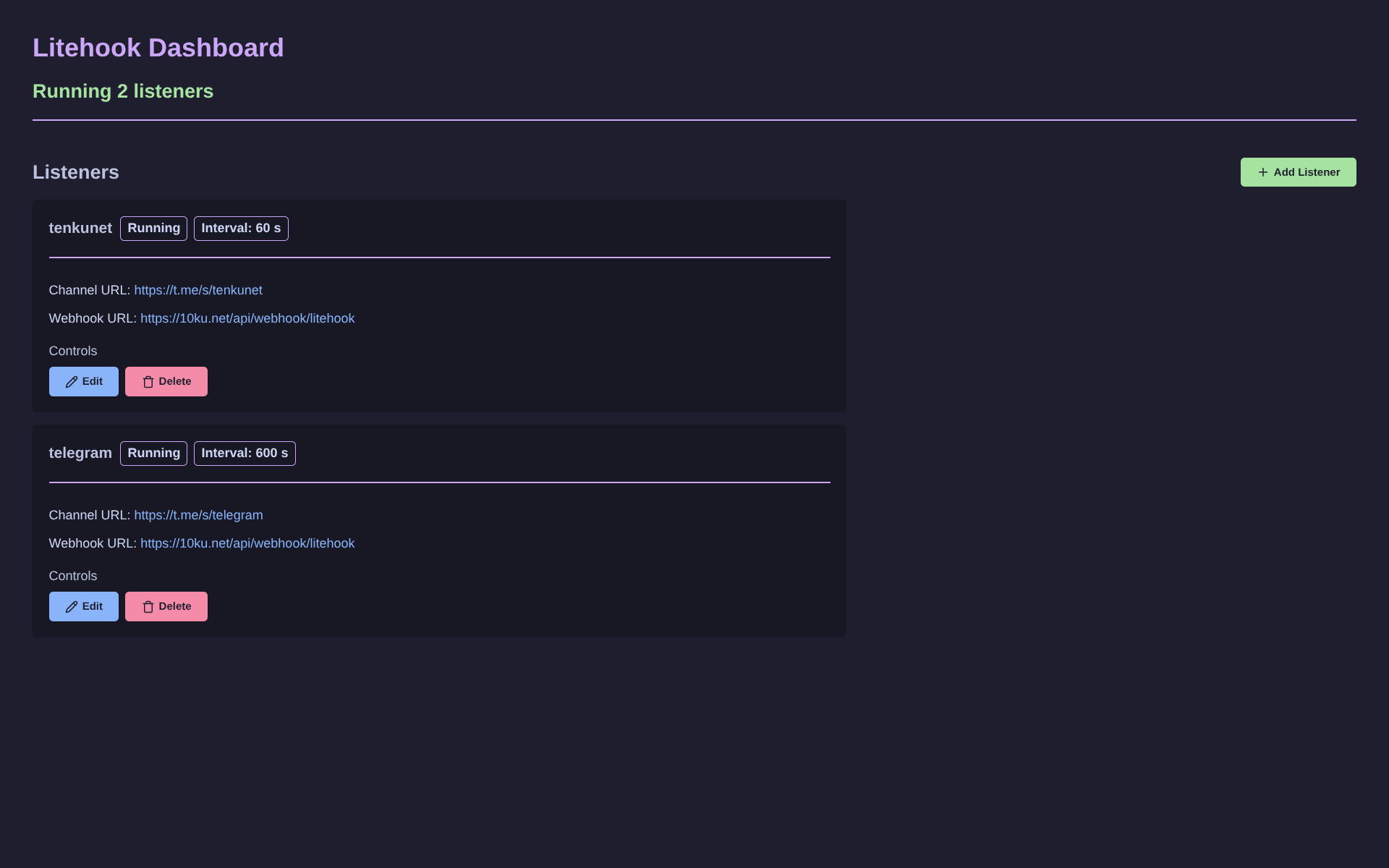
Dashboard features web UI with a catppuccin pallete.
Usage
Running and Configuring litehook
- Download the latest release from Releases
- Before running the binary, you can setup environment variables
- Run the binary, and open http://localhost:4101/ in your browser. Now you can add some listeners from the dashboard
Running in Docker
[!NOTE] Only ARM64 and x86_64 architectures are supported
-
Pull and run the docker image with:
docker compose up -d
Build
Requirements
[!TIP] You can install Rust and Cargo by using rustup.
Steps to build
-
Build the binary with:
cargo build --release -
And to start the server run:
cargo run --release
Environment Variables
Environment variables used by litehook, for example in your .env file in the same directory as the litehook binary
| Environment Variable | Description |
| --- | --- |
| PORT | Port for web interface, default is 4101 |
| WEBHOOK_SECRET | Webhook secret in x-secret header |
| PROXY_LIST_URL | URL to SOCKS5 proxy list |
| DB_PATH | Path to SQLite database file, default is data/litehook.db |
[!TIP] You can try using IPLocate proxy list. Be aware that proxy can be slow and timeout the HTTP request.
Webhook Documentation
Webhook will be sent to webhook url with POST method, the server must return a 2xx HTTP status code.
The webhook will be retried 4 additional times with a 1 second interval. If all retries fail, the data is still stored in the database and webhook will be dropped.
It will include a x-secret header with the webhook secret from WEBHOOK_SECRET environment variable that you should verify on server before trusting the payload.
Example of the webhook payload:
{
    "channel": {
        "id": "str",
        "name": "str",
        "image": "https://...",
        "counters": {
            "subscribers": "1.2M",
            "photos": "392",
            "videos": "104",
            "links": "39"
        },
        "description": "str"
    },
    "new_posts": [
        {
            "id": "channel_id/post_id",
            "author": "str",
            "text": "str",
            "media": ["https://...", "https://..."],
            "reactions": [
                {
                    "emoji": "♥",
                    "count": "35"
                }
            ],
            "views": "13.4K",
            "date": "2026-03-04T12:00:00Z"
        },
        ...
    ]
}
