
SkeletonView
☠️ An elegant way to show users that something is happening and also prepare them to which contents they are awaiting
Install / Use
/learn @Juanpe/SkeletonViewREADME

🌎 README is available in other languages: 🇪🇸 . 🇨🇳 . 🇧🇷 . 🇰🇷 . 🇫🇷 . 🇩🇪
Today almost all apps have async processes, such as API requests, long running processes, etc. While the processes are working, usually developers place a loading view to show users that something is going on.
SkeletonView has been conceived to address this need, an elegant way to show users that something is happening and also prepare them for which contents are waiting.
Enjoy it! 🙂
- 🌟 Features
- 🎬 Guides
- 📲 Installation
- 🐒 Usage
- ✨ Miscellaneous
- ❤️ Contributing
- 📢 Mentions
- 🏆 Sponsors
- 👨🏻💻 Author
- 👮🏻 License
🌟 Features
- Easy to use
- All UIViews are skeletonables
- Fully customizable
- Universal (iPhone & iPad)
- Interface Builder friendly
- Simple Swift syntax
- Lightweight readable codebase
🎬 Guides
|  |
| |
| |
| |:---: | :---: | :---: | :---:
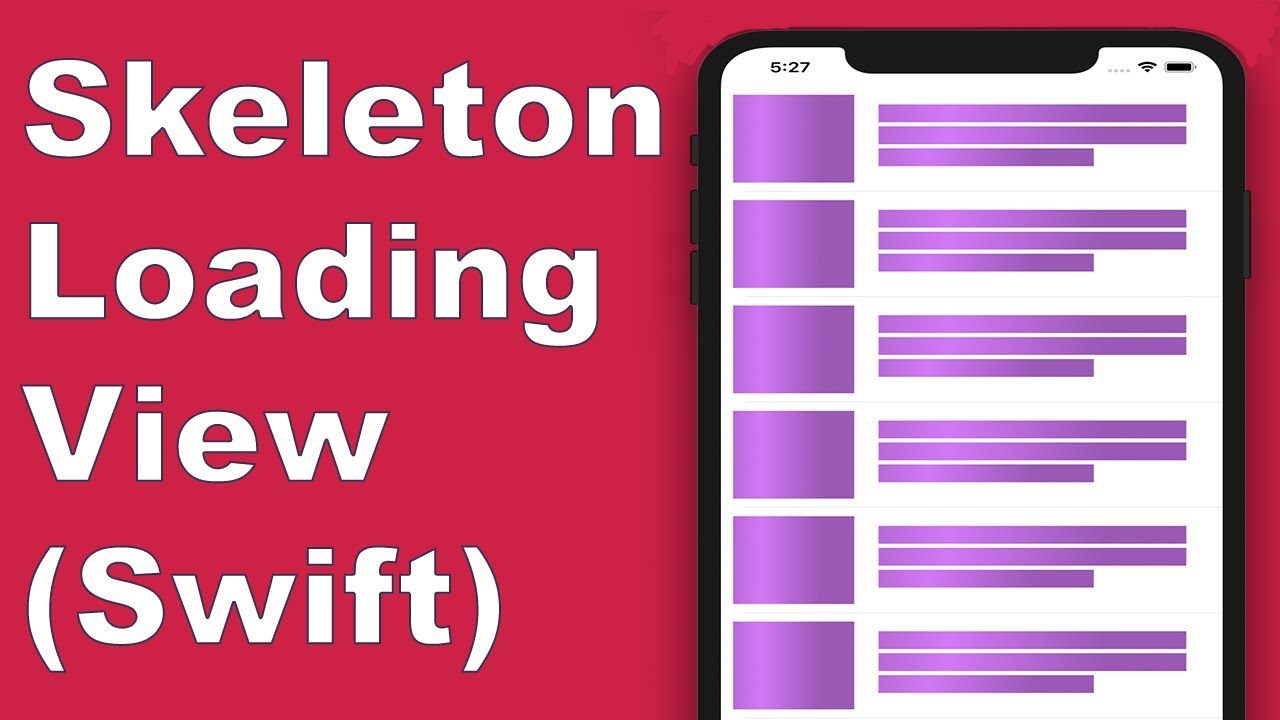
|SkeletonView Guides - Getting started|How to Create Loading View with Skeleton View in Swift 5.2 by iKh4ever Studio|Create Skeleton Loading View in App (Swift 5) - Xcode 11, 2020 by iOS Academy| Cómo crear una ANIMACIÓN de CARGA de DATOS en iOS by MoureDev
|:---: | :---: | :---: | :---:
|SkeletonView Guides - Getting started|How to Create Loading View with Skeleton View in Swift 5.2 by iKh4ever Studio|Create Skeleton Loading View in App (Swift 5) - Xcode 11, 2020 by iOS Academy| Cómo crear una ANIMACIÓN de CARGA de DATOS en iOS by MoureDev
📲 Installation
pod 'SkeletonView'
github "Juanpe/SkeletonView"
dependencies: [
  .package(url: "https://github.com/Juanpe/SkeletonView.git", from: "1.7.0")
]
📣 IMPORTANT!
Since version 1.30.0,
SkeletonViewsupports XCFrameworks, so if you want to install it as a XCFramework, please use this repo instead.
🐒 Usage
Only 3 steps needed to use SkeletonView:
1️⃣ Import SkeletonView in proper place.
import SkeletonView
2️⃣ Now, set which views will be skeletonables. You achieve this in two ways:
Using code:
avatarImageView.isSkeletonable = true
Using IB/Storyboards:

3️⃣ Once you've set the views, you can show the skeleton. To do so, you have 4 choices:
(1) view.showSkeleton()                 // Solid
(2) view.showGradientSkeleton()         // Gradient
(3) view.showAnimatedSkeleton()         // Solid animated
(4) view.showAnimatedGradientSkeleton() // Gradient animated
Preview
<table> <tr> <td width="25%"> <center>Solid</center> </td> <td width="25%"> <center>Gradient</center> </td> <td width="25%"> <center>Solid Animated</center> </td> <td width="25%"> <center>Gradient Animated</center> </td> </tr> <tr> <td width="25%"> <img src="Assets/solid.png"></img> </td> <td width="25%"> <img src="Assets/gradient.png"></img> </td> <td width="25%"> <img src="Assets/solid_animated.gif"></img> </td> <td width="25%"> <img src="Assets/gradient_animated.gif"></img> </td> </tr> </table>📣 IMPORTANT!
SkeletonViewis recursive, so if you want show the skeleton in all skeletonable views, you only need to call the show method in the main container view. For example, withUIViewControllers.
🌿 Collections
SkeletonView is compatible with UITableView and UICollectionView.
UITableView
If you want to show the skeleton in a UITableView, you need to conform to SkeletonTableViewDataSource protocol.
public protocol SkeletonTableViewDataSource: UITableViewDataSource {
    func numSections(in collectionSkeletonView: UITableView) -> Int // Default: 1
    func collectionSkeletonView(_ skeletonView: UITableView, numberOfRowsInSection section: Int) -> Int
    func collectionSkeletonView(_ skeletonView: UITableView, cellIdentifierForRowAt indexPath: IndexPath) -> ReusableCellIdentifier
    func collectionSkeletonView(_ skeletonView: UITableView, skeletonCellForRowAt indexPath: IndexPath) -> UITableViewCell? // Default: nil
    func collectionSkeletonView(_ skeletonView: UITableView, prepareCellForSkeleton cell: UITableViewCell, at indexPath: IndexPath)
}
As you can see, this protocol inherits from UITableViewDataSource, so you can replace this protocol with the skeleton protocol.
This protocol has a default implementation for some methods. For example, the number of rows for each section is calculated in runtime:
func collectionSkeletonView(_ skeletonView: UITableView, numberOfRowsInSection section: Int) -> Int
// Default:
// It calculates how many cells need to populate whole tableview
📣 IMPORTANT!
If you return
UITableView.automaticNumberOfSkeletonRowsin the above method, it acts like the default behavior (i.e. it calculates how many cells needed to populate the whole tableview).
There is only one method you need to implement to let Skeleton know the cell identifier. This method doesn't have default implementation:
func collectionSkeletonView(_ skeletonView: UITableView, cellIdentifierForRowAt indexPath: IndexPath) -> ReusableCellIdentifier {
   return "CellIdentifier"
}
By default, the library dequeues the cells from each indexPath, but you can also do this if you want to make some changes before the skeleton appears:
func collectionSkeletonView(_ skeletonView: UITableView, skeletonCellForRowAt indexPath: IndexPath) -> UITableViewCell? {
    let cell = skeletonView.dequeueReusableCell(withIdentifier: "CellIdentifier", for: indexPath) as? Cell
    cell?.textField.isHidden = indexPath.row == 0
    return cell
}
If you prefer to leave the deque part to the library you can configure the cell using this method:
func collectionSkeletonView(_ skeletonView: UITableView, prepareCellForSkeleton cell: UITableViewCell, at indexPath: IndexPath) {
    let cell = cell as? Cell
    cell?.textField.isHidden = indexPath.row == 0
}
Besides, you can skeletonize both the headers and footers. You need to conform to SkeletonTableViewDelegate protocol.
public protocol SkeletonTableViewDelegate: UITableViewDelegate {
    func collectionSkeletonView(_ skeletonView: UITableView, identifierForHeaderInSection section: Int) -> ReusableHeaderFooterIdentifier? // default: nil
    func collectionSkeletonView(_ skeletonView: UITableView, identifierForFooterInSection section: Int) -> ReusableHeaderFooterIdentifier? // default: nil
}
📣 IMPORTANT!
1️⃣ If you are using resizable cells (
tableView.rowHeight = UITableViewAutomaticDimension), it's mandatory define theestimatedRowHeight.2️⃣ When you add elements in a
UITableViewCellyou should add it tocontentViewand not to the cell directly.self.contentView.addSubview(titleLabel) ✅ self.addSubview(titleLabel) ❌
UICollectionView
For UICollectionView, you need to conform to SkeletonCollectionViewDataSource protocol.
public protocol SkeletonCollectionViewDataSource: UICollectionViewDataSource {
    func numSections(in collectionSkeletonView: UICollectionView) -> Int  // default: 1
    func collectionSkeletonView(_ skeletonView
