
JWRefreshControl
A refresh control(header & footer of UIScrollview) for iOS app.
Install / Use
/learn @Jerry0523/JWRefreshControlREADME


JWRefreshControlDemo
A refresh control(refresh header & footer for scrollview) for iOS app.
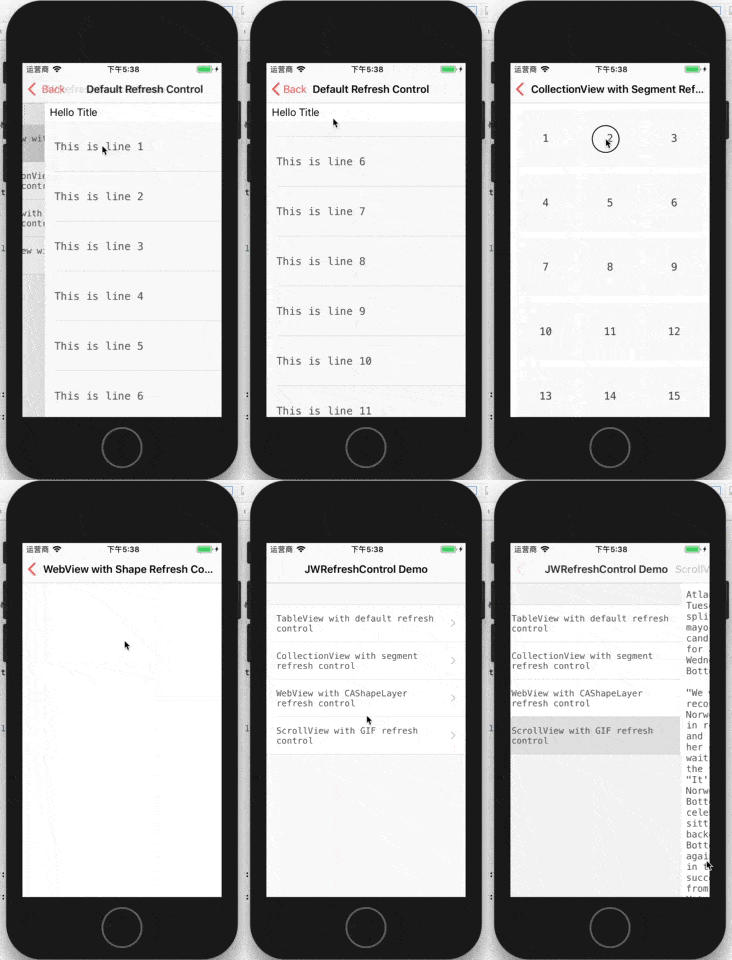
Usage
Add a refresh header
self.tableView.addRefreshHeader { [weak self] (header) in
    //fetch data and reload UI
}
Add a refresh footer
self.tableView.addRefreshFooter { [weak self] (footer) in
    //fetch data and reload UI
}
Custom Content View Supported
self.webView.scrollView.addCustomRefreshHeader { [weak self] (header: RefreshHeaderControl<SloganHeaderContentView>) in
    self?.webView.reload()
    header.success()
}
Completion Handler
- Notify refresh successfully
self.tableView.refreshHeader.success()
- Notify refresh error
self.tableView.refreshHeader.error("Network Error")
- Notify no more data
self.tableView.refreshFooter.pause("No More Data")
- Notify fetch task to stop
self.tableView.refreshHeader.stop()
Installation with CocoaPods
CocoaPods is a dependency manager for Objective-C, which automates and simplifies the process of using 3rd-party libraries. You can install it with the following command:
$ gem install cocoapods
Podfile
To integrate JWIntent into your Xcode project using CocoaPods, specify it in your Podfile:
source 'https://github.com/CocoaPods/Specs.git'
platform :ios, '8.0'

pod 'JWRefreshControl'
Then, run the following command:
$ pod install
License
(MIT license)
