
Dotfiles
⚙ Dotfiles for Linux & macOS
Install / Use
/learn @JDevlieghere/DotfilesREADME
Dotfiles
This is my dotfile repository. There are many like it, but this one is mine.
My primary operating system is macOS, but I do use Linux occasionally. I always aim to make everything work for both platforms but no guarantees.
Feel free to try out my dotfiles or use them as inspiration! If you have a suggestion, improvement or question, please open an issue or PR!
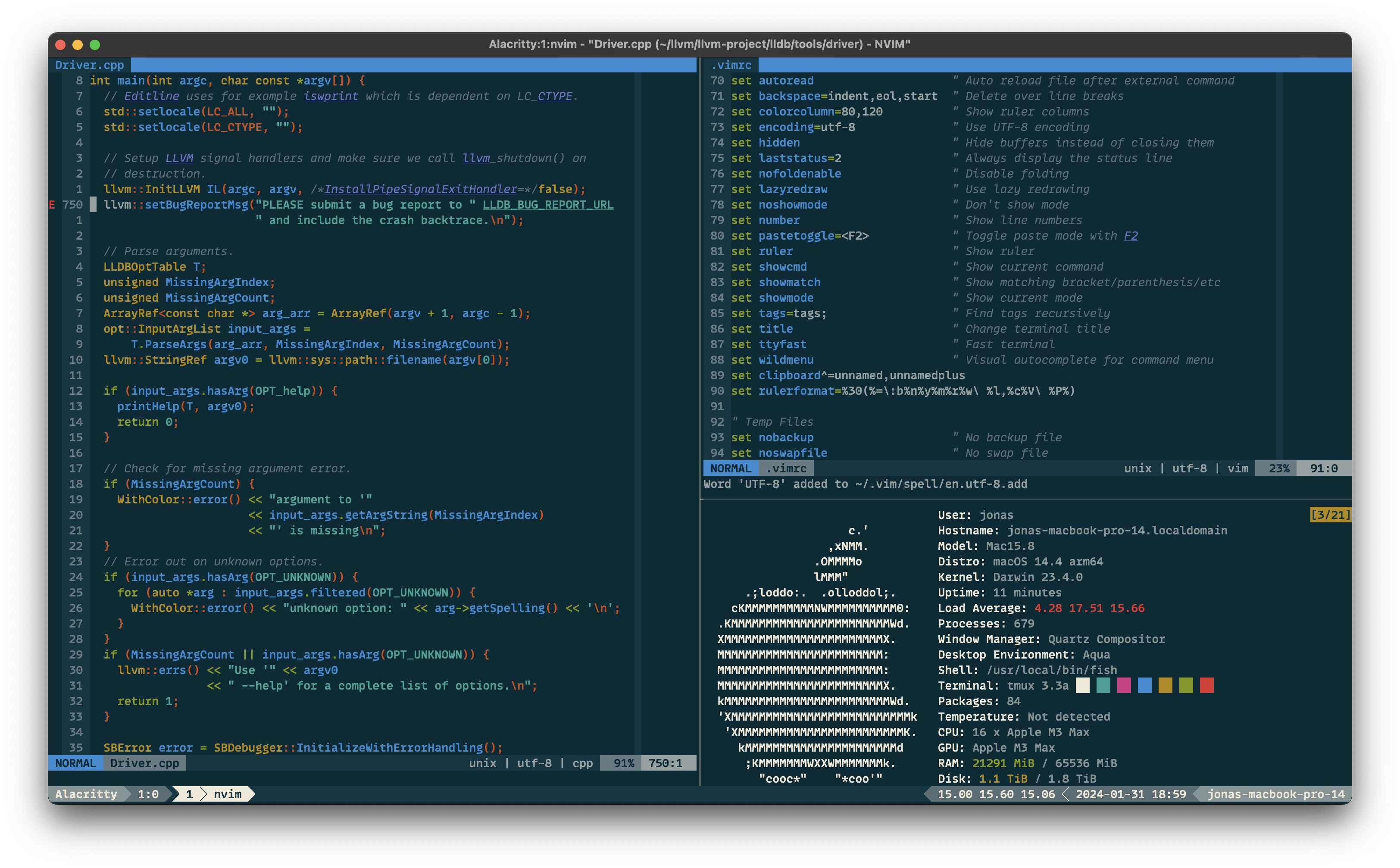
Screenshot
Installation
Clone the dotfiles repository.
$ git clone https://github.com/JDevlieghere/dotfiles.git ~/dotfiles
$ cd ~/dotfiles
Use the bootstrap script to create symbolic links and configure the tools and operating system.
$ ./bootstrap.py -h
usage: bootstrap.py [-h] [-s] [-i] [-c] [-a]

Bootstrap script for dotfiles setup and configuration.

optional arguments:
  -h, --help     show this help message and exit
  -s, --sync     Synchronizes dotfiles to home directory
  -i, --install  Install (extra) software
  -c, --config   Configures your system
  -a, --all      Does all of the above
[!WARNING]
If you decide to use this configuration as is, don't forget to change your name and e-mail address in
.gitconfig.
[!NOTE]
On macOS, you'll have to append the absolute path to
fishto/etc/shellsbefore you can change your shell withchsh -s $(which fish).
My Setup
- Terminal Emulator: Ghostty & Alacritty
- Theme: Solarized Dark
- Font: MonoLisa
- Configuration: ghostty/config and alacritty.toml
- Shell: Fish Shell
- Prompt: Starship
- Configuration: .config/fish and starship.toml
- Editor: Neovim
- Plugin Manager: Lazy.nvim
- Configuration: .vimrc and .config/nvim
- Command Line Tools
Useful Stuff
Acknowledgments
- The
os/macos.pyscript with sensible macOS defaults is forked from Mathias Bynens' dotfiles.
Related Skills
node-connect
346.8kDiagnose OpenClaw node connection and pairing failures for Android, iOS, and macOS companion apps
frontend-design
107.6kCreate distinctive, production-grade frontend interfaces with high design quality. Use this skill when the user asks to build web components, pages, or applications. Generates creative, polished code that avoids generic AI aesthetics.
openai-whisper-api
346.8kTranscribe audio via OpenAI Audio Transcriptions API (Whisper).
qqbot-media
346.8kQQBot 富媒体收发能力。使用 <qqmedia> 标签,系统根据文件扩展名自动识别类型(图片/语音/视频/文件)。
