
Mutates
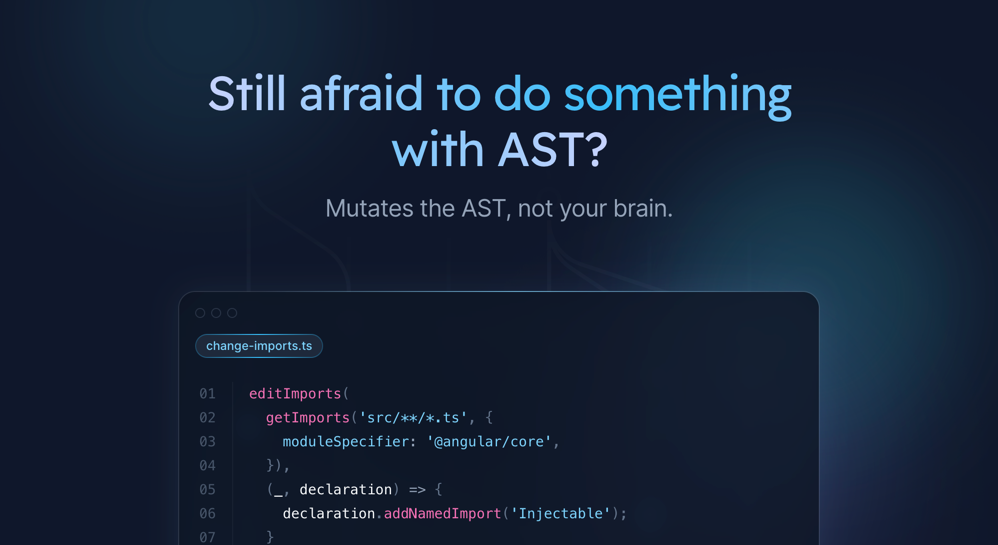
Still afraid to do something with AST? Mutates the AST, not your brain.
Install / Use
/learn @IKatsuba/MutatesREADME
Mutates
🚀 Mutates is a powerful toolset for mutating the Abstract Syntax Tree (AST) of TypeScript
files. It is a fork of ng-morph, with a broader focus beyond Angular-specific transformations,
allowing for extensive AST modifications in any TypeScript project.
Features
✨ AST Mutations: Modify the AST of any TypeScript file.
🌐 Framework-Agnostic: Not limited to Angular; can be used with any TypeScript-based project.
🔧 Extensible: Framework-specific transformations are available through separate packages.
Packages
Core Package
@mutates/core
The core package provides the essential functionalities needed to manipulate the AST of TypeScript files. It serves as the foundation for other specialized packages.
Framework-Specific Packages
Framework-specific transformations have been decoupled from the core package and are available as separate packages. For example:
@mutates/angular
This package includes transformations specific to Angular projects, leveraging the capabilities of
@mutates/core to provide Angular-focused AST modifications.
@mutates/nx
This package includes transformations specific to Nx workspaces, allowing for Nx-specific filesystem operations and AST modifications.
Installation
To install the core package, use the following command:
npm install @mutates/core
For Angular-specific transformations, install the Angular package as well:
npm install @mutates/angular @mutates/core
For Nx-specific transformations, install the Nx package:
npm install @mutates/nx @mutates/core
Usage
Basic Example
Here is a simple example demonstrating how to use @mutates/core to modify a TypeScript file:
import { addFunctions, creataProject, createSourceFile, saveProject } from '@mutates/core';

// Initialize a new project
createProject();

// Add a TypeScript file to the project
createSourceFile(
  'example.ts',
  `
  const greet = (name: string) => {
    return 'Hello, ' + name;
  };
`,
);

// Perform some transformations
addFunctions('example.ts', {
  name: 'farewell',
  isExported: true,
  statements: "return 'buy!'",
});

// Save the modified file
saveProject();
Angular Example
To perform Angular-specific transformations, use @mutates/angular along with @mutates/core:
import { addProviders, getComponents } from '@mutates/angular';
import { createProject, createSourceFile, saveProject } from '@mutates/core';

// Initialize a new Angular project
createProject();

// Add an Angular component file to the project
createSourceFile(
  'app.component.ts',
  `
  import { Component } from '@angular/core';

  @Component({
    selector: 'app-root',
    template: '<h1>Hello, World!</h1>'
  })
  export class AppComponent {}
`,
);

// Perform some Angular-specific transformations
addProviders(getComponents('app.component.ts').at(0)!, ['AppService']);

// Save the modified file
saveProject();
Contributing
🤝 Contributions are welcome! If you have any improvements or suggestions, feel free to open an issue or submit a pull request.
License
📄 Mutates is licensed under the Apache-2.0 License. See the LICENSE file for more information.
For more detailed documentation, please visit the official documentation.
For further assistance or to report issues, please visit GitHub repository.
Related Skills
node-connect
344.4kDiagnose OpenClaw node connection and pairing failures for Android, iOS, and macOS companion apps
frontend-design
99.2kCreate distinctive, production-grade frontend interfaces with high design quality. Use this skill when the user asks to build web components, pages, or applications. Generates creative, polished code that avoids generic AI aesthetics.
Writing Hookify Rules
99.2kThis skill should be used when the user asks to "create a hookify rule", "write a hook rule", "configure hookify", "add a hookify rule", or needs guidance on hookify rule syntax and patterns.
review-duplication
99.9kUse this skill during code reviews to proactively investigate the codebase for duplicated functionality, reinvented wheels, or failure to reuse existing project best practices and shared utilities.
