
Huxpro.github.io
My Blog / Jekyll Themes / PWA
Install / Use
/learn @Huxpro/Huxpro.github.ioREADME
Hux Blog
I never expected this to become popular.
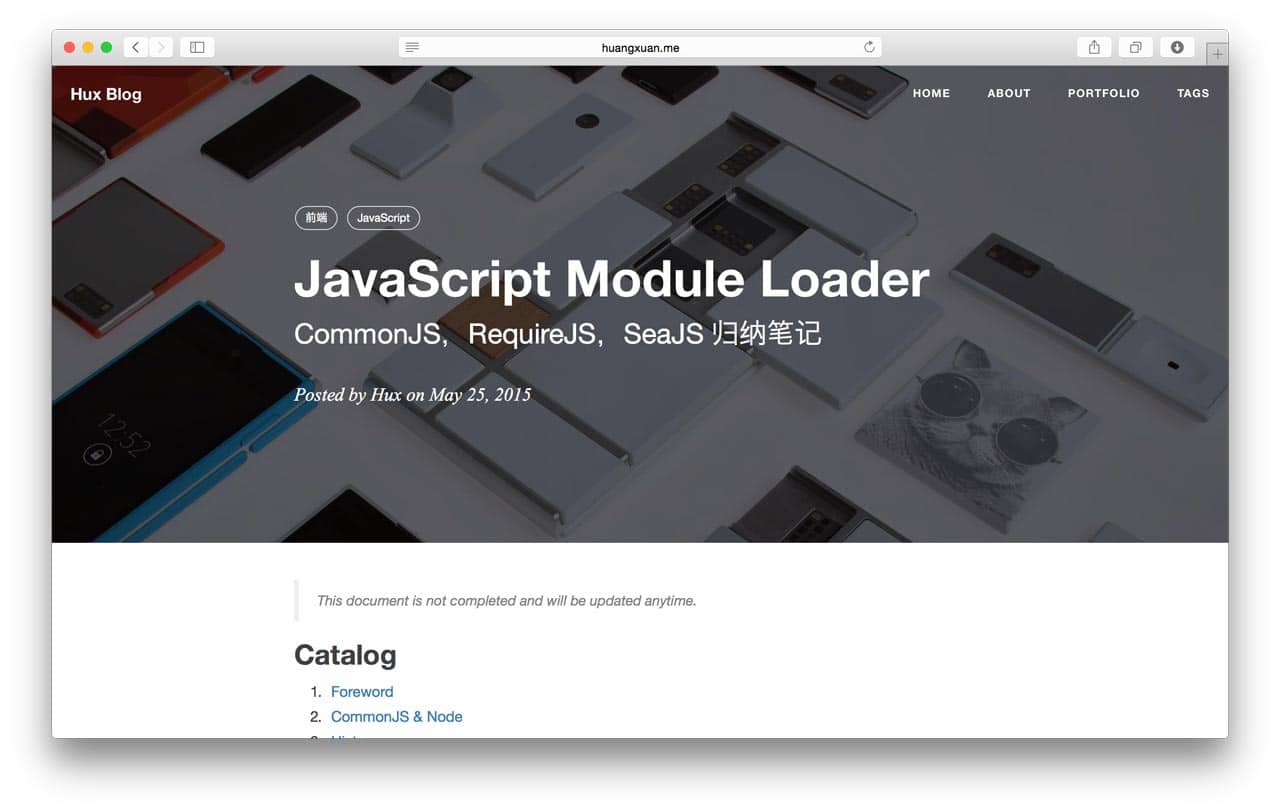
User Manual 👉
Getting Started
-
You will need Ruby and Bundler to use Jekyll. Following Using Jekyll with Bundler to fullfill the enviromental requirement.
-
Installed dependencies in the
Gemfile:
$ bundle install
- Serve the website (
localhost:4000by default):
$ bundle exec jekyll serve # alternatively, npm start
Development (Build From Source)
To modify the theme, you will need Grunt. There are numbers of tasks you can find in the Gruntfile.js, includes minifing JavaScript, compiling .less to .css, adding banners to keep the Apache 2.0 license intact, watching for changes, etc.
Yes, they were inherited and are extremely old-fashioned. There is no modularization and transpilation, etc.
Critical Jekyll-related code are located in _include/ and _layouts/. Most of them are Liquid templates.
This theme uses the default code syntax highlighter of jekyll, Rouge, which is compatible with Pygments theme so just pick any pygments theme css (e.g. from here and replace the content of highlight.less.
Interesting to know more? Checkout the full user manual!
Other Resources
Ports
- Out of date. Helps wanted for updating it on par with the main repo
Translation
License
Apache License 2.0. Copyright (c) 2015-present Huxpro
Hux Blog is derived from Clean Blog Jekyll Theme (MIT License) Copyright (c) 2013-2016 Blackrock Digital LLC.
