
ComposeCookBook
A Collection on all Jetpack compose UI elements, Layouts, Widgets and Demo screens to see it's potential
Install / Use
/learn @Gurupreet/ComposeCookBookREADME
Jetpack Compose
Jetpack Compose is Android’s modern toolkit for building native UI. It simplifies and accelerates UI development on Android. Quickly bring your app to life with less code, powerful tools, and intuitive Kotlin APIs.
Jetpack compose for Desktop:
FontAwesomeIcons in Compose:
Screens
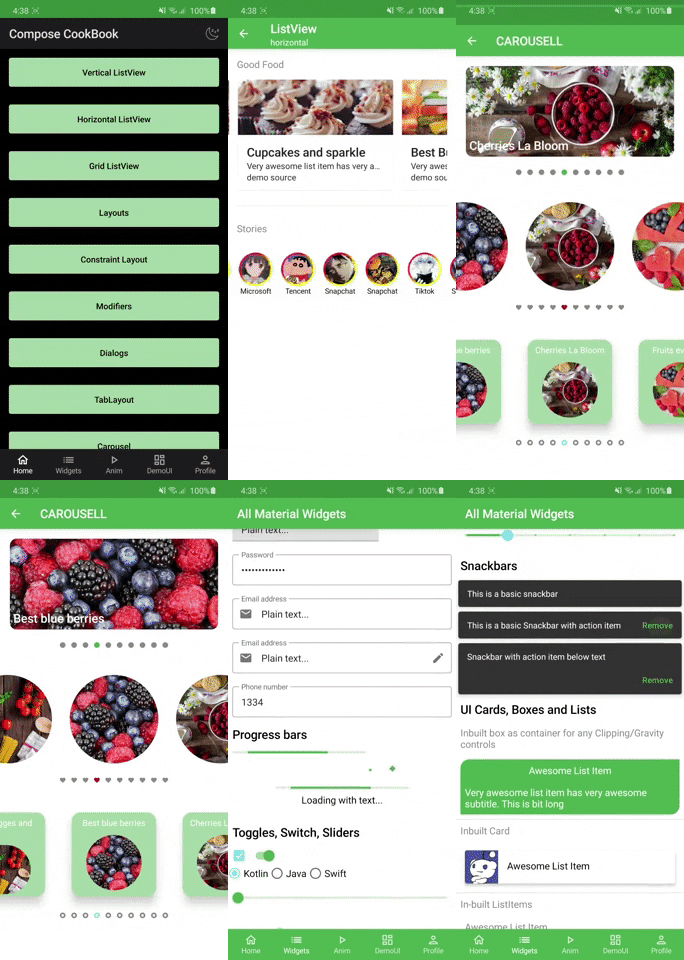
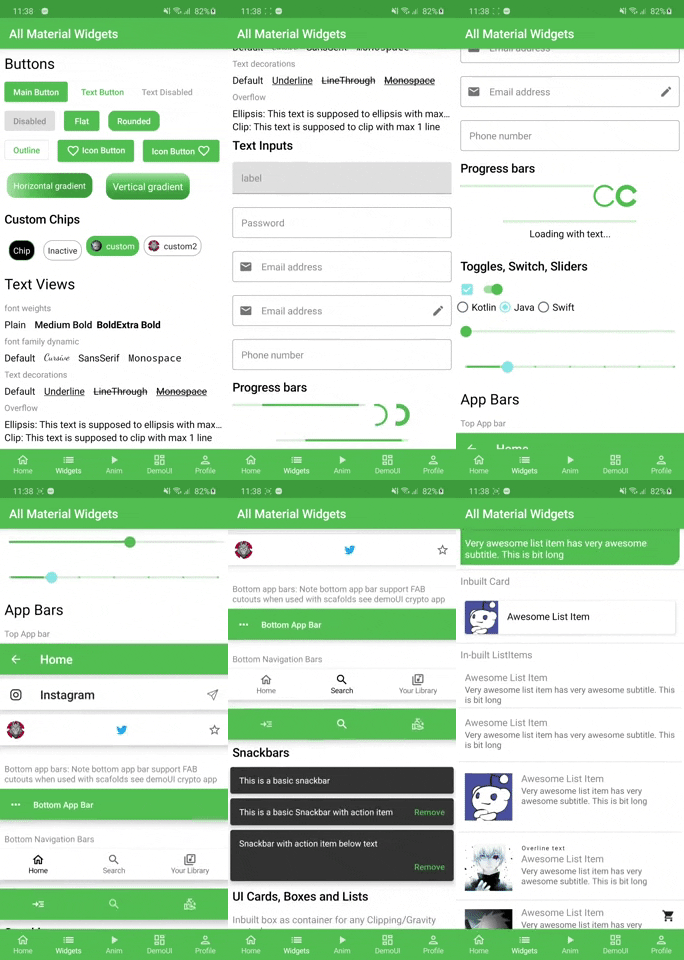
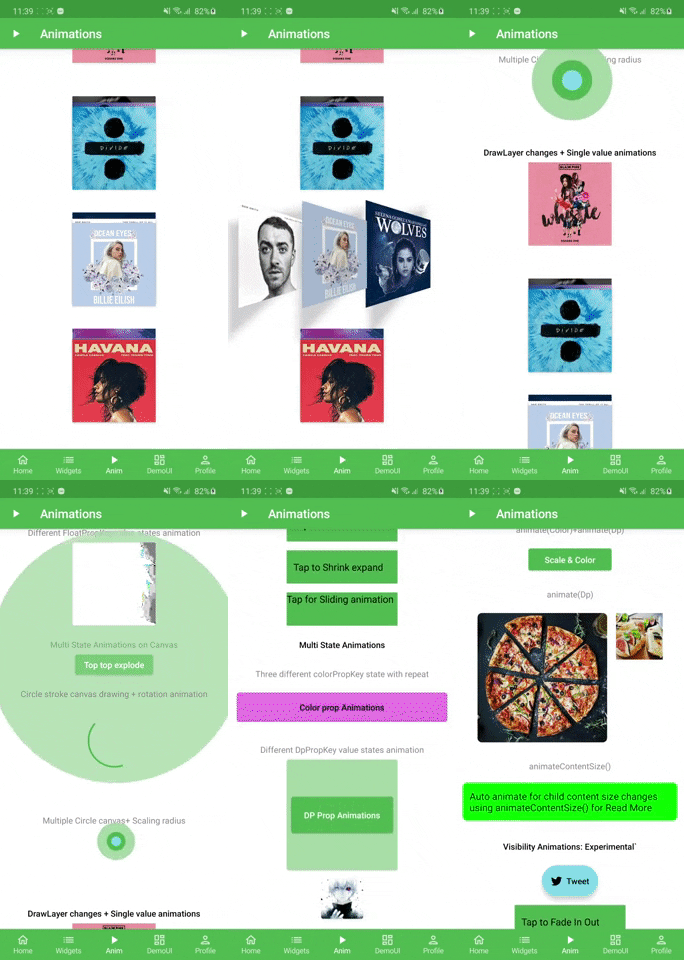
List & Layouts | Widgets and building blocks| Animations | Theme
:-------------------------:|:-------------------------: | :-------------------------: | :-------------------------:
 |
|  |
|  |
| 
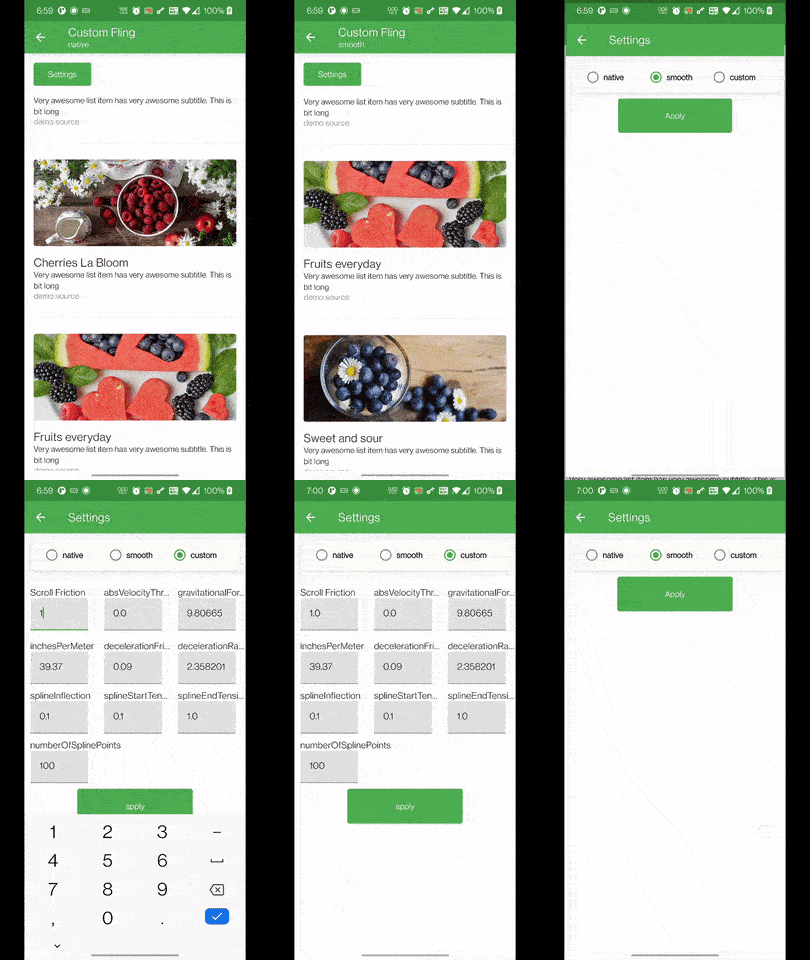
Flinger |
:-------------------------:|
 |
|
Demo UI
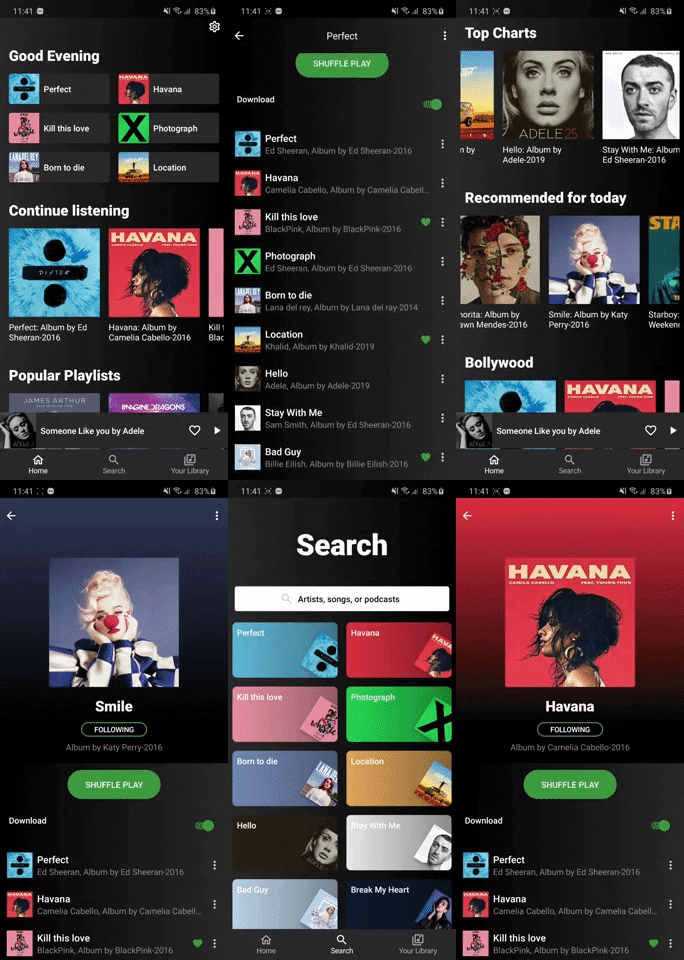
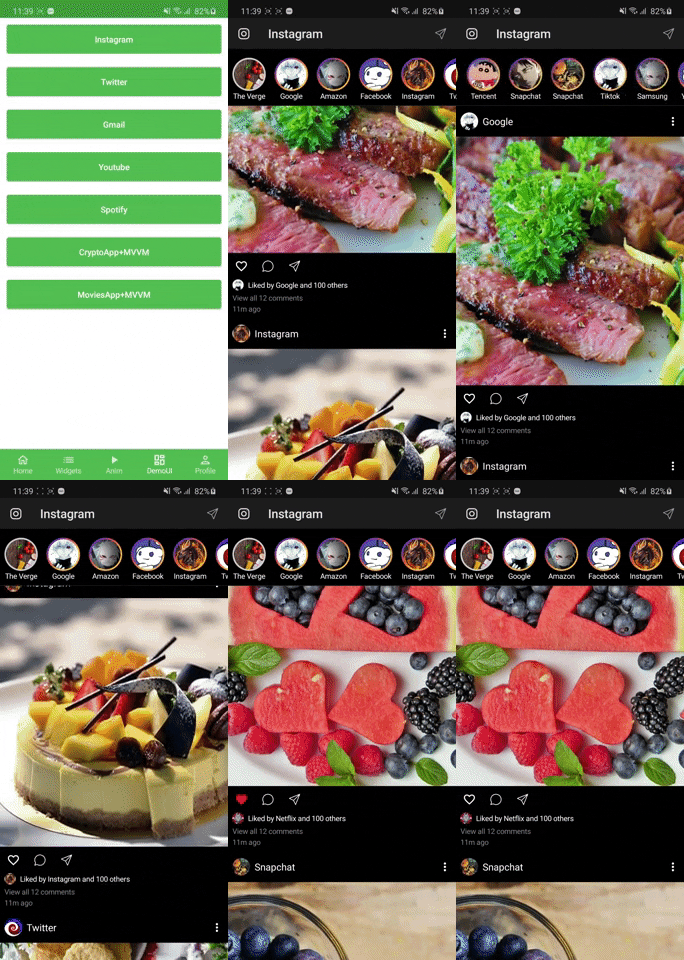
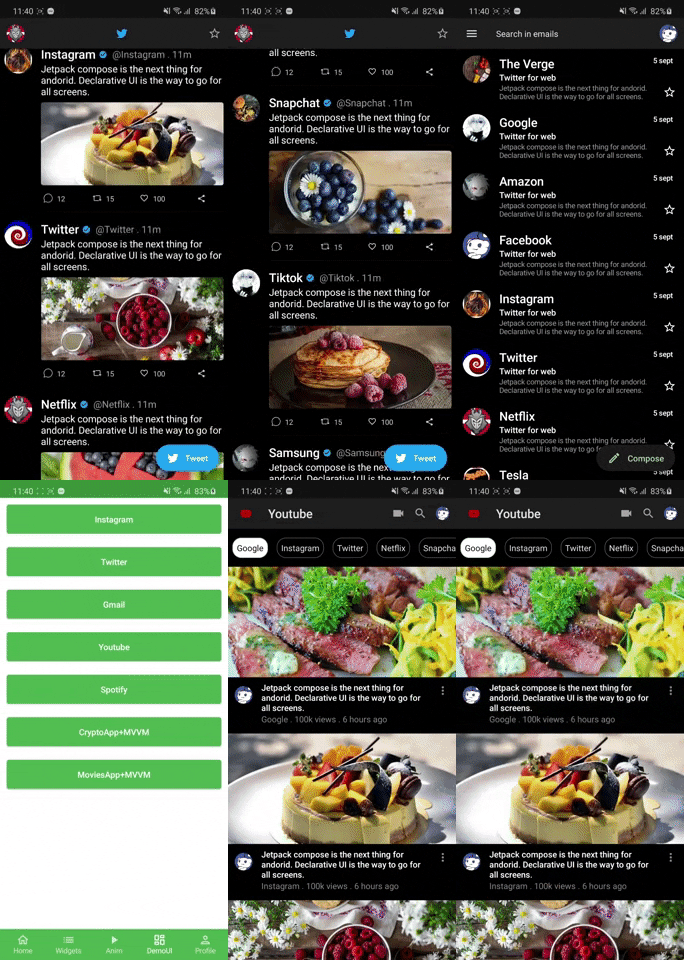
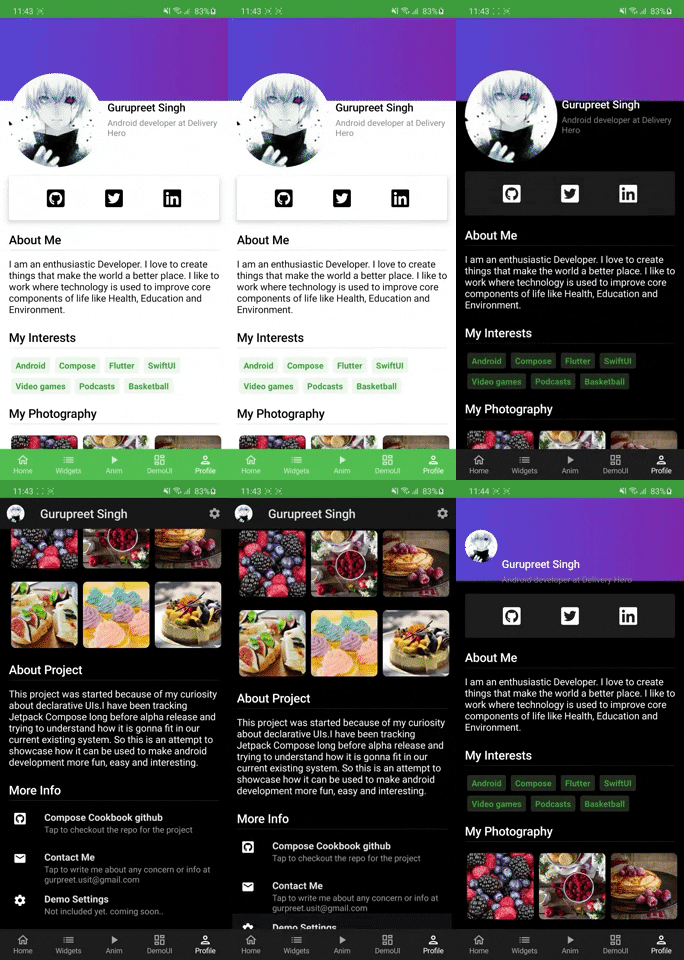
Spotify | Instagram Demo | Twitter, Gmail, Youtube | Profile
:-------------------------:|:-------------------------: | :-------------------------: | :-------------------------:
 |
|  |
|  |
| 
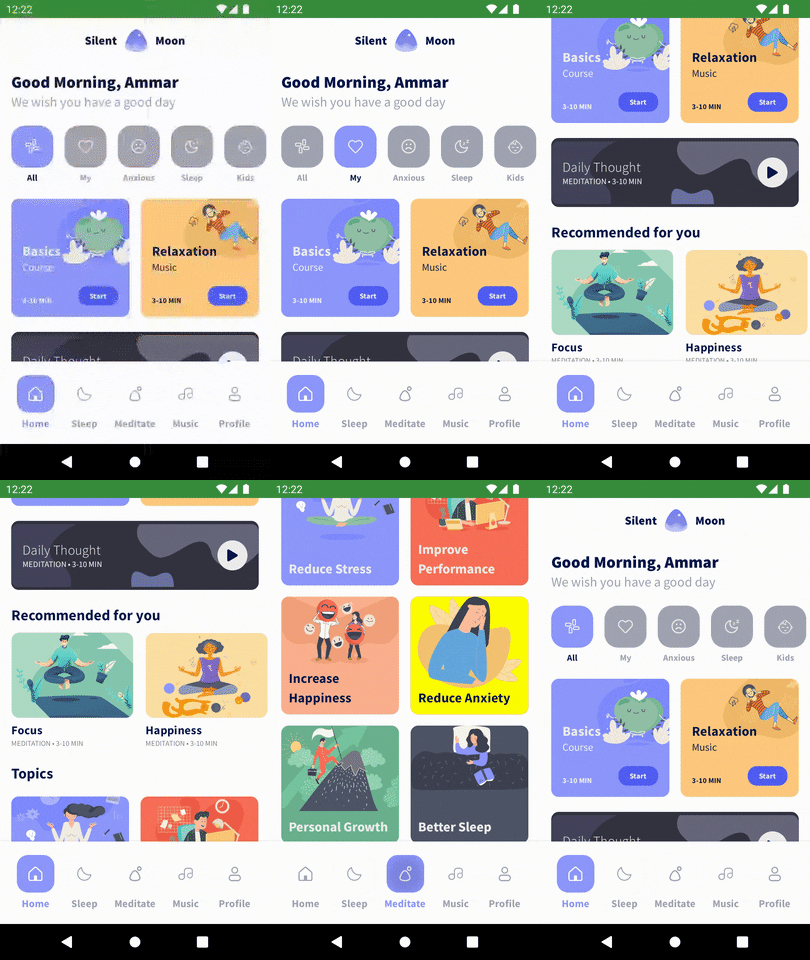
Gmail full | Tiktok | Meditation
:-------------------------:|:-------------------------:|:-------------------------:
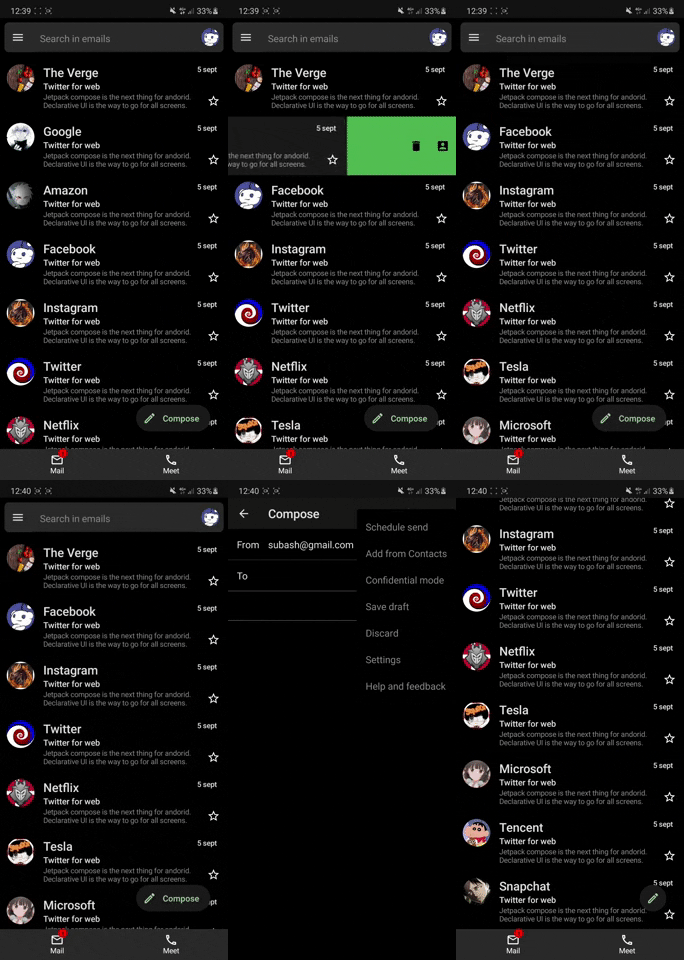 |
| 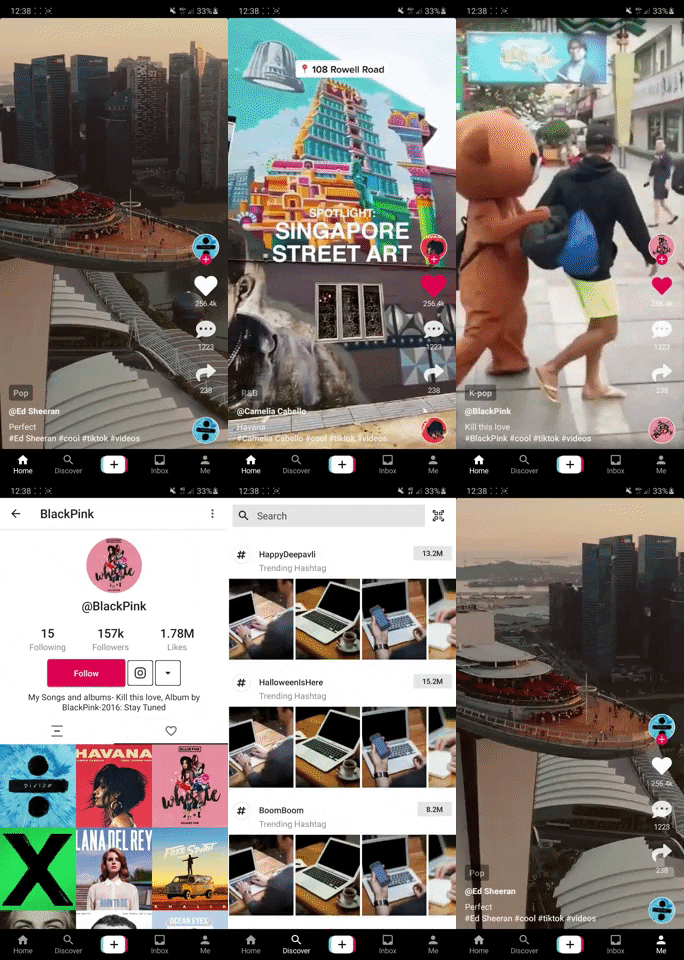 |
| 
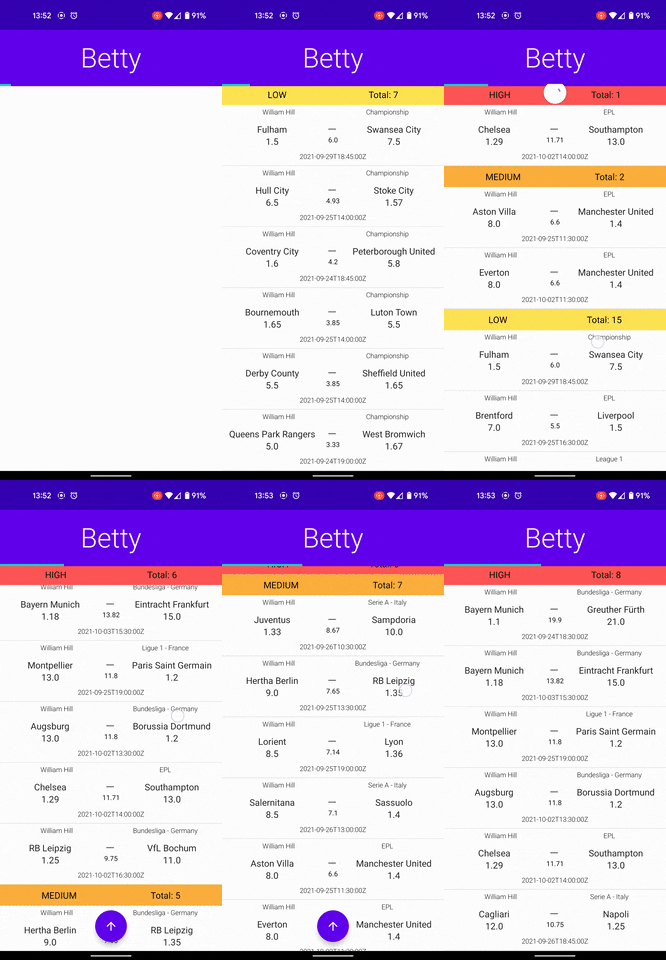
Apps with Api, Retrofit, Room, Flow, Livedata Integration
CryptoApp MVVM | MovieApp MVI | Dating APP DEMO UI | Betty
:-------------------------:|:-------------------------: | :-------------------------:|:-------------------------:
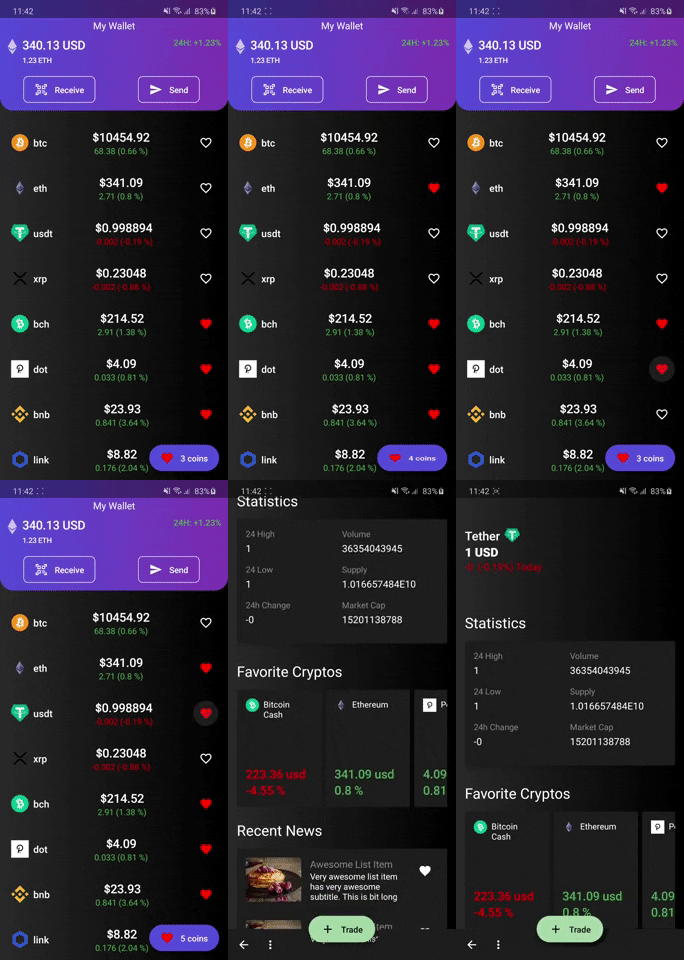 |
|  |
|  |
| 
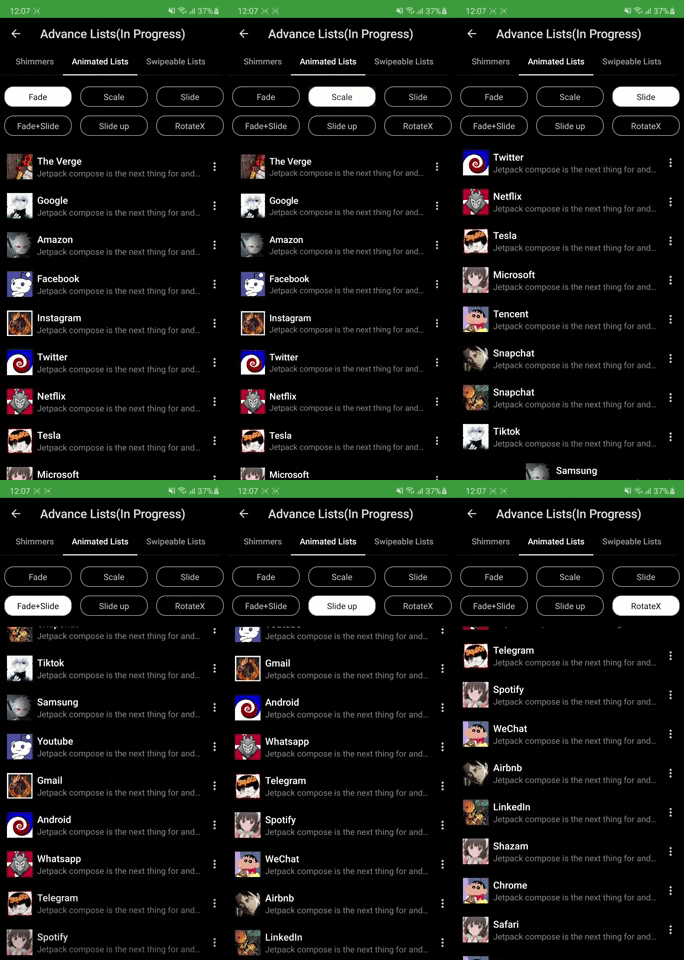
Advance lists and animations
Shimmer Lists | List Scroll Animations
:-------------------------:|:-------------------------:
 |
| 
Templates
Adding card details | CaseCade Menu
:-------------------------:| :-------------------------:
 |
| 
Kotlin DSL Templates
You can find them in buildSrc
- build.bradle
- dependency
- configurations
How to get started
Please get Android Studio Bumblebee latest Canary from here and use JDK 11 to build this project.
Features & Where to start
- Widgets: Widgets Screen show case all the available components to build UI.
- Home Screen: Start with Layouts, Modifiers and Simple Listviews
- Demo UI: Learn how demo UI have been made by using layouts, listviews and widgets.
- Animations: Animations are very interesting in compose. Checkout single value animations to get started.
- UI Tests: Checkout UI tests to understand how we can test compose UI.
- Others: After the above steps feel free to deep dive into Tablayouts, carousel, Dialogs and BottomSheets
Coming Soon
- Some of the features that will be available in coming weeks
- Advance lists: Pull Refresh, Swipe lists etc
- Clean Architecture Sample with coroutines.
- Advance canvas drawing. Much more in pipeline stay tuned!!
Official Documentations
-
Official Google Documentation
Contribution Info
- All the contributions are welcomed keeping following points in mind.
- If it's a widget/tool/UI element newly added please add to Widget Screen
- Any feature showcase like Collapsing AppBar, BottomSheets, Dialogs etc add in HomeScreen list
- Any Demo UI please add to Demo UI section
- Try not to add new Icons/Images unless must be needed.
- Please make sure whatever you add also supports dark mode as well. Thanks happy coding
