
Termey
Web shell using xterm.js, node-pty and pam to deliver a pure linux experience in your browser.
Install / Use
/learn @Gelbpunkt/TermeyREADME
Termey
A web terminal.
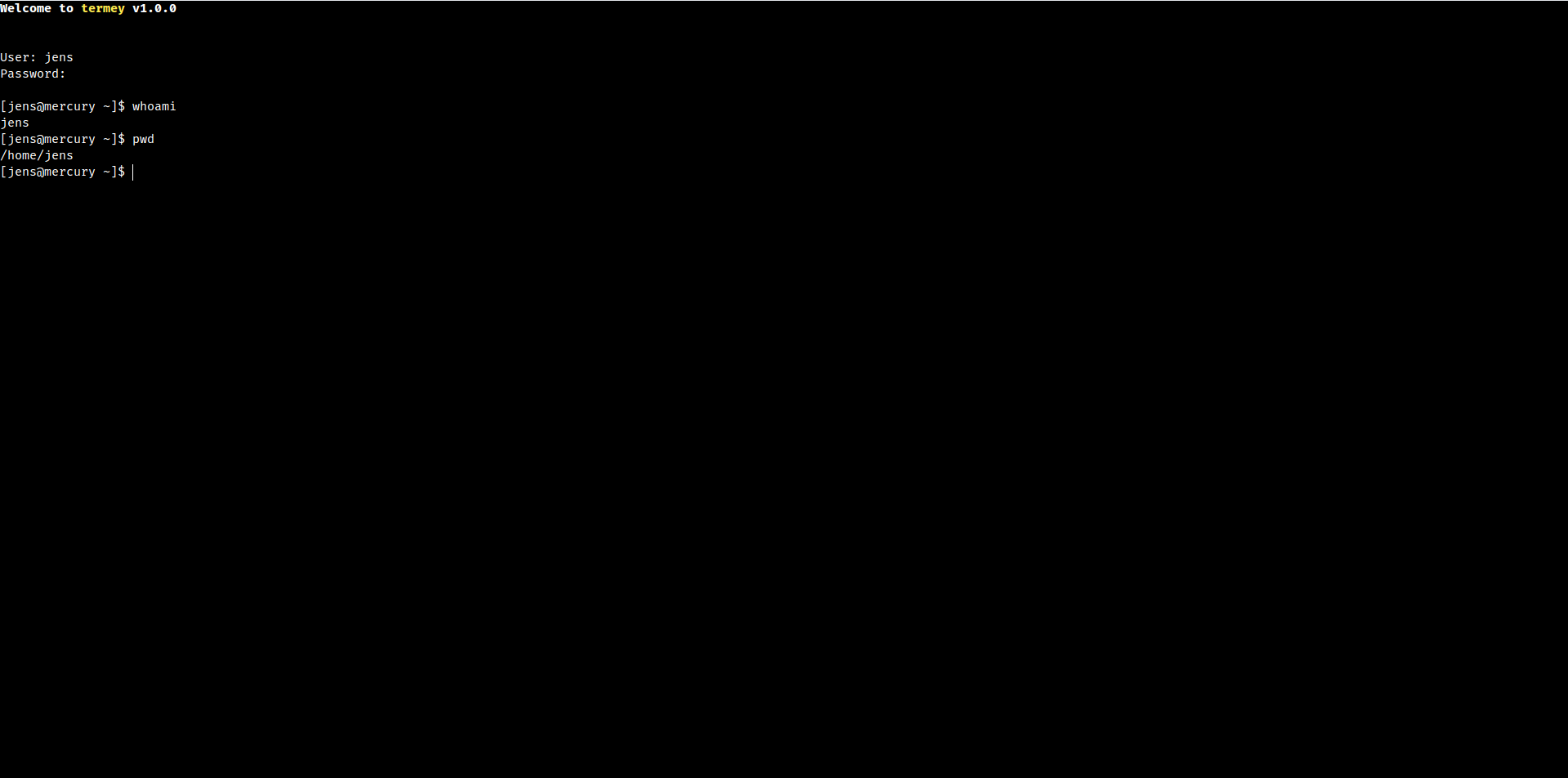
Allows users to use a terminal in the browser, just as if they were using SSH or a local terminal.
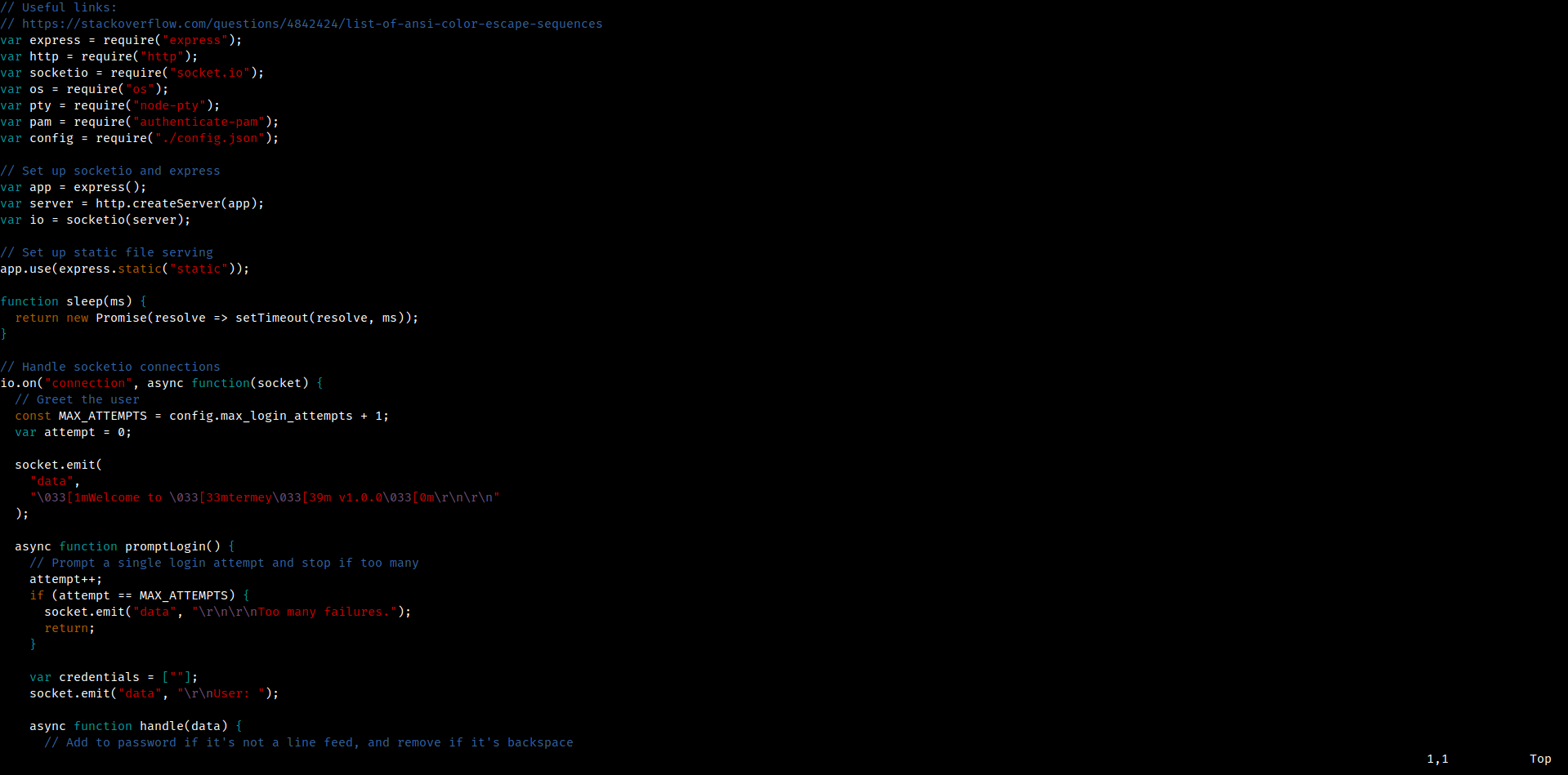
Termey uses authorization via system users and pam, which adds a level of security
Features
- Works with all modern browsers
- On the go - no need to SSH
- Uses xterm.js, therefore works with almost all applications, even vim and nano
- Secure system login using pam
- Configurable startup shell
- IP bans after login limit hitting
Screenshots
Installation
git clone https://github.com/Gelbpunkt/termey
cd termey
npm i
sudo node .  # you will need sudo for pam to work
Then open http://localhost:7654 in your browser and login as usual - Done!
Requirements
Termey is not planned to be working on Windows.
- node v10/12+
- npm (to install dependencies)
- python 2 (node-pty)
- pam-devel (to do authorization)
- make (node-pty)
