NextGrowingTextView
📝 The next in the generations of 'growing textviews' optimized for iOS 8 and above.
Install / Use
/learn @FluidGroup/NextGrowingTextViewREADME
NextGrowingTextView <sub> <br/>(An Essential UI component for input text)</sub>
|flexible width | fixed width | |---|---| |<img width=200px src="https://user-images.githubusercontent.com/1888355/156420538-76b2d75b-ca50-46f0-b95f-056d2ef30953.gif" />|<img width=200px src="https://user-images.githubusercontent.com/1888355/156420669-f1a8003e-cd43-41c3-b482-7a5baf9d5561.gif" />|
💡
Displaying the user-interface on top of the keyboard
muukii/Bureau enables you to show your user-interface on top of the keyboard in the easiest way.
How to use
- Create an instance
- Add subview with layout
It supports AutoLayout completely.
let growingTextView = NextGrowingTextView()
Setting up with configuration
growingTextView.configuration = .init(
  minLines: 1,
  maxLines: 10,
  isAutomaticScrollToBottomEnabled: true,
  isFlashScrollIndicatorsEnabled: true
)
Accessing actual UITextView to apply settings
growingTextView.textView
Accessing UILabel for displaying placeholder
growingTextView.placeholderLabel
Requirements
iOS 9.0+ Swift 5.5+
Installation
- Supports the following:
- CocoaPods
- Swift Package Manager
Author
License
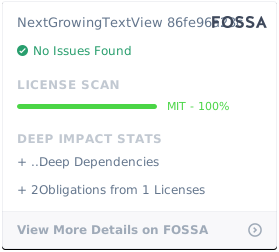
NextGrowingTextView is available under the MIT license. See the LICENSE file for more info.