
Frefresh
Help you to build pull-down refresh and pull-up loading in the simplest way.
Install / Use
/learn @Fliggy-Mobile/FrefreshREADME
||||
|:--:|:--:|:--:|
| |
| |
| |
|
|
| |
| |
| |
|
English | 简体中文
Like it? Please cast your Star 🥰 !
✨ Features
🛠 Guide
⚙️ Parameter & Interface
🔩 FRefresh param
|Param|Type|Necessary|Default|desc| |---|---|:---:|---|---| |child|Widget|true|null|Main view content| |header|Widget|false|null|Elements that will be displayed when you pull down and refresh| |headerBuilder|HeaderBuilder|false|null|Construct a pull-down refresh element. [Header] configuration will be overwritten.| |headerHeight|double|false|50.0|[header] The height of the area| |headerTrigger|double|false|0.0|The distance to trigger pull-down refresh should be greater than [headerHeight]| |onRefresh|FRefreshCallback|false|null|Callback when refresh is triggered. Any value returned can automatically end the refreshing, otherwise it will not actively end the refreshing| |footer|Widget|false|null|Elements that will be displayed when pulling up| |footerBuilder|FooterBuilder|false|null|Build pull-up loading elements. Will override [footer] configuration.| |footerHeight|double|false|0.0|[footer] The height of the area| |footerTrigger|double|false|0.0|The distance to trigger the pull-up loading should be greater than [headerHeight]| |shouldLoad|bool|false|true|Whether the pull-up load should be triggered. In some scenarios, when the loading is completed, the pull-up loading element will need to be turned into a footer| |onLoad|FRefreshCallback|false|null|Callback when loading is triggered. Any value returned can automatically end the loading, otherwise it will not actively end the loading| |controller|FRefreshController|false|null|[Refresh] controller. See [Refresh Controller] for details|
⌨️ FRefreshController
🔧 Param
|Param|Type|Desc| |---|---|---| |refreshState|RefreshState|Get the pull-down refresh status. See [RefreshState] for details| |loadState|LoadState|Get the pull-up loading status. See [LoadState] for details| |position|double|Current scroll position| |scrollMetrics|ScrollMetrics|Current scroll information. See [ScrollMetrics] for details.| |backOriginOnLoadFinish|bool|When loading is completed, whether to return to the original position. This parameter is useful when the GridView only adds one element.|
📡 Interface
void refresh({Duration duration = const Duration(milliseconds: 300)})
Actively trigger pull-down refresh.
[duration] The duration of the pull-down effect. Default 300ms
finishRefresh()
End pull-down refresh.
finishLoad()
End pull-up loading.
void setOnStateChangedCallback(OnStateChangedCallback callback)
Set up status listener. e.g .:
controller.setOnStateChangedCallback((state){
  if (state is RefreshState) {

  }
  if (state is LoadState) {

   }
})
void setOnScrollListener(OnScrollListener onScrollListener)
Set up scroll listener. Receive [ScrollMetrics].
void scrollTo(double position, {Duration duration = const Duration(milliseconds: 300)})
Scroll to the specified position.
void scrollBy(double offset, {Duration duration = const Duration(milliseconds: 300)})
Scroll the specified distance.
void jumpTo(double position)
Jump to the specified position.
🃏 RefreshState
|Value|Desc| |---|---| |PREPARING_REFRESH|Reach [headerTrigger], ready to enter refresh state| |REFRESHING|Refreshing| |FINISHING|Refresh ending| |IDLE|Idle state|
🃏 LoadState
|Value|Desc| |---|---| |PREPARING_LOAD|Reach [footerTrigger], ready to enter the loading state| |LOADING|Loading| |FINISHING|Load ending| |IDLE|Idle state|
📺 Demo
🔩 Refresh Example
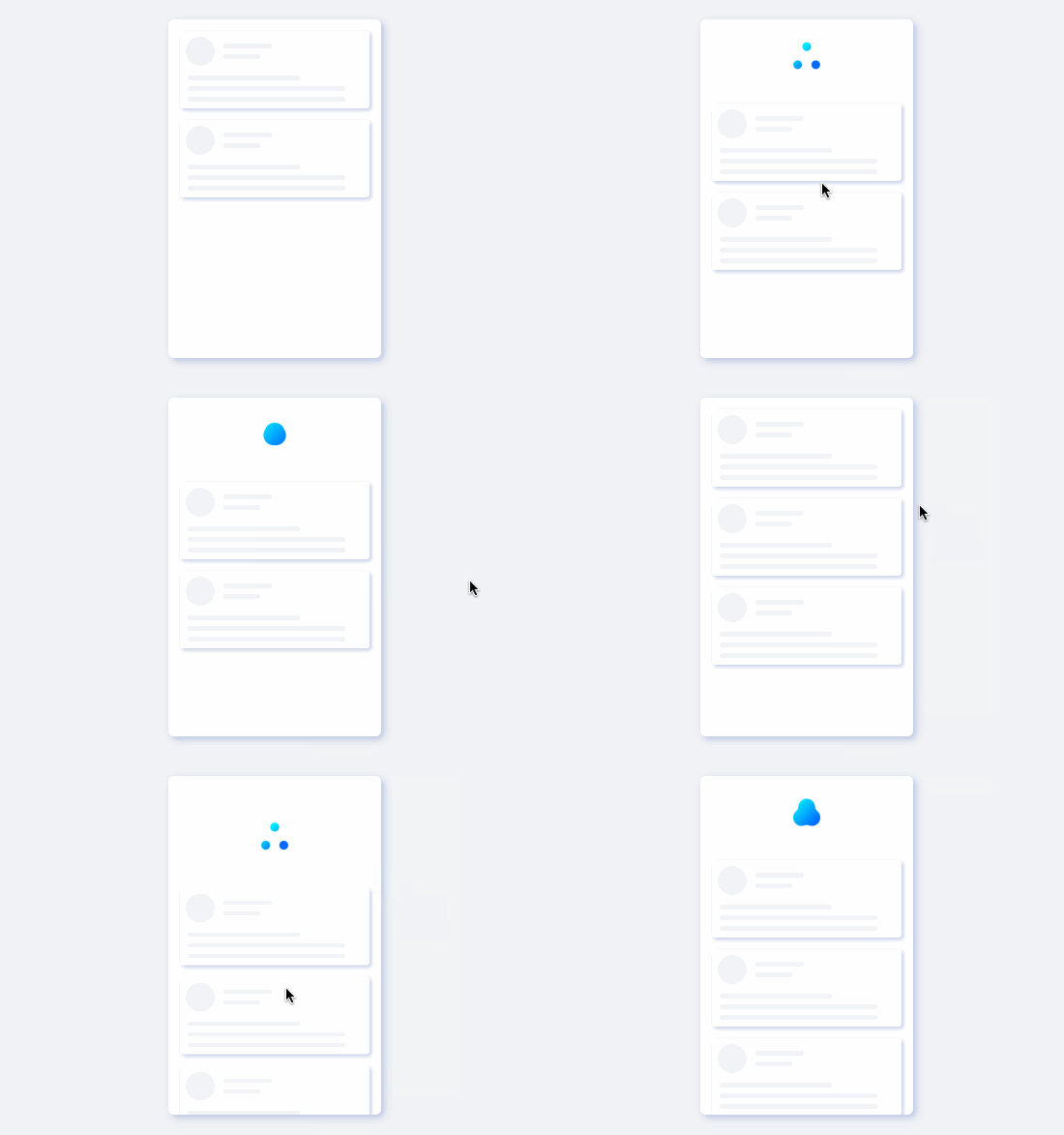
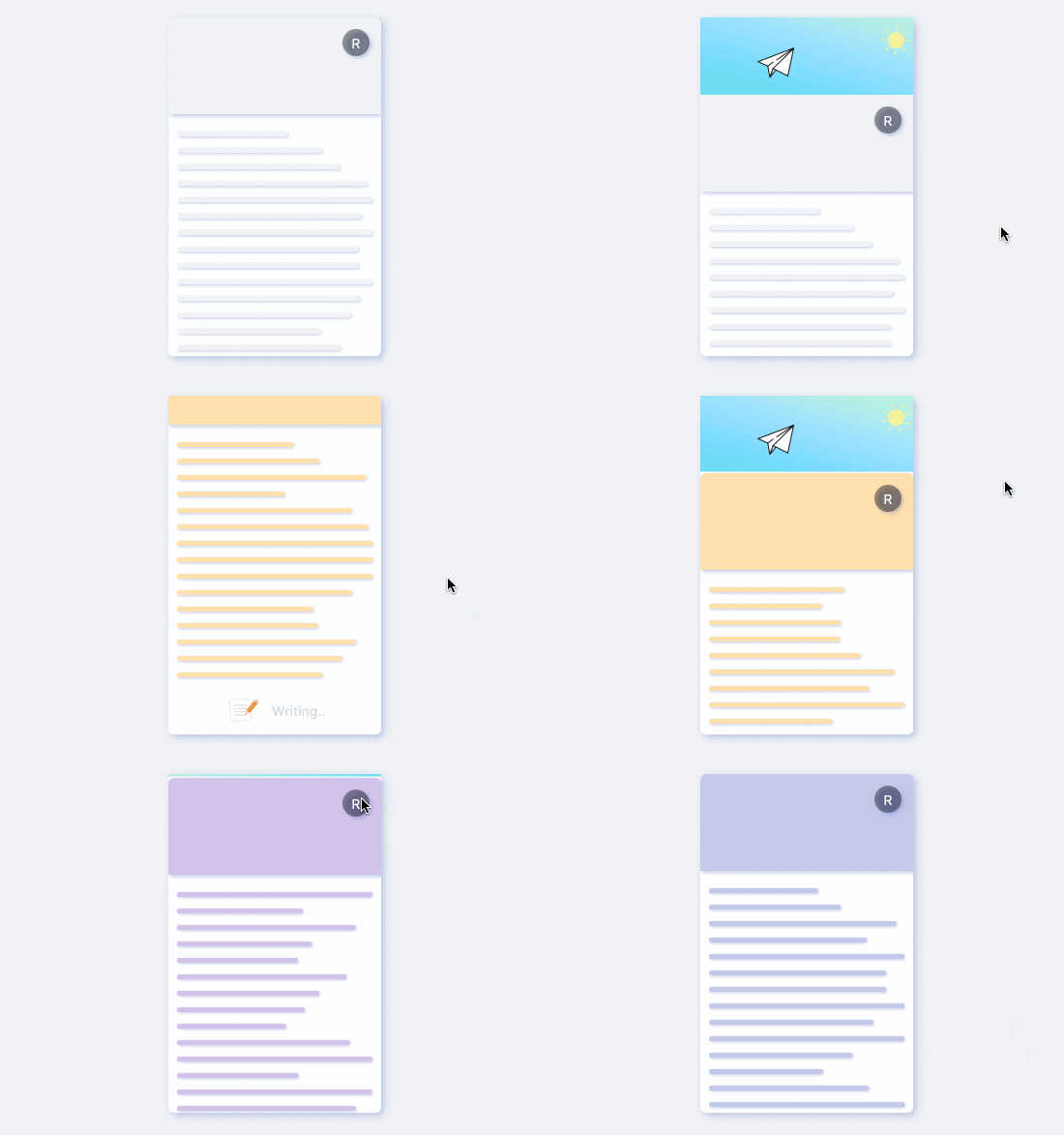
This is our most common pull-down refresh example in daily development 🌰. Believe me, if you want to build such an effect, it will be very difficult!
But if you use FRefresh, the situation is completely different.
Next, we only need a few lines of code to complete the construction of this effect.
1. Create FRefreshController
/// Create a controller
FRefreshController controller = FRefreshController()
2. Create FRefresh
FRefresh(

  /// Set up the controller
  controller: controller,

  /// create Header
  header: buildRefreshView(),

  /// Need to pass the size of the header area
  headerHeight: 75.0,

  /// Content area widget
  child: ListView.builder(
      physics: NeverScrollableScrollPhysics(),
      shrinkWrap: true,
      ...
  ),

  /// This function will be called back after entering Refreshing
  onRefresh: () {

     /// End refresh via controller
     controller.finishRefresh();
  },
);
Done 🔨!
This is all you need to do to create a pull-down refresh.
FRefresh takes care of everything, developers only need to focus on the construction of the Header area and content area.
⚠️ Attention,To use ListView, GridView in FRefresh, you need to configure their
physics: NeverScrollableScrollPhysics (),shrinkWrap: true, otherwise it will affect the scrolling and layout effects.
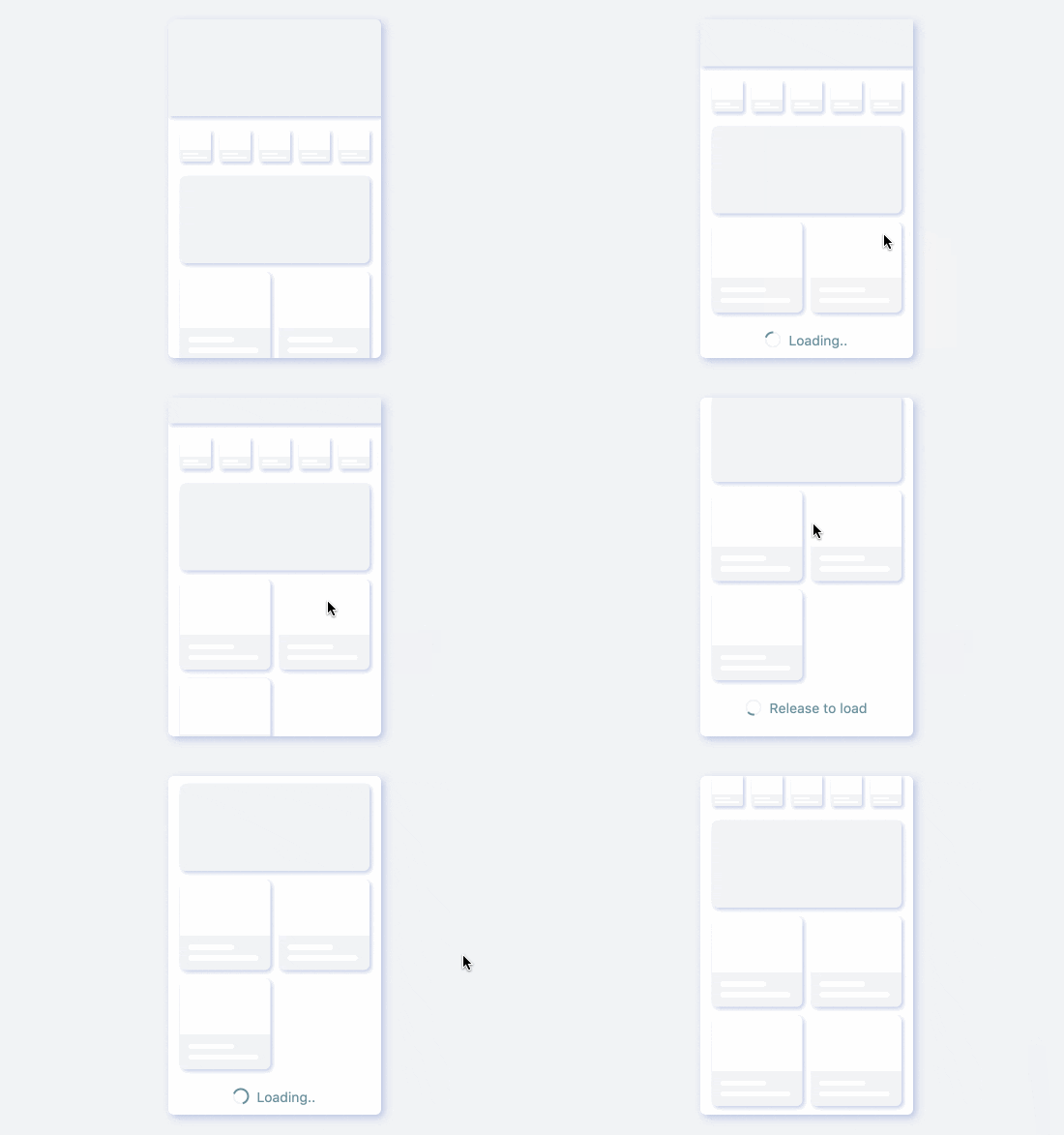
🔩 HeaderBuilder Demo
FRefresh(
  controller: controller,

  /// Build the header area with headerBuilder
  headerBuilder: (setter, constraints) {
    return FSuper(

       /// Get the available space in the current header area
       width: constraints.maxWidth,
       height: constraints.maxHeight,
       ...
       onClick:{
          setter((){
             /// Refresh the header area
          })
       },
    );
  },
  headerHeight: 100.0,

  /// Build content area
  child: GridView.builder(),

  /// This function will be called back after entering the refreshing state
  onRefresh: () {

    /// finish refresh
    controller.finishRefresh();
  }
)
FRefresh provides a very flexible Header area construction method, which is to complete the construction through the HeaderBuilder function.
In the HeaderBuilder function, the developer can get the refresh function StateSetter for the partial refresh Header area and the real-time size of the Header area through the parameters.
This way, the Header area is given more open creativity.
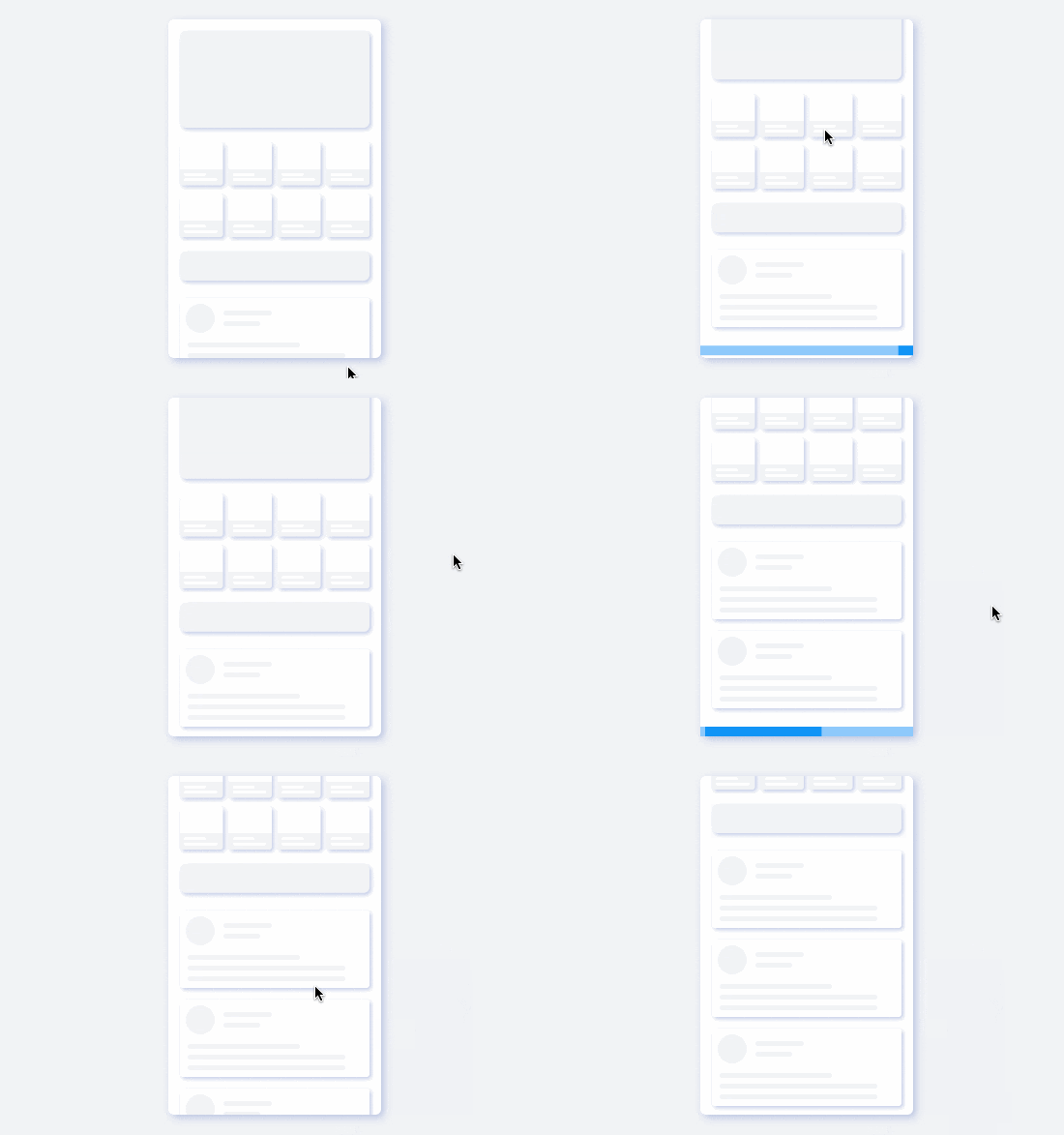
🔭 Load Example
Corresponding to the pull-down refresh, the construction of the pull-up loading effect is also very simple.
1. Create FRefreshController
/// Create a controller
FRefreshController controller = FRefreshController()
2. Create FRefresh
FRefresh(

  /// Setup the controller
  controller: controller,

  /// create Footer area
  footer: LinearProgressIndicator(),

  /// need to setup Footer area height
  footerHeight: 20.0,

  /// create content area
  child: builderContent(),

  /// This function will be called back after entering the Loading state
  onLoad: () {

    /// End loading state
    controller.finishLoad();
  },
)
Building pull-ups is equally simple enough. Developers only need to pay attention to the construction of Footer area and content area, and the state changes and visual effects control during the pull-up loading process can be safely handed over to FRefresh.
🔭 FooterBuilder Demo
FRefresh(
  controller: controller,

  /// Build Footer Area Widget by FooterBuilder
  footerBuilder: (setter) {

    /// Get refresh status, partially update the content of Footer area
    controller.setOnStateChangedCallback((state) {
      setter(() {
        ...
      });
    });
    return buildFooter();
  },
  footerHeight: 38.0,
  child: buildContent(),
  onLoad: () {
    controller.finishLoad();
  },
)
FRefresh also provides a builder function FooterBuilder for building the Footer area. Through this
